
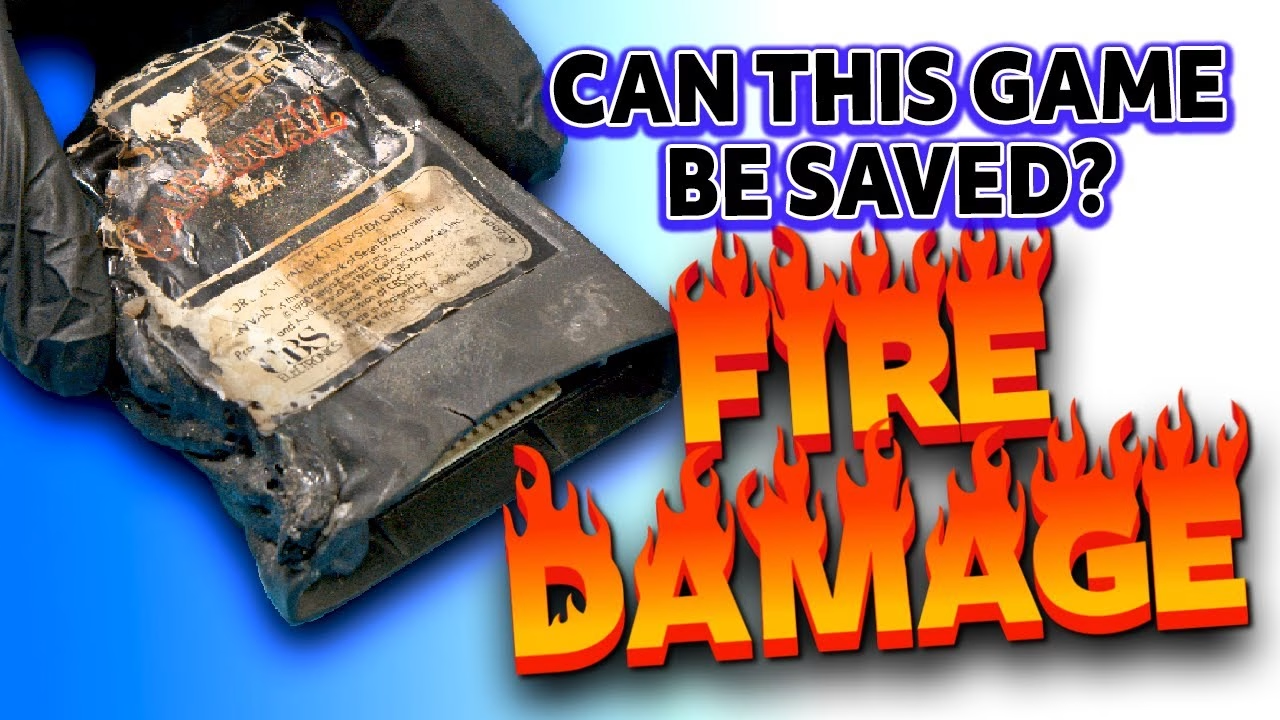
When our house burned down, my family and I lost everything, including the retro collection I’d spent nearly 25 years building. This ColecoVision cartridge came out of the ashes with a fused, blackened shell, but the edge connector didn’t look too bad. So I cracked it open, cleaned the soot off the board, printed a new shell, made a label, and found out whether my copy of Carnival from 1982 still works. This video was supported by PCBWay.
This was the first of my fire-damaged cartridge rescues. It was followed by a melted Epyx Pit Stop that had to be cut out of its shell, and an Activision cartridge whose identity I only discovered when it booted, with more fire-damaged ColecoVision games tackled in later videos.
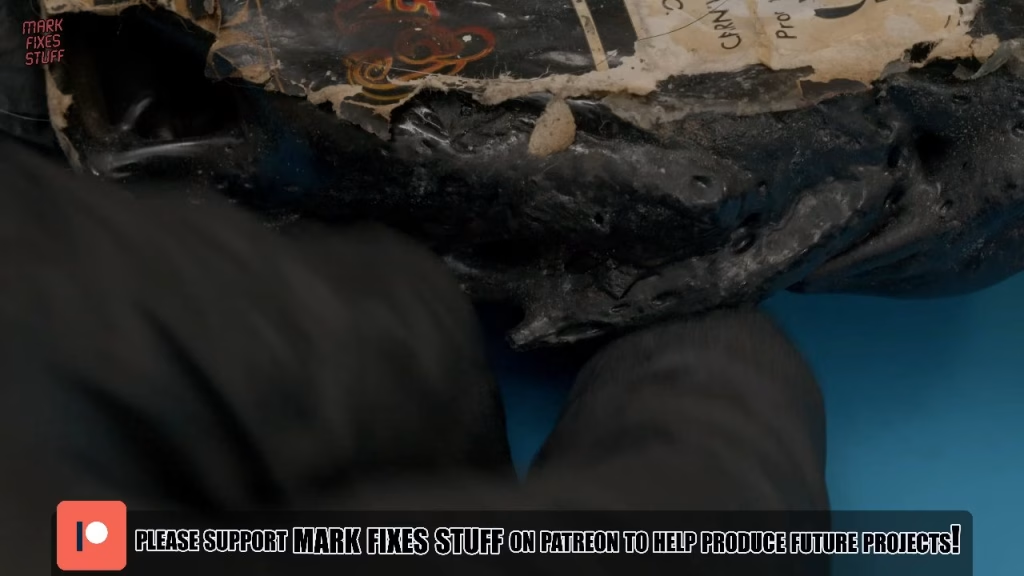
Opening a fused cartridge shell
ColecoVision cartridges usually have two screws hidden under the label. Thanks to the fire I could only find one, and it wouldn’t come out of the fused plastic. Brute force didn’t work either, but there was a gap in the side of the cartridge big enough for a tool, and with a little leverage the case cracked in half. We’re well past preservation at this point. A bit more persuasion and the board was free.
I was surprised how good it looked. This cartridge was near where the fire started, and I was told the house would have reached nearly 300°C, but some items were shielded by the collapsing house or by things melting on top of them. This was one of them. There was some pitting on the connectors, but if it worked before, I thought it would probably work now.
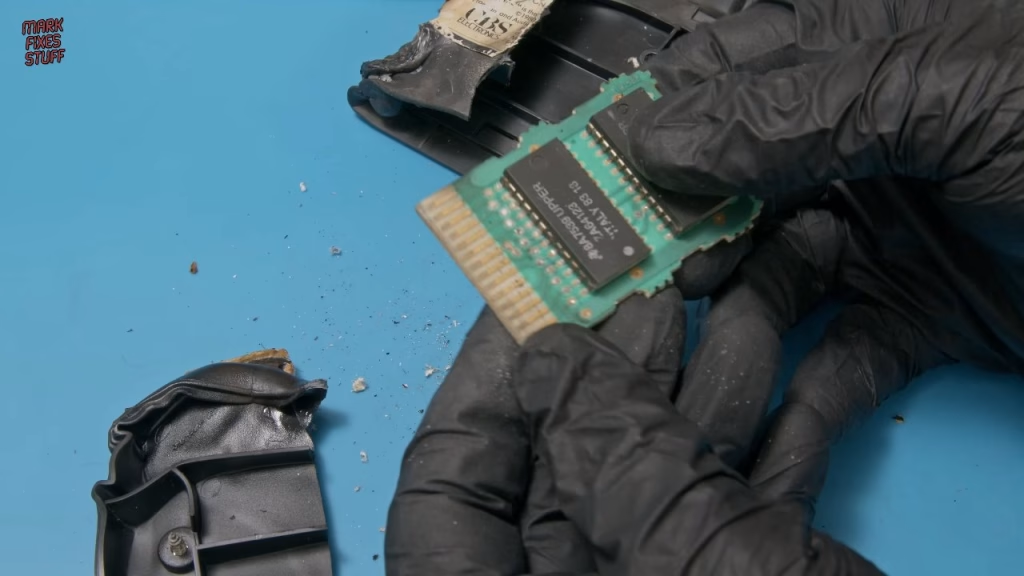
How do you clean soot off a cartridge PCB?
I’ve learned a few things the hard way since the fire. Soot behaves more like grease than dust, so isopropyl alcohol on cotton swabs is the first step, and it shifted the top layer well. But soot lands on surfaces at around 300°C, so it embeds into almost anything. And a house fire isn’t just soot: the smoke is a chemical cocktail of toxins, and if the fire brigade puts it out with hoses, everything becomes a soup that leads to mould and corrosion.
IPA couldn’t get everything off, and I didn’t want to use metal polish on the pitted surface in case it made things worse. A dry cloth did nothing. The secret weapon was an edge connector cleaning tool from Rod Hull at The Future Was 8 Bit: essentially an ink rubber with an abrasive compound, like very mild sandpaper. It takes time, but the pitting lifts. You won’t get shiny fingers this way, and that isn’t the goal: you want conductive ones. The black marks left at the very ends are soot stains where the fingers are worn from years of insertion, and they won’t come off.
3D printing a new ColecoVision cartridge shell
Unusually for me, I’d thought ahead. While cleaning, I printed a shell from Jaystonian’s ColecoVision cartridge model, rather ridiculously in carbon fibre filament on my new, completely uncalibrated Creality K1C. There’s some stringing and a few first-layer issues, but nobody will see them under a label, and the dimensional accuracy is spot on. Closing the board inside felt really cathartic.
For screws, I measured the originals from the broken shell at a shade under 12mm overall, and found a match in my not-at-all-organised screw assortment. Screwing into carbon fibre is tougher than PLA, and you’re cutting the thread for the first time, so take it easy or you’ll crack the print.
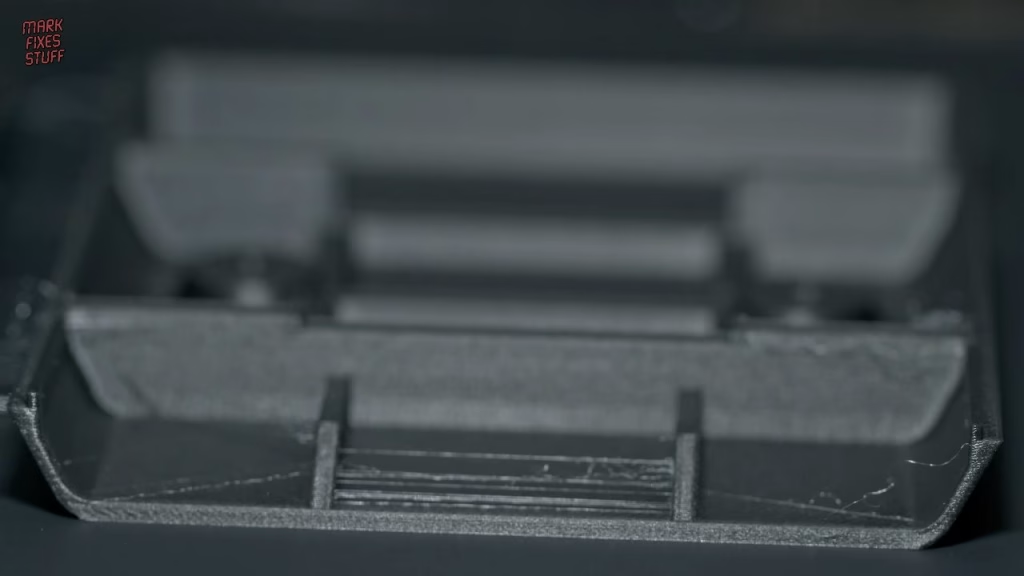
It still didn’t feel like it celebrated rising from the ashes, though, so I printed a second shell in glow-in-the-dark filament using Fieroluke’s model, which is slightly different and easier to print. Nothing fires up my 80s nostalgia like things that glow in the dark.
Making the label
In Photoshop I made a black rounded rectangle with a second rounded rectangle carrying a white stroke, which instantly reads as a ColecoVision cartridge. It isn’t a replica, more a mix of the original label styles, using graphics from the Internet Archive and the Carnival logo from a flyer PDF, repeated on the spine, with text about the project at the bottom. I matched the dimensions to original labels in case they’re useful to anyone else.
I print on Ice photo sticker paper because it’s very sticky and resists smudging, then cut on my Cricut with a fresh blade (a blunt blade turns up paper edges) using a kiss cut, which doesn’t go through the backing. Adding bleed meant the cut didn’t miss the black. Applying it straight was nerve-racking, as that paper won’t forgive mistakes, but I’m over the moon with the result.
Did it work?
My ColecoVision, bought from a Facebook post after being kept in a shed, needs work of its own: its old mains plug has no sleeving on the live and neutral pins, so it wouldn’t pass any test today and is getting changed, the RF cable is split at the back, and the controllers are mega mankey. I cleaned the slot contacts, took a deep breath and switched on. Carnival booted. This cartridge has officially been resurrected from the flames of my house fire.
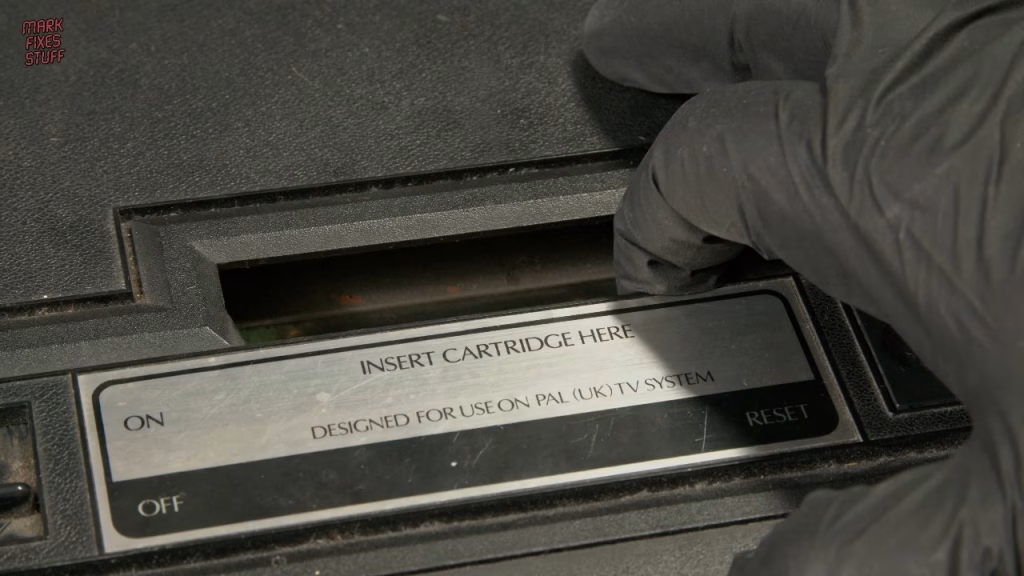
I couldn’t really play it, as the controller only goes left and right if you push really hard and the fire button works about 30% of the time, so a console refurb may be a future episode. Carnival is one of my favourite games: developed by Gremlin and licensed by Sega, though many UK arcade cabinets were made by Alca, who never licensed it and were sued by Sega. Rescuing it has been genuinely life-affirming. I lost my belongings, but I gained the support of some amazing people.
More from the house fire cartridge rescues: Melted ColecoVision Cartridge Still Works (Sort of): Rescuing Pit Stop from a House Fire, Fire Damaged ColecoVision Cartridge: Which Game Survived the House Fire?, Can Fire Damaged ColecoVision Cartridges Be Saved? Restoring Two Copies of Looping, Restoring a Fire Damaged ColecoVision Donkey Kong Junior Cartridge.
Related
Another fire survivor: restoring a soot-damaged Intellivision. For more cartridge work, see changing a Mega Drive cartridge save battery and my Atari 2600 label template.
Leave a Reply