
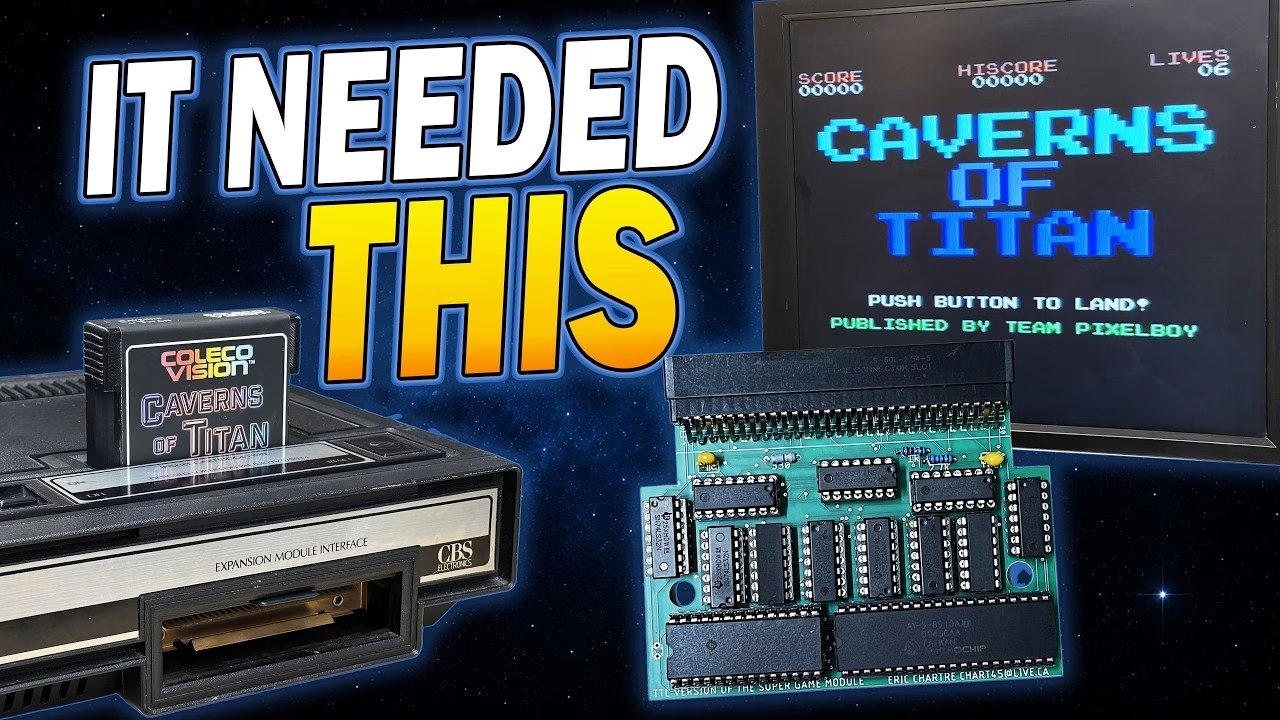
Why won’t Caverns of Titan start on a ColecoVision? Because it needs a Super Game Module, and I didn’t have one. In the previous video I built a physical cartridge for this modern homebrew game by Team Pixelboy: the EPROM programmed, the board went together and it fitted its new case. Then I plugged it in and it asked for an expansion I don’t own (the expansion module I do have is no help at all). So this time I built the missing hardware: a DIY SGM-compatible module with 32KB of extra RAM and an AY sound chip. PCBWay sponsored this video and supplied the boards.
What is the ColecoVision Super Game Module?
Two very different devices have used the name. Coleco announced the original Super Game Module in 1983: it would have added more memory and loaded larger games from small tape-based wafers. It was demonstrated and advertised, but never released. What I’m building is not a recreation of that. It’s compatible with the later homebrew Super Game Module standard, which adds extra working memory and an AY sound chip. Opcode Games created and sells the official modern SGM (listed as available on backorder when I checked); this build uses Eric Chartré’s community through-hole SGM-compatible PCB, so I can build, inspect and fault-find it on camera.
What’s on the DIY SGM board
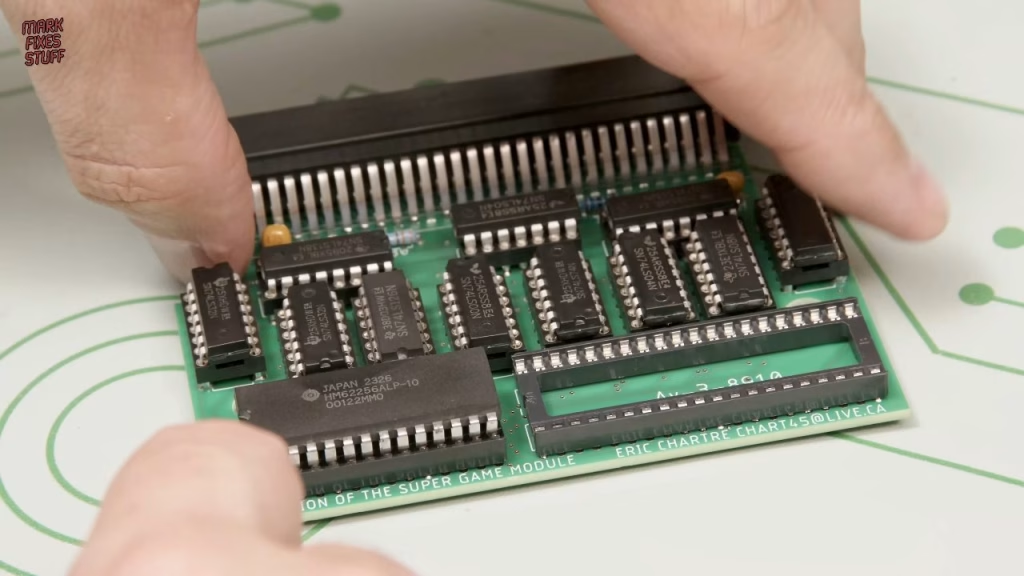
Compared with the two-component cartridge board from last time, this is a much more involved build: 13 ICs, 13 sockets, three resistors, two capacitors and a whacking great 60-pin expansion connector. Everything is through-hole.
- A 62256 static RAM providing 32KB of additional (volatile) working memory. Given the ColecoVision has 1KB of working RAM, that’s a massive upgrade.
- An AY-3-8910A programmable sound generator with three tone channels and a noise generator. Games can use it alongside the original sound hardware, and because the AY was widely used in MSX computers, it also makes MSX conversions easier.
- Eleven 74-series logic chips handling address decoding and control. They watch the shared data, address and control lines and decide when the extra SRAM or sound chip should respond, stopping all the hardware shouting over each other.
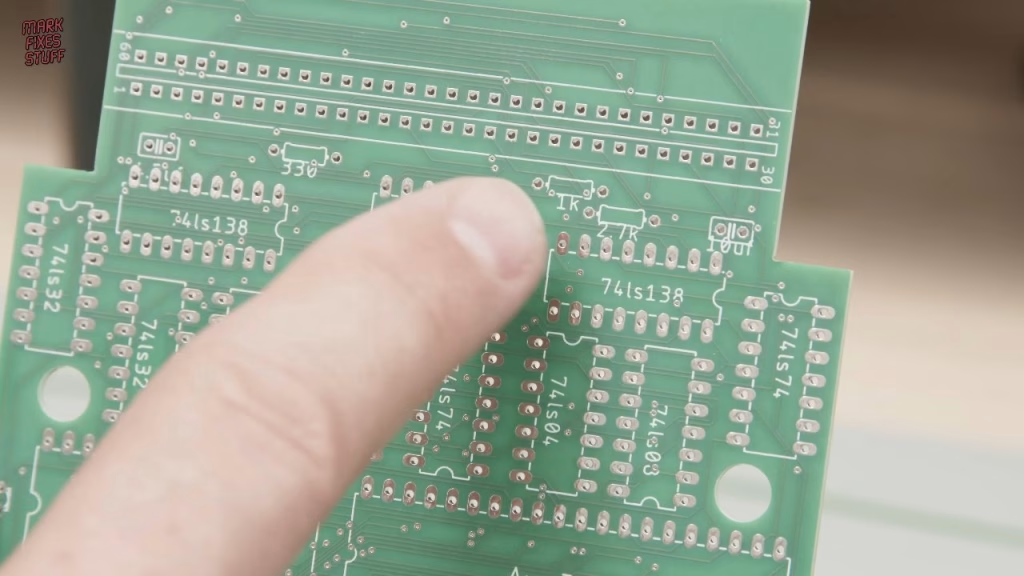
Passives, honest mistakes and bodges
The resistors were a new batch, so I checked them with my multimeter: all spot on. I built in height order, starting with the resistors, using a 3D printed lead bender for consistent spacing. Then I realised I had quarter-watt resistors and the board is specced for 1/8W parts. They were too girthy for the gap, so I bent the leads as close to the body as possible and just about got them flat. The 4.7µF and 10µF ceramic capacitors were the right values but too big for the hole spacing, so they needed some engineering persuasion too. I leave mistakes like this in deliberately: perfect videos put people off trying things themselves.
Turned-pin sockets and the 60-pin edge connector
Soldering was on the iFixit FixHub. I didn’t have any of my usual cheap dual-wipe sockets, so most of the board got turned-pin sockets. They’re nicer made and easy to solder, but they have less contact on the IC legs, and the extra exposed metal makes it hard to use Smurf Poo to hold them in when the board is flipped. Kapton tape just about worked for the first one, but I went back to bending the four corner leads and a couple in the middle of each row, then tacking one corner while pushing the socket flush. The rigid turned-pin legs actually hold the sockets flush nicely. The 40-pin AY and 28-pin SRAM got the cheaper sockets, which are far easier to bend.
The 60-pin card edge connector was a problem. It’s a standard 90° part with the right pitch, but the gap between the front and back rows is too wide for the holes. With a lot of finger work I got it partly in, kept the gap around the edges as parallel as possible, soldered the ends first while watching it didn’t shift, then used plenty of solder on every joint for structural strength.
Are these AliExpress AY chips blacktopped?
Before fitting the logic, I tested every 74-series chip individually (one failed during the cartridge build), straightened the legs with a 3D printed leg straightener and checked every part number and notch against the board. The 62256 came from a reputable eBay seller. The AY chips, though, came from AliExpress and are a bit Roger Dodger. The two allegedly share a batch number, but they’re physically different: one has a pin 1 notch the other doesn’t, and under the microscope there are lots of sanding marks. Cleaning one with isopropyl alcohol removed its matte black top coat completely. Sellers sometimes blacktop chips and remark them with fake batch numbers to pass them off as new. The only way to know was to suck it and see.
First test: no video at all
First I checked the ColecoVision itself with Ladybug, which booted and started fine. Then Caverns of Titan without the module, which correctly asked for the expansion, so the cartridge was good. With the SGM fitted (surprisingly stiff to insert), I powered on and got nothing. Wiggling the module and the notoriously dirty power switch didn’t help, and the console wasn’t even producing a video signal. A minor fault would usually give a garbled picture, so no video suggested the module was shorting one of the voltages. With the module removed, the console still worked.
Finding a bad SRAM with a thermal camera
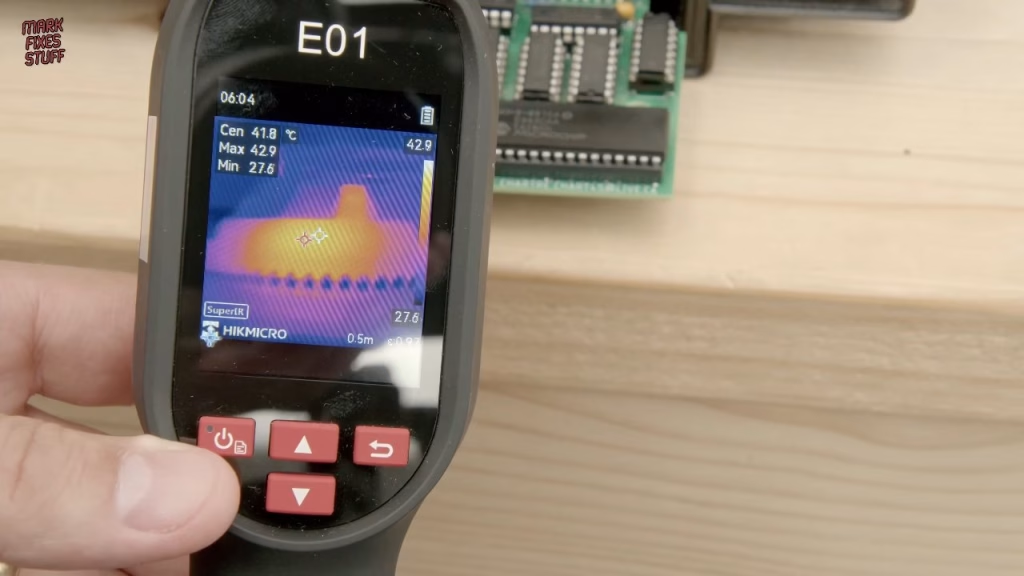
When something is pulling down a supply rail, whatever is grabbing the current usually gets hotter than it should. You can use a fingertip, but a thermal camera is far more accurate. Within seconds of power on, the SRAM was over 40°C: one toasty piece of silicon, probably shorted and turning one of the voltages into heat. I’d been so busy worrying about the AY chips that I hadn’t looked at the SRAM, and its two “identical” batch numbers were physically different too. I’d been diddled.
Did it work? Caverns of Titan finally boots
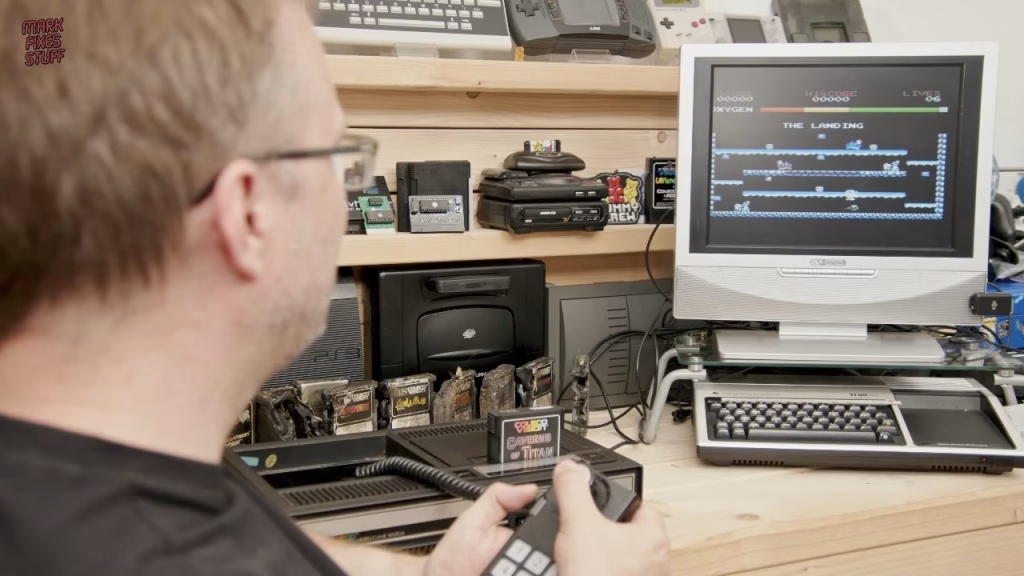
With one of the other SRAMs from the batch fitted, the second attempt worked: Caverns of Titan by Team Pixelboy loaded on real ColecoVision hardware. The Manic Miner influence is obvious, right down to the character being called Willie, and so is my complete lack of skill. It’s a fair game where learning a level lets you progress, and I’m going to enjoy it even with the rubbish ColecoVision controller. The status LED isn’t fitted yet; I’m leaving it until I build a case.
I have eight bare PCBs left over, and patrons can have one for the cost of postage via Patreon chat. The board is also available as a PCBWay shared project.
More from the ColecoVision Super Game Module projects: Building a ColecoVision Homebrew Cartridge for Caverns of Titan (and a Rookie Mistake).
Related
More on dodgy chips from online marketplaces: building a vintage DRAM tester to check suspect AliExpress DRAMs and the Epyx FastLoad build where I found more faked chips. For another early-80s console, see restoring a soot-damaged Intellivision.
Leave a Reply