
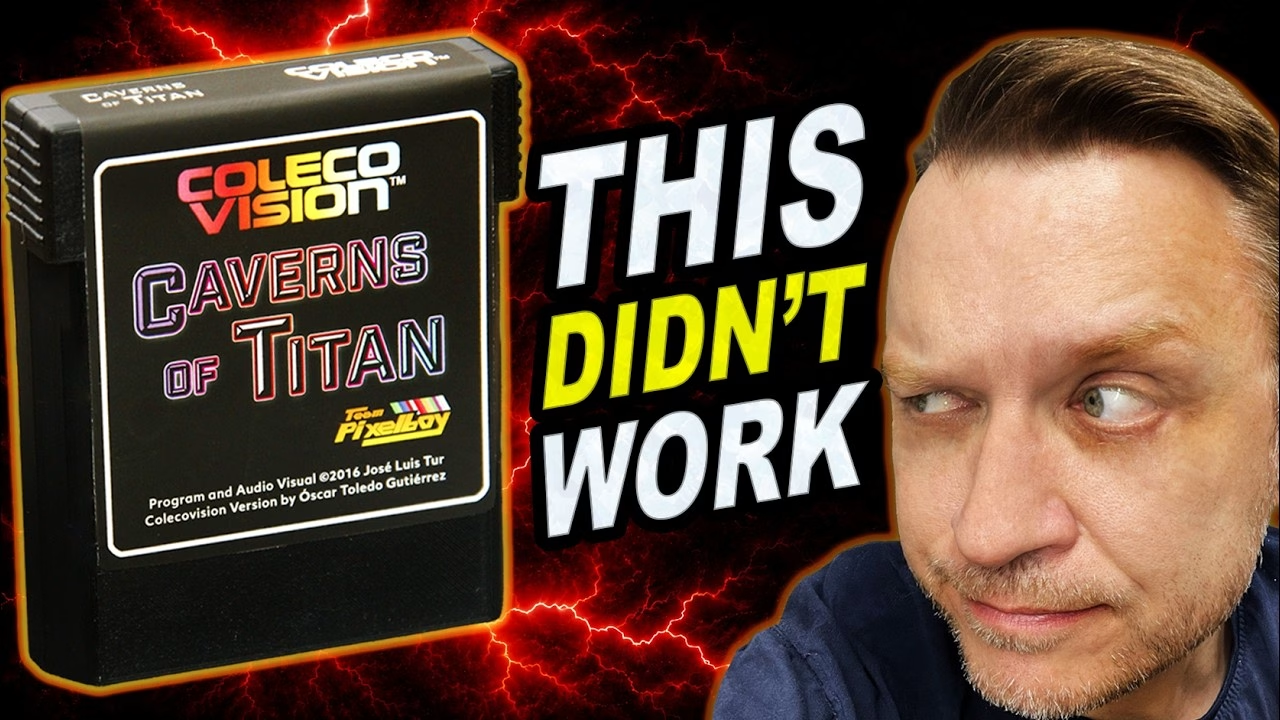
Making your own ColecoVision cartridge is about as simple as retro hardware projects get: one PCB, one EPROM, one logic chip and a shell. I built a 32K cartridge for the homebrew game Caverns of Titan, programmed a 27C256 on my TL866II, made a custom label and fitted it all into a PCBWay printed shell. It looked the part. Then I switched it on and made a proper rookie mistake. The PCB and 3D printed shell for this build were made by PCBWay, who support the channel.
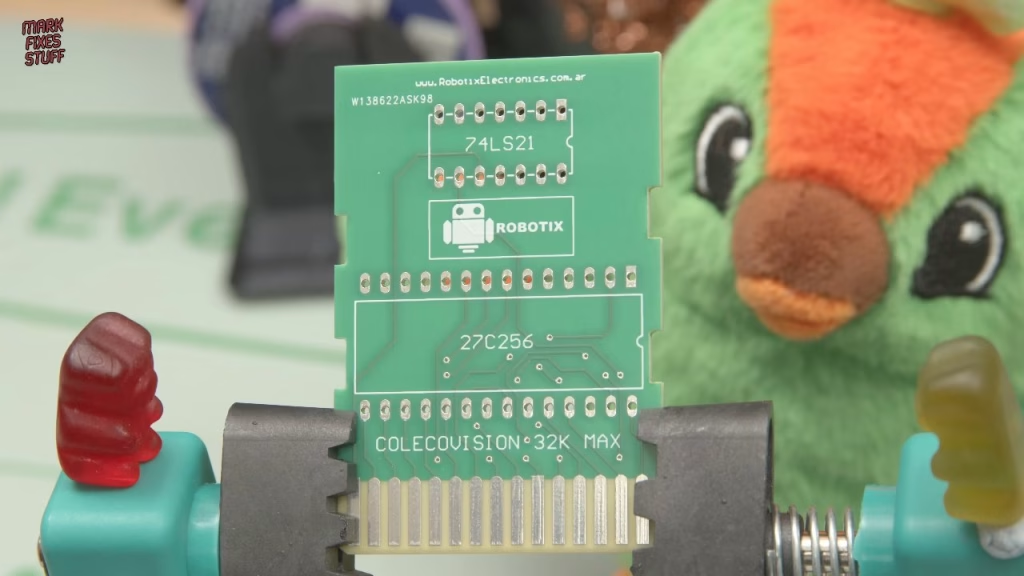
The 32K ColecoVision cartridge board
The board is the Colecovision 32K Cartridge Board by Dave C, available as a PCBWay Plus shared project. It handles cartridges up to 32K, which I believe covers all the commercial releases. There’s barely anything on it, so if it doesn’t work there’s really only one place to look: the man in the mirror.
- A 27C256 EPROM: 256 kilobits, or 32KB. That was enough for complete games in the early 80s, and still enough for this one in 2016.
- A 74LS21 for chip select. The ColecoVision divides its cartridge memory into four separate 8K sections, and this chip combines those four select signals so a single 32K EPROM can respond across the whole cartridge space.
Normally I’d fit sockets, but there isn’t room inside the shell, so everything gets soldered directly to the board. That means getting it right first time.
Testing the 74LS21 on the TL866II
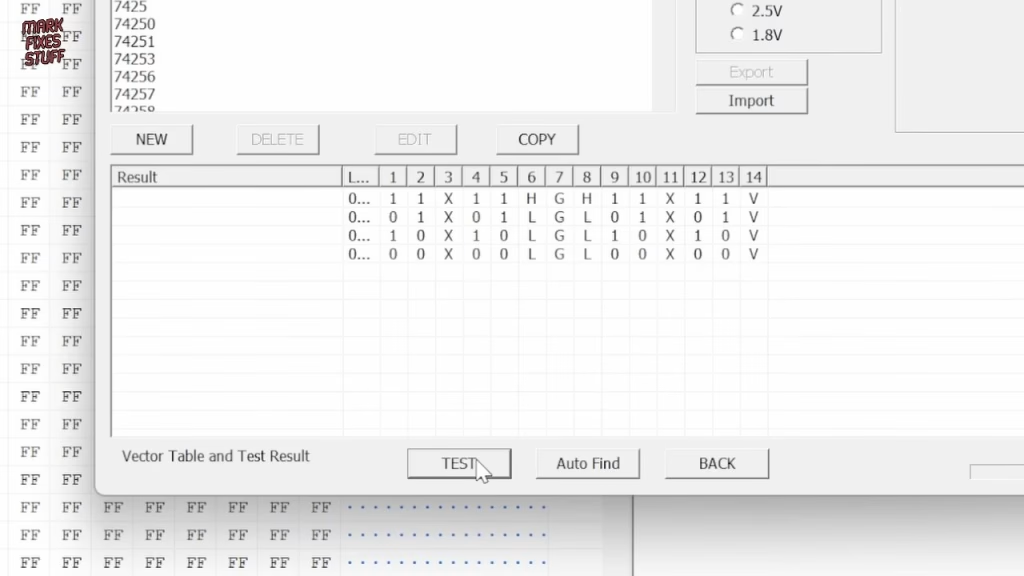
I always test logic chips, doubly so when they come from marketplaces like AliExpress and are going to be soldered straight in. My knockoff TL866II doubles as a logic IC tester: Device menu, Logic IC test, enter 74 and 21, and it shows the expected truth table. To my genuine surprise, the first chip failed: it expected pin 8 to be high and it wasn’t. I was worried the whole batch might be bad, but a second chip from the same batch passed.
Caverns of Titan and Team Pixelboy
I spent a ridiculous amount of time playing Manic Miner as a kid, so anything vaguely similar gets my attention. Caverns of Titan was written by José Luis Tur for the MSX in 2016 and ported to the ColecoVision by Óscar Toledo Gutiérrez as part of Team Pixelboy’s budget series. That series was created to help raise money for Óscar and his family after his wife was diagnosed with stage 4 lung cancer. It’s a touching piece of homebrew history, and a reminder of the real people behind these projects.
The original cartridges seem to have sold out years ago, but the ROM is available from cvaddict.com, which states that it was released by the publisher for personal use. That’s the version I used. (Óscar, if you’re watching, please get in touch: I’d like to make a donation to a charity of your choice.)
How to program a 27C256 EPROM for a ColecoVision cartridge
- Run an ID check first, to make sure the chip hasn’t been cheekily remarked by an unscrupulous seller. Mine read the expected device ID.
- Run a blank check. It can’t erase the chip, but it confirms whether it’s blank in about half a second.
- Load the unzipped ROM into the buffer as a plain binary (default options are fine). Spotting human-readable text in the data is a good sanity check.
- Drop the write voltage from 13V to 12.5V, as marked on the chip, then program. It took over 18 seconds, slow by modern standards, before the beep confirmed it was done and verified.
Soldering the cartridge
The EPROM is already a tight fit, but I bent a couple of pins slightly to stop it falling out (anyone who tries to desolder it in future will call me names). The 74LS21 needed some wrangling and two bent legs. I used leaded solder: it’s much easier to work with, and as this is for personal use, that’s fine. Contrary to popular belief, leaded solder isn’t banned from sale; it’s banned for manufacturing consumer products, and is still used in things like military and medical applications. Because I got moaned at last time, the EPROM window got a (slightly too big, very shiny) sticker, even though it will never be seen again inside the case.
Designing the Caverns of Titan label
The shell is one of my “waste not, want not” cases: I sent the STL to PCBWay the wrong way up, so the bottom became the top. That’s my mistake, not their quality, and I quite like the rustic look. The label was built in Photoshop: a black rounded rectangle with a smaller one inside it carrying a white stroke, Arial Narrow trademark text, a ColecoVision logo with a gradient overlay, white text styled like a normal ColecoVision cartridge, a Team Pixelboy logo as a tribute to the original publisher, and a text-based game logo. I made the top of the label black and white, because small details with too much colour get hard to read once printed.
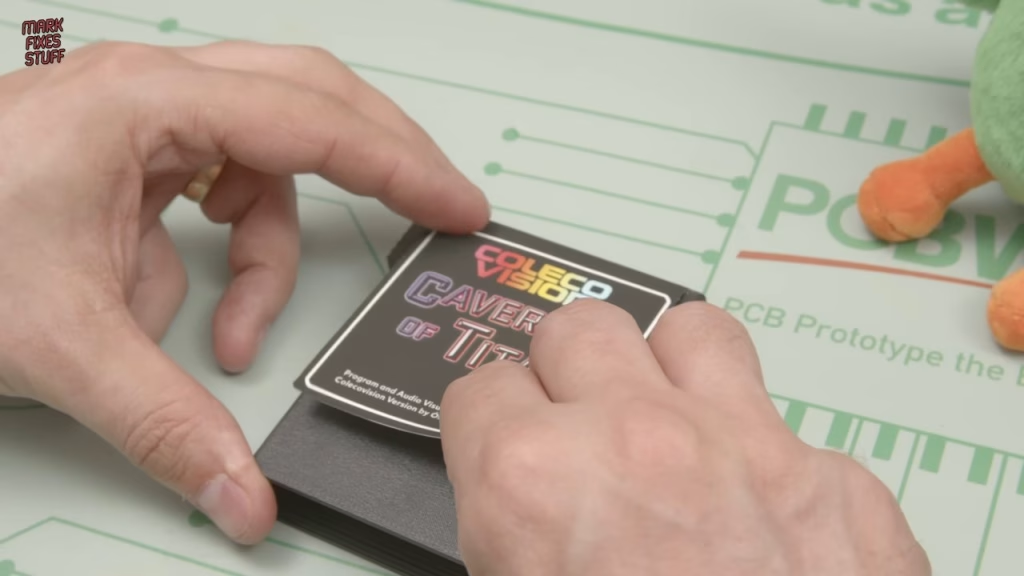
It’s printed on matte vinyl self-adhesive paper. I work from the top when applying it: I know roughly how much needs to sit on the top of the cartridge, then fold the rest over. The vinyl holds its shape well around the corner, and a little tension helps.
Did it work? The rookie mistake
I was ridiculously pleased with myself. My ColecoVision collection has had a seriously bad time lately (the burnt cartridges from my house fire are still my to-do list), so it felt good to make something new. I put the cartridge in, nervously flicked the switch, and my nerves turned to sheer embarrassment. Caverns of Titan requires the Super Game Module. I thought I had one. I don’t: the expansion module I own is not the same thing.
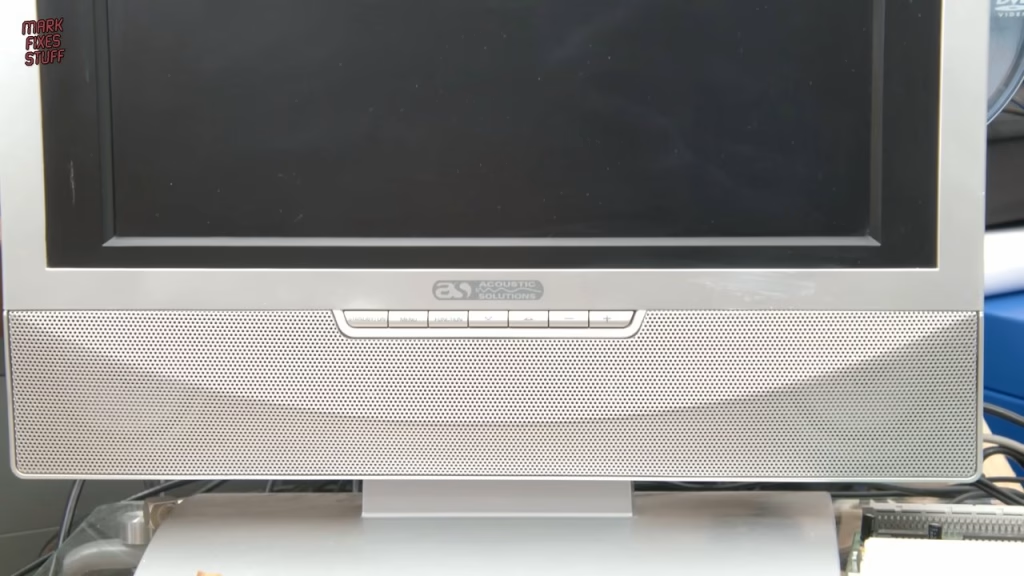
The cartridge itself is fine; the console simply can’t run it without the expansion. So the story continues in the next video, where I build a DIY Super Game Module (and have to fault-find it before the game finally boots).
More from the ColecoVision Super Game Module projects: Building a DIY ColecoVision Super Game Module to Play Caverns of Titan.
Related
More EPROM work on the site: making an EPROM adapter and burning Amiga Kickstart ROMs with the TL866 and the Multiface 128 clone build for the ZX Spectrum. For another console cartridge build, see the Pico Atari 2600 and 7800 multicart.
Leave a Reply