
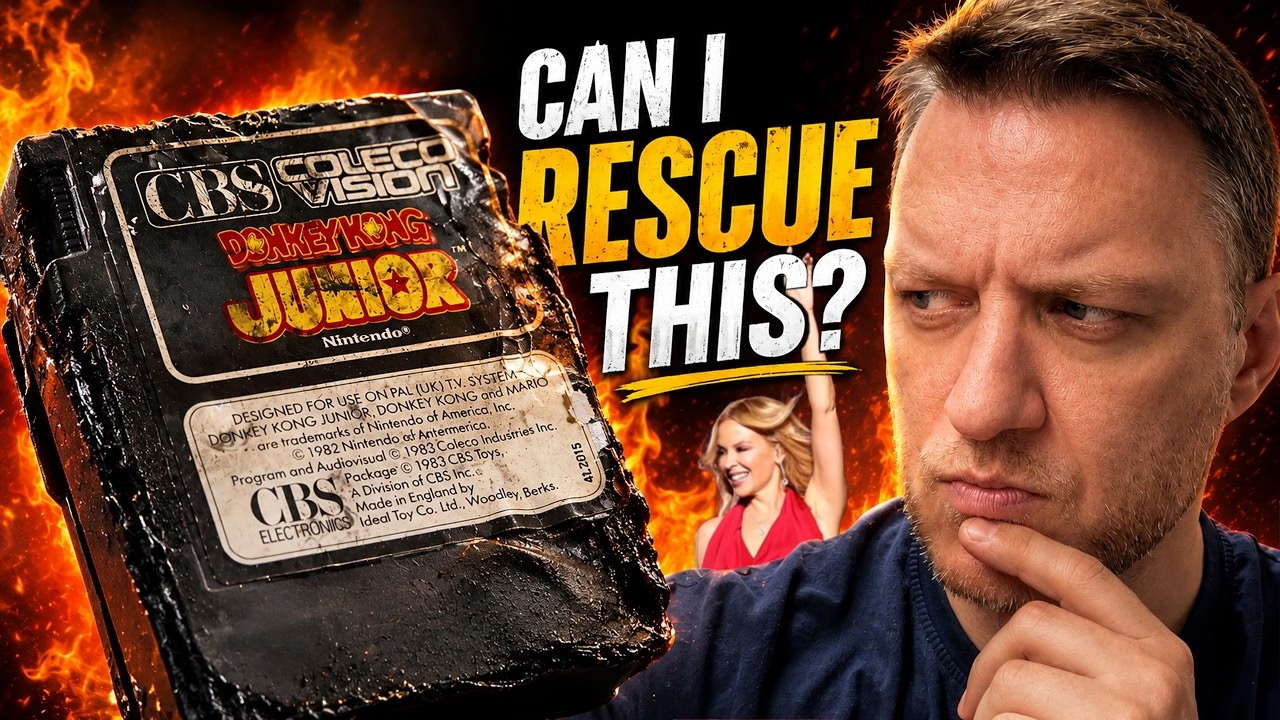
Can a melted ColecoVision cartridge still work? This copy of Donkey Kong Junior came out of my house fire with its shell melted, one side visibly burnt, and some vicious prising damage on top. I wanted to save it for personal reasons: it would be one less thing lost to the fire. That meant cutting it out of its shell, cleaning off the soot, repairing two broken traces with magnet wire and rehousing it in a new 3D printed case. PCBWay produced the replacement shell for this restoration.
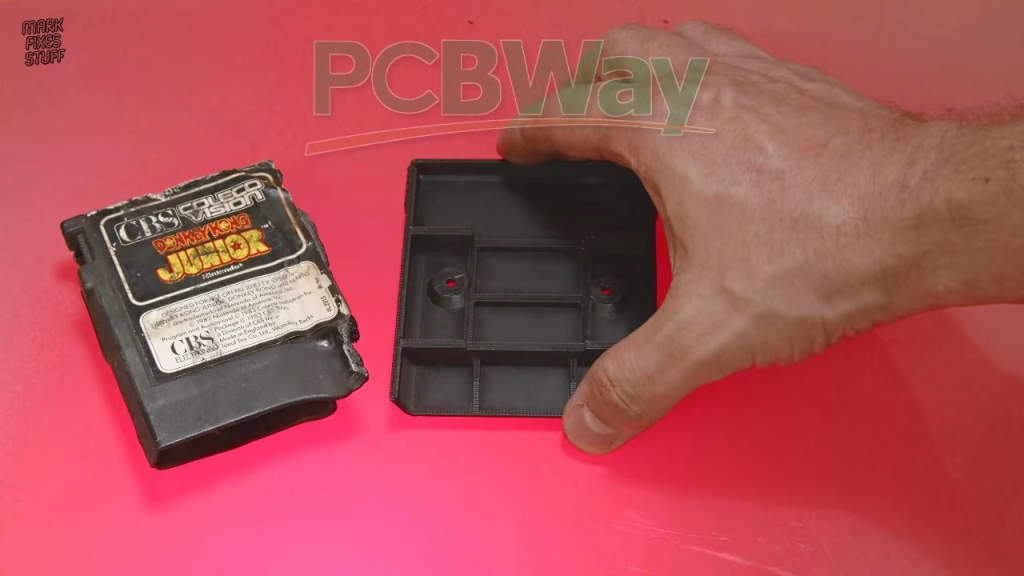
Getting the PCB out of a melted shell
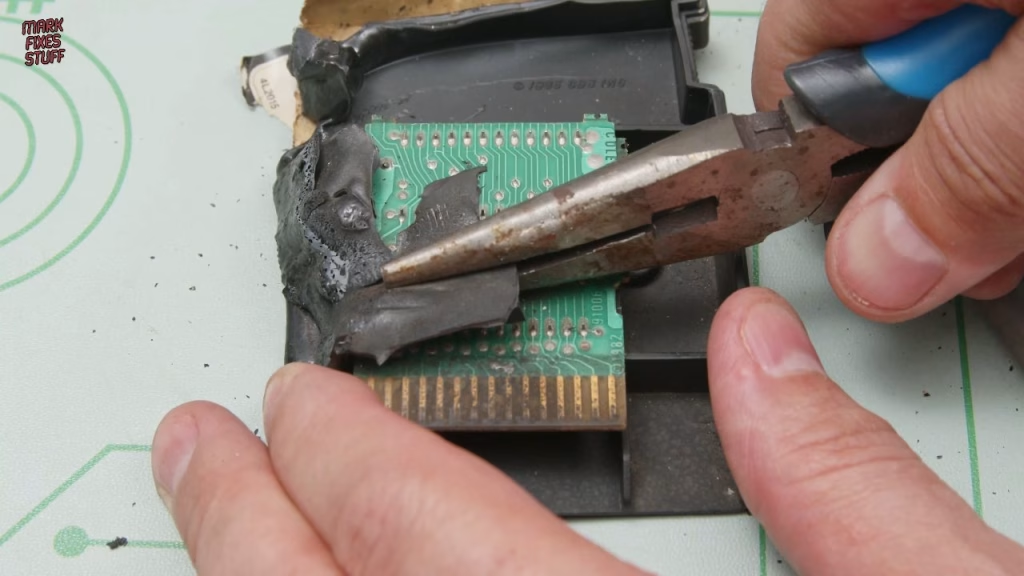
The screws on ColecoVision cartridges hide under the label (to stop people getting at the internals back in the 80s), but they’re just self-tappers. Even burnt, it felt wrong peeling the label off. With the screws out, the real problem started: this plastic is strong and bendy, the side was still gripping the board, and the ROMs sit trapped in a tray underneath. I didn’t want to prise against the already damaged PCB, so in the end I snapped away parts of the back of the shell until I could lift the board out.
The PCB actually didn’t look too bad for something that had been in a fire. I’d half expected to have to transplant the ROMs to another board, but it looked like a clean-up and a couple of wire repairs might do it. It was also filthy (I should have worn gloves), so the bench got a tidy before going any further.
Ultrasonic cleaning a soot-covered PCB
This was a job for Kylie, my small ultrasonic cleaner. I gave her a head start with hot water from the kettle, topped up with plain cold water (no point paying for deionised water when it’s going to get contaminated straight away), and ran her for 8 minutes at 65°C to degas the water before adding PCB cleaning solution. That solution might be a bit mild for this much soot, but I didn’t want anything too harsh on a damaged board.
I cleaned in short bursts, checking the board as I went. The soot did move, but there was residual pitting on the contacts, and Kylie is clearly less aggressive than my big ultrasonic cleaner (she definitely works: I tested her with aluminium foil). Another straight eight minutes got it as good as it was going to get. Ultrasonic cleaners aren’t the miracle machines they’re made out to be, but they’re incredibly handy. I finished the contacts lightly with a fibreglass pencil, wearing gloves this time: the tiny shards get into your skin like cactus spines.
Testing with broken traces
There were clearly two broken tracks, and a third that had narrowly escaped. First I made sure my (grotty) ColecoVision worked: Space Fury loaded and started from the controller. Out of curiosity I tried Donkey Kong Junior before repairing anything. It reached the game select screen, but the picture was poor and pressing the buttons did nothing.
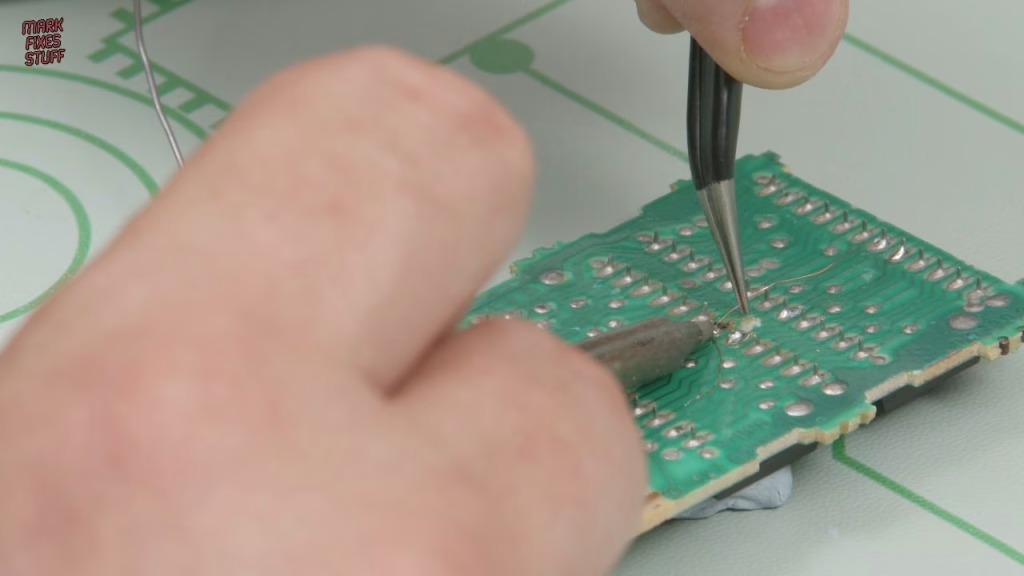
Repairing PCB traces with magnet wire
As a sanity check, I traced where each broken track went and confirmed with the meter that there really was no continuity. The third track checked out fine. I pre-tinned the nearest ROM legs in case I needed to wire directly to them, then went with 0.1mm enamel-coated magnet wire, laid along the route of the original track and tacked at each end.
- Scrape back the solder mask to expose copper on the track, then wipe it with isopropyl alcohol.
- Tin the exposed copper.
- Hold the iron on the magnet wire long enough to melt the enamel. Scraping the end first speeds this up, and you can tell it’s ready when solder starts to stick to it.
- Tack it down and snip off the excess.
It’s ugly, I’ll give you that. Working around the camera doesn’t help, and on the second repair the flux ran out and it went globby, so I took that wire to the ROM pin and soldered it there too. I can come back with flux and tidy it up, but the meter said both points were bridged, and that’s what matters.
A new 3D printed cartridge shell
The new shell is a cartridge design by Jaystonian, printed by PCBWay. Confession time: I sent the STL files upside down, so the front of the cartridge was on the print bed and has a slightly odd texture. It’ll be under a label anyway, and if anything the label will stick better. PCBWay’s prints are really tough and you can screw into them with no problems. I fished the original screws out of the ultrasonic cleaner and used them, which felt like a nice tribute to the original game.
Did it work?
Yes. Straight away the game name came up with no corruption, and this time the buttons worked. Donkey Kong Junior is playable again, from a melted lump of plastic. What I’m less pleased about is how historically naff the ColecoVision controller is.
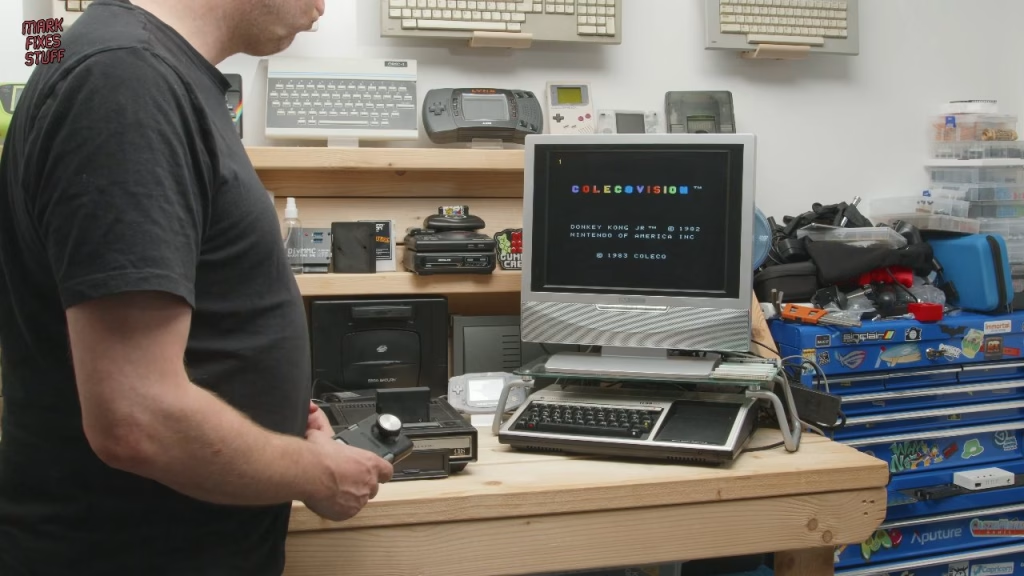
I’d planned to make a label in this video, but the kids used all my sticky photo paper. There’s more to do: the ColecoVision needs a proper clean, I’m planning upgrades including a new cartridge socket, a Super Game Module might be good, and the video output could do with sorting. If you’d like to see a custom label for this cartridge, let me know in the YouTube comments.
More from the house fire cartridge rescues: Rescuing a Fire Damaged ColecoVision Cartridge: Carnival from 1982, Melted ColecoVision Cartridge Still Works (Sort of): Rescuing Pit Stop from a House Fire, Fire Damaged ColecoVision Cartridge: Which Game Survived the House Fire?, Can Fire Damaged ColecoVision Cartridges Be Saved? Restoring Two Copies of Looping.
Related
Another survivor from the same fire: restoring a soot-damaged Intellivision. If you’re new to repairing board-level faults, my guide to identifying and repairing dry, cold or cracked solder joints is a good place to start.
Leave a Reply