
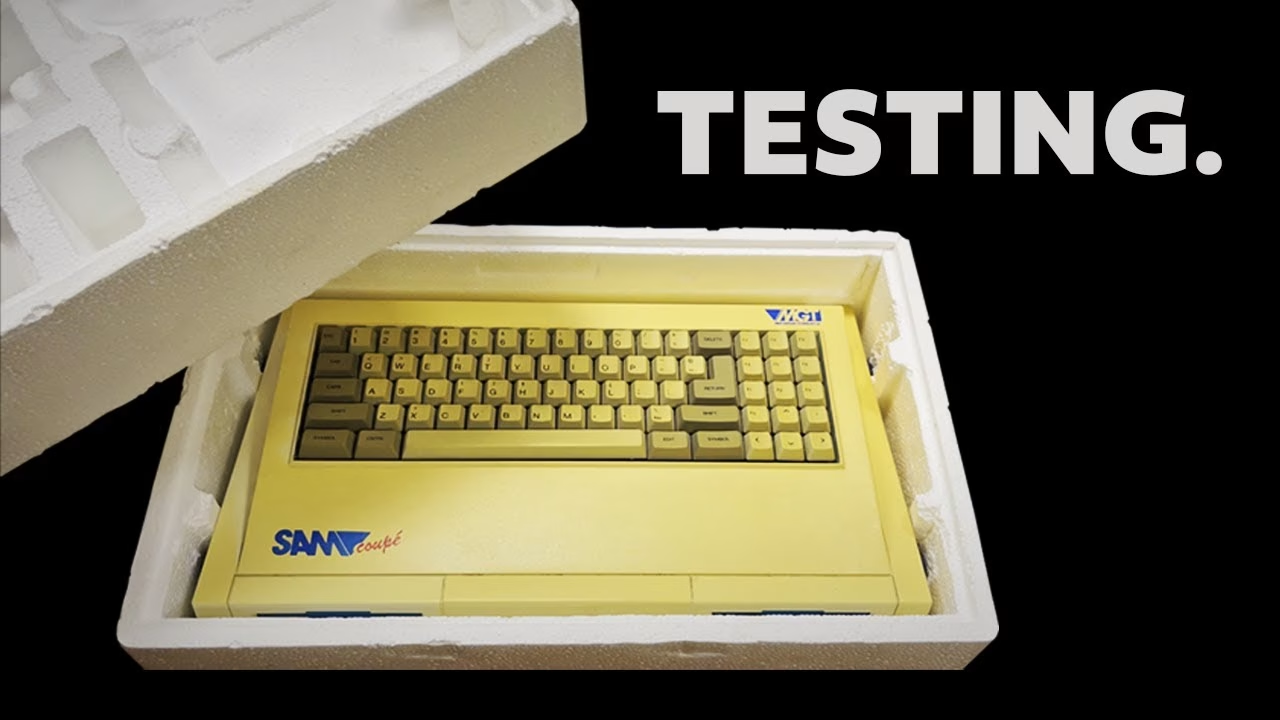
The MGT SAM Coupé has been one of my unicorns for years: a souped-up 8-bit British computer from late 1989, built by ex-Sinclair people as a spiritual successor to the ZX Spectrum. Thanks to a very generous donation from Ian Stonelake, I finally have one on the bench, complete with its box, two SAM drive units and a pile of paperwork. In this first part I safety check the odd combined power supply and RF modulator, get it booting on a TV, open it up to look at that T-shaped motherboard, and find out what state the floppy drives are in. This video was sponsored by PCBWay.
What came with this SAM Coupé
The case has some age yellowing, but I’m not keen to bleach it. The original box carries the old owner’s address (JKL Computers in Axbridge, a shop plenty of people remember), and inside is a printout of the technical manual, a SAM Computers Limited newsletter from summer 1991, and the user’s manual written by Mel Croucher and illustrated by Robin Evans.
There are also three cassettes (two of them a mystery), the SAM upgrade pack instructions, a Betasoft Master BASIC manual, a SAM Cage for connecting multiple devices to the bus, two unopened cream boxes, and a battery of the kind that always worries me, so that will be replaced before it can leak.
The Amstrad MP2 power supply and RF modulator
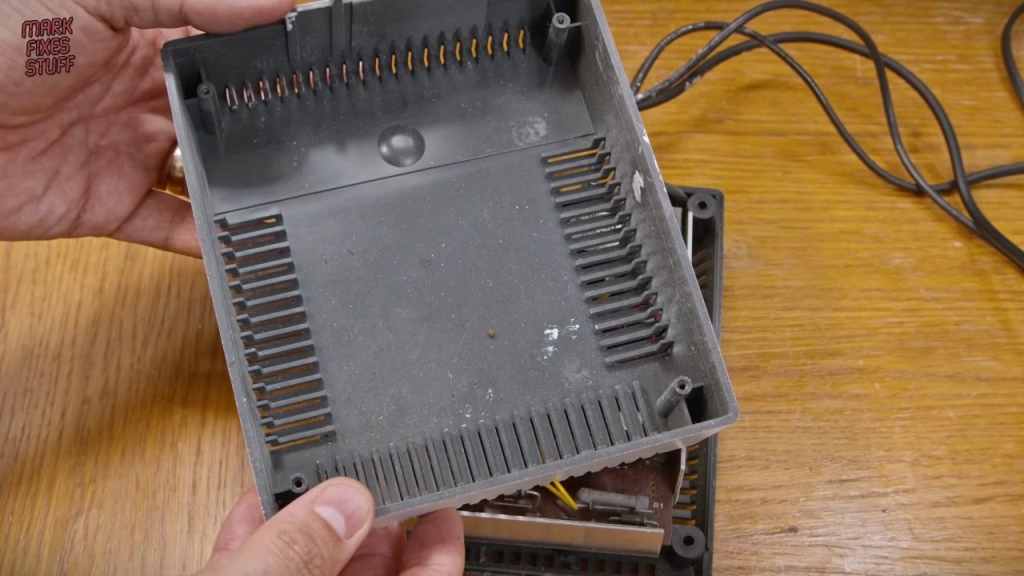
The power supply will look familiar to Amstrad owners. It’s an overstock Amstrad MP2, the optional PSU and RF modulator unit for the CPC range. Most CPCs were powered by their monitor, so the MP2 didn’t sell in big numbers; MGT bought up the unwanted stock and had the units sprayed white. With the cover off you can see some whopping great capacitors, the MGT-made modulator board on the left with the black aerial lead, and what remains of the Amstrad power supply on the right.
The modulator’s proximity to the supply put noise on the RF output, and some owners moved it into a separate box. I’m only using this unit for testing; the plan is a modern power supply later in the series.
Checking the mains plug before first power up
The first thing I check on anything retro is the mains plug. Here the cable grip was no longer clamping the cable, so movement could have stressed the wires on the terminals. Before moulded plugs, people fitted their own and quality varied, so I re-tightened the terminal screws, checked the fuse (3A, right for this machine) and tightened the grip.
Testing the PSU voltages
No magic smoke on first plug-in, just a small hum, which is a good sign. Pins 2 and 3 are a shared ground and pin 1 is the 5V rail that runs most of the computer. Off load, the 5V measured about 5.2V and the 12V about 12.6V, as expected. A supply is most likely to fail under load, but this was good enough to try the computer.
First power up: does the SAM Coupé boot?
I used my 4:3 LCD bench TV over RF (the CRTs are in storage). There’s no power light on the SAM, but flicker in the interference suggested life, and after a nervous auto-tune the SAM boot screen appeared. I’ll admit I lost my composure on camera. There’s some interference, but a proper service should sort that.
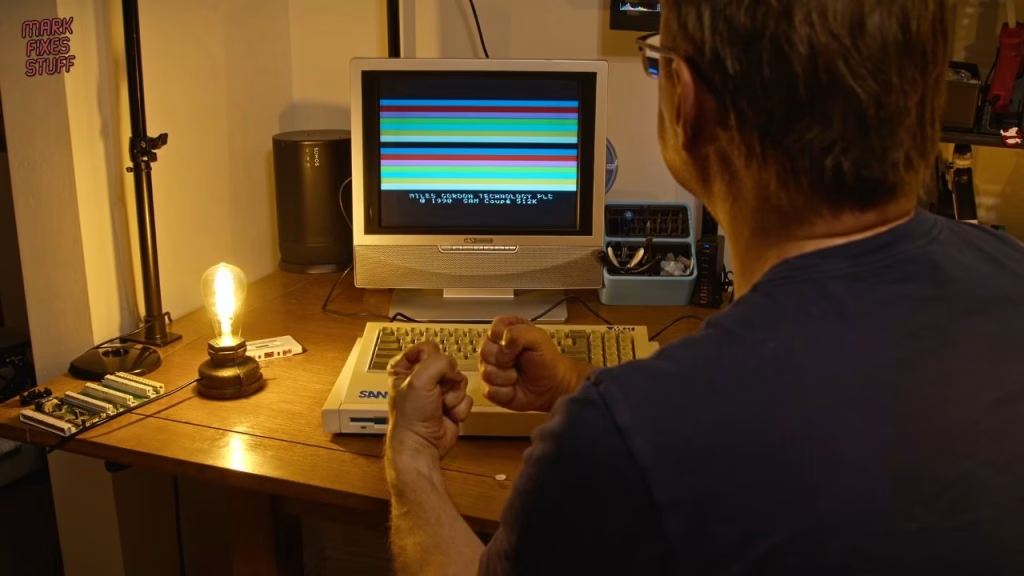
The joy didn’t last long, because the keyboard didn’t respond. That wasn’t a total shock: the SAM uses a membrane keyboard, and old membranes go brittle and crack. RWAP Software make new replacements, but I’m on a non-existent budget, so I wanted to check the original properly first.
Opening the SAM and the T-shaped motherboard
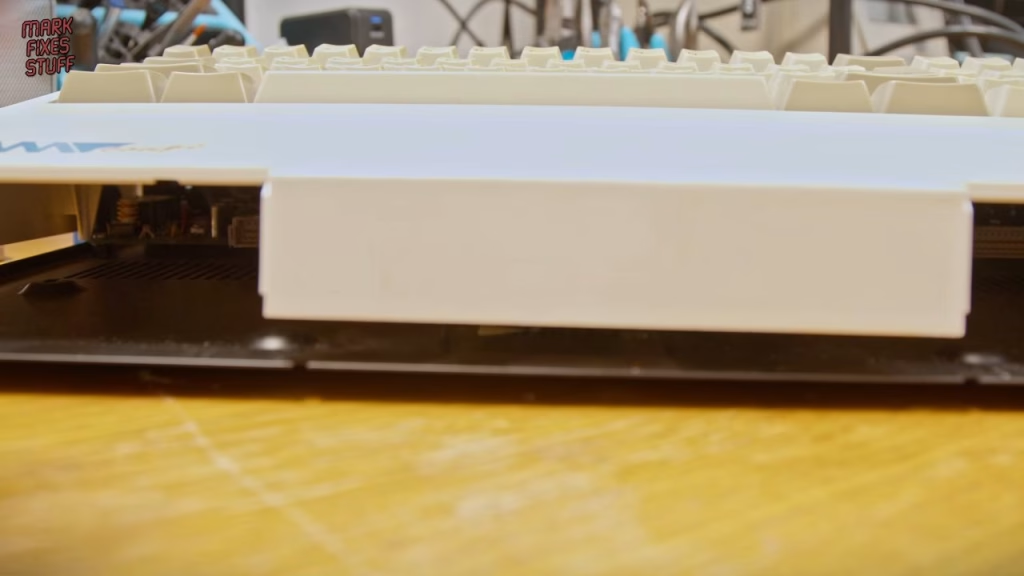
The two drive units come out first, then six case screws, some clearly abused: one was cross-threaded, and another was so chewed I had to ease it out with a flat blade. That one is not going back in. The top case is then held only by the two membrane tails, one of which has obviously been in and out of its socket many times.
The T shape makes room for the two drive bays; the story goes that Bruce Gordon’s layout software crashed on the irregular shape, so he laid it out by hand. Gordon and Alan Miles were ex-Sinclair, and MGT’s Spectrum add-ons like the DISCiPLE and +D helped fund the SAM.
- CPU: a 6MHz Zilog Z80B, almost twice the speed of the Spectrum’s.
- A custom VLSI ASIC of around 10,000 gates for the special functions.
- A 32K ROM holding SAM BASIC, BIOS-style routines and the floppy bootstrap code.
- Philips SAA1099 six-voice stereo sound chip, as used on the first Sound Blaster.
- Motorola MC1377P for PAL or NTSC video, which Bruce Gordon would have known from the Sinclair QL.
- An internal RAM expansion taking it from 256K to 512K, which is great news since only the earliest software runs in 256K.
The electrolytics look sound, though I’ll likely replace them later. Refitting the membrane tails is fiddly and they pop out whenever the top case moves (did we learn nothing from the ZX Spectrum?), but after reseating them every key worked. Brilliant news for my wallet.
How to check which ROM version your SAM Coupé has
Type PRINT PEEK 15 and divide the result by 10: a result of 30 means ROM 3. Early ROMs were notoriously buggy and MGT had to send out replacements. Because the upgrade pack paperwork came with this machine, I’m hopeful it already has ROM 3; if not, it’s a standard PROM, so reprogramming it is no great hardship.
Testing the SAM drives: dead belts and a leaky capacitor
Each SAM drive unit carries its own disk controller, so the bays could take other devices such as a hard drive interface. Having two is lucky, as the base machine shipped without one. Inserting a disc loaned by Wayne of Retro Robbins produced an awful noise from both, and having worked in a floppy duplication factory in the 90s, I know that sound: dead belts.
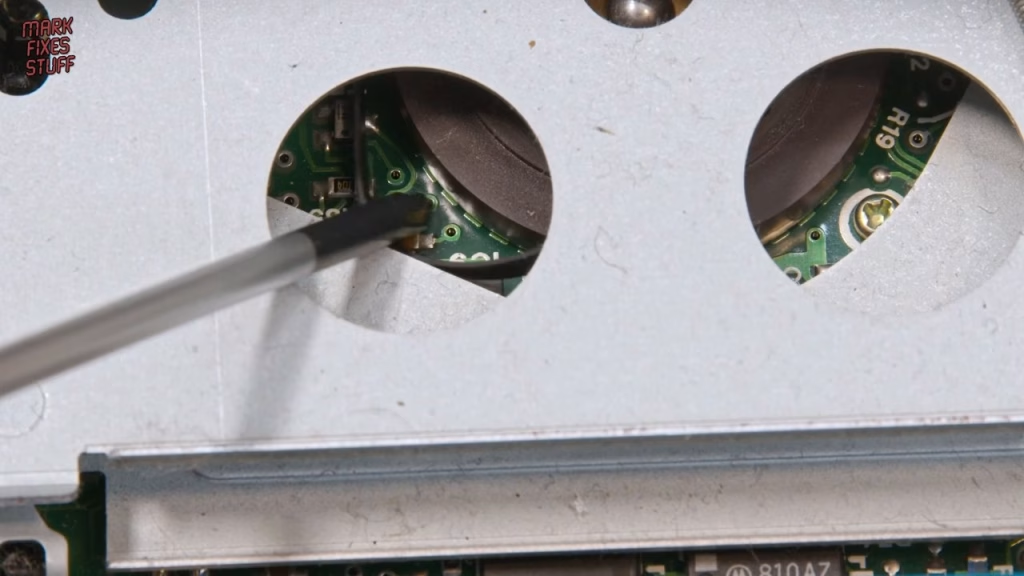
Inside is a slimline Citizen drive (26-pin connector rather than the usual 34, same signals). The belt had stretched and fallen off its pulley, an easy fix, but my bigger fear was confirmed: pads near one capacitor were dulled by leaked electrolyte. The second drive was the same model and so full of fluff I couldn’t yet tell if it had leaked.
Did it work?
Yes, the important bit: the SAM Coupé boots and the whole keyboard works. Next up are new belts and capacitors for the drives, a reliable modern power supply, a look at a floppy emulator such as FlashFloppy (trickier here because of the controller in each drive unit), a decent tape player, and fixing the video interference. The series continues with the floppy drive repair, and later episodes add HDMI and tackle a SAM keyboard that turned out to be full of bugs.
Thanks to Dan Doore at World of SAM and Colin Piggot (Quazar) at samcoupe.com for their preservation work, and to Ian Stonelake for donating this machine.
More from the SAM Coupe restoration: SAM Coupe Floppy Drive Repair: Replacing the Belt and Capacitors, SAM Coupé Keyboard Repair: New Membrane, Deep Clean (and Dead Bugs), Adding HDMI to a 1989 SAM Coupé: RF vs HDMI Compared.
Related
Next in the series: SAM Coupé floppy drive repair: replacing the belt and capacitors. For the Spectrum side of the family tree, see my TurboSound FM sound card review and the Spectrum +2A/B power supply fix.
Leave a Reply