
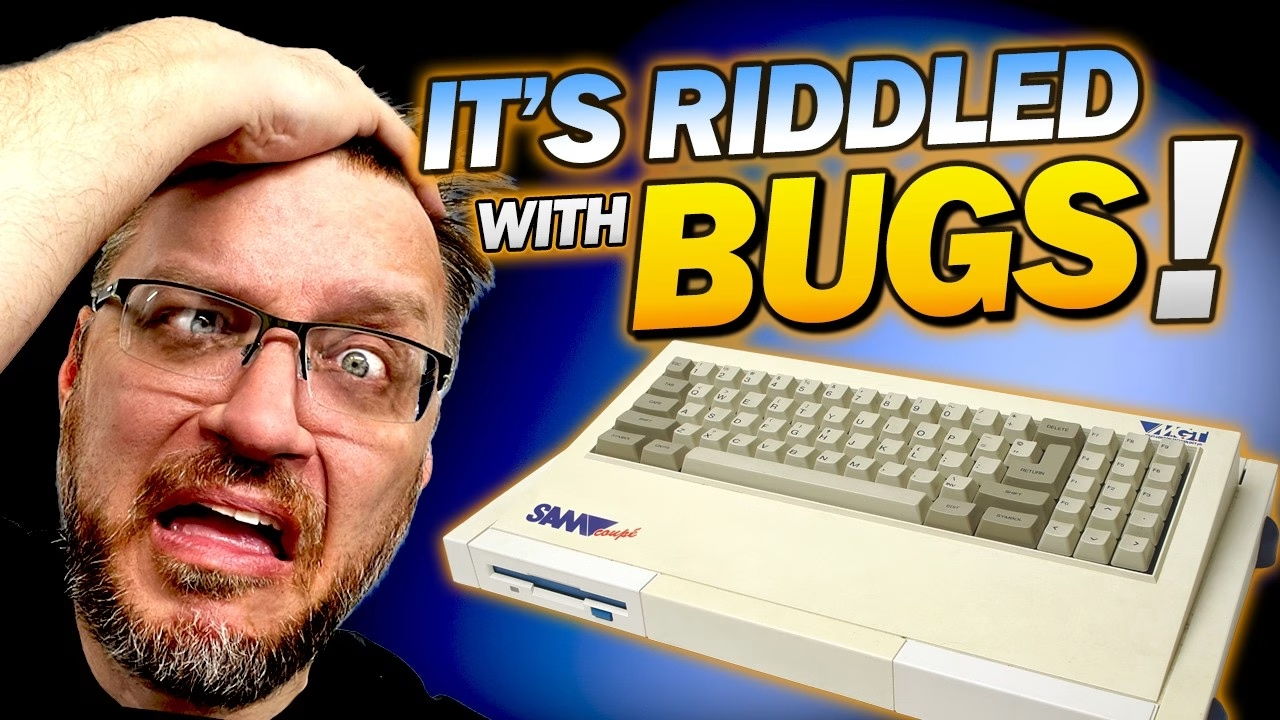
Why do SAM Coupé keyboards stop working? On this one, half the keys had simply died: not intermittent, not “press harder”, just no response at all. The SAM uses a membrane keyboard, and after more than 35 years the original membrane had come apart. Replacing it meant a full strip down, a proper wash of every part, a careful rebuild, and an unwelcome discovery of tiny dead bugs inside the machine. This video was sponsored by PCBWay.
The SAM Coupé and its dead keyboard
This Miles Gordon Technology SAM Coupé was donated to the channel by Ian Stonelake. It came out in 1989: Z80 based, with proper RGB out, and genuinely capable if a little late to the party. You might notice the empty drive bay; that’s deliberate, because I’m working on a Gotek running FlashFloppy for a future episode, so disk images can load from a USB stick. The replacement membrane came from RWAP (Sell My Retro) and is a direct replacement for the original.
The machine was still in bits from the previous video, because the screw heads were rounded and I didn’t want to put them back. The membrane tails don’t give you much slack, and just lifting the top of the case pulled one out of its socket. The sockets look knackered at first glance, but they’re actually staggered pins in sets of three.
Dead bugs inside the computer
Then the bugs started falling out: tiny things about the size of a poppy seed, and dead ugly up close. I genuinely don’t know what they are, or whether they came out of the SAM or were just in the cabin, so if you can identify them, let me know in the YouTube comments. I worked over white kitchen towel from then on so I could see anything else that dropped out.
Stripping the keyboard down
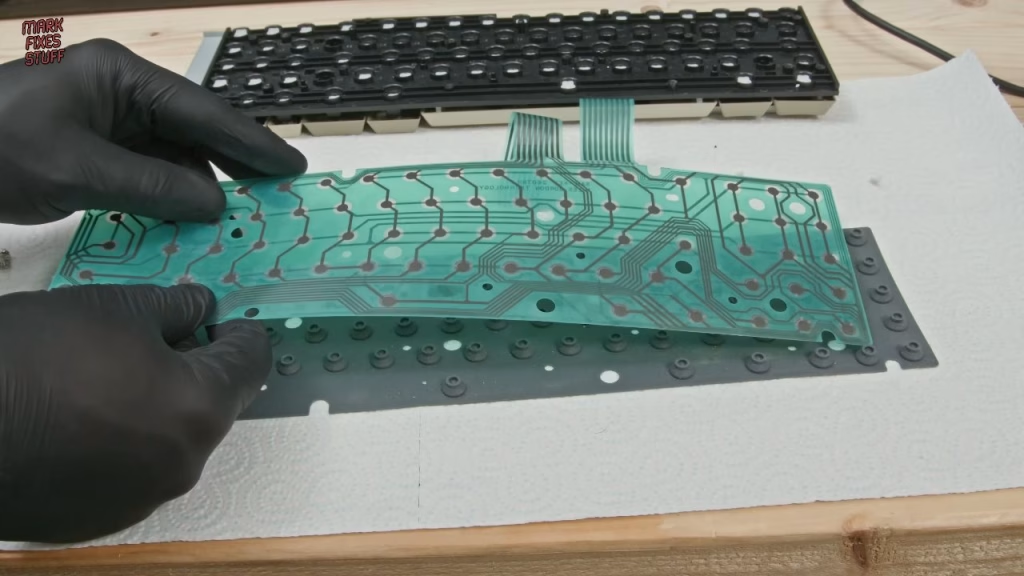
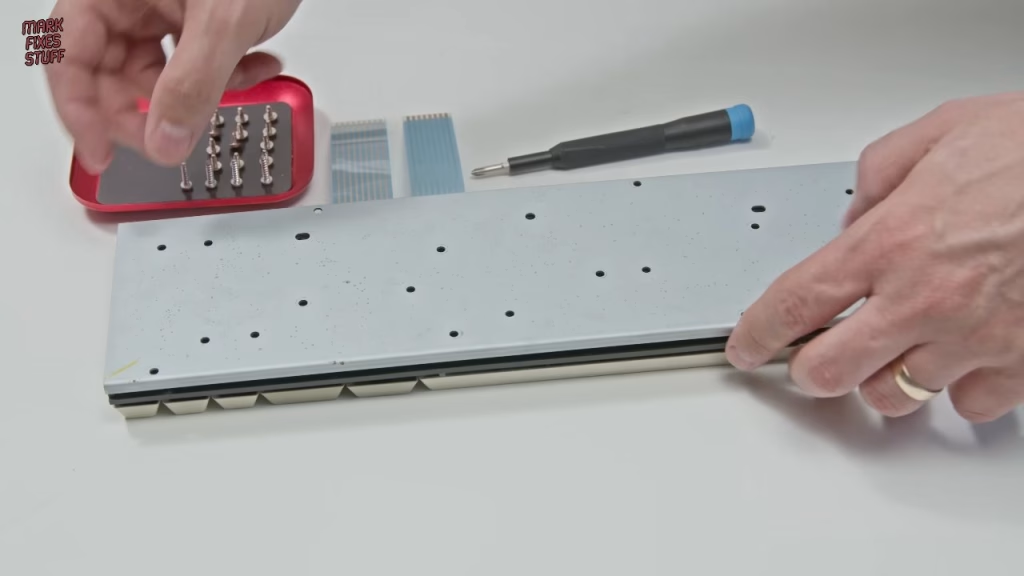
The keyboard is a self-contained unit held in by four screws, removed gently given the plastic is over 35 years old. The keyboard recess had only a dust bunny in it. The underside showed some minor corrosion, nothing worth worrying about. Then there are 12 more screws, different from the first four, so keep them separate. With those out, the layers come apart: the metal backing, the original membrane, and a very dirty rubber mat full of late-80s DNA and unidentifiable hairs.
That rubber mat matters. Its domes provide the tension under each key, and a small rod on the underside of each dome pushes down on the membrane.
Why do membrane keyboards fail?
The original membrane is date coded 26 July 1989, so it hasn’t done too badly. It worked when I first got the machine, then started to deteriorate, and you can feel why as soon as you pick it up. Membranes fail for a few reasons:
- The tracks are sprayed-on metal paint, which can break down and crack over time.
- Delamination: the adhesive holding the layers together stops working. That’s what happened here, and the layers came apart with minimal force.
- The plastic sheets themselves can go brittle and break, which is common on Spectrums. This one hadn’t.
Cleaning the keys, frame and rubber mat
I gave the mat a first wipe with cheap window cleaner. It’s water based, so gentle on materials, but the vinegar in it is a very mild acid that helps cut grease. A cloth test showed the key frame was grottier than it looked, so all the keys came off. If you’re doing this, get a proper keycap puller: it’s faster than a screwdriver and much safer for old plastic. Stabilised keys have metal bars underneath that slide off easily, and the space bar supports need gently unclipping. Some key stems came out with the keys rather than staying in the frame, I think simply because the key gripped the stem harder than the frame’s hooks did. I checked every stem for damage and kept them all in a paper cup.
Everything metal came off before bath time. I used a car wash-and-wax product rather than washing up liquid, because washing up liquid contains salt that can be abrasive to plastic, with the soft side of a sponge and warm water. I left the yellowing alone: I don’t mind it on a retro machine, and I’m not putting peroxide near something this precious. The case was washed with a very soft lint-free cloth, taking care to preserve the painted areas. The rubber mat held onto water in places, so I blasted it dry with my Wolfbox MF200 air duster, which runs warm enough to really shift moisture.
Rebuilding with the new membrane
This time I was canny enough to photograph the layout before stripping it. Keys went back carefully to avoid damaging the stems; I was conscious of the Atari 800, where the nylon shrinks and keys fall out. The stabilised keys were more intuitive than I feared, but lay out the numpad keys first, because the arrows all look alike yet are different shapes. I then ran out of key stems, and realised I’d fitted two to the Return key. It only needs one, since there’s only one contact point on the membrane.
The keyboard sandwich goes rubber mat, new membrane, then the metal backing, lining up every hole. The little support stems should all pop through the backing: if you can’t see one, it’s probably trapped a layer.
How to avoid stripping old plastic threads
This is one of the most dangerous parts of reassembling a keyboard, and where a lot of people go wrong. When you put a screw in, don’t start driving it straight away. Turn it backwards until you feel it drop into the existing thread, then screw it down with the lightest touch. If you just start screwing, you cut a new thread where one already exists, mash the original, and end up with a hole your screw falls out of. On a retro computer there are no more of these parts. I also noticed some of the threads in the top case sit at a slight angle, which must be original from the factory.
Did it work?
After a dust-off with the air duster and an anti-static brush, and a fight with the new membrane tails (just as awkward as the old ones), I powered it up. The space bar worked, then every other key. All the previously dead keys now respond. To celebrate, I booted the SAM Revival magazine issue 26 cover disk with F9 and played titles I couldn’t access before: Mega Blast, which looks like a Bomberman clone but uses projectiles instead of bombs, and Blocker by Mona Software, a block-pushing puzzler reminiscent of Sokoban.
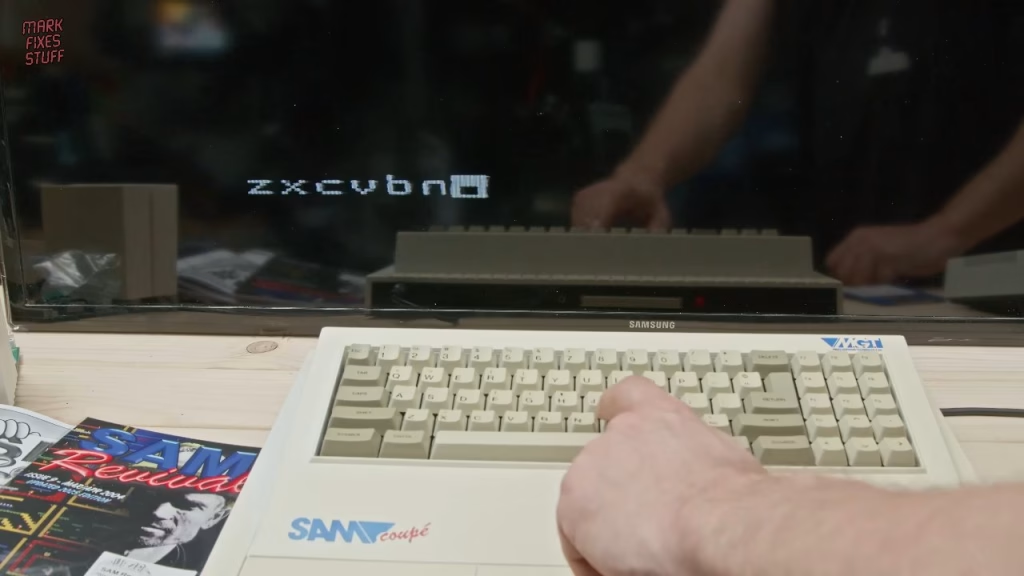
The keyboard repair was a success. Less successful is the RF video output: the red text is hard to read, and that’s what I tackled next with an HDMI upgrade. In an earlier part of this series I also repaired the SAM’s floppy drive.
More from the SAM Coupe restoration: SAM Coupé Restoration Part 1: Inspection and First Power Up, SAM Coupe Floppy Drive Repair: Replacing the Belt and Capacitors, Adding HDMI to a 1989 SAM Coupé: RF vs HDMI Compared.
Related
Earlier in the SAM Coupé series: SAM Coupé floppy drive repair: replacing the belt and capacitors. For more membrane keyboard work, see changing a Spectrum+ and 128K membrane and the Atari Falcon 030 service and keyboard repair.
Leave a Reply