
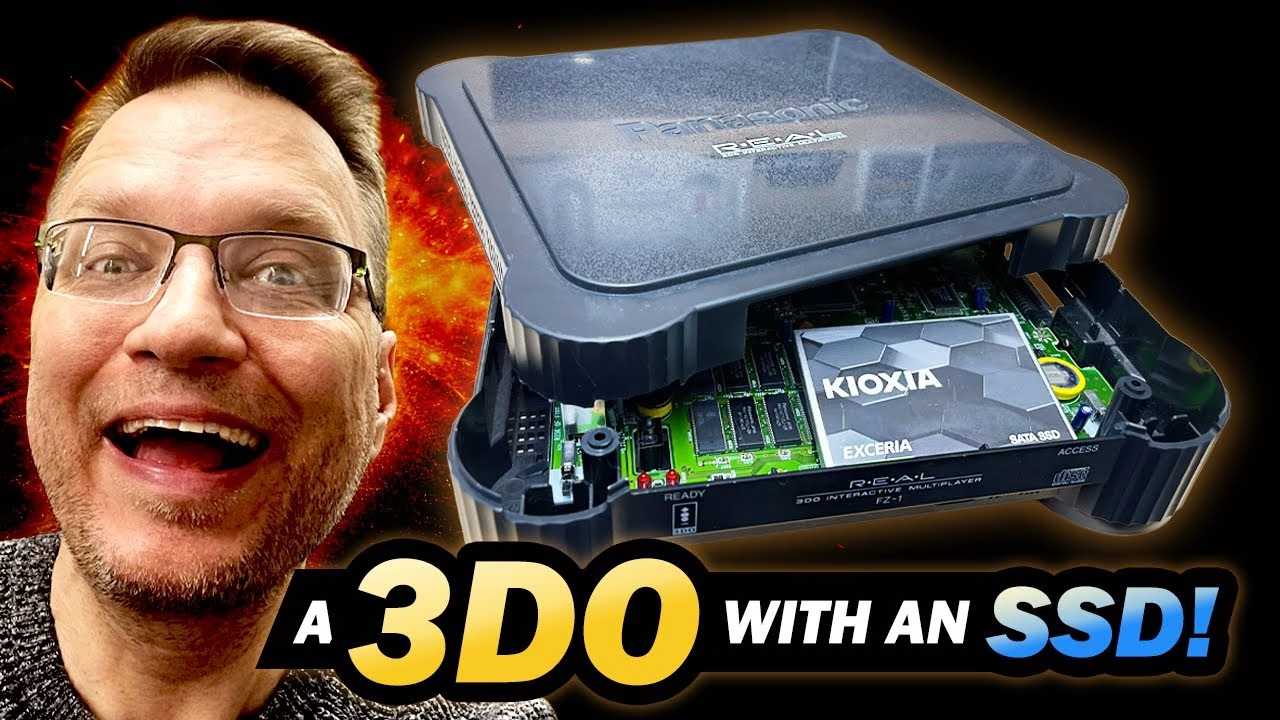
In Part 1 I tested a Japanese Panasonic 3DO FZ-1 mainboard, replaced its leaky power-section capacitors and confirmed its all-important 240p output. Part 2 is the modern upgrade: converting the console to run on UK mains with a 230V internal transformer, then replacing the CD drive with Fixel’s optical drive emulator (ODE) and an SSD full of games, held in a custom 3D printed mount. The hardware comes together nicely, but things don’t quite go to plan at the end. This video was sponsored by PCBWay, who printed the ODE and SSD mount.
The plan: ODE, SSD and UK power
The ODE is by Fixel (on GitHub) and is based on the ubiquitous Raspberry Pi Pico. It connects to a 480GB e-waste SSD (tested and in good health) through a USB 3 to SATA adapter. That means the CD drive comes out. I’d repaired it in a previous video with resin-printed replacement gears, and since most of my 3DO games died in the fire, it’s going into the spares box.
Converting a Japanese 3DO from 100V to 230V
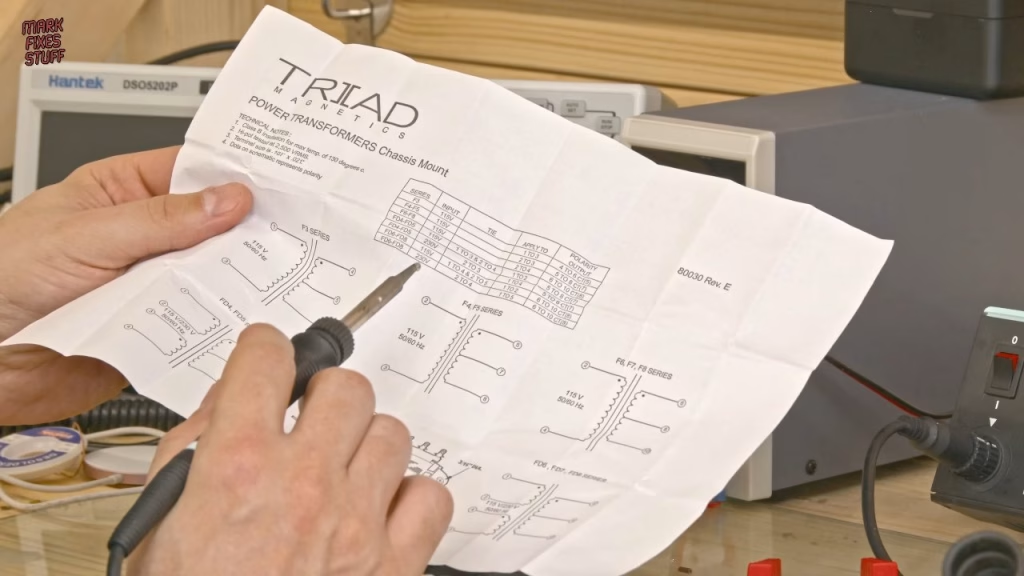
I’ve done this before on an American console. The Japanese 100V internal transformer comes out and a UK-rated traditional transformer goes in, so the inefficient step-down from Part 1 can go. After Part 1, people told me about a modern power supply alternative, but I really like the heft of a big transformer. This one is a 16V centre-tapped 2A unit that can run from 110V or 240V AC depending on how it’s wired; off load it will probably put out around 20V AC, which is fine.
The spare shell had two posts too tall for the new transformer, something I never hit on the American version, so I trimmed them (it was already broken, so no guilt). For 230V operation, two points on the input coil terminals are jumpered with a piece of 230V-rated mains cable, heat shrunk for tidiness. The new mains cable got my flexible-resin 3D printed strain relief from a previous video, fitted before soldering (you won’t catch me out like that twice, or three or four times). With no spade connectors to hand, I used big, strong solder joints. On the output side, AC comes from terminals 6 and 10, with 8 ignored; the American console had a reference wire to that point, but the Japanese one doesn’t. The original Panasonic output wires are really hard to strip and tin, and since it’s AC, polarity doesn’t matter. Everything got heat shrink.
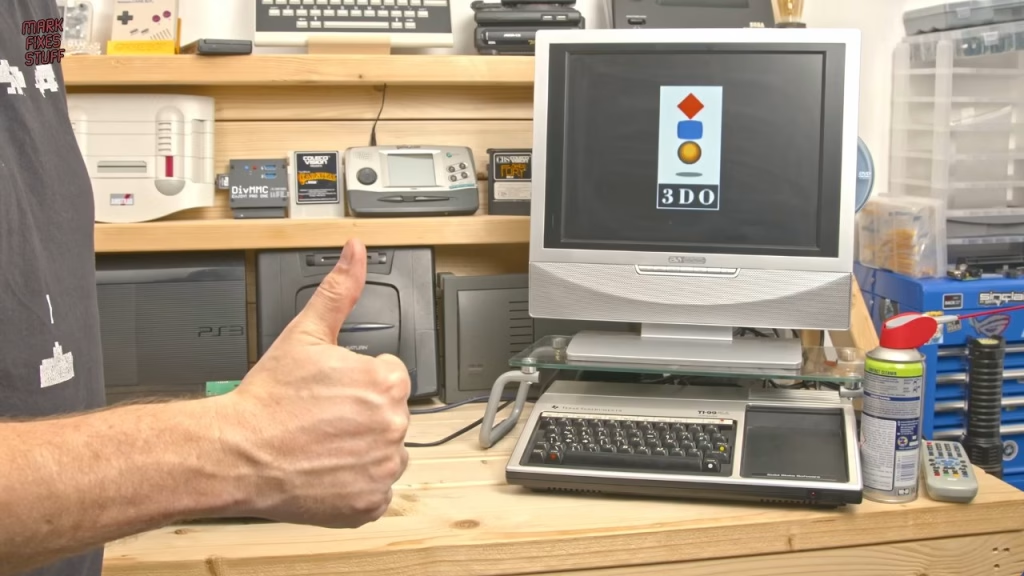
The transformer sat firmly once screwed down, with no packing needed, and the 3D printed cable gland needed a little trimming with a scalpel for the Japanese case. Powered from the mains: red LED, video output, and the expected reboot loop with no drive attached.
Setting up the Fixel ODE
The ODE pretends to be the CD-ROM hardware, but the console still won’t boot without media in the ODE’s USB port. Following Fixel’s instructions, the SSD needs a file called boot.iso, and Fixel provides one that lets you browse the disc images copied to the drive (clearly all games I own on original physical media). With the SSD connected, the power LED lit, the activity light blinked, and after a moment the 3DO booted into the browser. I just needed a controller port, which, thank goodness, was in the spares box.
A 3D printed ODE and SSD mount
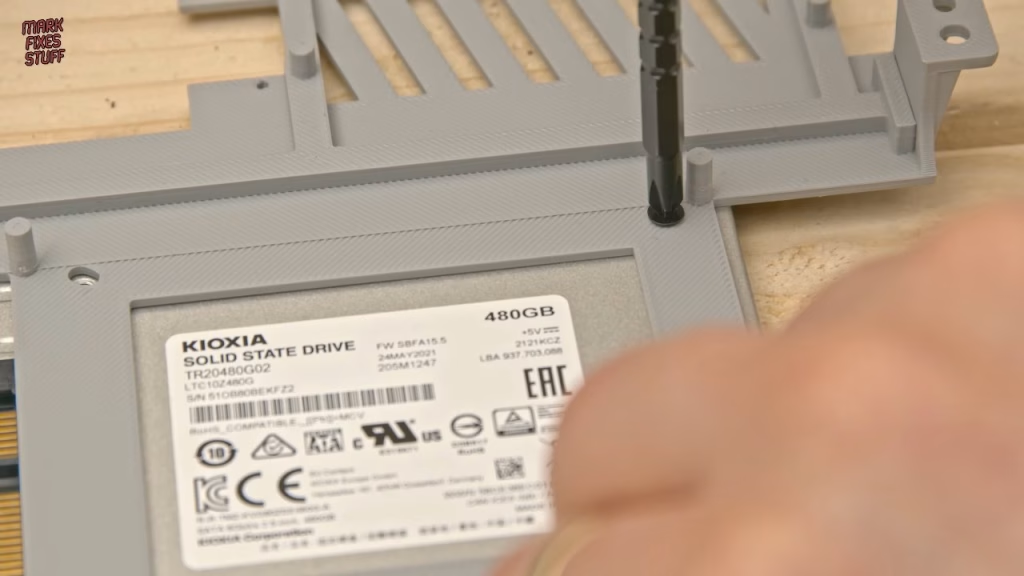
I couldn’t leave everything flopping around, so I designed a mount that holds both the SSD and the ODE inside the console, and PCBWay printed it. It’s dimensionally spot on: the holes line up with standard 2.5in SSD machine screws (screws for a 2.5in drive, not 2.5in long). The design includes multiple ventilation slots to promote airflow around the ODE in the confined space. It’s light, secure, and you can order the mount from PCBWay here.
Fitting it inside the FZ-1
The FZ-1 is massively over-engineered: it has shielding on its shielding, held by 15 screws, and even the darkest recesses of my spares box couldn’t supply a full set. Suitable replacements did the job, and removing the CD drive means two of them aren’t needed anyway. Because the mount is so light, I only use the two rear CD mounting positions, and I measured the cables while designing it so the existing ones reach perfectly. It stayed put when I gave it a good shake.
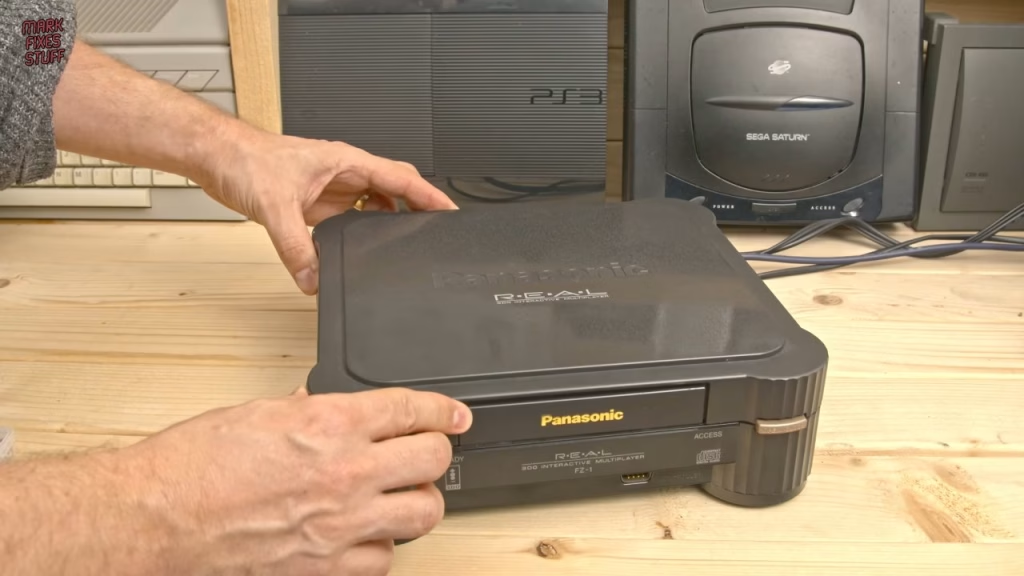
To avoid a gaping hole where the tray was, I used Robert Dale Smith’s FZ-1 CD tray cover, which takes the front panel from an existing FZ-1 drive and screws into the console, locking in with the two existing tabs. First the light pipe has to go in: it carries light from the red and green LEDs to the front and clips in with two tabs. The bezel mount screws into a hole in the middle of it that normally has no screw, so I took it easy with a 2.3mm screw. The open/close button (which I’d flicked across the room earlier) and the lid also came from the spares box.
Did it work?
The console, built from bits, bobs and spares, powers on and boots, and it was hard not to feel a rush of excitement for my 90s self. This was a console that meant a lot to me. There was just one problem: I couldn’t play anything, because I don’t actually have a working 3DO controller. The solution is the USB to 3DO project, which hasn’t been updated for a few years but should let me plug in a USB controller or even a mouse. That’s the subject of Part 3, which also puts the system through its paces.
More from the Ultimate 3DO FZ-1 build: Building My Ultimate 3DO FZ-1 Part 1: Thermal Diagnostics on a Japanese Mainboard, Building My Ultimate 3DO FZ-1 Part 3: USB Controllers with USBTo3DO and Joypad OS.
Related
The drive that came out of this console was repaired in fixing a 3DO FZ-1 laser with a 3D printed gear. For another optical drive emulator install, see the PlayStation XStation ODE install, and for more FZ-1 work, the FZ-1 teardown and repair.
Leave a Reply