*** This video is kindly sponsored by Altium! Get your free trial at https://www.altium.com/yt/mark-fixes-stuff and start your Altium journey today! ***
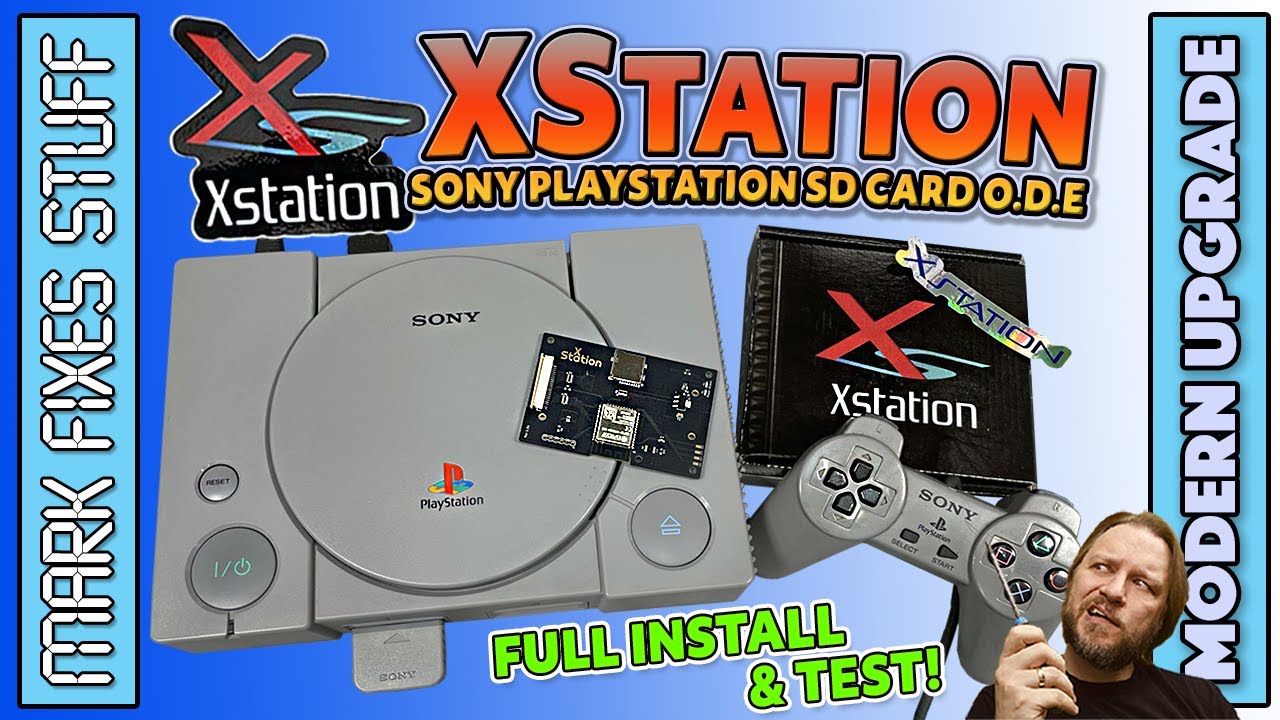
Join me as we install the XStation in the Sony Playstation original model. Xstation is an ODE (optical disc emulator) which allows you to launch games in image / ISO format directly from the SD card.
We also explore why some games have a rainbow sheen when launched on the console!!!
Some of the main features of the XStation are:
- Full compatibility with the PlayStation 1 library, all regions
- Multi-disc support and easy swapping
- Return to the Loader by holding the reset button for 1 second
- Micro SD cards of any size are supported
- ExFAT and FAT32 support
- Simple drag and drop card setup
- Supports .iso, ccd/img, cue/bin (single and multiple)
- Integrated PSNee, for automatic region-free operation
- Automatic 50/60Hz switching
- Loading times are a little faster than an original drive in good condition.
- Easy firmware updates by simply dragging and dropping an update file to your microSD card.
I hope you all find this entertaining and useful. Big shout out to patron Mean Machine Dean for supplying the console and XStation! https://meanmachinedean.com/