
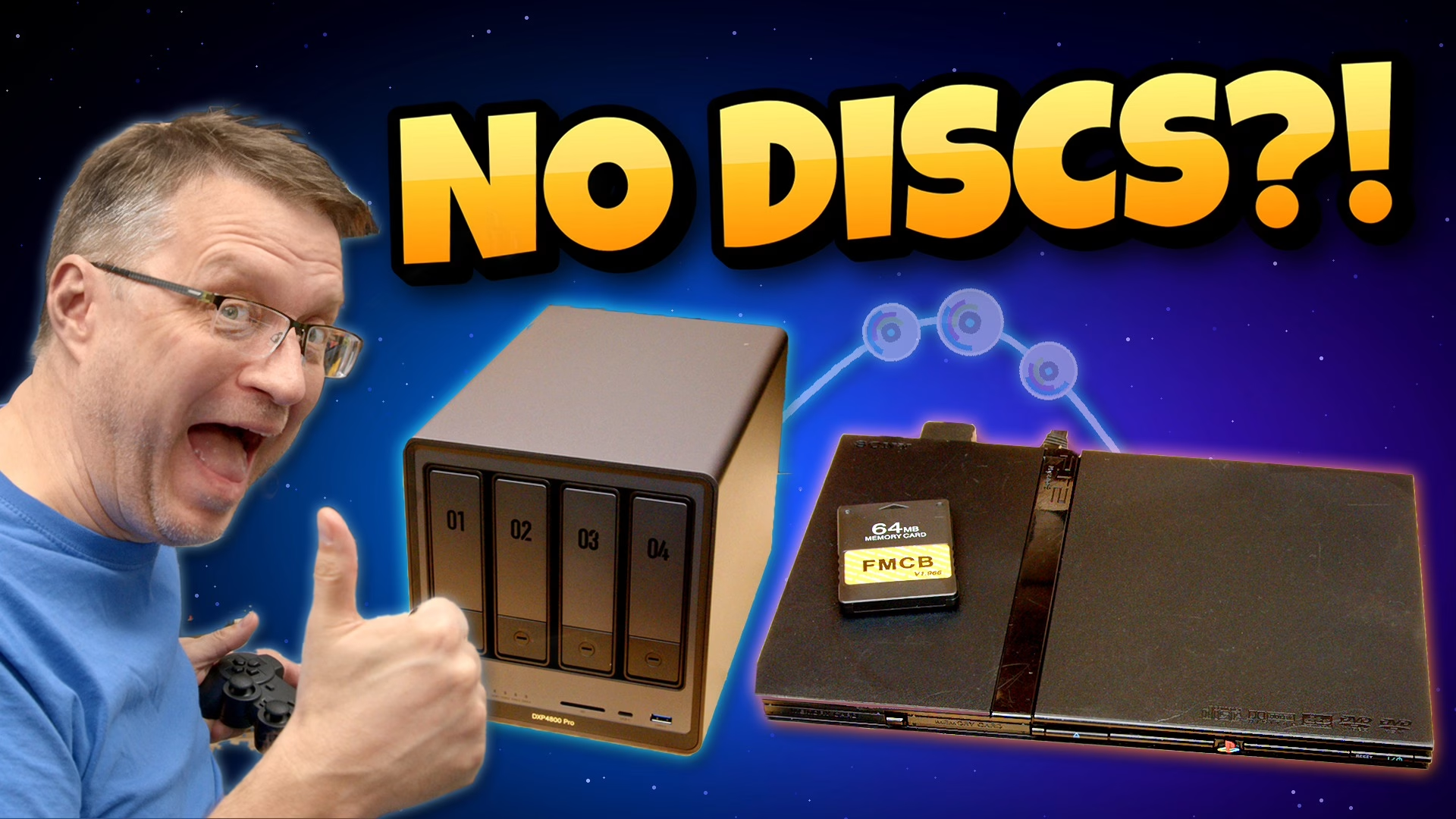
My PS2 Slim has a tired laser. On a good day, after a clean, it loads a game. Most days it just doesn’t. I could have replaced the laser, but I fancied something a bit different: take the disc drive out of the picture entirely and feed the PS2 its games over my home network, from a NAS.

UGREEN sent me the UGREEN NAS DXP4800 Pro for this and sponsored the video. The plan was to run RetroNAS, the open-source project that serves games to old consoles, inside a virtual machine on the NAS. That way UGOS, UGREEN’s own operating system, keeps doing all its normal NAS jobs, and RetroNAS just sits alongside it.
What is the UGREEN NAS DXP4800 Pro?
A NAS (Network Attached Storage) is a file server with its own operating system, RAID and network shares. Think of it as a box full of hard drives that every computer, phone and console in the house can reach. This one has plenty of grunt for a home NAS:
- 13th Gen Intel Core i3-1315U (6 cores, 8 threads)
- 8GB of DDR5, upgradable to 96GB, with a spare SO-DIMM slot
- Four tool-free SATA drive bays plus two M.2 NVMe slots (PCIe 4.0 x4)
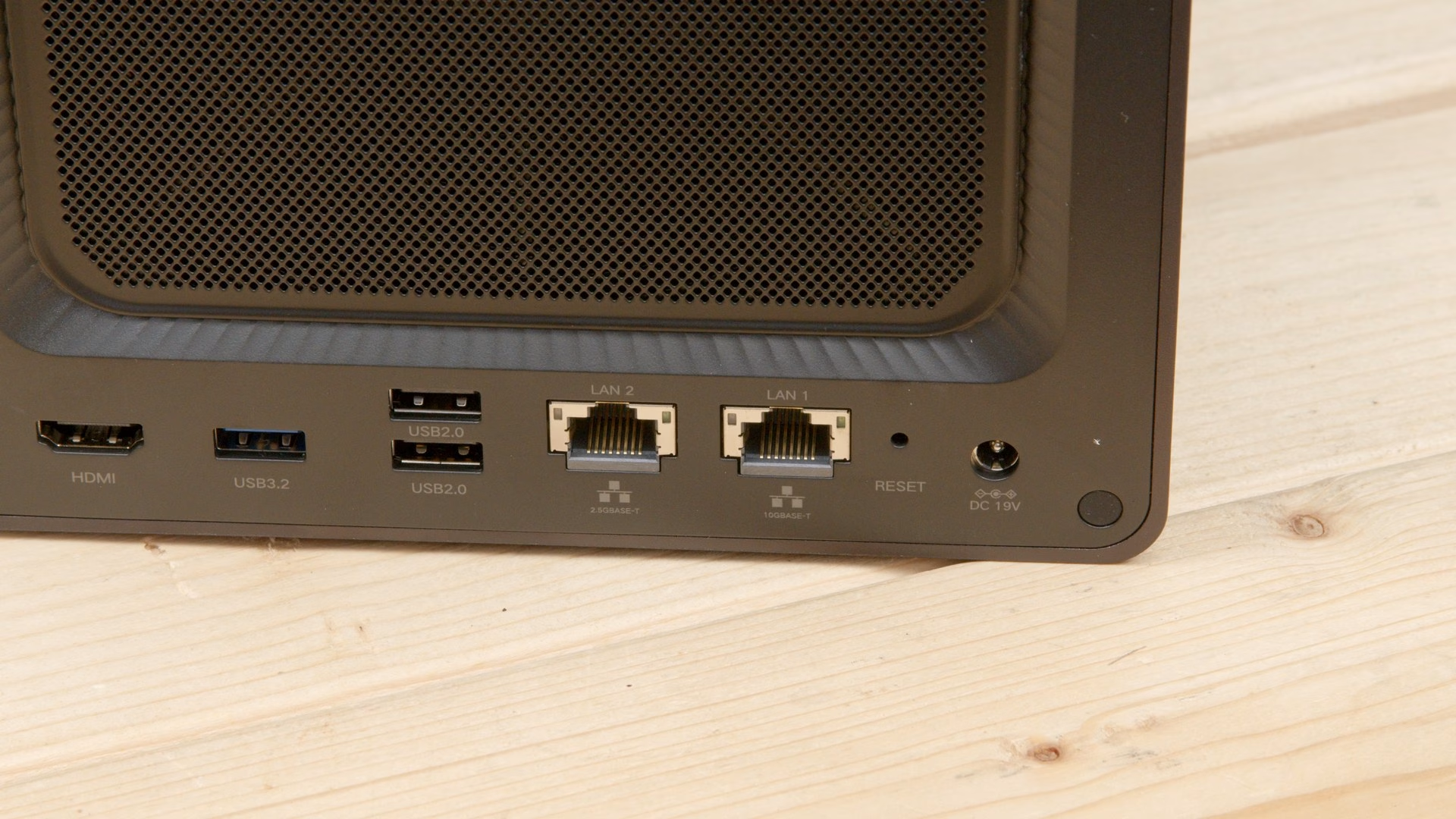
- 10GbE and 2.5GbE network ports
- SD card reader and 10Gbps USB-C and USB-A on the front; 4K HDMI, a 5Gbps USB-A and two USB 2.0 ports round the back
It also has a magnetic dust filter over the rear fan, which is a lovely touch. Just remember to take the paper band off it first.
Drives in, RAID 5 on
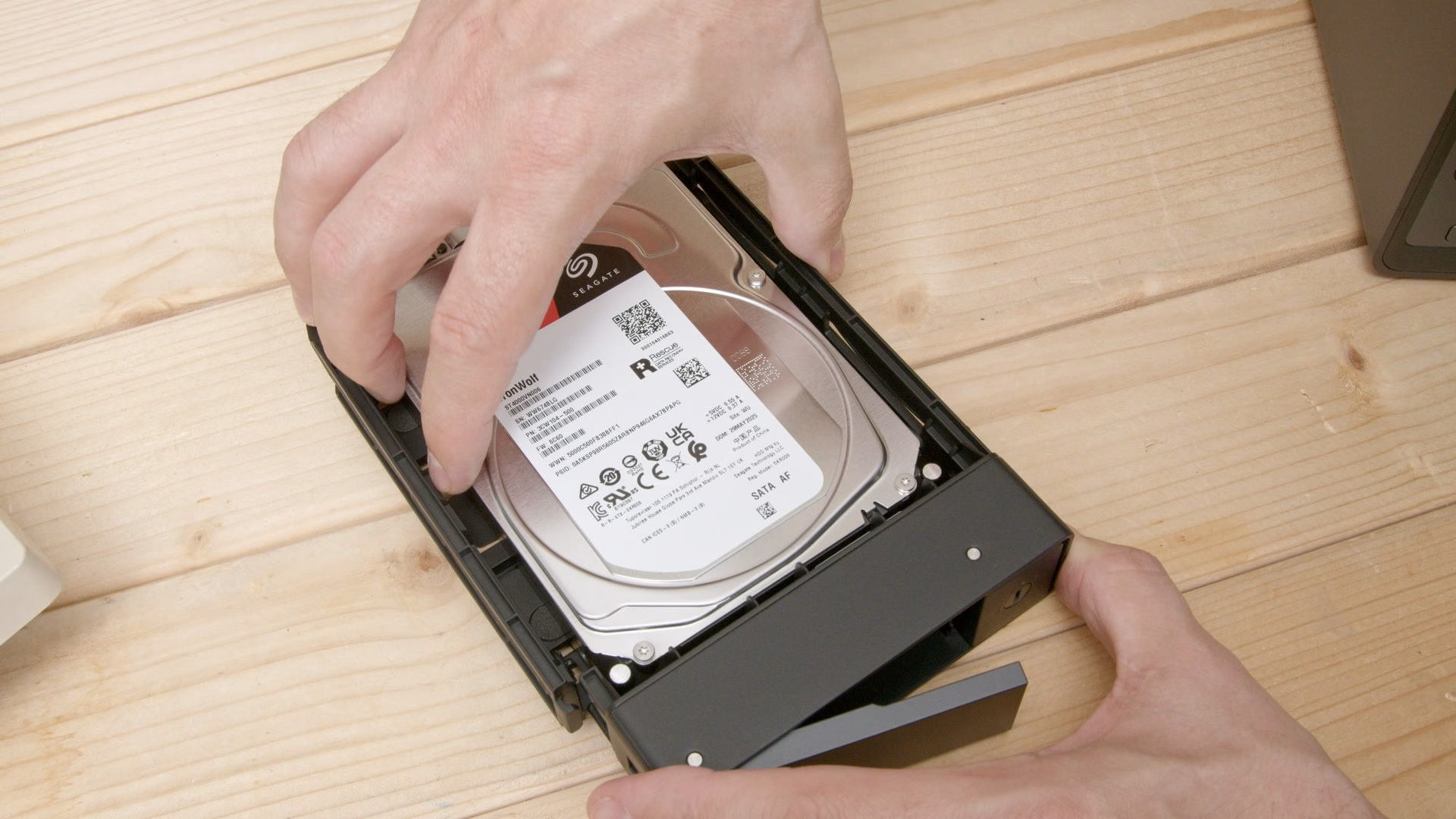
The drive caddies are tool-free and very light. Press the switch, pull the caddy, drop the drive in, close it and slide it home. I fitted four 4TB Seagate IronWolf drives and let UGOS build a RAID 5 pool, which gave me about 10.8TB usable with protection against any one drive failing. It builds in the background, so there’s no waiting around.
Running RetroNAS alongside UGOS
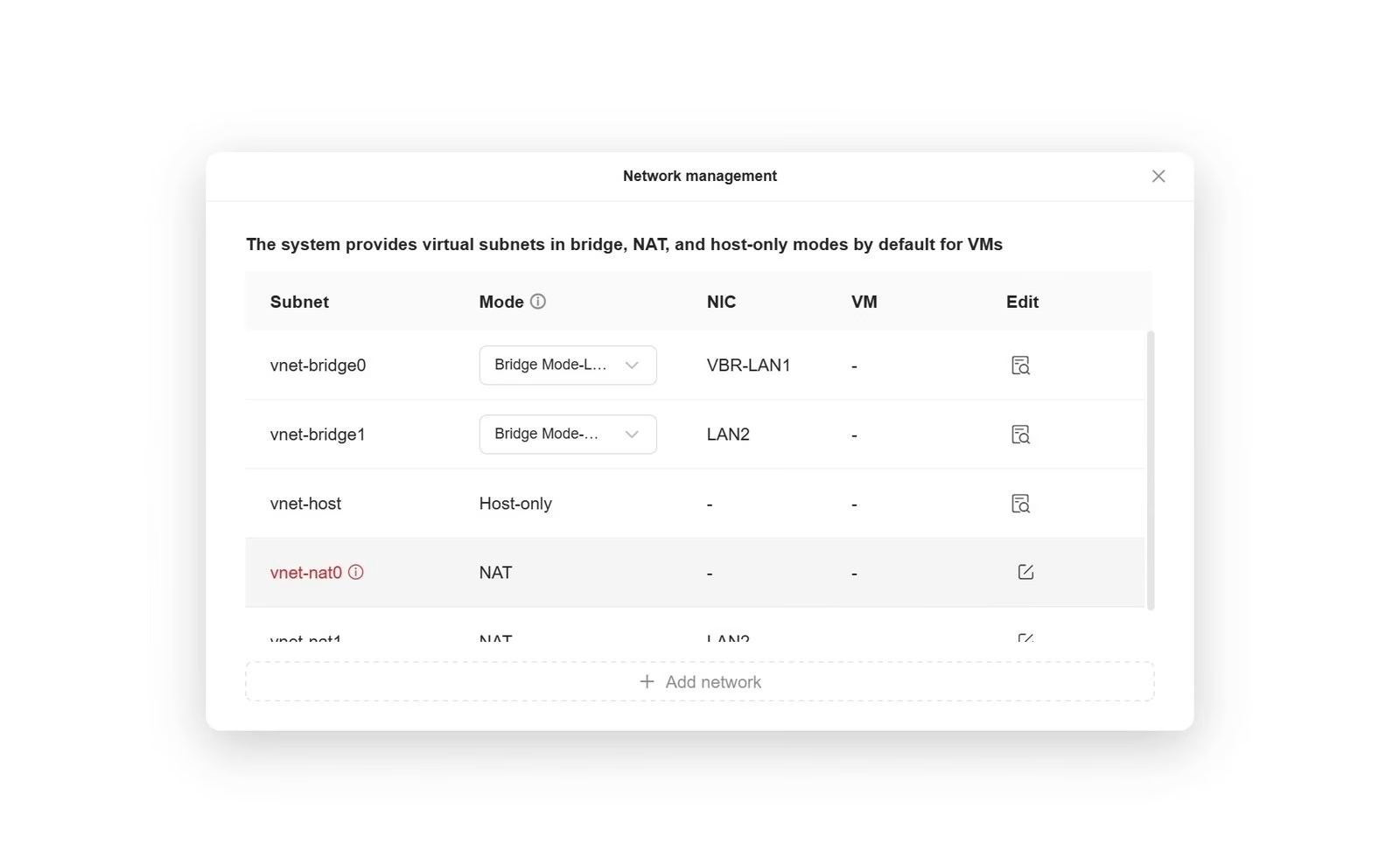
The trick is the Virtual Machine app from the UGREEN App Center. RetroNAS gets its own little Linux PC, running on the NAS next to UGOS. To make the PS2 see it as a proper device with its own IP address, I turned on virtual network bridging in Control Panel and put the VM network into bridge mode.
RetroNAS runs on Debian 11, and the NAS even downloads the installer itself. One gotcha: Debian 11 is out of support, its security update server has gone, and the installer stalls part-way through. The fix is a single command, and it’s in the guide below along with every other step.
Booting PS2 games over the network
In RetroNAS, install the Samba module first (the PS2 module needs it), then the OpenPS2Loader SMB config module. That builds a share laid out exactly how Open PS2 Loader likes it. Copy your ISOs into the DVD and CD folders, and the server side is done.
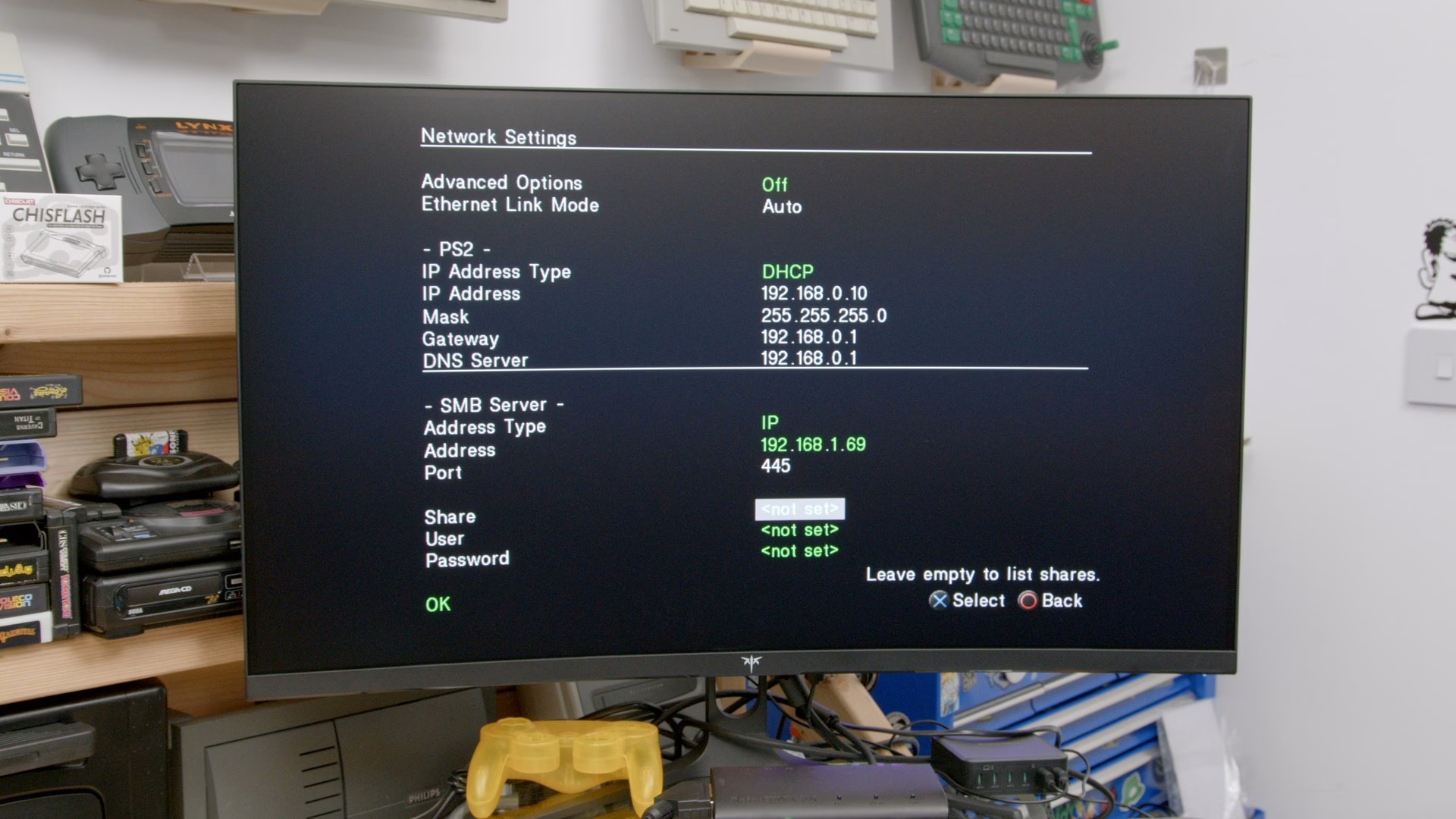
On the PS2, I used a FreeMcBoot card with OPL v1.2.0. In Network Settings, change the SMB address type from NetBIOS to IP, enter the RetroNAS address, the share name (ps2) and the login, set the ETH device to start automatically, save, and restart OPL.
Did it actually work?
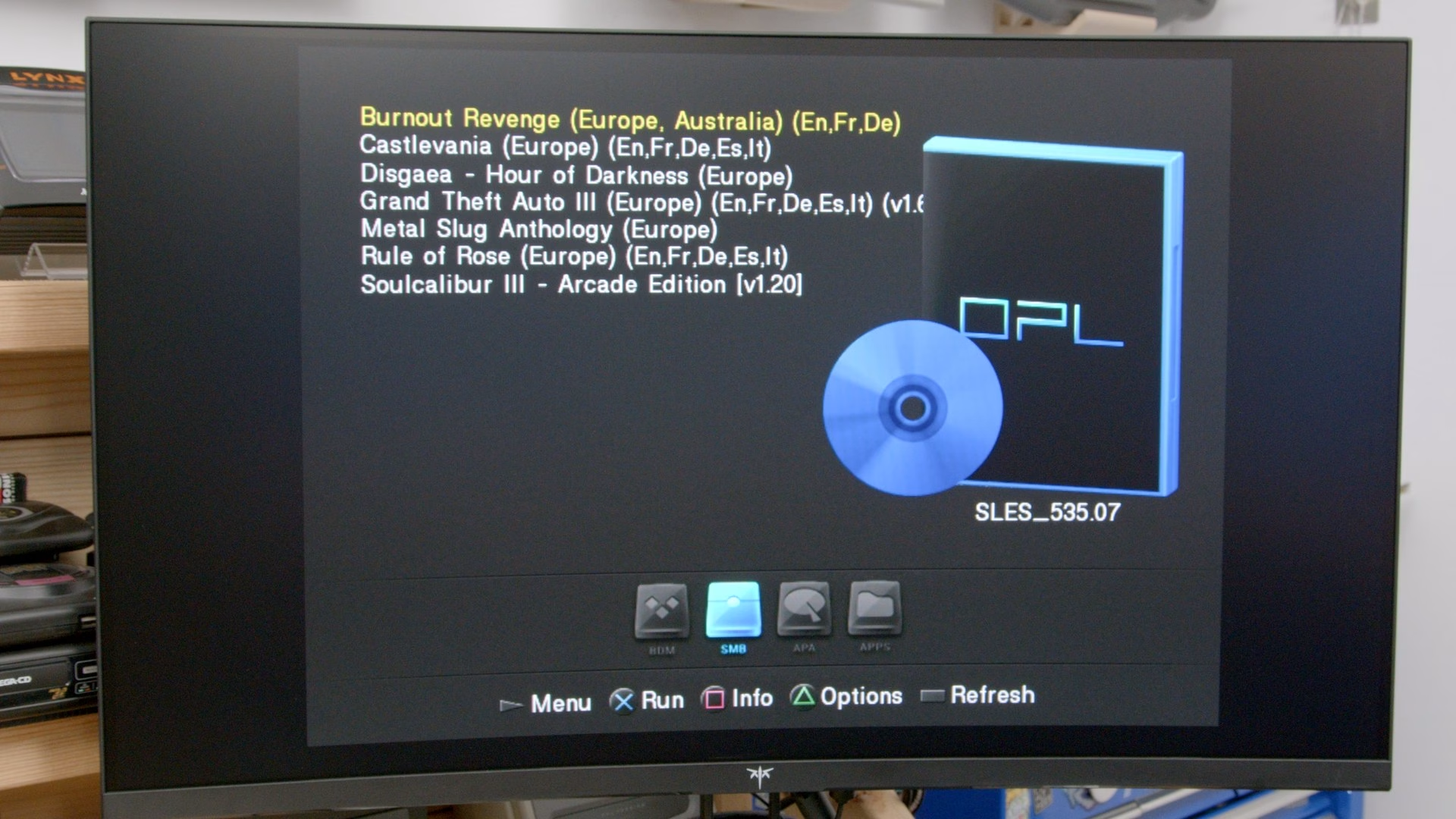
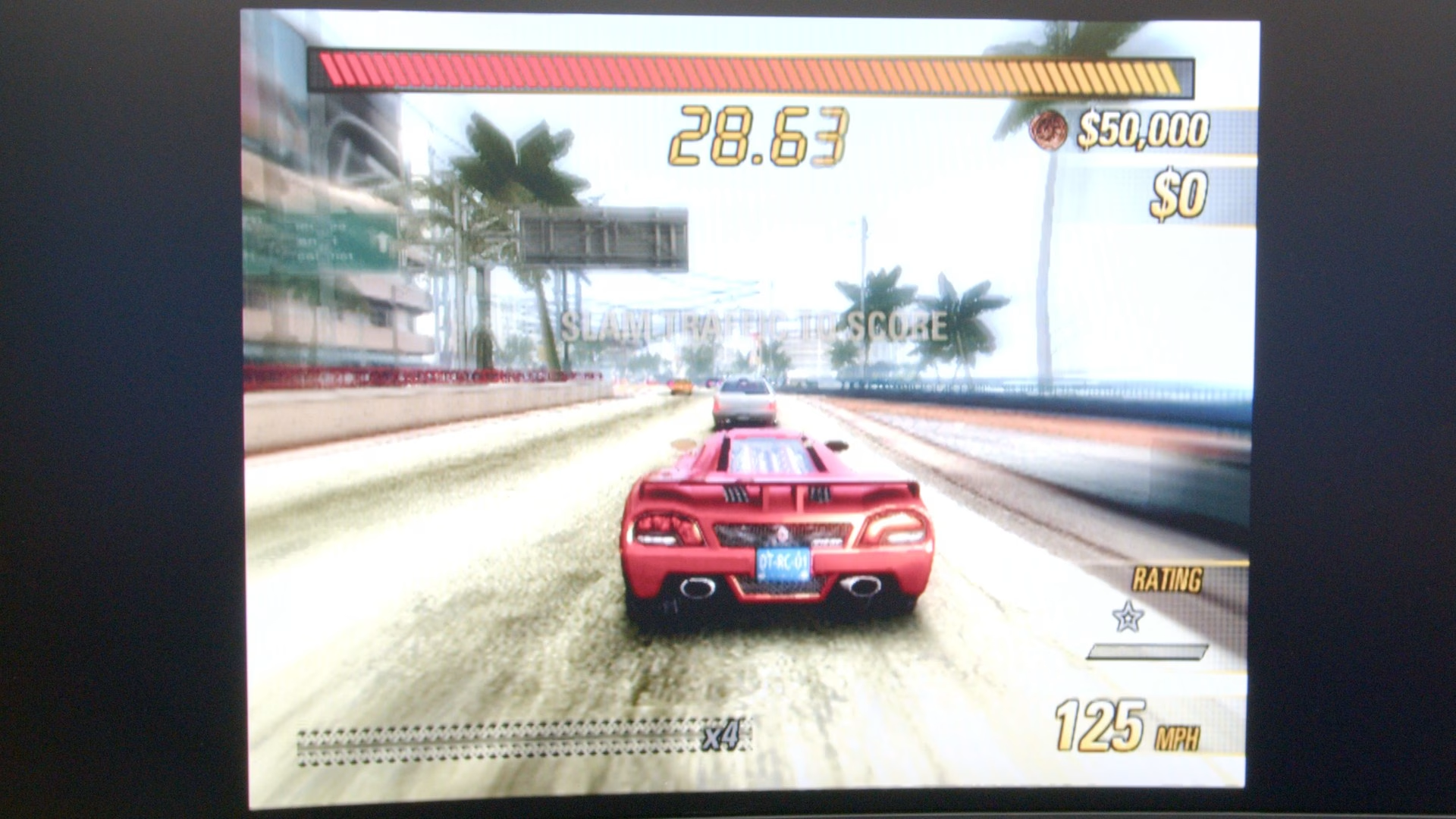
Yes. Burnout Revenge loaded and played just like it does from a disc. GTA III wouldn’t boot at first and Castlevania hung on its splash screens, but turning on Mode 1 (Accurate Reads) in OPL’s game settings fixed both. Disgaea, Metal Slug, Rule of Rose and Soulcalibur III all loaded too, so every game I put on the system streamed.
So thanks to UGREEN and RetroNAS, we can take this manky PS2 and give it a new lease of life.
I did see a couple of dropouts in streamed video, but I was using a very long, very cheap network cable, and I’m fairly sure that was the weak link rather than the NAS.
Get the full step-by-step guide
Everything I did is written up in a free PDF guide, with screenshots of every stage: the storage pool, network bridging, the VM settings, the Debian fix, RetroNAS, the OPL settings and the Mode 1 trick. Download the RetroNAS on a UGREEN NAS guide (PDF).
Where to get one
Black Friday: UGREEN NAS is on sale now with the best prices of 2026, and up to 30% off all UGREEN NAS models. Store links: UGREEN NAS Official Store (UK) and UGREEN NAS Amazon Store (UK). The DXP4800 Pro on Amazon: UK and US.
The UGREEN NAS series is available on the UGREEN website and on Amazon. UGREEN sponsored this video and supplied the NAS and drives; the opinions and the manky PS2 are all mine.
Leave a Reply