
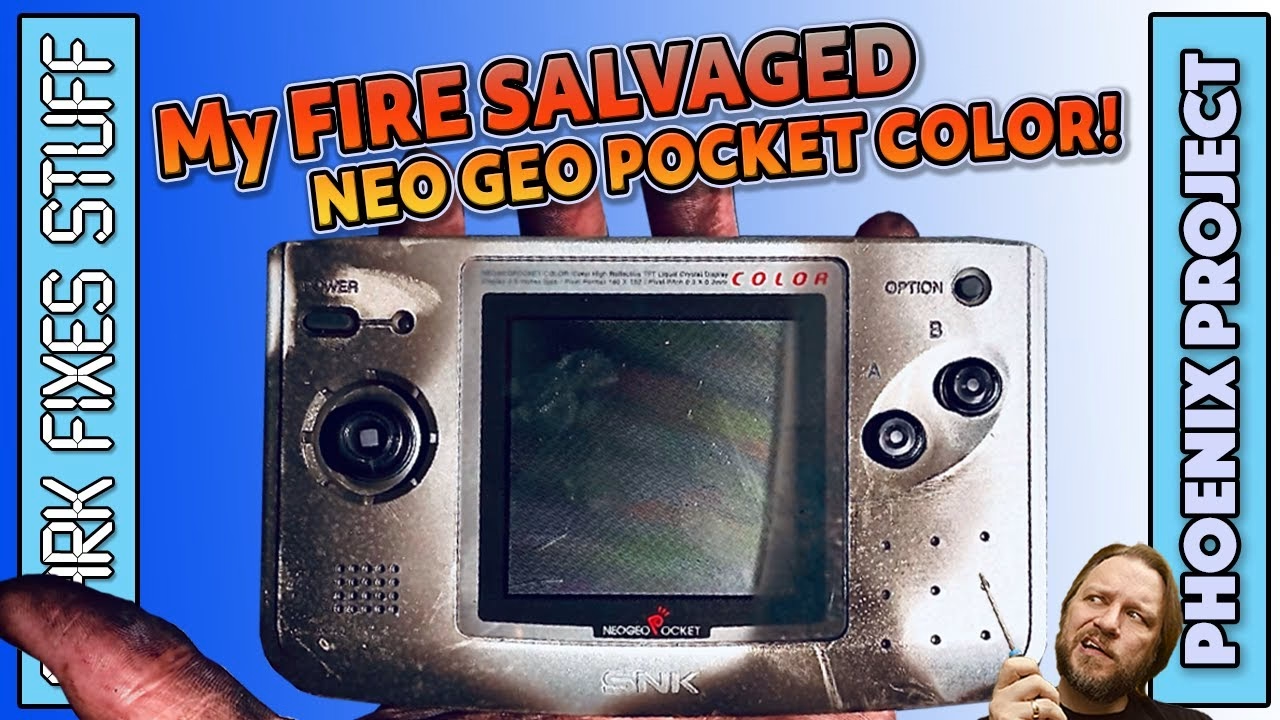
A few weeks after the fire, I went back to my burned out house and found my Neo Geo Pocket Color. Down but not out, it had literally risen from the ashes, and better still, it still worked. The case was beyond saving, so this survivor got a facelift: a new aftermarket shell, a thorough clean inside, and an IPS screen kit that I also found in the wreckage. This video was sponsored by Altium.
Can you clean soot off a Neo Geo Pocket Color case?
When I found it, it was still dripping from its encounter with a fireman’s hose, and the hot gases had embedded soot into the plastic. Wiping did nothing, and the smell stayed stubbornly put. Isopropyl alcohol removed the greasy soot, but the plastic stayed stained and its texture felt sticky and odd. The coin cell cover was ruined too. Since the console itself was working, a new shell made more sense than more cleaning.
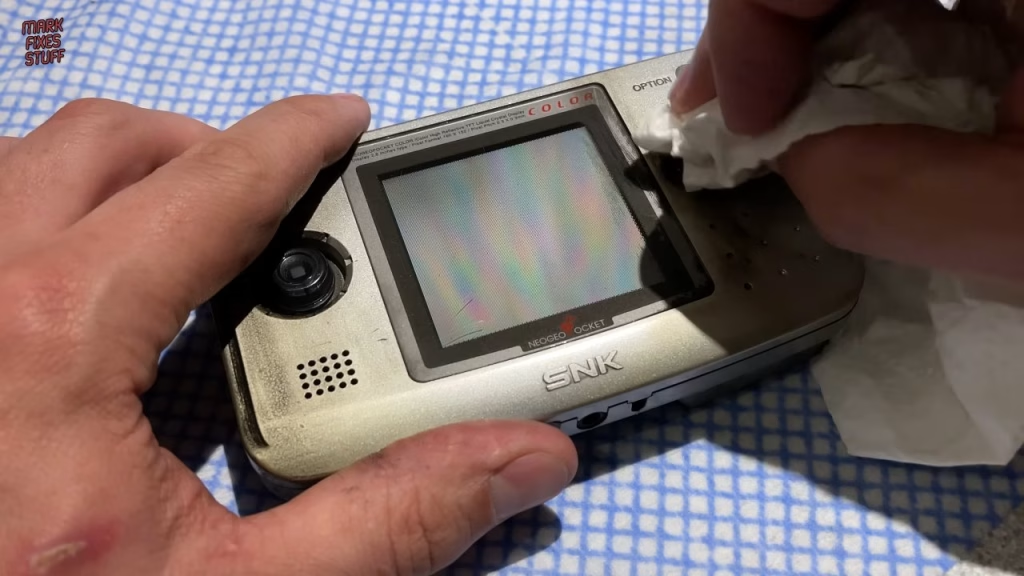
The original screen looks good under bright light, but it isn’t backlit. Also in the wreckage, under a smothering of soot, was an IPS screen kit from China, saved from the hot gases by its fairly over-engineered packaging. So the plan was a new shell plus the screen upgrade.
The replacement Neo Geo Pocket Color shell
I ordered a shell from AliExpress and, fairly typically for me, went for a semi-opaque one. It’s very high quality, identical to the original right down to the internal moulding marks, with strong, sturdy plastic and a frosted outer texture that gives a nice grip. They’ve even cheekily included the SNK logo. The kit includes a new glass screen cover, a coin cell cover, an AA battery cover, buttons and fresh rubbers, case screws, battery contacts and a couple of dodgy-looking stickers that I probably won’t use.
Stripping down the console
The batteries came out first. Thankfully neither the AAs nor the Panasonic coin cell had leaked, as that can destroy the console. Six screws hold the case together, but the second one wouldn’t budge: it’s a Y-shaped security screw. Luckily a kind supporter of the channel had gifted me a screwdriver set that handled it.
Inside, the board looked fairly clean. Three screws hold the main PCB down; then the stick knob pulls off (it’s stiff, just keep pulling), revealing a recess full of smoke residue. The speaker is attached to the PCB, and the screen’s ribbon cable comes out of its socket with a soft plastic pry tool, which is less likely to damage the socket.
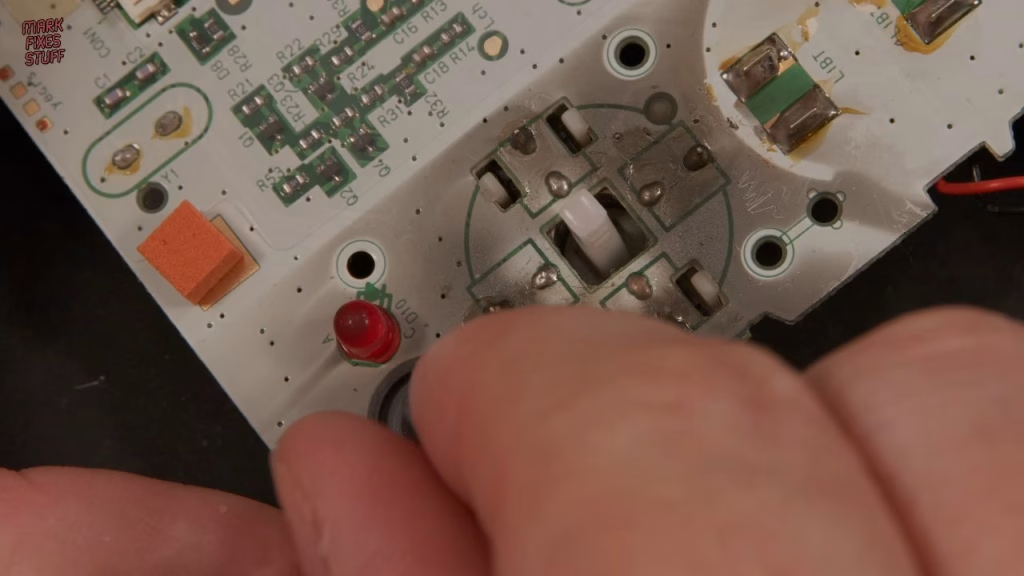
Incredibly, there was soot inside on the main board, especially obvious when I lifted a rubber off it. The electrolytic capacitors are probably fine, so I left them. The joypad mechanism just clips out; it wasn’t too bad inside, and the microswitches all felt robust and clicky.
Cleaning the board: window cleaner vs IPA
Soot is said to be a greasy contaminant, so I wondered if window cleaner would shift it. The answer is no. It didn’t touch it, and was actually worse than a dry paper towel. Back to tried and true isopropyl alcohol, which works great (it’s just expensive, given how many fire-damaged things I have waiting). The PCB came up much cleaner and the smoky smell was much reduced. The speaker had soot that had come in through the grille holes, but it’s a plastic type, so it could be cleaned rather than replaced.
Cutting the shell for the IPS screen
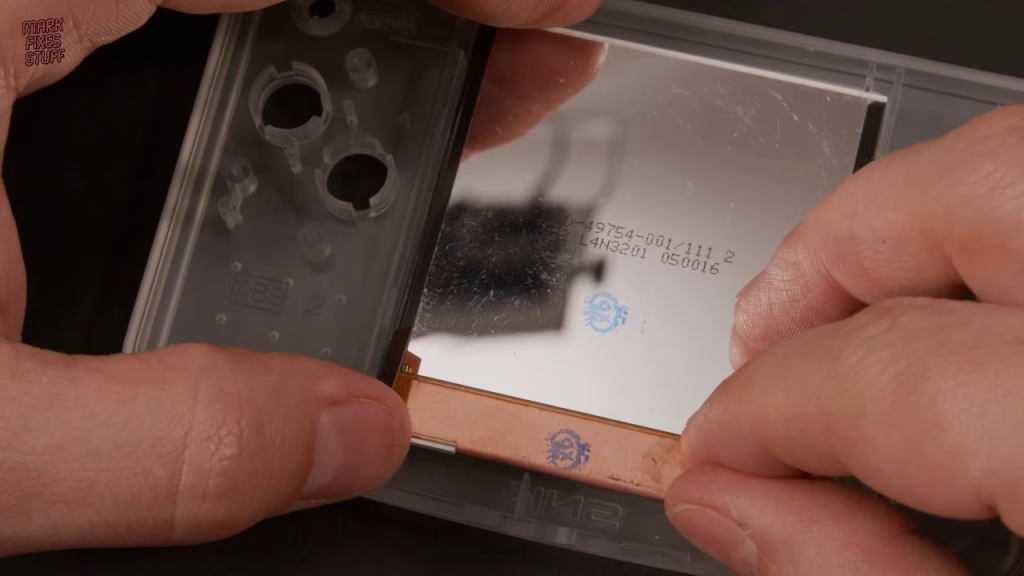
The IPS panel is the same width as the original screen but taller. The seller’s instructions say to cut half of the top two spacers and the lower retaining wall. I was worried the cut spacers would show through the clear case, so I only cut the lower part and planned to use the screen’s image adjustment to compensate for its position. I’d assumed the case was pre-cut for the newer screen, but it wasn’t; had I known, I’d have bought a solid colour. My snipping isn’t the best finish (maybe I should have used a scalpel), but the screen glass mostly covers it.
With the screen’s own PCB removed for soldering, a dry fit looked good. The screen is held with double-sided adhesive (the stickiest, floppiest thing I’ve ever handled), and insulating film on its metal back stops the underside of the console PCB shorting against it. I put the protective sheet back over the screen while working to keep dust off.
Wiring the IPS kit
The kit comes with four red wires, but I dropped one, so I used a chunkier wire from my toolbox for power: not because it needs it, but because that’s good practice. After tinning the four pads on the main PCB, the wires went on and were insulated with polyimide tape. The kit uses two capacitive touch pads, which stick to the inside of the shell. They’re very fragile and curl up as soon as you look at them; in hindsight it would have been easier to desolder them, fit them before the screen, then solder them back on.
I connected the screen ribbon cable early in case access got tight, refitted the joypad mechanism (don’t forget the spring), and fitted the buttons and rubbers. As predicted, the speaker wires came off, so I replaced that section with another wire. The new shell has no threads, so I drove the PCB screws in as firmly and straight as I could, to avoid damaging a screw post that’s visible through the front.
You only need to wire the buttons if you want the on-screen display: brightness and the retro pixel effect work from the touch pads alone. But wiring the A, B and Select pads lets you shift the image position in the OSD, which means fixing an off-centre screen without reopening the console. With a semi-opaque case I routed the wires as neatly as possible, with power taken from the battery point.
Reassembly and the new glass
The captive battery contacts push into the rear shell until their clip snaps in, and the metal cartridge guide transfers from the old shell to the new one (again, cutting the new threads slowly). Note that the two shortest case screws go in the battery compartment; the long ones will damage the front of the case. Then the coin cell, the battery covers and the stick knob. The light grey glass has slightly poorer print quality than other versions, but matches the shell much better. Using the sticky side of the protector to lift any invisible dust, the new glass fitted really well.
Did the IPS screen upgrade work?
Success. It’s hard to see on video, but the screen is so much better. Tapping the right touch pad cycles through 10 brightness levels, and holding the left one toggles a retro pixel mode. Pressing A, B and Option together opens the OSD, where you can shift the image up, down, left and right, change the RGB balance, brightness and pixel mode, and turn the battery indicator on or off.
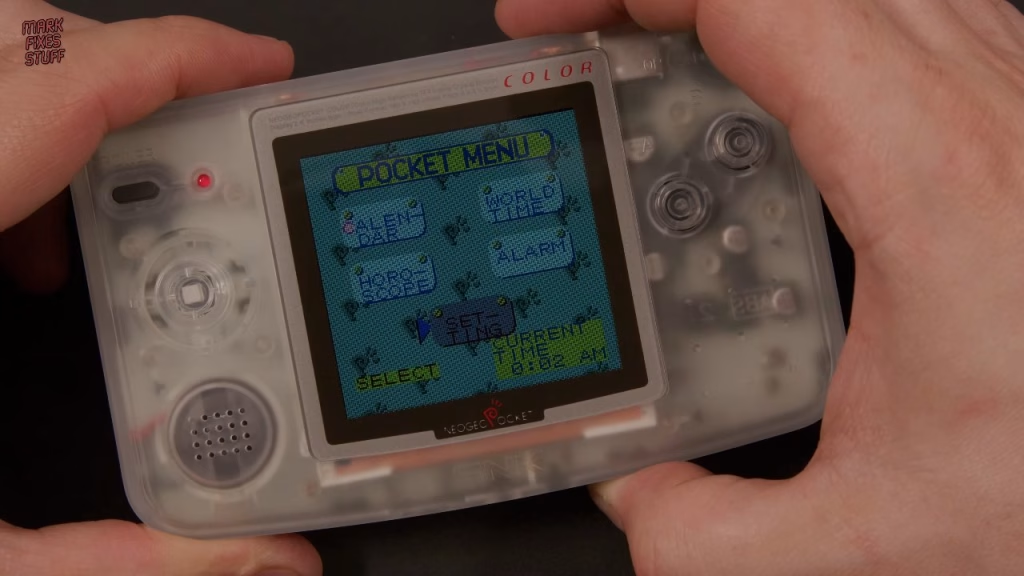
Unbelievably, I’d never played a game on a Neo Geo Pocket or Pocket Color. That changes in the next video, where I review the NeoPocket GD flashcart from RetroHQ.
More from the fire salvaged Neo Geo Pocket Color: NeoPocket GD Review: A Fire Surviving SD Flashcart for the Neo Geo Pocket Color.
Related
More handheld screen upgrades on the site: the no-solder Atari Lynx LCD upgrade, the BennVenn Atari Lynx II LCD installation guide and rebuilding a Game Boy from scrap parts.
Leave a Reply