
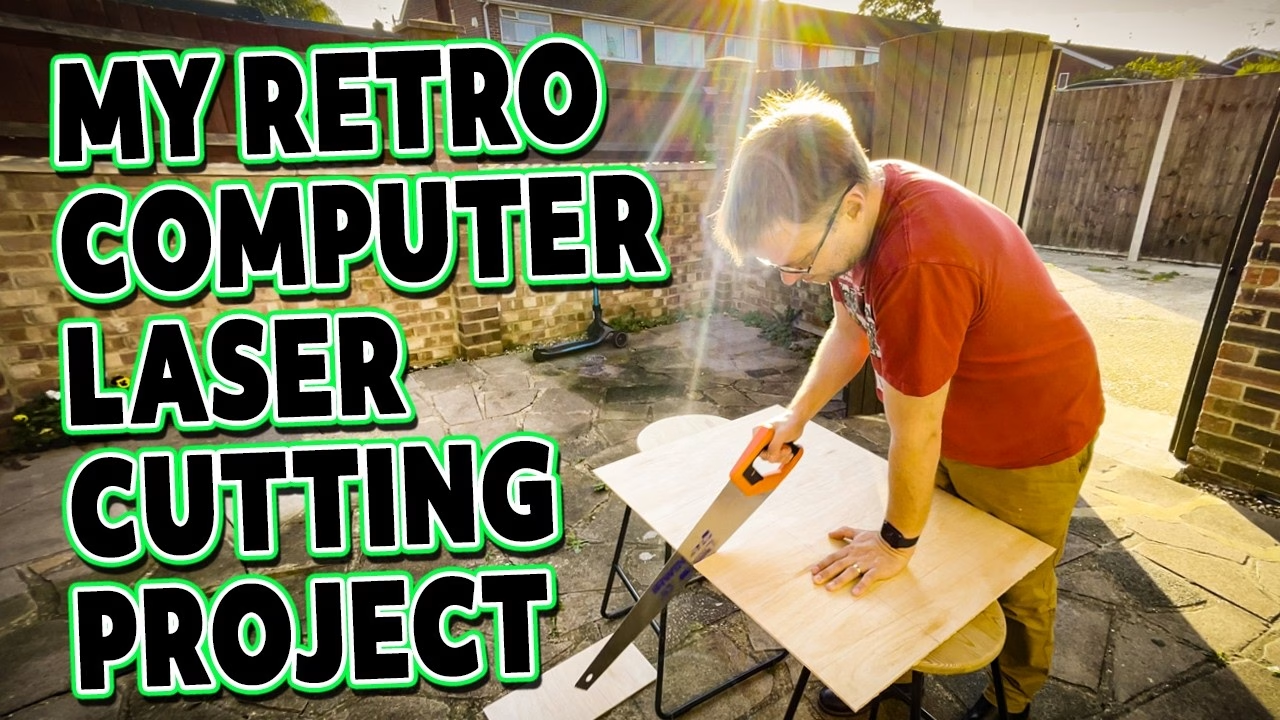
My previous attempts at laser cutting went badly: with an open frame laser and no enclosure I stank out the whole building, and with no metal sheet underneath I melted the table. The Creality Falcon2 Pro 40W promised to fix both with a full enclosure, a built-in exhaust fan and a metal tray. In this video I put it together, set it up with LightBurn and its built-in camera, and make my first real project: a hinged plywood box sized for a rubber key 48K ZX Spectrum, designed with Cuttle’s box generator.
Why an enclosed laser?
With an open frame laser, everything is an extra purchase: a honeycomb grid to lift the material (and set the focal distance), protection from reflected light that chews into the tabletop regardless, and something to deal with the smoke. The Falcon2 Pro has an enclosure, a tray, and a hose you can fling out of the window. This isn’t an in-depth build video (there are plenty of good ones already), so I’ve kept assembly brief.
Assembling the Falcon2 Pro and its enclosure
The box is enormous and heavy, mostly thanks to the metal tray that sits underneath. The enclosure frame has two tracks: the rear panel goes in one and the red sliding front door in the other. Peel the protective film first, because it’s harder once it’s assembled, and yes, I put the back panel in the wrong slot on my first go. A bar screws in to stop it flopping out, and the front panel doubles as an LED light strip (it only goes one way round).
The gantry is belt driven on X and Y. The laser module sits in a plate with two thumb screws for height adjustment, which is how you set the focal distance for different materials. It also has air assist, fed by its own pipe, and one cable for power and communications to the head. Instead of a honeycomb bed, the Falcon2 Pro comes with teardrop-shaped support rods; there aren’t enough for every slot, so I used alternate ones with the sharp edge up.
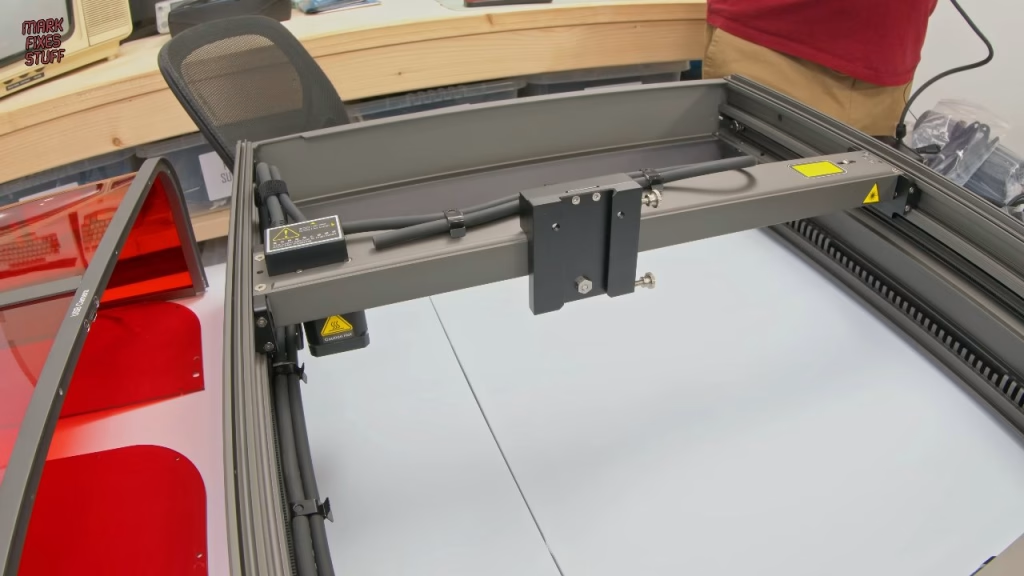
The sides carry the extraction fan and exhaust. Either side can take it (I put it on the left, nearest the window), and the fan cable plugs into a header and presses neatly into a cable gully. Tip: fit the bottom screws first, or the top and bottom holes won’t line up. The exhaust hose was a real struggle to fit, and the air assist pump’s output nipple felt like it wasn’t meant to come off. The hose runs from the pump into the side of the machine, which connects internally to the head. I put the metal tray in early so I wouldn’t barbecue another table.
Buying plywood for laser cutting
It was twenty past three on a Saturday and the builders’ merchant shut at four, so the plywood run was a rush. The 9mm was far too thick, the smaller sheets were badly bowed, and the longer sheets were flatter, so I came back with a longer and a shorter sheet in two different thicknesses and cut them down with a hand saw to fit the machine. It’s a pain, but it’s a cheap way to buy material in bulk, and rough edges don’t matter.
LightBurn, the camera and laser safety
LightBurn isn’t free, but it’s the only software I found that supports the Falcon2 Pro’s built-in camera. The machine presents two USB devices, the camera and the laser itself (which appears as a COM port). Creality only supply USB-C to USB-A cables, but there are adapters in the bag, and the manual on the included USB stick covers setup well.
- Set focus with the staircase gauge. It has three settings, which are quite broad.
- The gantry moves with the lid open, but the laser won’t fire.
- The red lid is a filter, but wear laser goggles anyway: scattered or reflected energy can still damage your eyes.
- Run a power versus speed grid test for each new material. Mine took about 10 minutes and dropped right out of the board.
- The official Falcon laser engraver Facebook group has a guide section with a .clb file to install a materials library.
How do you design a laser cut box for a ZX Spectrum?
Cuttle has parametric generators, including a hinged lid box: you type in your figures and the pattern updates live. My plywood measured 3.3mm. The kerf setting controls the joint fit (a larger number gives a narrower cut and tighter joints). I measured the 48K Spectrum at 237mm wide, 144mm front to back and 33mm high including a rubber foot, and set the generator to inner dimensions.
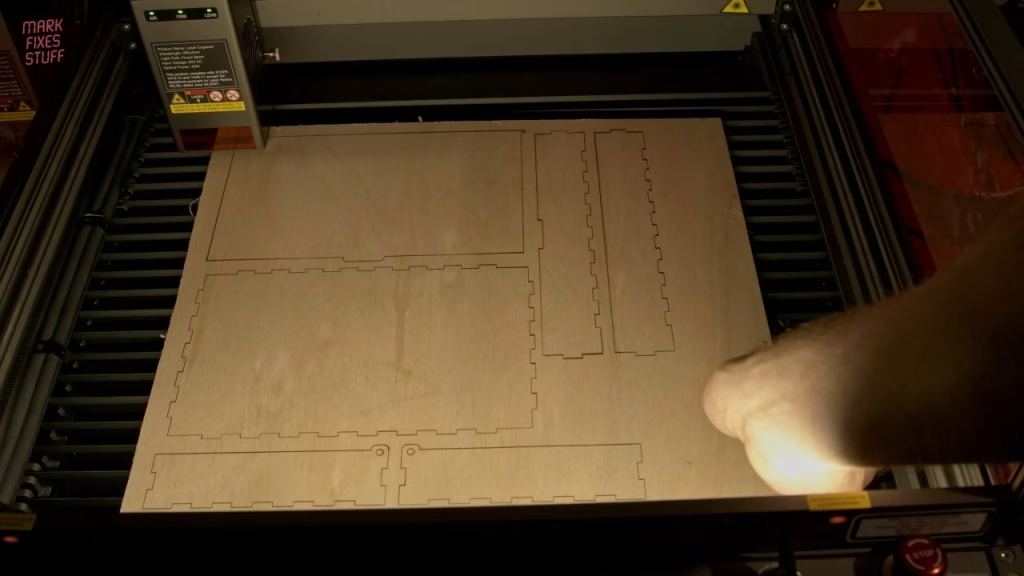
The generated layout was too big and the wrong shape for my offcuts, so rather than download it in one piece I opened it in the Cuttle editor and exported each element as a separate SVG. In LightBurn I could then place them individually to save material and dodge knots, blemishes and my rough saw edges. This is where the camera earns its keep: you can see exactly where each cut will land. Before every job, press Home so the gantry knows where it is starting from.
Did it work?
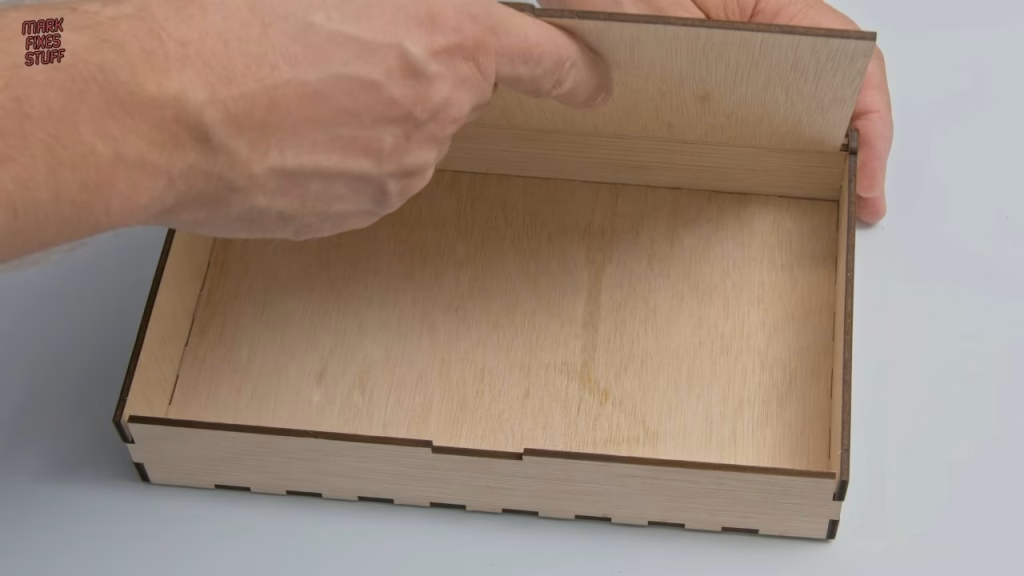
Yes. There was very little smell in the room, a huge improvement on my last laser, and the parts fell easily out of the sheet (complete with a retail sticker I’d forgotten to peel). Halfway through I decided to engrave the lid, so I squared the panel up, homed the laser again and burned in an SVG I found on Wikimedia Commons, vectorised by Dan Patrick (thank you, Dan). I guessed the engraving settings, and you want as little charring outside the pattern as possible, but it’s not bad for a first attempt.
Next time I’d raise the kerf value a little for tighter joints, but nothing a bit of wood glue won’t fix. Once the hinged lid went on I was genuinely happy with it, and confident enough to spend money on better materials for future projects. Would you sand back the charring on the engraving, or varnish it? Let me know in the YouTube comments.
The Falcon2 Pro 40W is available here; code FNPALL10 gives 10% off. Cuttle is at cuttle.xyz.
Related
More making and 48K Spectrum projects: my Atari 2600 label template, new multi-coloured ZX Spectrum cases and my top 13 tools for fixing stuff.
Leave a Reply