
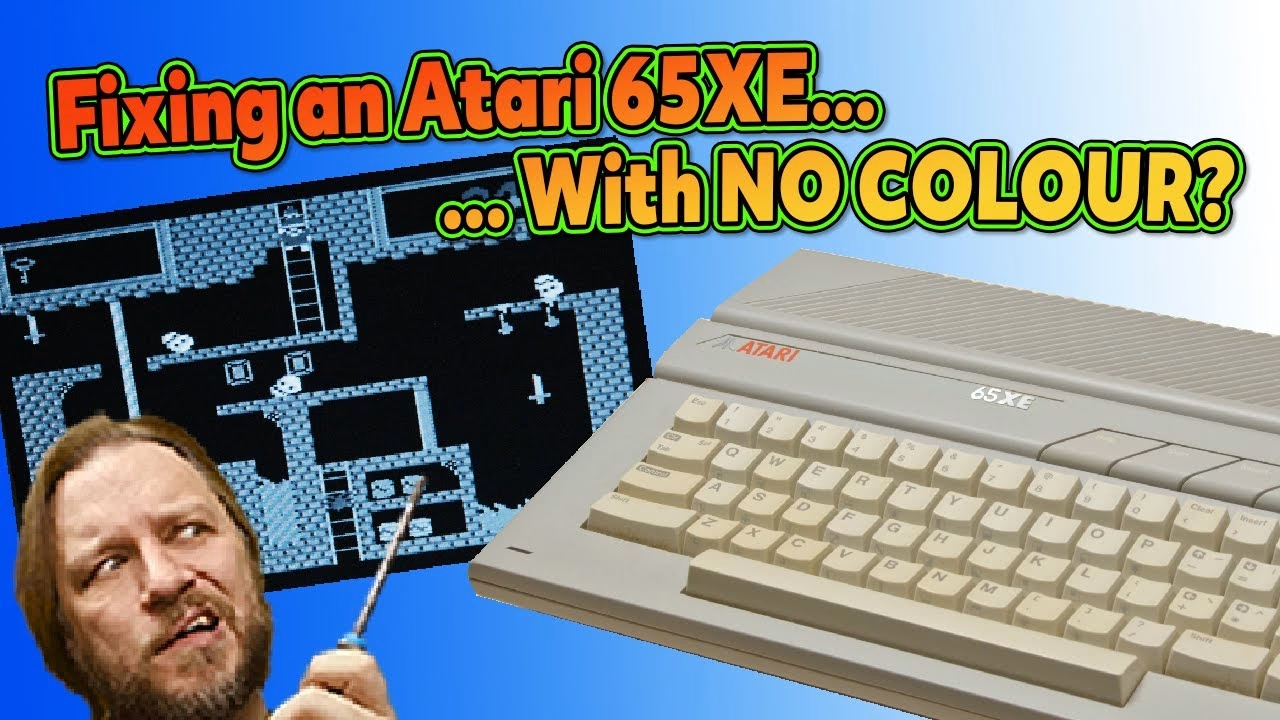
My Atari 65XE had lost its colour, leaving everything in black and white. The likely suspect on a PAL machine is the colour crystal, and a quick tap with a meter probe proved it: touch the crystal and the colour flickered back. Here’s how I found it, swapped it and tested the machine afterwards. This video was supported by PCBWay.
Opening the 65XE
The case is held by just four screws: remove them, flip it over and lift the top off. Watch the keyboard ribbon cable under one corner as you move the keyboard; grip it with your fingers and pull it straight out. Someone had clearly been in here before me, because the metal tabs on the RF shield were straight rather than twisted. The RAM chips are a brand with a poor reputation, but the memory works, so I left it alone for now.
Why has my Atari lost its colour?
Colour in a PAL picture is encoded at 4.433618MHz, so when colour disappears completely, the crystal that generates that frequency is the first thing I suspect. Before I’d even got my meter leads in place, touching the crystal brought the colour back on screen (noisily, probably from the meter). Flicking it switched the picture between colour and black and white. That’s at least partly the culprit found.
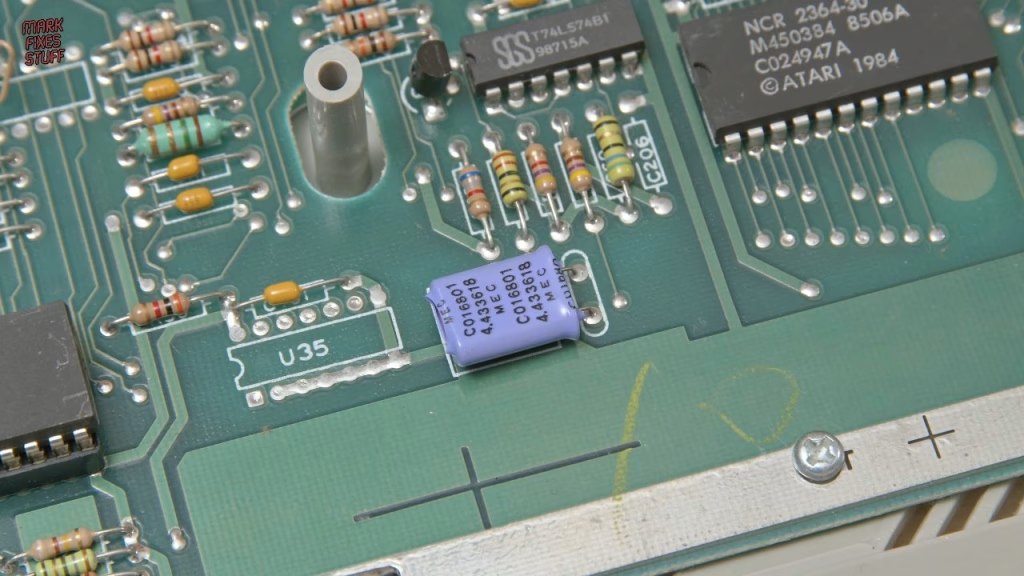
It’s a common part in a lot of PAL machines, so I keep a bag of them.
Replacing the crystal
Seven shallow screws hold the board in, so it lifts out easily. I used my desoldering station at 340°C rather than a solder pump, and the old crystal dropped straight out.
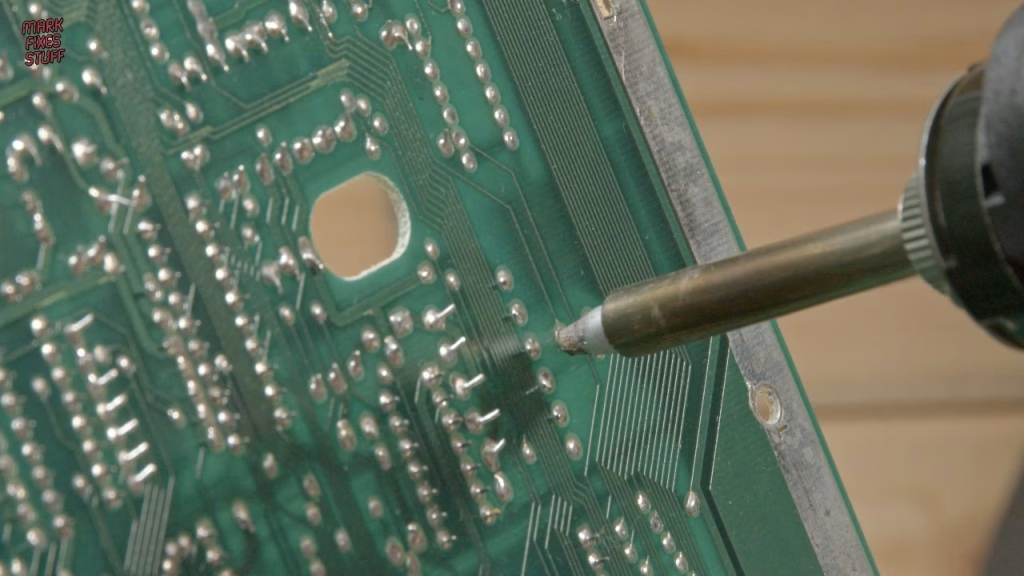
For the new part, I cleaned my iron tip on wire wool and re-tinned it at the same 340°C. I formed the legs with a 3D printed part forming tool (this design on Thingiverse, thanks to sweetlilmre for finding the link) and held the crystal in place with Kapton tape so it would sit neatly. Afterwards I lifted the can slightly so it isn’t touching anything on the board.
Did it work?
I tested the bare board with just power and video connected, and it booted in colour. That proved the crystal was the problem.
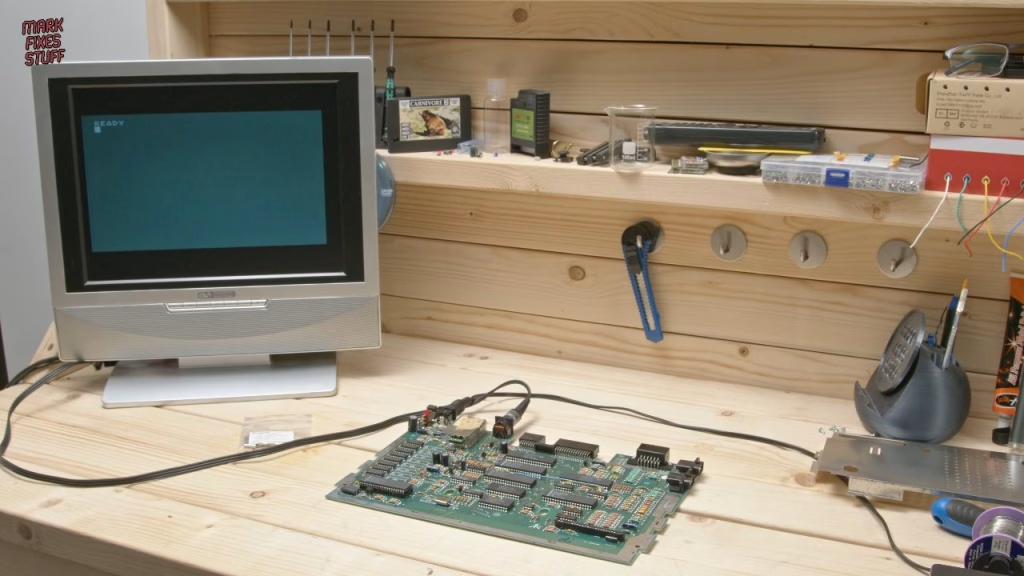
Reassembly tips: fit the lower RF shield to the board before putting the board back in the case, or it won’t line up. The motherboard takes the shorter screws and the case the longer ones. Twist every shield tab back (there are a lot, including some round the back), then refit the keyboard and top shell.
For a proper test I used a Retro Computer Shack cable, the original power supply and an SD multicart in the rear cartridge slot (on the XE series carts go in the back). The menu is navigated with the arrow keys, which had me thinking the joystick port was dead the first time I used it. With a custom joystick from Immortal Joysticks, built with the buttons at the front the way I like them, I proved I’m terrible at Bounty Bob Strikes Back and at Caverns of Mars, which I used to play on my cousin’s Atari 400. But it’s all in glorious colour.
The tools I used included my Kaiweets ES20 electric screwdriver; Kaiweets gave code MFS15 for 15% off at the time of the video.
Related
More Atari repairs: modding an NTSC Atari 7800 and repairing an Atari Jaguar with a broken cartridge slot. For desoldering basics, see how to spot and repair a dry solder joint.
Leave a Reply