
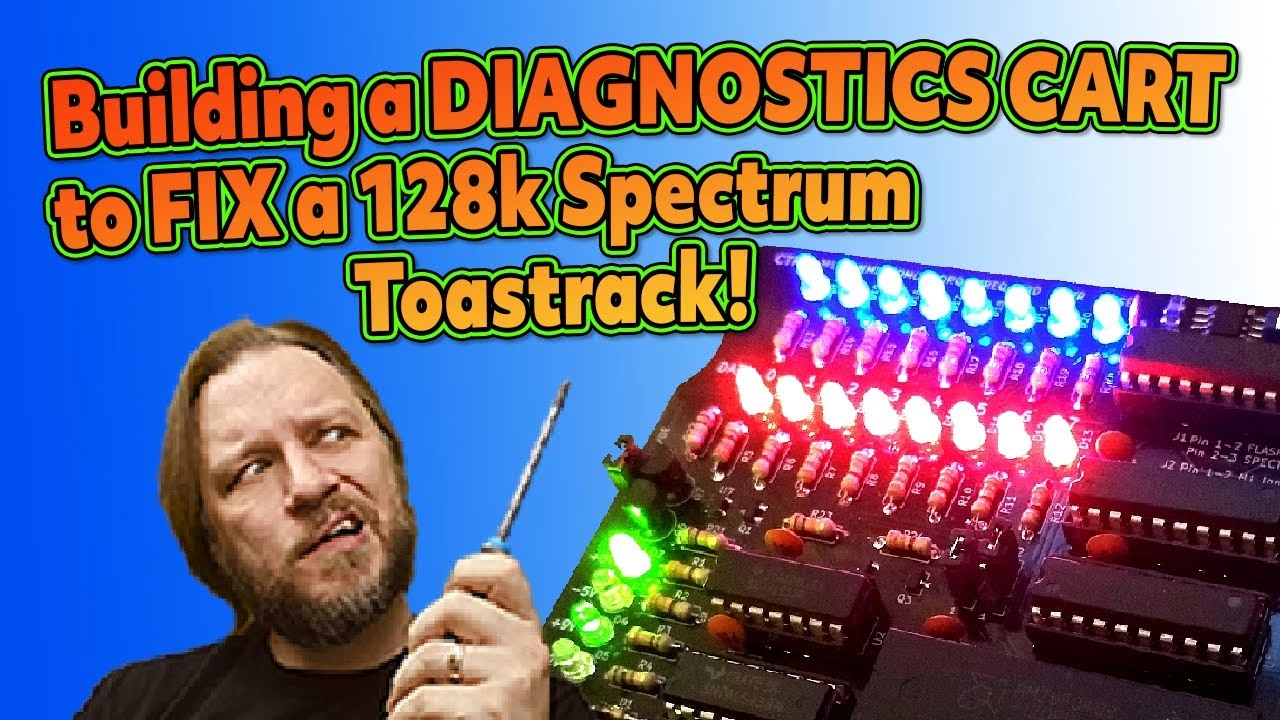
My Spectrum 128K toastrack had been the victim of a bad recap, and even after I fixed that up it still wasn’t happy: it boots to horizontal black and white bars. In part 2 I build the ZX Diagnostics Cart DIY kit from Ben at ByteDelight, check it on a healthy toastrack, then plug it into the broken one. The result was not what I expected. This video was supported by PCBWay.
What’s in the ZX Diagnostics Cart kit
The cart has been through several revisions and is the combined work of a lot of smart people. It auto detects your Spectrum model, shows control signal, data line and power line status on LEDs, and includes the ZX Spectrum Diagnostics ROM by Brendan Alford and Dylan Smith. The ZX Diag Cart DIY kit comes with a build guide and manual, a black PCB with the tiny SMD parts pre-fitted, an edge connector with the locating pin already installed, and every through-hole part in individually labelled bags with the board locations written on. Whoever packed it makes my OCD look lazy.
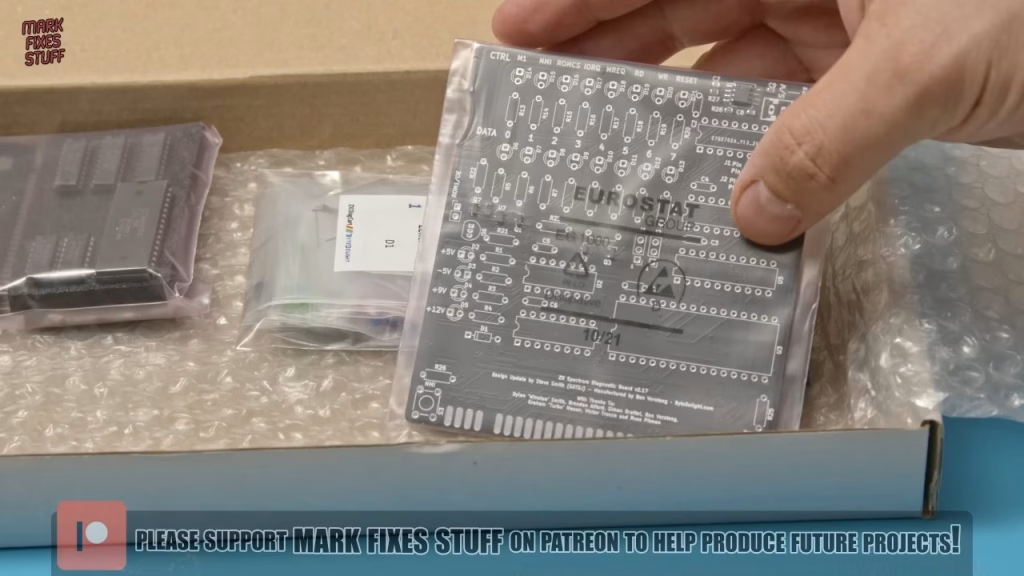
You’ll need solder, a temperature controlled iron, something to clean the tip (I use wire wool) and flush cutters.
Building the cart
I followed ByteDelight’s build order: diodes, resistors and IC sockets first. A few tips and gotchas along the way:
- The single diode is a Zener: observe the cathode stripe.
- Resistors aren’t polarised, but I like them all facing the same way. Kapton tape lets you solder them straight without bending legs (don’t try sticky tape).
- Match each socket’s notch to the board, bend the corner pins or tape it, and solder two opposite corners first. I soldered one wrong hole and had to suck it out.
- The red (data) and blue (control) LEDs go in ground leg up per the instructions; square pads usually mark ground. The green power LEDs are not all the same way round, so check the instructions carefully.
- The 100nF ceramic capacitors are non-polar. The BC548B transistor (Q6) follows the flat face on the silkscreen; I rushed it and bridged two legs.
- The slide switch has a smaller pin pitch than the holes, so I splayed the outer legs slightly: my only minor issue with the kit. The tactile switches get extra solder because they take physical stress.
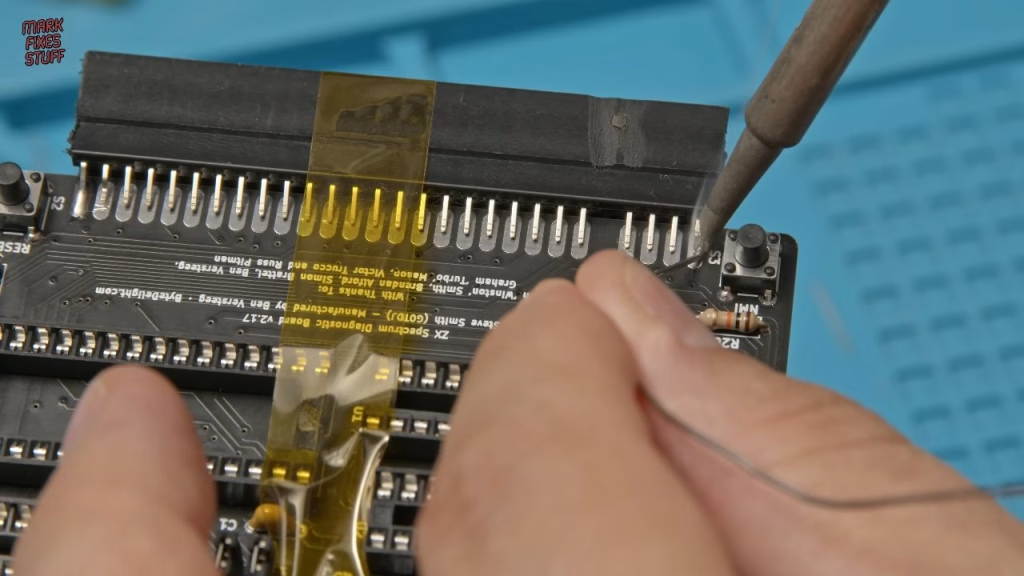
The edge connector is the bit people dread, because its leads are nowhere near the pads. Bend the pins on a flat surface so they nearly touch, then use Kapton tape under tension to hold the connector square against the PCB edge (there’s a ridge inside the connector that locates nicely). Match the key to the board, tack the two end pins on each side with generous fillets, remove the tape and do the rest. Big pads mean a pin doesn’t need to touch perfectly.
Finally the chips: a 74LS138 at U1, a 74LS32, the pre-flashed 512KB flash chip at U3 that holds all the diagnostic software, and three 74LS273s, which I believe latch the signals so the LEDs show steady activity instead of flickering. A 3D printed rubber foot clips round the PCB.
Jumper settings
- ROM OE: leave it fitted unless you’re using a Brazilian clone such as a TK90X or TK95.
- J1: boot from the cart’s flash ROM or the Spectrum’s own ROM.
- J2: ignore a weak or missing Z80 M1 line, which is quite common on Spectrums and can interfere with some tests.
Testing on a working toastrack
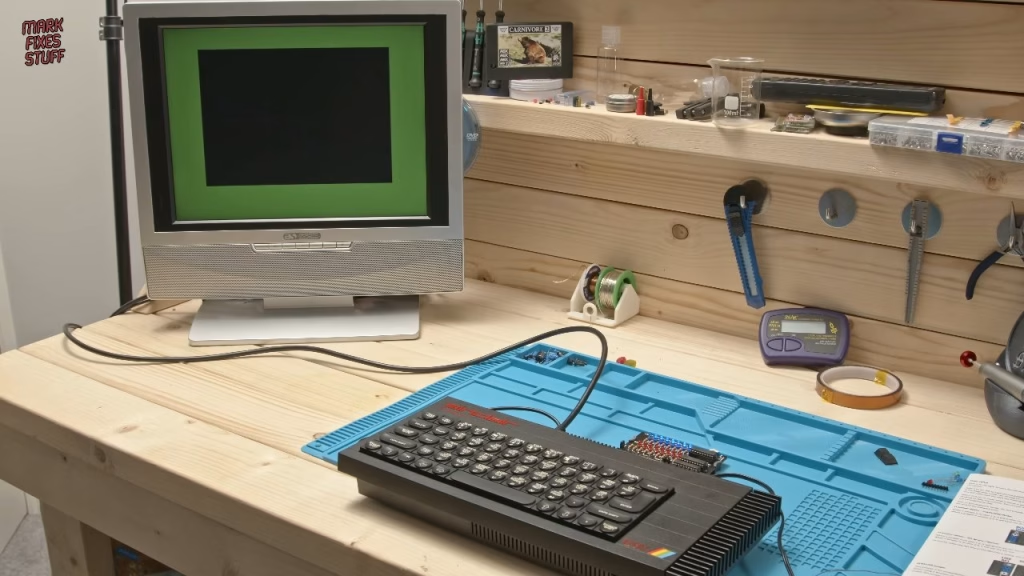
With my own known good 128K, a Retro Computer Shack cable and a 9V 2A centre negative supply, the Spectrum booted normally. Power off, cart into the rear slot (mind the key, and check the slot is clean), power on, and it booted straight into the diagnostics ROM with bright, easy to read LEDs. Build success.
What did the cart show on the broken Spectrum?
This board survived my house fire, so the edge connector needed a proper clean with a fibreglass pencil on both sides first. Without the cart, the first power up gave horizontal black and white bars with a black border, and reset did nothing. Further power cycles gave the same bars with a blue border. It didn’t feel like a RAM fault to me, more like a Z80 or ROM timing issue.
With the cart fitted, the NMI and reset LEDs lit fractionally before static M1, ROMCS, IRQ, write and reset signals joined them. Then I pressed reset on the cart, and the Spectrum booted the diagnostics ROM, the stuck control signals sprang into life, and it passed every diagnostic test. Afterwards it paged in the internal Spectrum ROM with no problems.
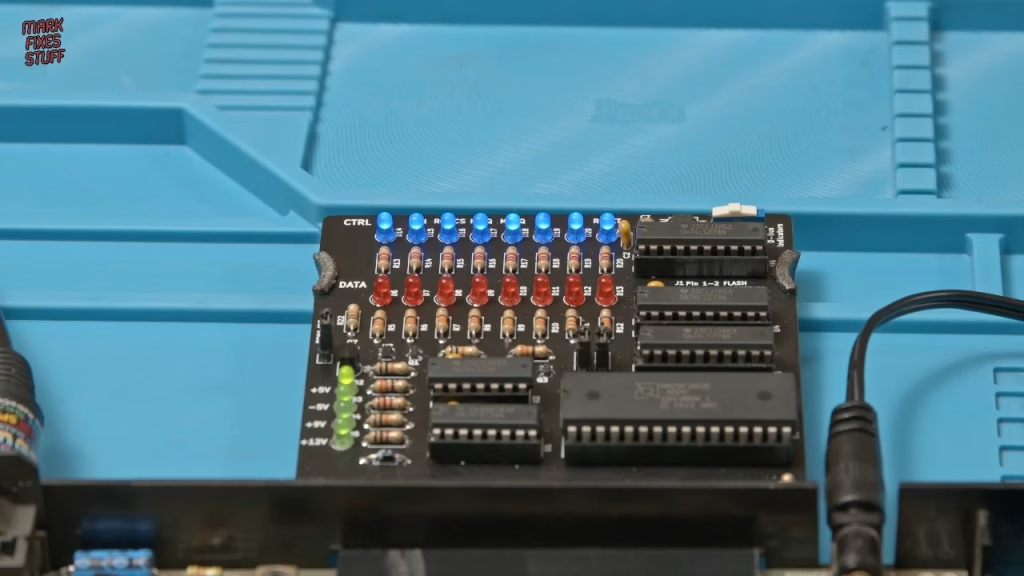
So the machine passes everything with the cart, but not without it. Incredibly interesting, and it’ll be the subject of part 3. Thanks to ByteDelight for a fun and useful kit (also available pre-built), and to everyone whose work this builds on, including Steve Smith, Dylan Smith, Brendan Alford, Simon Brattel, Graeme Mason and Russ Pitman.
More from the ZX Spectrum 128K Toastrack restoration: Will Recapping Fix This Spectrum 128K Toastrack? Undoing a Botched Recap, ZX Spectrum 128K Toastrack Won’t Boot: Fixing the Z80 Reset Circuit (Part 3).
Related
More 128K toastrack work: the Spectrum 128K toastrack group fix. More from ByteDelight: the ZX-HD HDMI interface and the DivMMC EnJOY.
Leave a Reply