
Can you get a pin-sharp HDMI picture from a real ZX Spectrum without modding the machine? The ZX-HD from ByteDelight plugs into the Spectrum’s edge connector and outputs HDMI to a modern TV, with ULAplus 64 colour support thrown in. In this video I build one straight out of the box (no faking it with one I’d already assembled), road test it on a 48K, a 128K Toastrack and a +3, compare it against RGB SCART, and give it an honest review. Short version: it’s brilliant.
What’s in the box?
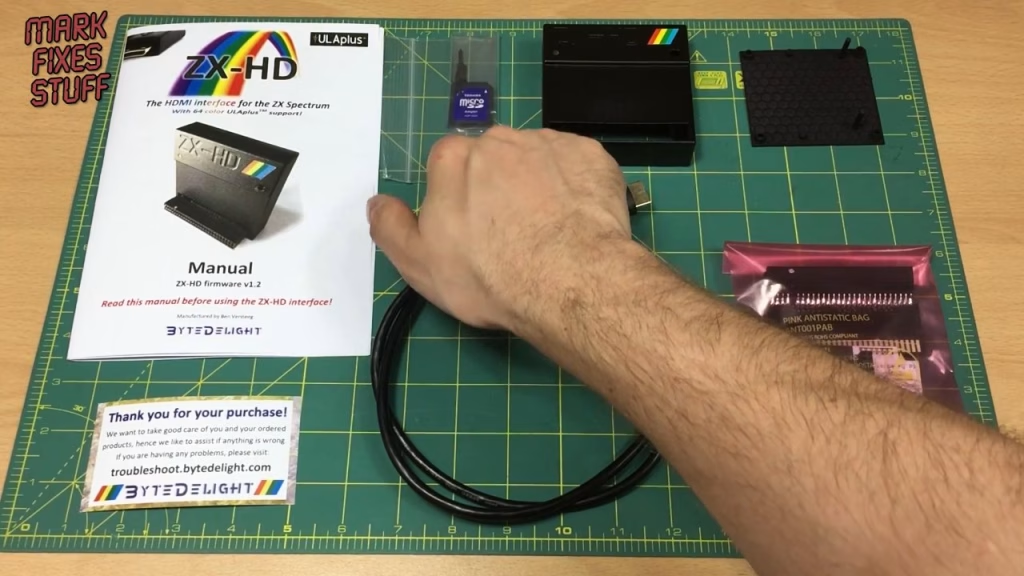
You get the 3D printed shell and back plate, a bag of screws, the circuit boards, an 8GB microSD card with an adapter, a mini HDMI to HDMI cable, a printed manual and a card with support links. What isn’t included is the Raspberry Pi Zero that does the work inside: HDMI licensing rules prevent it being sold with the product, so you supply your own, with a pin header fitted.
I’d ordered a Pi Zero without the header, so I had to solder one on. In true eBay fashion it was cheaper to buy a massive bag of headers than a single one, and I had to cut it to length. Ben at ByteDelight told me he plans to include the header in the kit in future. You’ll need a small Phillips screwdriver and, if your Pi has no header, a soldering iron.
Building the ZX-HD
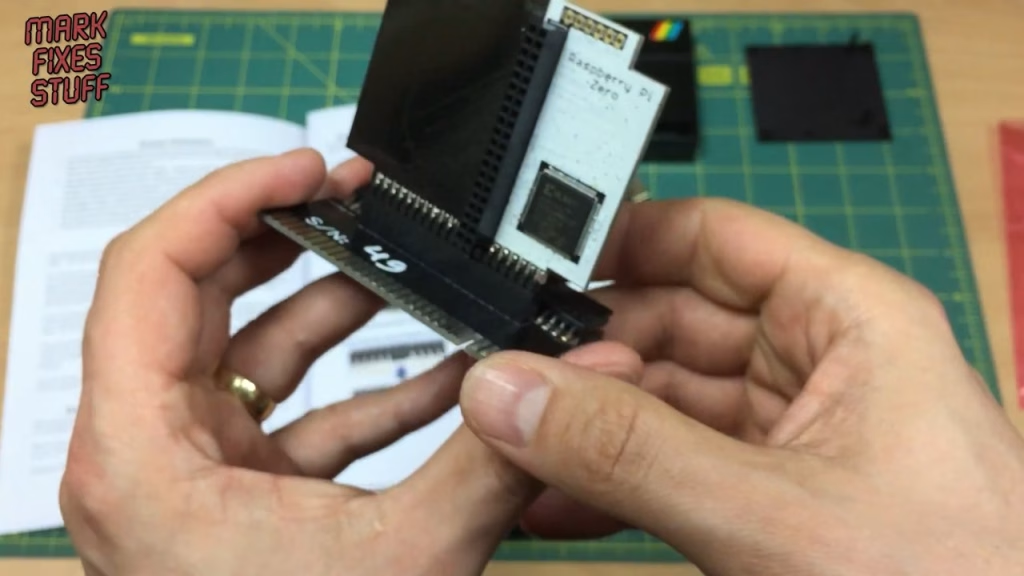
Assembly is fairly simple. The top circuit board mounts onto the lower one, and it’s keyed so you can’t get it wrong (I still managed to, briefly). The Pi Zero fits on with its HDMI output towards the edge of the case, and the board work is nice quality for a short run. The boards then drop into the shell with the black edge connector facing the Spectrum, and there’s a button and an LED that show through the case. Four screws hold the back on.
Top tip from my mistakes: put the microSD card into the Pi before you close the case up. I didn’t, and had to start again. The printed case itself is good quality and it all goes together easily.
First power on with a Spectrum 48K
For testing I used a 32 inch Samsung TV over HDMI, a Spectrum 48K, and a DivMMC EnJOY (also from ByteDelight) plugged into the back of the ZX-HD for loading games from SD. On power up the ZX-HD shows a ULAplus logo and some system information, then you press reset to start.
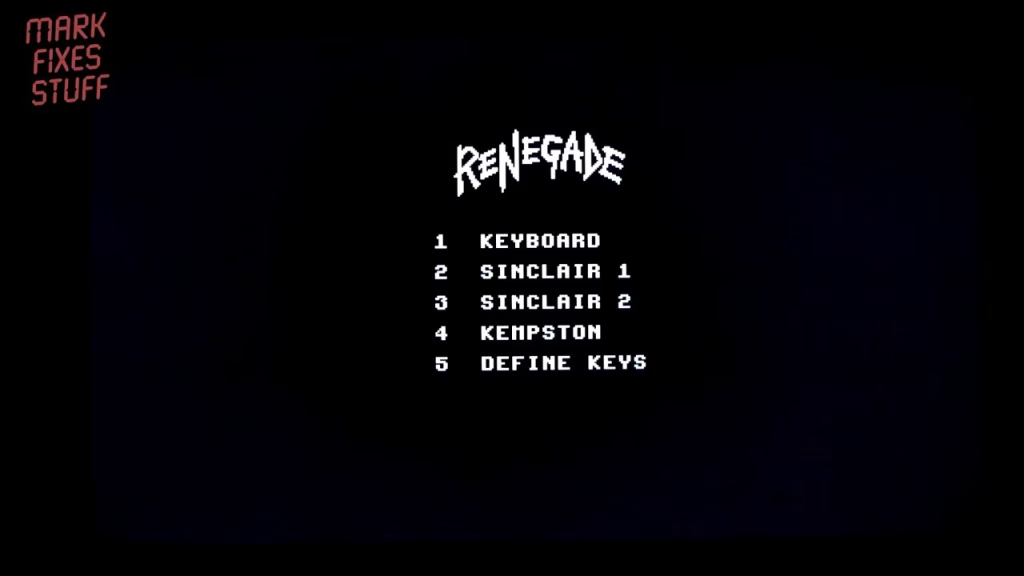
On the screen it is rock solid and looks like an emulator on a PC, which is not a bad thing because it looks amazing. Any strobing or moiré you see in the video is the camera clashing with the LCD, not the ZX-HD. I loaded Renegade, and my big worry (that upscaling through the Pi would add a layer of lag) turned out to be unfounded: it feels exactly like playing directly on the Spectrum. I tested ULAplus with some Mojon Twins games and Arkanoid, and they ran really nicely.
HDMI vs RGB SCART: how much better is it?
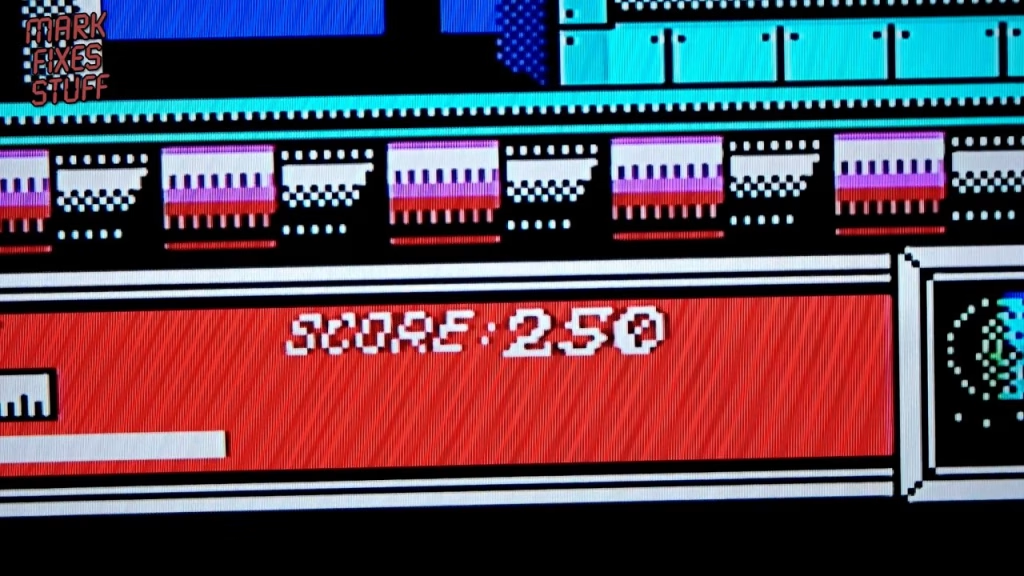
Next I tried a 128K Toastrack with an RGB SCART cable from Retro Computer Shack connected at the same time, so I could flip the TV between inputs. RGB SCART is a bit brighter, but zoom in and the image quality really isn’t the same, especially on the score text and the colour fringing on the sprites. There were also faint lines in the sky on the SCART picture that simply aren’t there over HDMI. The difference in real life is staggering, even if the camera struggles to show it.
Testing on a Spectrum +3
The +3 has a different edge connector, so it was the final test. It worked fine, and Castlevania’s sprites looked impressive. Sound had to come from the tape socket into an external speaker, and that revealed a nasty buzz: clearly I hadn’t done the audio fix on that +3 yet. I’ve tried the ZX-HD on about nine Spectrums in total and it worked on every one.
Verdict: is the ZX-HD any good?
Is it any good? No, it’s bloody brilliant. I wasn’t paid for this and it’s a review sample that has to go back. The pros:
- Really, really clear picture with no noticeable lag
- Works on every Spectrum I tried (about nine machines, including 48K, Toastrack and +3)
- ULAplus 64 colour support
- Ideal if you test a lot of Spectrums and don’t want to tune in RF or buy a cable for each model
And the two downsides:
- The back plate of the case is flimsy and mine got a bit deformed from repeated inserting and removing. Not a show stopper.
- No audio over HDMI, so on a 128K, +2 or +3 you need to plug speakers into the machine. (On a 48K it makes no difference, as the sound never came through the TV anyway.) Ben is looking at including small speakers or similar.
Thank you to Ben for the loan. Buy from http://www.bytedelight.com. Visit the Spectrum for Everyone website and join our Facebook Spectrum community at https://www.facebook.com/groups/spectrum4everyone/.
Related
The SD interface used here is reviewed in DivMMC EnJOY from ByteDelight. For the +3 sound problem, see fixing the Spectrum +3 disk drive, audio and RGB SCART, and for a cheaper video upgrade, the Spectrum composite video mod.