
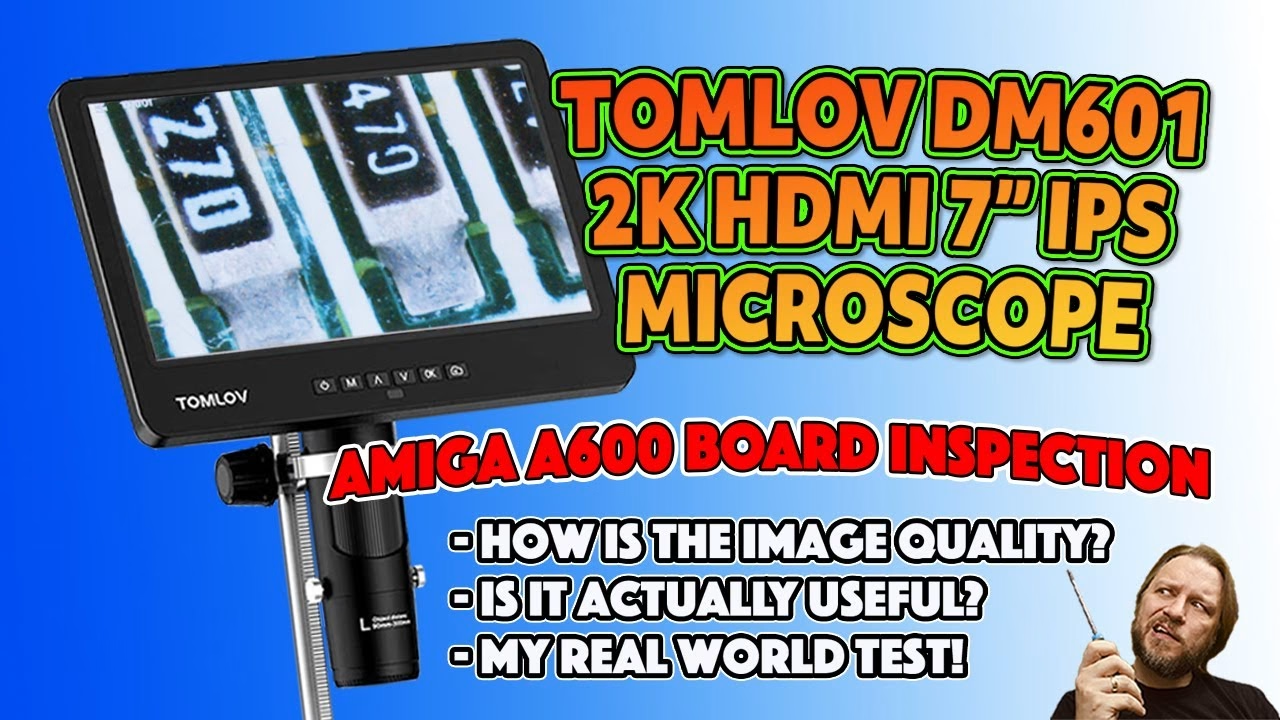
My eyes aren’t what they once were, and I find it harder and harder to see what I’m soldering. I also had a fire-damaged Amiga A600 motherboard fresh out of the ultrasonic cleaner that needed a proper close inspection. So when Tomlov offered to send me their DM601 HDMI digital microscope, I gave it a real-world test: unboxing, setup, and then hunting for lifted pads and leakage damage on that A600 board, both on its own 7 inch screen and on a 28 inch monitor over HDMI.
To be clear up front: Tomlov sent me the microscope for the channel. This is still a real review, and it isn’t all sunshine and roses.
What’s in the box?
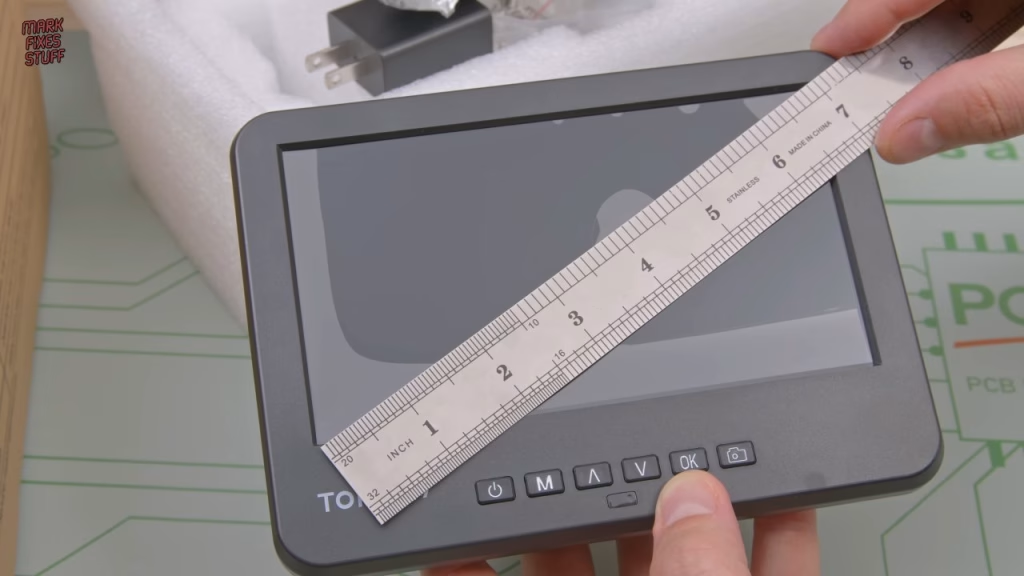
First impressions are good: it’s really well packed. The manual is actually decent (we don’t usually do manuals on this channel), and underneath it the screen sits in foam. It’s a much bigger unit than I expected. The rest of the box holds:
- A power adapter I wouldn’t plug in if you paid me.
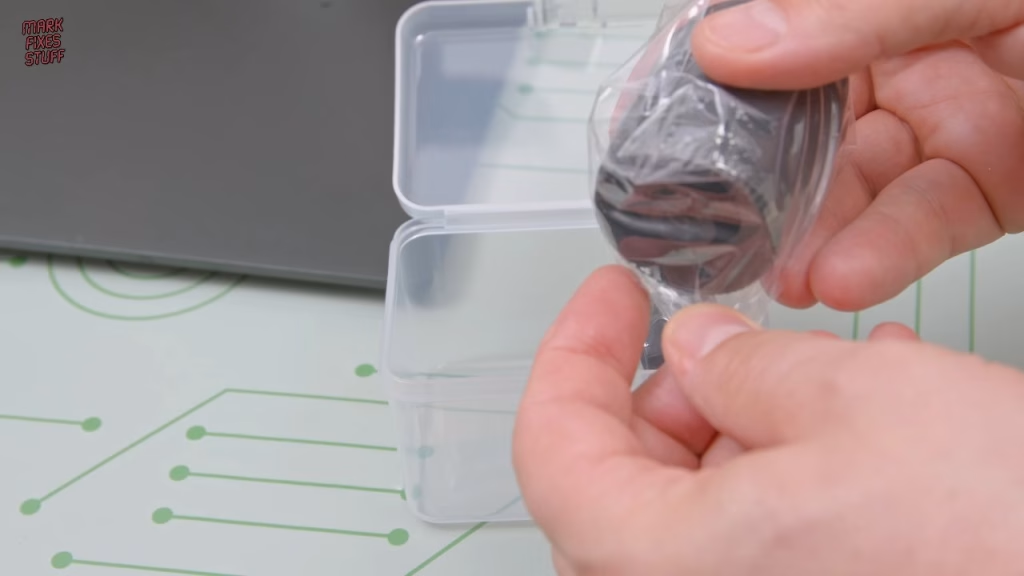
- A lens box with two extra lenses (L and D), a slide holder with spare arms, a screwdriver and some spare parts.
- A surprisingly full-featured remote control.
- The main unit itself: Tomlov branded, a 7 inch screen (about 17 and a bit centimetres in new money) and a claimed 2K HDMI output.
- A big aluminium shaft for the stand, a mini HDMI to full HDMI cable, a micro USB data cable, and a micro USB power lead with an inline switch that controls the microscope and the brightness of the LEDs in the base.
- A weighty base with a nice black finish and two LED lights on posable stalks.
Assembling the stand and fitting the lenses
The shaft screws into the base in the usual way: wind it until it’s almost done and finish it off by hand. You never really get these super tight, to be honest. The screen arrives with lens A (general purpose, or the “coin” lens as they call it) pre-installed, and I like that each lens has its object focusing distance printed on it, which makes choosing the right one for the job easy.
Around the back are the mini HDMI, micro USB and microSD slot. A 64GB microSD card is included, a brand you often get with 3D printers, and I’ve never had problems with them. The holder grips the microscope with two screws that have rubbery tips, and there’s a groove for the front of the unit to stop it spinning. The microscope wouldn’t go into the holder with the lens fitted, so I removed it first (for such light lenses the screws are incredibly long), which gave a nice look at the sensor. It’s protected by glass, so no dust ingress, and while I couldn’t guess who makes it, it looks large and decent quality. I also had to back the holder screws out a bit further before it dropped into place.
The lenses are mostly plastic with some brass in the middle and brass inserts for the mounting screws. Lens L is the “soldering and circuit board inspection” lens and the one I used most, because its large working distance (90mm to 300mm object distance) leaves plenty of room to get a soldering iron underneath. Lens D has a very short working distance and is meant for the slide box of samples, which includes a honeybee wing among other things. I’m not a fan of bugs up close, so that was quickly put away.
Powering it up safely
Power goes in over USB, and the barrel jack powers the LEDs in the base. Instead of the bundled adapter, I used a known-working 5V 2A USB supply I bought from CPC Farnell, because I don’t want to burn my house down again. The Tomlov logo pops up and we’re ready to go.
Inspecting the fire-damaged Amiga A600 board
This is the real test, and exactly the job I’d be doing anyway. The A600 board had suffered capacitor leakage, then been through my house fire, and then gone through the ultrasonic cleaner. I was looking for lifted pads or any damage caused either by the cap leakage or by ultrasonic cavitation.
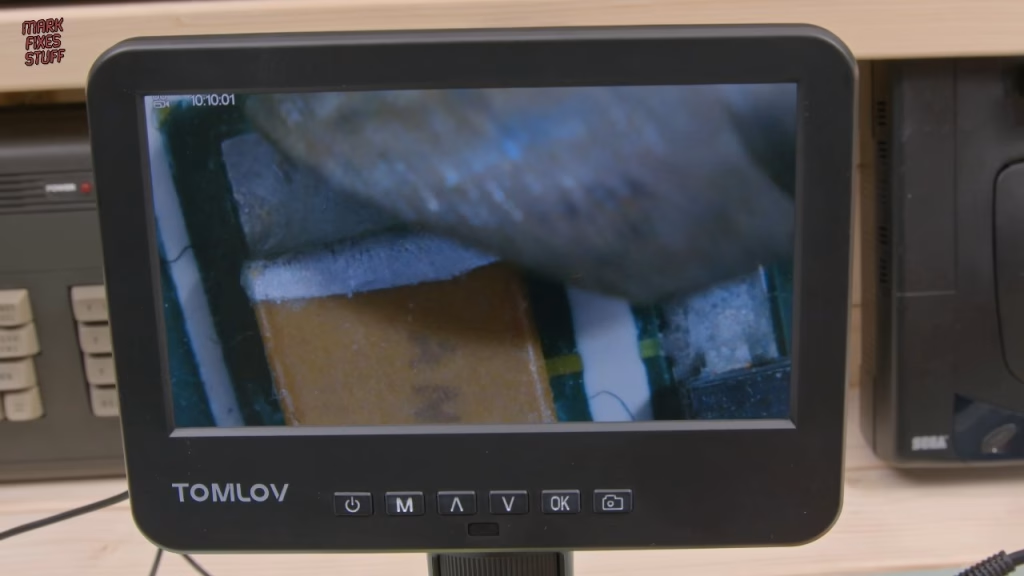
Even with bright filming lights, the posable LED stalks made a real difference for getting light onto the components I wanted to see. At its closest focus it’s almost too zoomed in to work under, but it’s great for inspection, and the built-in screen is beautiful (my footage doesn’t do it justice because the studio lighting makes it look duller than it is). For scale, my 3mm soldering iron tip looked a bit abused under the lens. On the board I could see a little damage to the solder mask, and I’m not sure whether some plating had gone. I suspect that was cavitation: it’s certainly not capacitor leakage in that area. I also couldn’t resist looking at the cell structure inside the EPROMs, which is incredible under magnification for a device around 30 years old.
Does the HDMI output work?
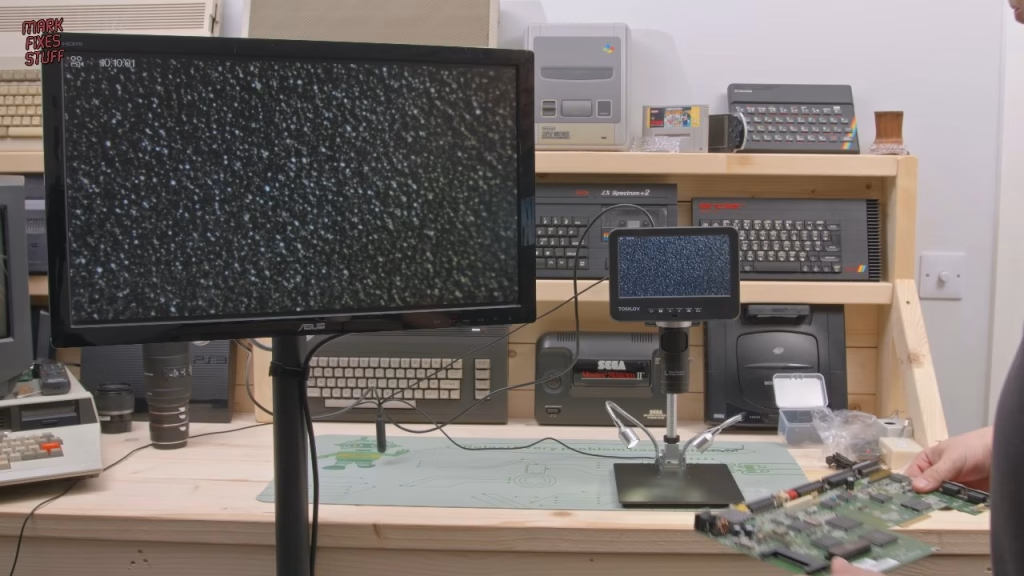
This was the feature I was most excited about, and it works brilliantly. Plugged into my 28 inch monitor, the 2K image is a game changer for my terrible eyes. Having that much screen makes fine detail easy to see, including what looks like a pad lifted by alkaline leakage on the A600. Just knowing that’s there is really useful before I start work on the board.
Now this is a game changer for me. My eyes are absolutely terrible.
Internal recording, resolutions and menus
I could have split the HDMI out to my 4K capture card, but I wanted to see what the internal recording to microSD is like. Using the slide lens (D) at 2560 by 1440, the detail is incredible, and I have to admit that lens turned out to be really useful for close-up board inspection. Switching to lens L and dropping to 1920 by 1080 lets it run at 60 frames per second, which still looks very good and gives a smooth working experience. Back on lens D at 1080p, the EPROM cells look gorgeous.
The menu has resolution, exposure, date stamping, sharpness, freeze, contrast and colour settings, though most of those are on the remote anyway and I found the defaults fine. You can also switch to black and white, sepia or negative (no idea why), add on-screen grids, set the date, time and language, switch the output between 50Hz and 60Hz, format the SD card, reset to defaults or check the version.
Verdict: is the Tomlov DM601 any good?
It wouldn’t be a Mark Fixes Stuff review without something negative: I really don’t like the 2880 by 2160 mode at 24 frames per second, which feels very laggy to work with. It could be me being oversensitive, and it’s hard to mark down the microscope for that when the other modes are smooth. Overall I love it. The big screen, the posable LEDs, the generous working distance on lens L and especially the HDMI output give me a new lease of life for inspecting and soldering. A big thumbs up from me.
The A600 board in this video is the same one from my fire and water damaged Amiga A600 videos, where it goes through the ultrasonic cleaner and then gets powered up to see whether it still works.
More from the fire damaged Amiga A600: Does It Work? Powering On a Fire and Water Damaged Amiga A600 Motherboard, Ultrasonic Cleaning a Fire-Damaged Amiga A600 Motherboard.
Related
More from the bench: my top 13 tools for fixing stuff, how to spot and repair dry, cold or cracked solder joints, and more Amiga A600 work in my A600 chip RAM expansion build.
Leave a Reply