
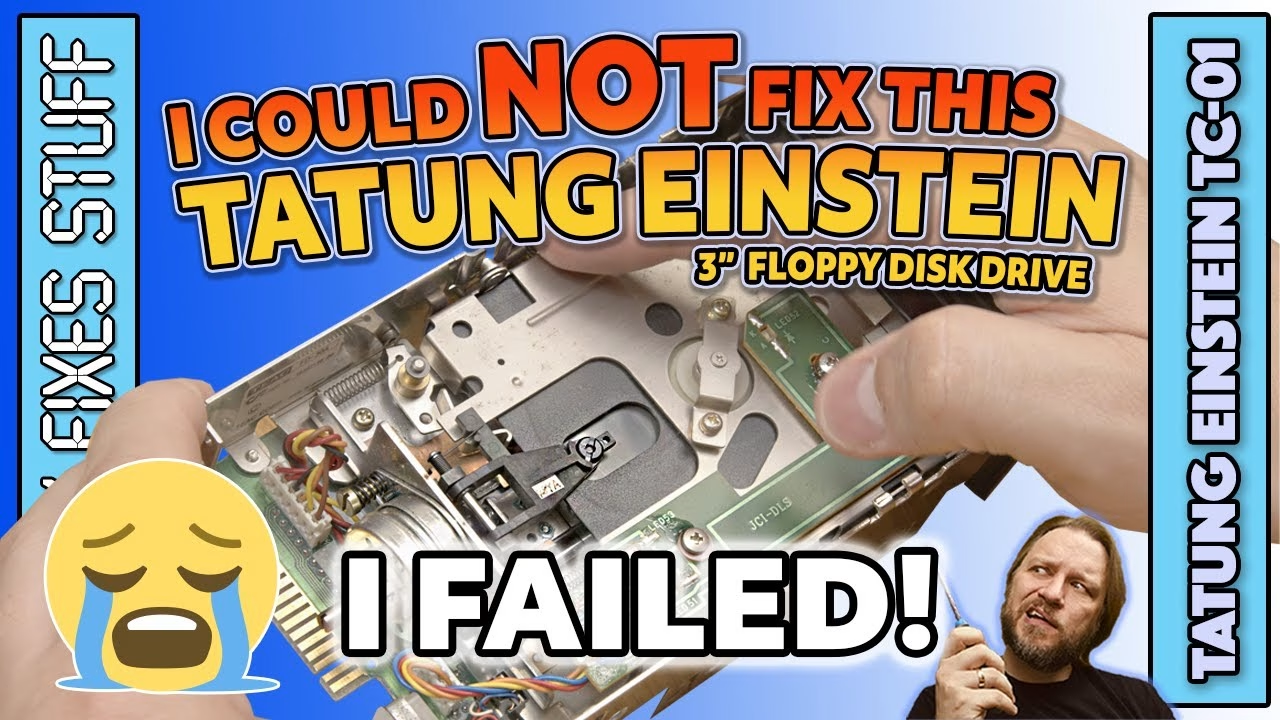
Not every repair is a success. After bringing my dead Tatung Einstein TC-01 back to life with a new power supply, its 3 inch floppy drive was still making an awful grinding noise, and the disc that came with the machine was jammed in it at a funny angle. Inside, I found bent runners, a missing felt pad and a seized head mechanism: a drive too physically damaged to save. Here’s what went wrong, how I got the disc out, and how a mint vintage donor drive got the Einstein loading Chuckie Egg anyway. This video was sponsored by PCBWay.
A disc jammed halfway in
The disc was stuck halfway in, so the eject button did nothing and the disc wouldn’t slide out. There were scratch marks where someone had tried to prise it out at some point. After disconnecting the data and power cables, the drive comes out of its mounting sleeve by removing two pairs of screws on each side (with shakeproof washers).
The Einstein’s 3 inch drive is different from the ones in the Amstrad CPC and Sinclair 128 ranges: it has a card edge connector like a 5.25 inch drive, rather than the more common IDC connector. That makes these drives uncommon and a bit hard to find, so I really hoped to fix this one. On the plus side, it’s a direct drive motor, so there’s no belt to rot. There are a handful of electrolytic caps, but I doubted they were the problem.
What was wrong with the drive?
With the case off, the disc was clearly jammed at a funky angle and the mechanism was badly skewed. A metal plate held on by two machine screws (different from the sleeve screws, so note which go where) gives access to the internals, and they weren’t a pretty sight:
- The metal chassis had been physically and forcefully twisted, with the ejection runners bent out of shape in their channels.
- One runner was wrecked; its partner on the other side had stayed put but warped the chassis side.
- Of the lower set of runners, one was missing and the other jammed.
- The felt pad on the head load arm was gone (I later found it rolling around in the dust), which won’t have done the disc or the head any favours.
- Even a front bezel clip had been snapped by all the levering.
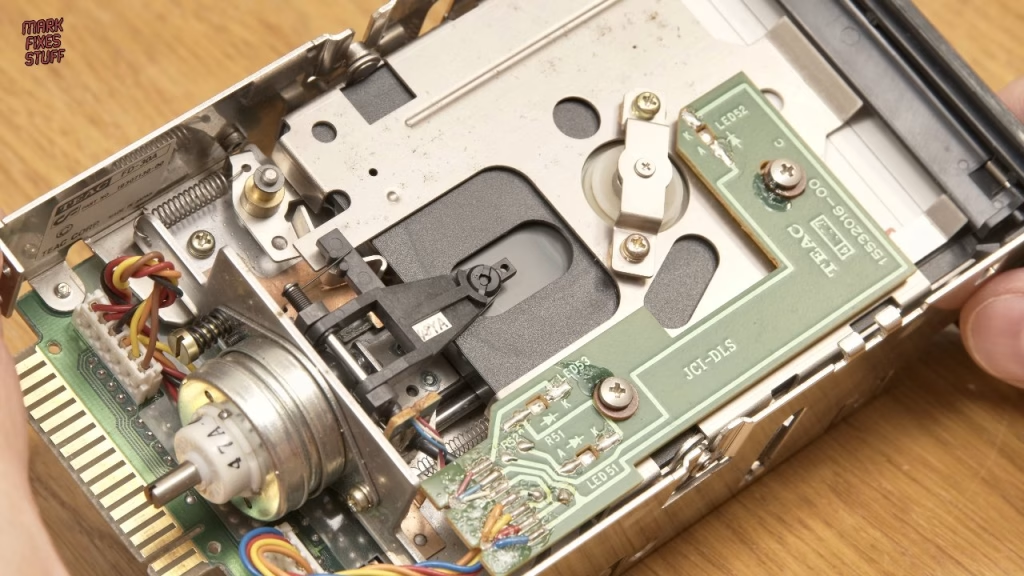
To free the disc, I had to force the runners upwards, pushing the mechanism down against the jammed runners until I could get my fingers in far enough to pull it out. It’s tough on the digits. The disc itself showed multiple obvious signs of damage. Even empty, the drive couldn’t settle into its insertion-ready position, because the mechanism sat higher on one side. I tried squaring up the runners, and it made them worse. From my experience working in a manufacturing environment with drives, bent drives never work well and end up jamming a lot. I refitted the felt pad anyway, just for giggles.
Testing the head stepping mechanism
Even if the drive was unrecoverable, I wanted to see if it would read anything. With the bezel off, I could manually seat a known-working disc. The disc spun, but there was that noise again and a “disc not ready” error. The head positioning motor and its worm screw simply weren’t moving, so the head couldn’t seek or home. That’s what causes the grinding.
Gentle persuasion (a technique from my disc duplication days) didn’t free it, so I rotated the mechanism by hand. After a few turns it moved easily, the noise was gone and the head travelled to home. But the reads still failed: the known-good disc gave a “no sector” error, and the original jammed disc gave “bad data”. I hate failing a repair, but this drive will never meet the standard we need.
A replacement 3 inch drive from Simon
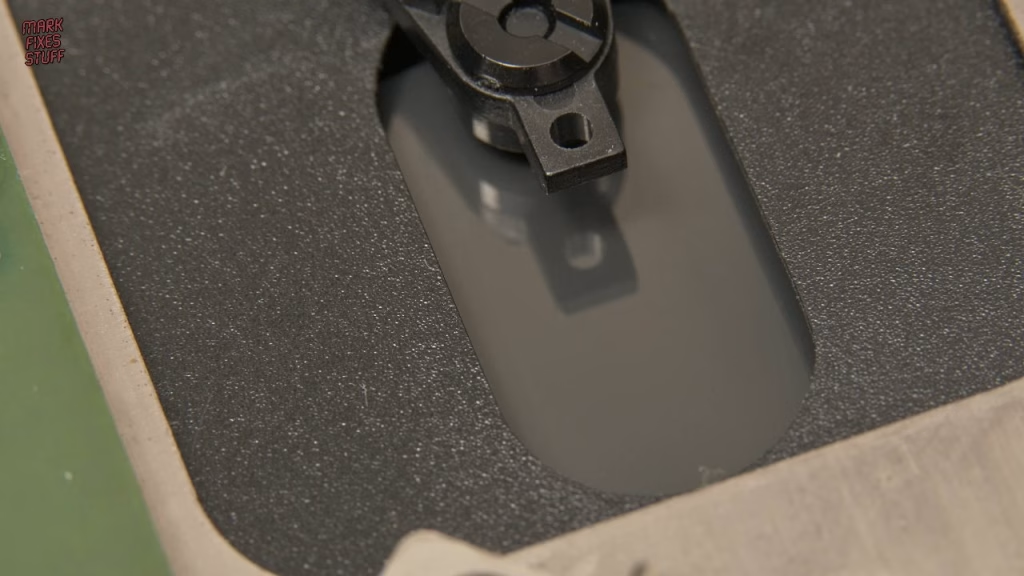
A Gotek looked like the only option, but first I put a call out, and my friend Simon came through again with a drive from his pile of treasures. It came with a great instruction leaflet listing the interfaces and interface vendors of the day, and inside the polystyrene was a drive that looks pretty much brand new: a heavy, solidly made Matsushita unit from around 1984. The bezel has no gouge marks, the rails are unmutilated, and the head looks like it’s never seen a floppy. Drive select is set with a bank of DIP switches, and round the back are the all-important card edge connector and a Molex power connector. It’s direct drive too.
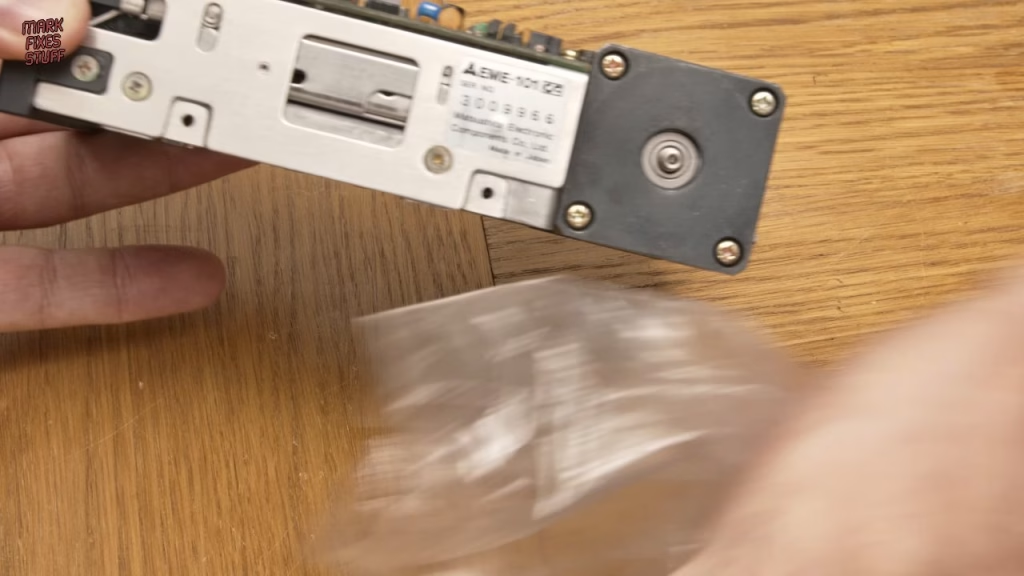
The rear connectors are laid out differently (horizontal on the new drive), but even back then they seem to have allowed for that, and the sleeve lined up perfectly with no modifications. Leave the screws partly in at first, as they cinch the drive into the machine’s built-in mount. Fitting it with the cables attached was fiddly, not helped by the fact that I hadn’t screwed the power supply back in.
Did it work?
The new drive inserts and ejects a disc: such luxury. The Einstein booted with “No file”, which isn’t a fault; it just means there’s no bootable file on the disc. Typing DIR listed the files, typing a filename loaded it, and I was overjoyed when Chuckie Egg loaded and burst into song.
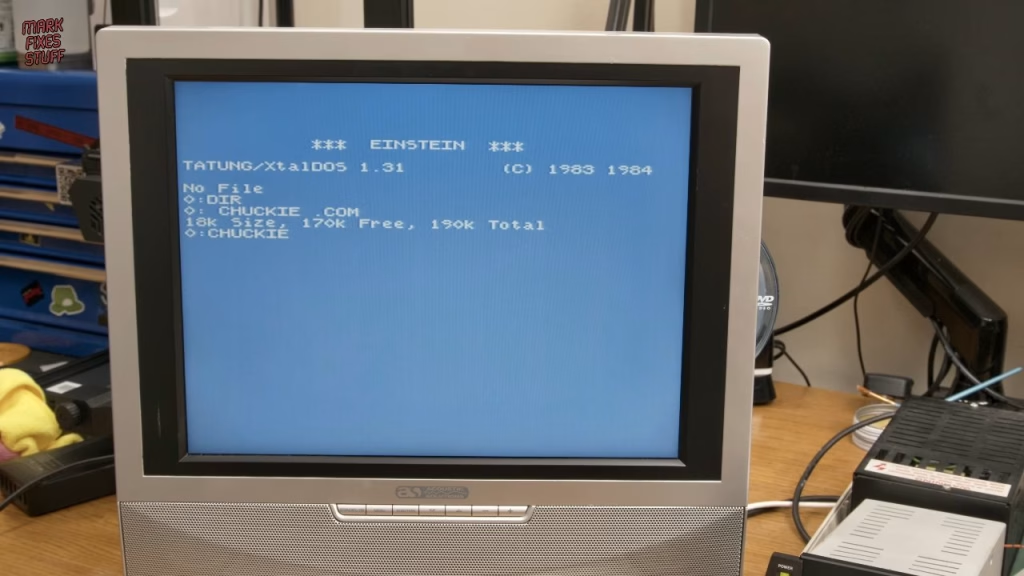
The original drive couldn’t be saved, but the Einstein now has a working vintage drive. Magnetic media has a finite lifespan, though, so the plan is to move the vintage drive to bay 1 for original discs and fit a Gotek in bay 0 (which needs a new cable, as the Gotek uses an IDC connector). That way I can archive real floppies to digital files for posterity. This episode sits between my Einstein no-power repair and the Gotek upgrade.
More from the Tatung Einstein repairs: Tatung Einstein TC-01 Won’t Switch On: Power Supply Replacement with a Mean Well PT-65B, Tatung Einstein TC-01 MODERN UPGRADES & PLAYTEST! Custom Digital Disk Drive mount from PCBWay & RGB SCART.
Related
The Einstein story continues in Tatung Einstein TC-01 modern upgrades, with a custom drive mount from PCBWay and RGB SCART. For more 3 inch drive work, see my Spectrum +3 disk drive, audio and RGB fixes.
Leave a Reply