
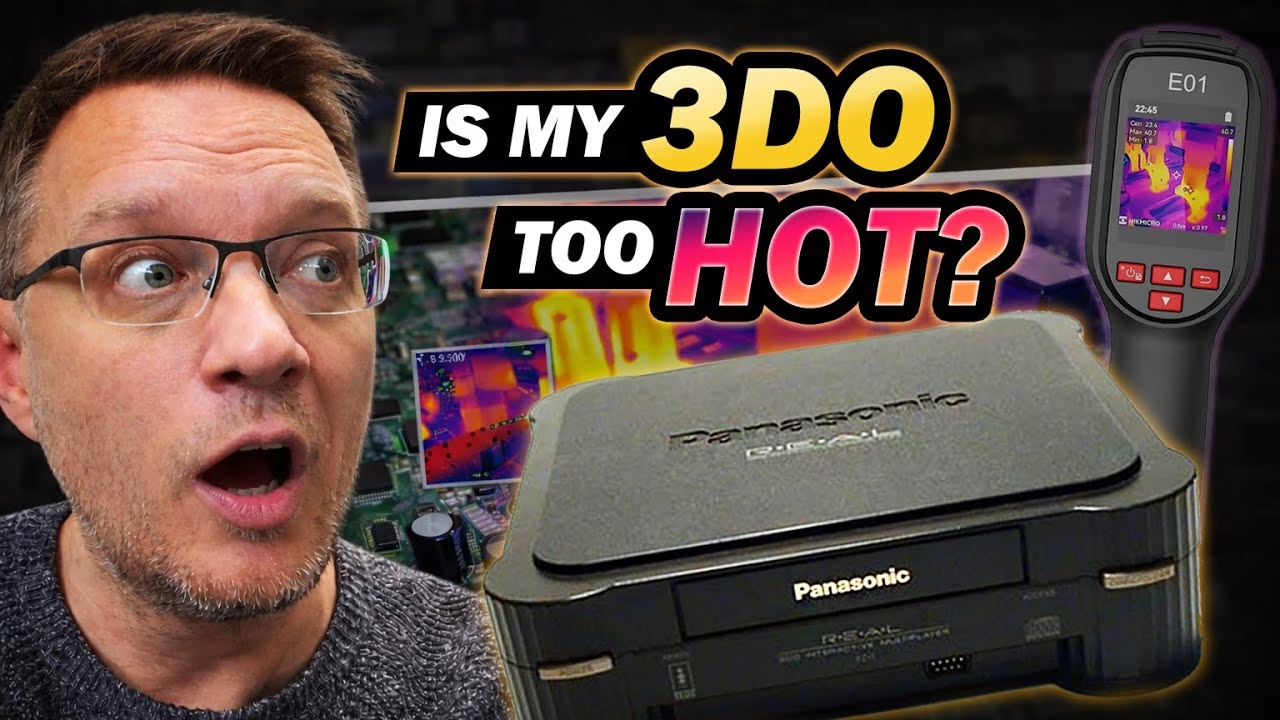
I have a bucket of Panasonic 3DO FZ-1 spare parts: top shells, shielding, drives, the remnants of all the consoles sent to me for repair. What I didn’t have was a mainboard, until I found an early Japanese FZ-1 board on a Japanese auction site. It’s a better foundation than most, because it has an A/B switch for 240p output. This is Part 1 of building my ultimate 3DO from spares: checking the board’s health with a thermal camera, testing drives, and replacing the capacitors that always fail. HIKMICRO sent me the E01 thermal camera used in this video.
Why a Japanese 3DO mainboard?
I used to have a big 3DO collection until the fire claimed it. This board is one of the early Japanese Panasonic FZ-1s. It has the additional kanji support needed for Japanese 3DO titles, but the real attraction is an A/B switch that changes the normal 480i interlaced output to 240p. It was cheap because the console’s top had been smashed (there were bits of plastic everywhere, plus a broken piece of the LED light pipe).
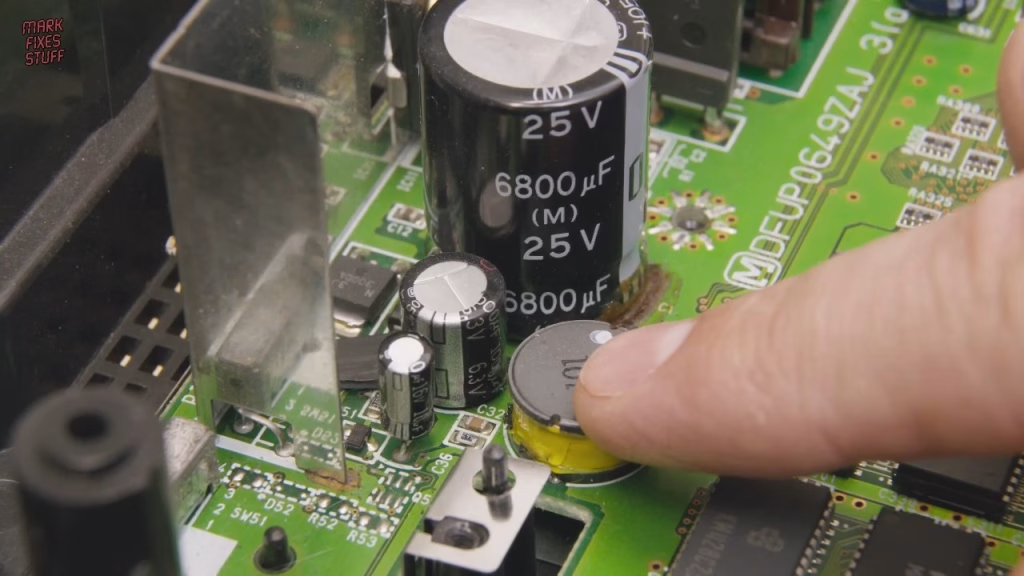
Most of the capacitors on these boards are fine (I’ve never found bad ones), and remarkably so is the battery. The known problem is the pair of capacitors next to the 9V and 5V regulators. They get cooked, the two smaller ones burst their seals and leak on the board, and that had clearly happened here. I suspected they’d gone high ESR and were heating up on their own. There’s also a mix of SRAM brands, some of which run hotter than others, which made this a good test for a thermal camera.
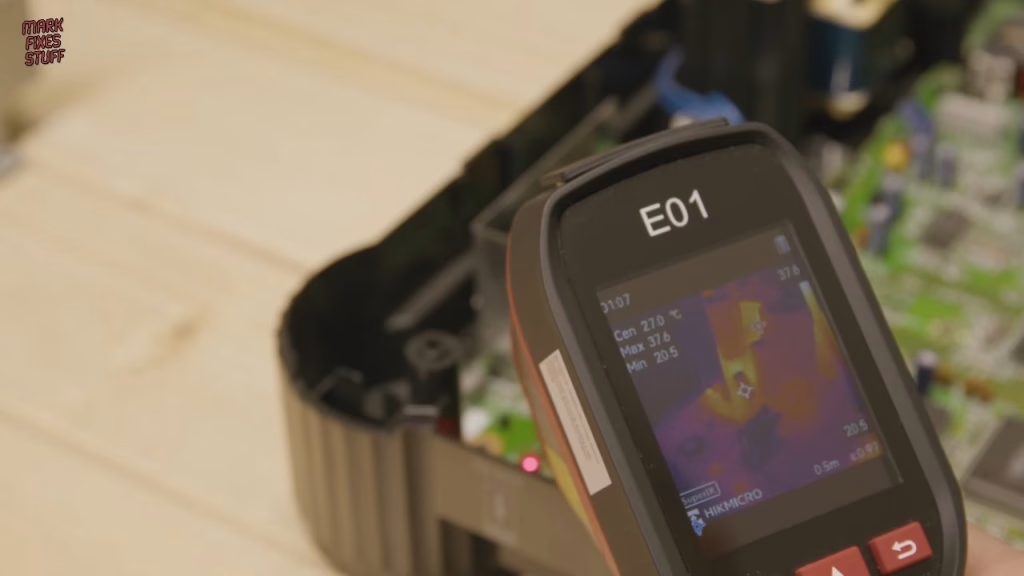
The HIKMICRO E01 thermal camera
Zach unboxed it for me (he’s much less childish than I am, although he did decide the trigger makes it a Star Wars blaster). There’s very little packaging waste. It comes with a good manual and a calibration certificate, something cheaper models lack, and registering it gives an extra 180 days of warranty. The screen is bright, which matters under filming lights, and there’s a tripod thread. One cable with switchable USB-C and USB-A ends handles both charging and getting pictures off. The features I actually use are the colour palettes (Ironbow is my favourite) and taking pictures, because I’ll have forgotten the reading 30 seconds later. You can find the HIKMICRO E01 here (affiliate link).
Powering a Japanese 3DO in the UK
Japanese machines need 100V AC. I’ve previously converted a US 3DO to 240V by changing its transformer, but for testing I used a step-down transformer: horrible, inefficient, clunky, but it lets me see whether the board works. For video I used my bench LCD, because it has S-Video, the best output you can get from an unmodified 3DO.
Two LEDs came on, a good sign. The picture was missing sync at first, but after wiggling the cable I had a solid signal with no picture, which is normal: the 3DO won’t boot without a CD drive attached.
Thermal check of the power section and RAM
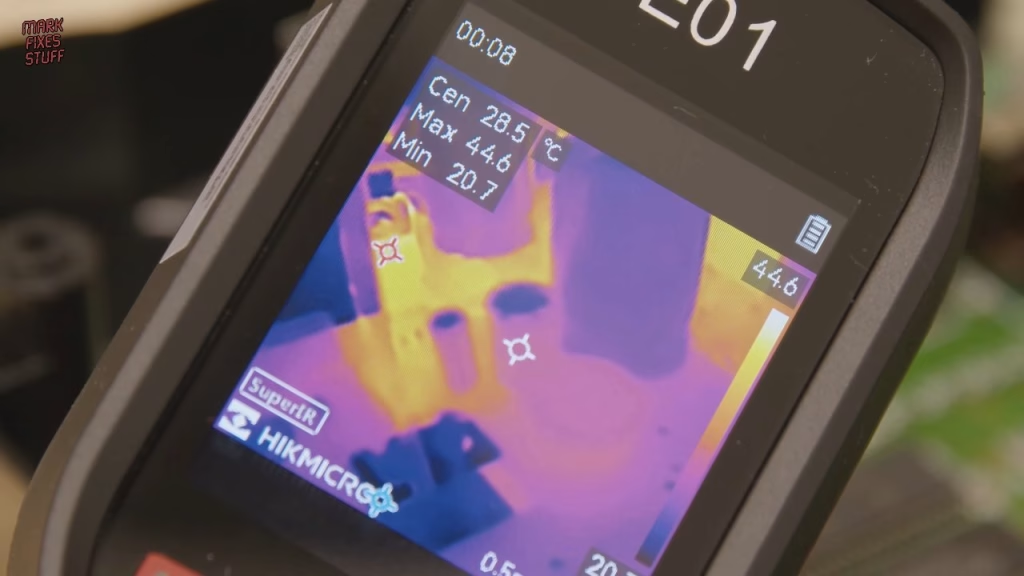
The two smaller capacitors read around 28.5°, the larger one a cooler 25° or so. The 9V and 5V regulators on the heatsink were throwing out around 55°C. The RAM was interesting: some chips were much warmer than others, probably the ones being accessed during boot. Seeing the thermals of chips in a working circuit is really useful, and you can also see how much heat that step-down wastes. Some US consoles came with a fan, and it’s easy to see why; it seems crazy it was dropped in later revisions.
Testing CD drives from the spares box
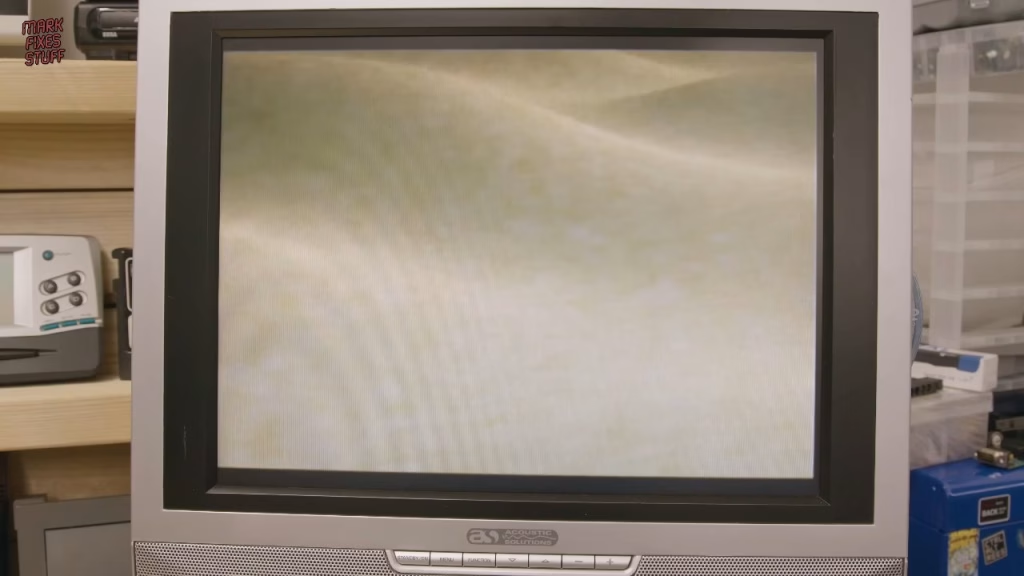
The spares box has drives I’ve already repaired with resin-printed replacement gears, and the skinny and wide ribbon cables to match. The ribbons seem to be double sided, so I’m not sure orientation matters (I could be wrong). Resting a drive on the standoffs without the 3DO’s inordinate amount of shielding, I powered on: the laser moved, looking for a disc to focus on, and the console moved on to ask for one. A spinning disc adds more load on the power section, and if that was too much I’d see a partial boot and a reset. Thanks to new eject belts, the tray came out smoothly, and Wicked 18 booted to the publisher’s logo with the disc spinning smoothly.
480i vs 240p: why the A/B switch matters
Close up on the screen, 480i shimmers with interlacing. Flick the switch and the 240p picture is immediately much more stable. That matters for image quality and for compatibility with modern displays and scalers, and it’s exactly why I wanted this board.
Replacing the 3DO power section capacitors
The board is held down by just two screws (I’ll need more for the final build). With the step-down, S-Video and AC cable disconnected, it came out and went to the bench. A desoldering station makes light work of two caps. Under the first there had been some leakage. Out of curiosity I measured it at 1.34 ohms ESR, which honestly isn’t that bad, while the new one measured far lower, which is what you want from a fresh cap. The 1000µF cap is usually fine, but it sits right next to the one that leaks, so it has to come out for cleaning underneath anyway.
I clean leakage with window cleaner containing vinegar: as a mild acid it neutralises the alkaline electrolyte without being harsh. Mop it up, then wipe with isopropyl alcohol to displace the water-based cleaner. The replacements are Rubicon and Panasonic, both rated for 105°C, fitted observing polarity and soldered at 340°C with leaded solder.
Did it work? Retesting with the thermal camera
Back in the case and on the step-down, two LEDs again. After five minutes running, the new capacitors were 1 or 2 degrees cooler than the originals. Not a huge difference, but a useful data point on ageing hardware. The ICs still run at the same temperatures, which is normal for them, although they’re certainly toasty. I’m always mindful that one day I might need to recap a whole FZ-1, but so far it’s only ever been these power-stage caps.
The plan for the Ultimate 3DO
The aim is a whole console from this box of parts, but not just any console. I’ll fit Fixel’s FZ-1 ODE and try hooking it up to a 480GB SSD with a SATA to USB 3 cable from AliExpress, build an adapter so I can use a PS3 controller and a mouse over USB (I only have one 3DO pad), and adapt the internal transformer for UK voltage so the step-down can go. Part 2 covers the SSD upgrade with the Fixel ODE, and Part 3 covers SSD loading and the joypad adapter.
More from the Ultimate 3DO FZ-1 build: Building My Ultimate 3DO FZ-1 Part 2: 230V Conversion and SSD Upgrade with a Fixel ODE, Building My Ultimate 3DO FZ-1 Part 3: USB Controllers with USBTo3DO and Joypad OS.
Related
More Panasonic 3DO on the site: fixing a 3DO FZ-1 laser with a 3D printed gear, the FZ-1 teardown and repair and fixing a 3DO that wouldn’t power on.
Leave a Reply