
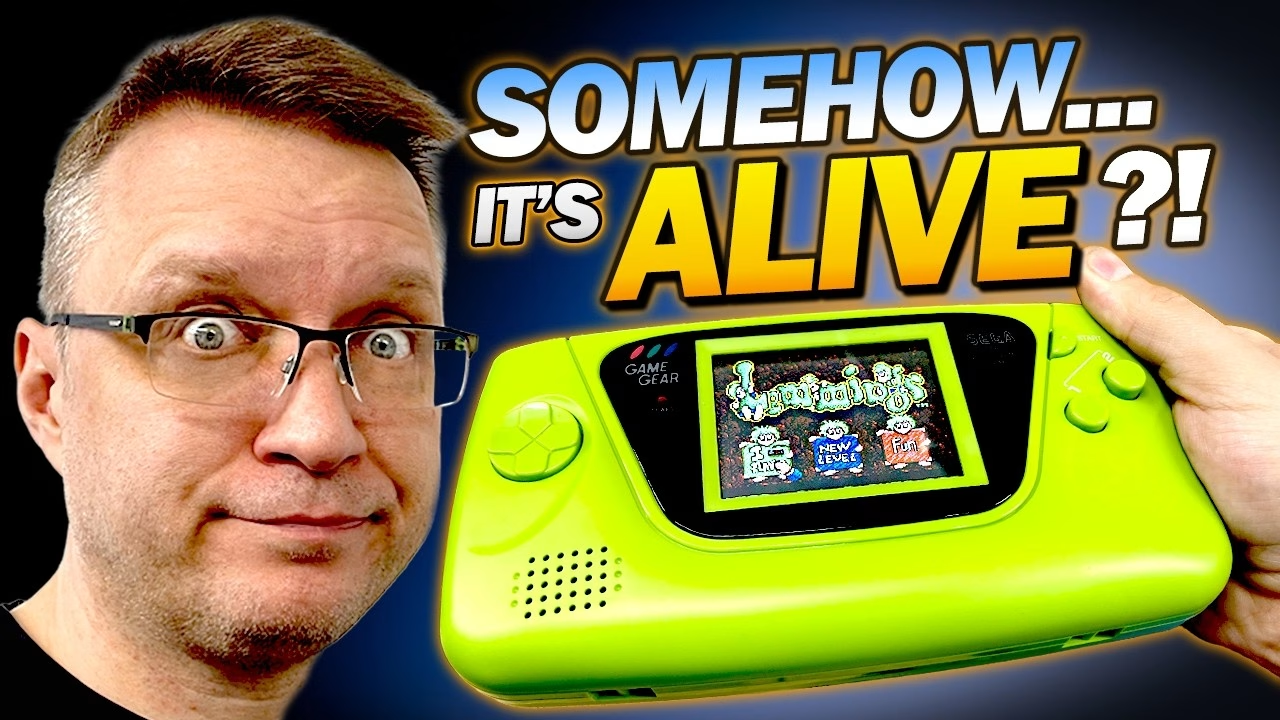
Why would a recapped Sega Game Gear with a brand new IPS screen still show nothing? That’s where Part 2 of this parts-only Game Gear starts. In Part 1 I recapped it, fitted an IPS screen kit and did a myriad of microscopic soldering, and it didn’t work. This time I go through the board with an oscilloscope, undo and redo my wiring, and after two weeks of mucking around the screen springs to life. I’m honestly not sure exactly which fix did it, so this isn’t a tidy textbook diagnosis. This video was sponsored by PCBWay.
Where we left it: no picture
With a cartridge in, the screen showed absolutely nothing. Without a cartridge, flicking the power on and off occasionally produced jumbled garbage, so the screen was working after a fashion. First I checked I hadn’t blown anything up. The Clean Power GG third-party power board had 5V on its first two pins, the USB-C conversion was giving around 9V in, and the rail that would normally drive the original screen was present too (not needed with the IPS panel, but it’s there). I also rechecked the traces around where the capacitors had leaked, in case cleaning had wiped away damaged tracks, and every wire-to-pad connection. Nothing wrong, which pointed to something I’d done during the rework.
Always check the audio
Before probing with the scope, I resoldered the speaker, hooked up the sound board at full volume and powered on with Lemmings. The music played. Not a terribly surprising revelation, because you should always check whether the audio is running even when the screen isn’t. It meant the Game Gear itself was working, and the problem was getting a picture onto the new screen.
Probing the video signals with an oscilloscope
Scopes look scary, but all they really do is draw voltage over time. With the probe clip on a good ground, I compared the image signals at the screen pads with the points on the board where they’re picked up. The first one looked like a shark’s fin. The diagram hadn’t specified which side of a 220K resistor to tap, and the other side gave a much stronger signal, so I moved my wires to the stronger-looking points. That wasn’t the fix: just sound again.
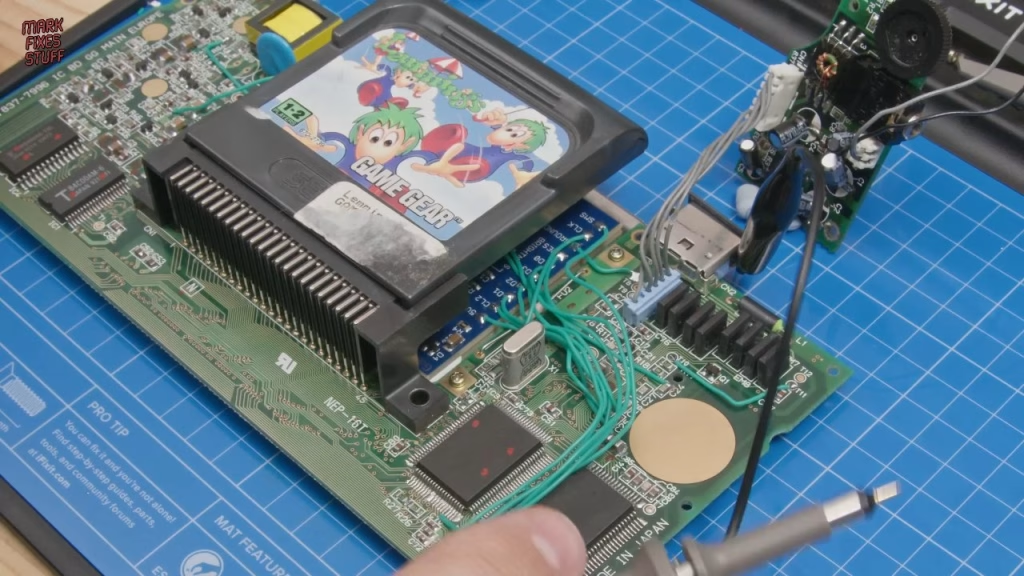
I did find a genuine mistake: I’d wired C24 and C25 wrongly. C24 should go to pad 2 on the IPS screen and C25 to pad 3. I think those set display options, so they could plausibly stop the screen starting, but correcting them made no difference. I then spent ages comparing every signal at the screen with its source on the board, and checked the crystal was putting out the right frequency. Everything matched, but I had nothing to tell me whether the signals were actually right. The IPS panel uses modern technology I don’t fully understand: the signals were there, but I didn’t know what it needed to display them.
Starting again with the wiring
So I took out everything I’d done, with the iron down at 300°. Before removing the wires, I also swapped the ceramic capacitors in the signal processing section for electrolytics (not exactly the right values, but close) to rule them out. They weren’t the problem.
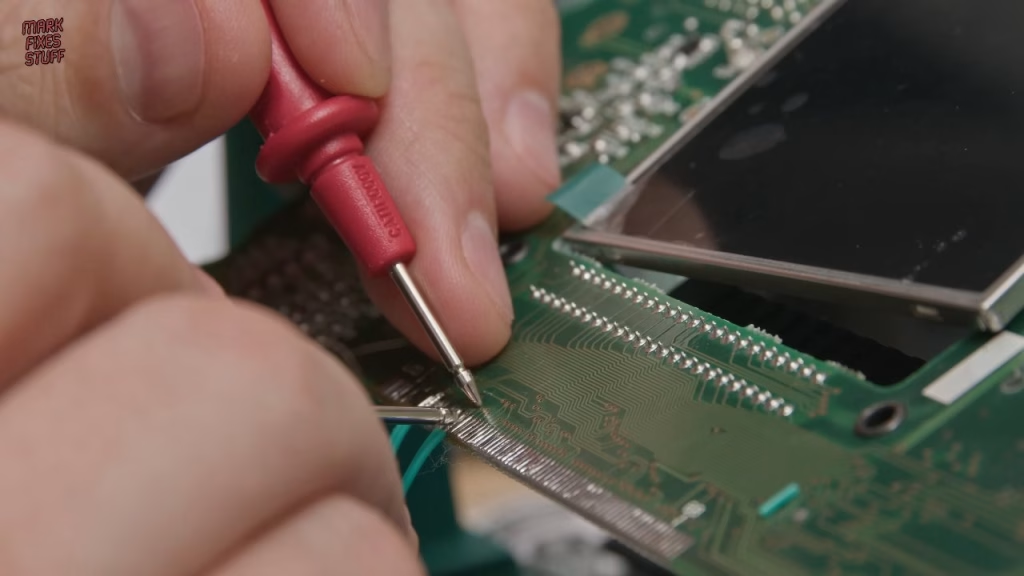
Next I tried fitting the helper board to the edge connector, which meant removing the 3D printed screen frame again (gently, to protect the threads I’d cut into it). I cleaned the contacts with flux and solder wick (careful: wick can be abrasive and rub away solder resist), lined up the helper board’s left edge with pin 1 (which is confusingly not marked as pin 1), and drag soldered along the row. Continuity testing showed half the pads weren’t connected. Trying to remove it with hot air, off camera, I ripped some pads and tracks. Luckily the ones I needed were still accessible, so I did what I should have done in the first place: individual wires, cut long enough to wrap twice around the board, checking continuity as I went and moving to the nearest good point wherever a pad had none. The ground comes from a pin I checked still had continuity to the bottom connector, and there are wires to M10, M11 and (after I soldered the wrong hole first) M16 near the D-pad.
Did it work? The screen finally comes to life
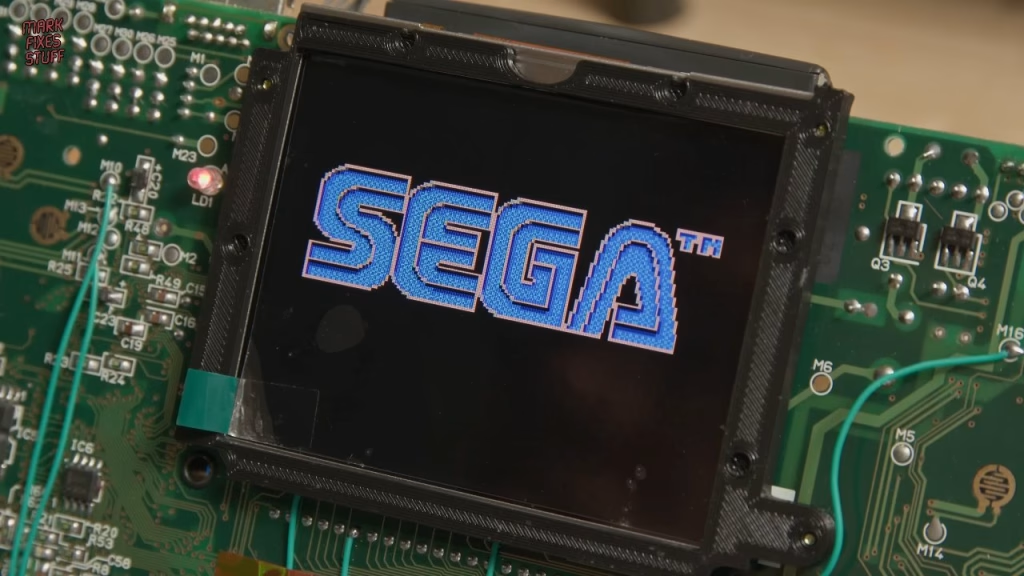
With the front connector taped over and the back looking like a bit of a mess (the long wires meant I knew exactly where everything went), I powered on, fully prepared to give up if it didn’t work. The screen sprang to life. That’s good news, because I have a working console, but also bad news, because I’m not entirely sure why it didn’t work before. Out of bloody-mindedness I checked the signals again and couldn’t see much difference; even the clock looks good enough despite the wire lengths. Ideally I’d compare against a known working recapped Game Gear, but I don’t have one. I do know it works, so I’m not touching it any more.
A new apple green shell
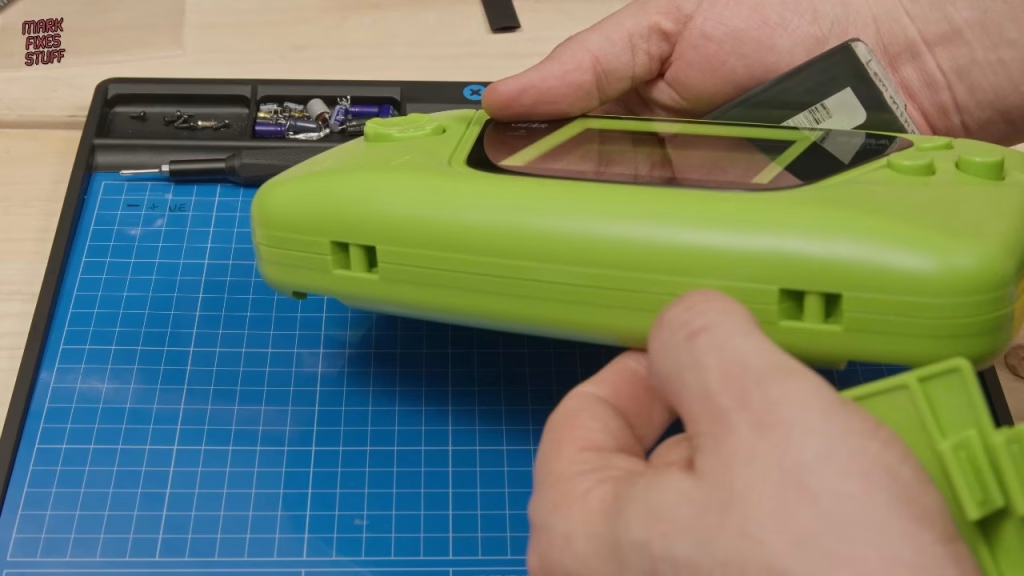
I gave my patrons a choice of shell, clear or apple green, and they chose apple green (clear would have shown off all my mistakes). One post inside the new shell would foul the edge of the new LCD, so it had to be snipped off. The speaker came out of the old spares-box shell by snipping the posts holding its glued or melted-on retention clip. I cleaned decades of gunk off it with a cotton bud, then cleared the old solder off its pads with wick, because stray strands from the speaker wires were contaminating it and could bridge. With fresh solder on the pads and restripped, tinned wires, the connections are far more secure than before. The speaker is a tight fit in the new shell.
The three smallest screws hold the speaker frame, done up only finger tight because the threads in the new plastic are uncut. The black USB-C shroud would have stuck out like a sore thumb on the green case, so I printed a replacement in green PETG on my Bambu Lab A1 with a 0.2mm nozzle, using a Thingiverse model made for this exact power board. It’s not a perfect colour match, but it’s better than black.
Reassembly and testing the controls
The D-pad, Start and A/B buttons and their rubbers are fiddly, and remember to remove the screen protector before screwing the board to the front of the shell. I tested it was working before screwing it together, fitted the glass before any dust got onto the new screen, and checked every control. The case didn’t sit quite flush until I moved some of my extra-long wires out of the way of the screw holes. One corner still isn’t as flush as I’d like, I think because the new LCD stops a screw going into one hole. (The last screw is an original Game Gear one, not out of tradition, but because I knocked a new one off the bench.)
It works, and despite everything, this project has made me excited to repair more Game Gears. I feel like I’ve learned a lot, but I have more questions than answers. If you know Game Gear hardware and can explain what changed, I’d love to hear it in the YouTube comments.
More from the Sega Game Gear repair: I Tried to Fix a “Parts Only” Sega Game Gear… and Failed (For Now) – MFS x iFixit.
Related
Start with Part 1 of this Game Gear repair. For more handheld screen upgrades, see the BennVenn Atari Lynx II LCD installation and my Game Boy rebuild from scrap parts.
Leave a Reply