
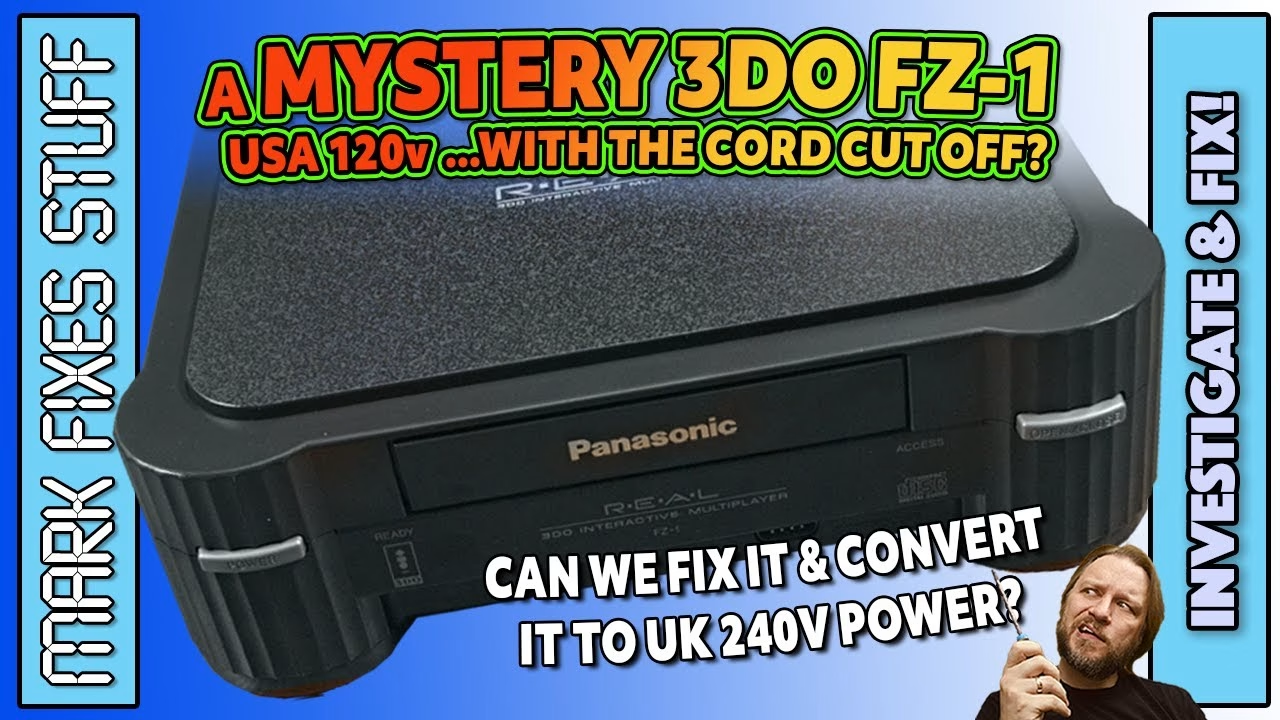
Can you run an American 120V Panasonic 3DO FZ-1 on UK mains without a step-down transformer? Yes: by replacing its internal transformer with a dual-primary unit wired for 230V. This early FZ-1, kindly donated by Mike Dailly (creator of Lemmings and GTA), arrived with a scuffed top, a missing expansion port flap and its mains cable cruelly cut off. I tested it on its original supply first, then converted it to UK power, lubricated the CD drive, cleaned the case and 3D printed the missing parts. This video was sponsored by PCBWay.
Please be careful with mains voltage. Everything below involves household AC; don’t attempt it unless you’re competent and confident doing so.
Internal inspection: why was the cable cut off?
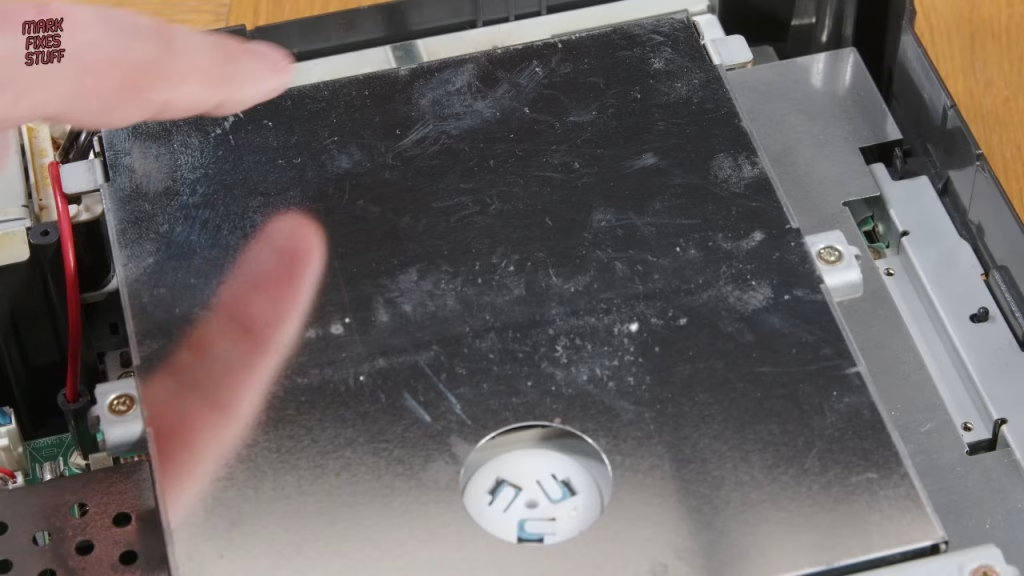
Only four screws hold the top on. I had no idea of its condition; it could have been plugged into UK 240V and blown up. A fingerprint inside showed someone had been in before me. This revision has a fan, which only the earlier consoles had, and there was the stub of the US 120V cable. The PSU is a 120V centre-tapped transformer for US household use, meant to produce 15 to 16V AC, which the board then converts to its DC rails.
I didn’t want a cable flopping about in the hole, so I measured the original cable gland with digital calipers (if you don’t have a pair, you should), modelled a grommet in Tinkercad with a snug hole for two-core cable, and printed it. Apart from some layer line issues it fits the cable and the case really well, and a cable tie inside stops the cable pulling out.
First test on the original 120V supply
To avoid introducing new faults, my first goal was to get it working on its original US PSU through a step-down transformer, using a US-style two-core cable. Even for a test, I did the splice as if it were permanent: soldered joints and 600V-rated heat shrink, shrunk with my hot air station at 125°C. Too many accidents happen when people get impatient and cut corners.
Power on: the red LED lit and the CD drawer opened on command. On my test LCD there was a definite picture. I think the cable was simply cut off for safety at some point, which is a big result. It asked for a disc, so I scavenged the garage of charred artefacts and found Wicked 18 golf and Theme Park. The Theme Park case was mouldy but the disc looked okay, and Wicked 18’s charred, damp long box hid a case in surprisingly good condition. The drive spun up, the access light showed data being read, and Wicked 18 loaded full screen in all its 90s pre-rendered glory.
How do you convert a US 3DO to UK 230V?
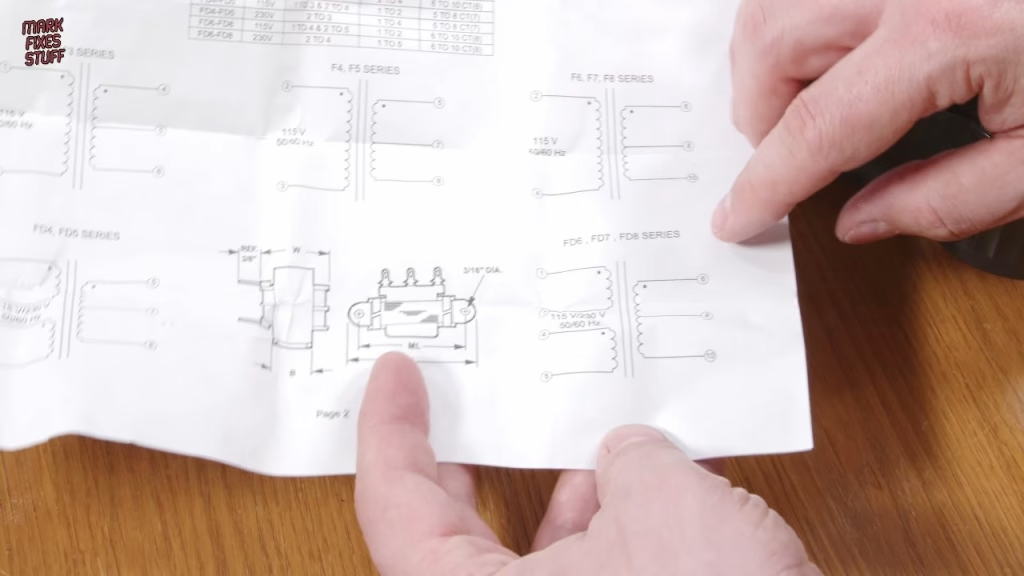
The 3DO is quite forgiving: anything from about 13 to 20V AC will usually work. Through the cheap step-down, the original transformer was giving just under 14V AC. The replacement is a transformer from Triad Magnetics, a well-regarded brand, which puts out around 16V AC, about right for the 3DO. It has two primary coils, which need configuring for UK voltage as its instructions explain:
- Tie pins 2 and 4 together to put the two primary coils in series for 230V. I used a length of mains-rated cable for the link, soldered with flux and insulated with heat shrink.
- Apply the AC input to pins 1 and 5, again well insulated.
- Take the AC output from pins 6 and 10, with pin 8 as the centre tap.
For the mains lead I used an IEC C7 figure-of-8 cable, which is actually a Panasonic part, and it’s a very tight fit in the printed grommet. I’d normally use spade connectors and a crimping tool, but those were lost in the fire, so I soldered straight to the terminals. (I nicked the insulation on the first wire while soldering; it didn’t reach the copper, so I left it and added more insulation. I really must buy proper wire strippers.) With the input wired, the socket measured a good 240V AC and the output a little under 20V AC off load: a bit high, but fine for the console.
Out came the original PSU, so I could reuse its connectors: the two blue AC wires and the red centre tap wire. They wouldn’t reach the new transformer, so I extended all three and heat shrunk them, then pre-loaded the lugs with solder and tacked the wires into the molten alloy, which is easier than my earlier method. The centre tap is effectively the zero volt reference between the two output windings.
Powering on with the UK transformer
With trepidation: the red LED came on, and the LCD showed a nice clean image (I really need an S-Video cable). Theme Park, which I find tremendously overrated, loaded with the CD access light going like the clappers. The FZ-1’s power stage has some caps that will need replacing, but I’ve covered those in other videos.
To fit the new transformer in the case I gently bent its tabs down, routed the wiring, and secured its lugs using the original screw threads. The cable is cable-tied inside before the grommet goes into its slot, so it can’t slip out over time.
Lubricating the 3DO CD drive
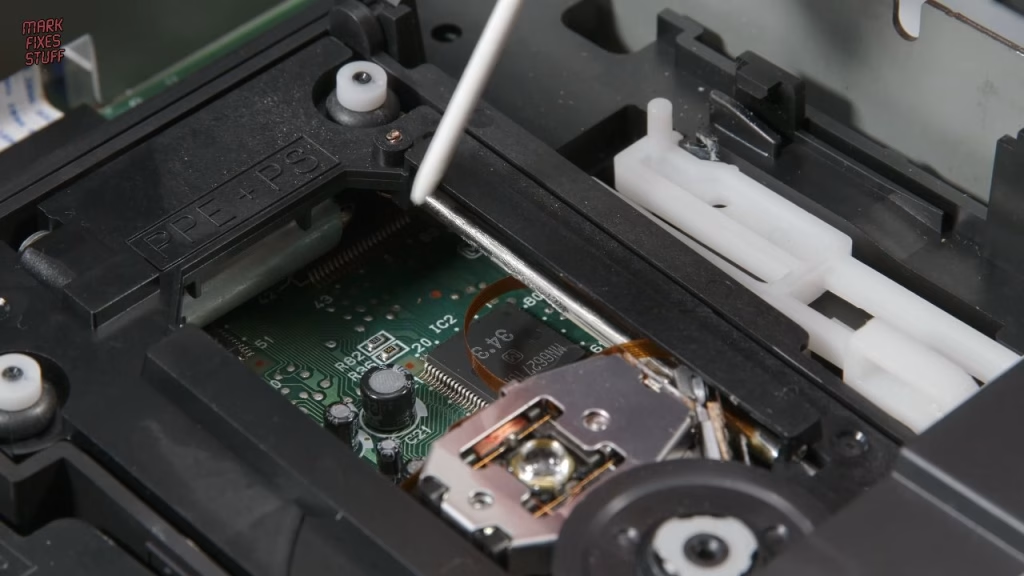
The drive was a bit noisy and probably very dry after 30-plus years. Under the madly over-engineered RF shielding (two screws and some side tabs), I applied a small amount of plastic-safe white silicone grease to the tray gears and slid the tray in and out by hand to spread it. Removing the top half of the disc clamp (one screw) and the structural bar across the drive gives easy access to the laser mechanism, so I greased the length of the laser rail, a little in front of the sled, and the worm screw that drives it, cleaning up any overspill. I also cleaned the lens with a teased-out cotton bud dipped in window cleaner, dried it with another, and vacuumed out the dust before reassembly.
Cleaning the case and printing a new port flap
On these early FZ-1s the top plate pops out of the shell, so I soaked it in window cleaner and scrubbed the grooves with a stiff brush, because that’s where the gunk gathers. The rest of the case got window cleaner and a lint-free cloth, then car dashboard cleaner, which smells like an 80s wine bar but makes the best of a bad lot. When reassembling, turn each screw anticlockwise until it drops into the existing thread before tightening, so you don’t cut a new one and weaken the post.
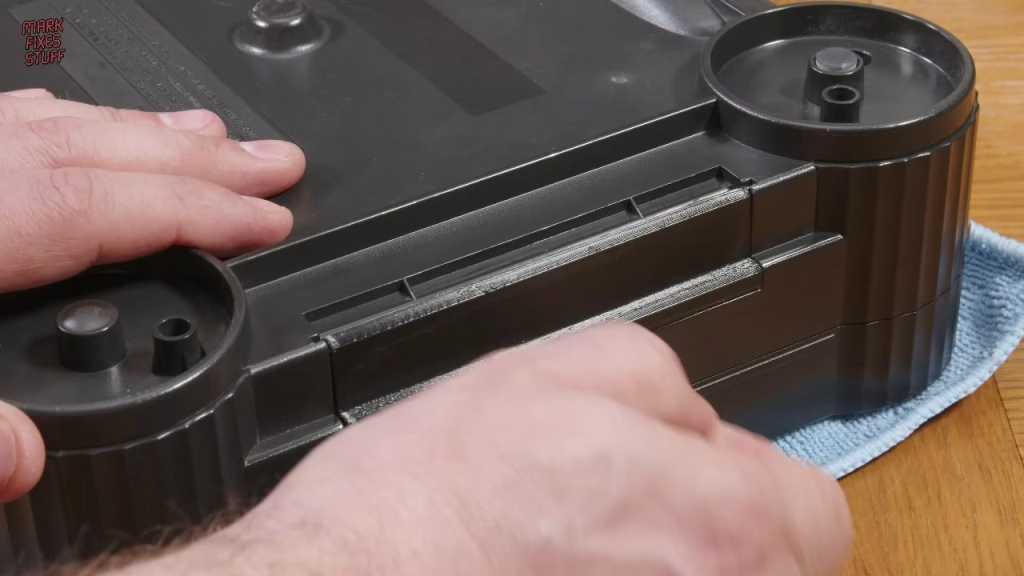
For the missing expansion flap, I printed the 3DO expansion flap by Robert Dale Smith on Thingiverse. On this console I had to extend the end pegs slightly to stop it dropping out, and it’s functional and quite a good colour match.
Did it work?
Yes: a working US 3DO that plugs straight into UK mains, with no step-down, and plays games full screen. I’d normally finish with some exciting gameplay, but all I had was Theme Park and golf. There was a bigger reason, though. When I went looking for my 3DO controller, I discovered it hadn’t just been sooted up in the fire: it had been doused by the firefighters and sat in a stagnant, mouldy puddle for weeks. It deserves saving, but that’s another video.
Related
More 3DO FZ-1 on the site: fixing an FZ-1 laser with a 3D printed gear, the FZ-1 teardown and repair and whether that repair worked.
Leave a Reply