
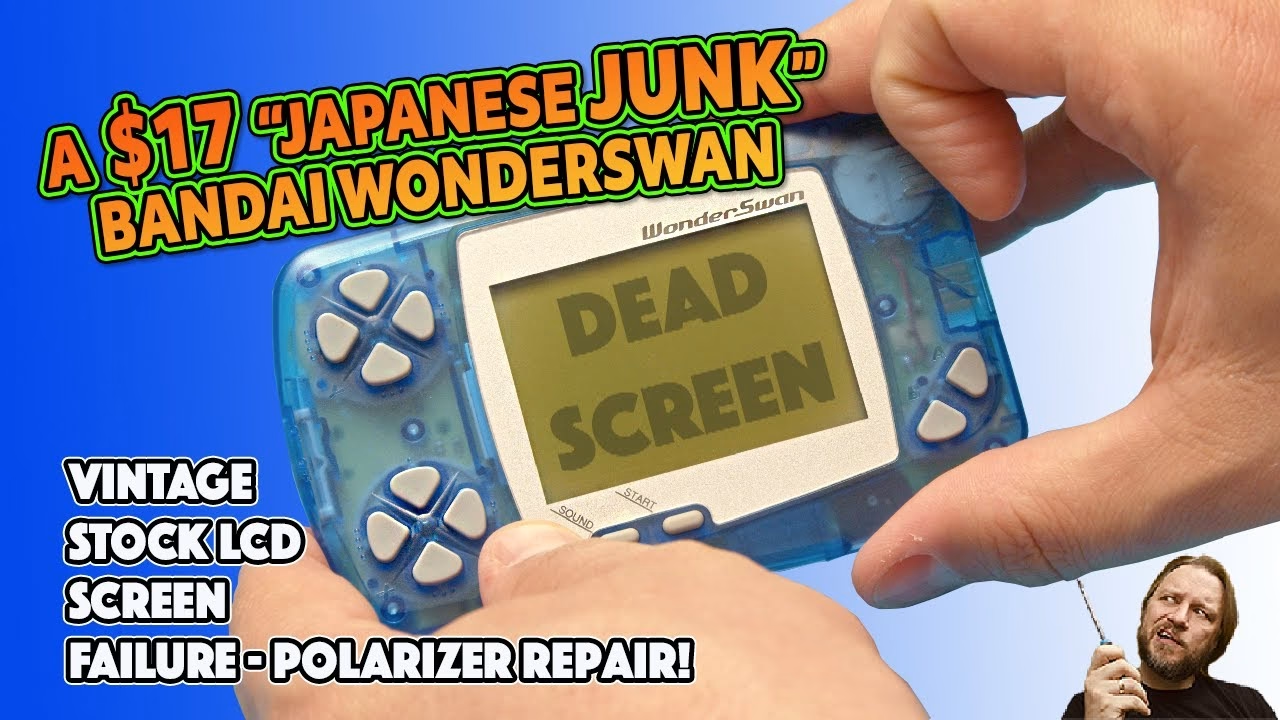
This poor little Bandai WonderSwan was marked up as junk on a Japanese auction site, and I bought it for $17 (plus another $3 for a game I couldn’t even identify). The kicker is that together they work. The problem is the screen: it has a burnt polariser, which makes it almost impossible to see anything. Here’s how I replaced the polarising film and brought the display back. This video was supported by PCBWay.
What does a burnt polariser look like?
The polariser is a film over the top of the LCD. Over time it wears out and, as they say, burns. You can just about see a bronzing effect around the corner of the screen, which is where the polariser is no longer, well, polarising. In real life I could barely see the picture at all; through the camera it actually looks clearer than it is. In full sunlight, at just the right angle, I could just about make it out.
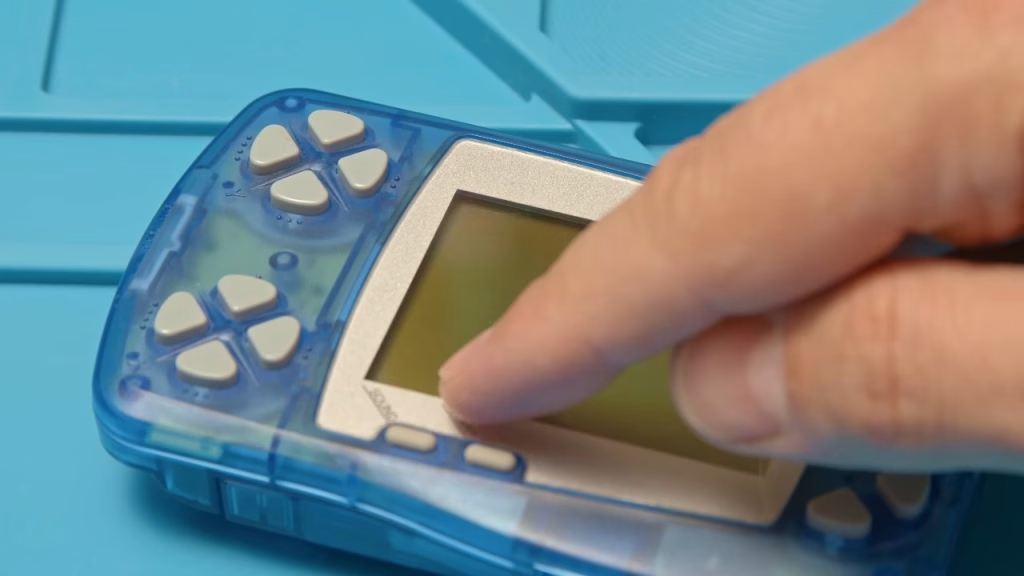
Opening up the WonderSwan
The handheld is held together by six Torx T7 screws, all easily found on the back. I used my Kaiweets ES20 electric screwdriver set: it’s cheap and cheerful, charges over USB-C, has plenty of exotic bits and has a low and a higher torque mode, which is perfect for 20 or 30 year old plastic.
The WonderSwan is marked 1998 and I think it was meant as a direct competitor to the Game Boy. We didn’t see many of them in the UK, but they’re common on the Japanese auction sites. The games library is very Japanese, so only a few titles are playable without understanding the language. If you know any great WonderSwan games, let me know in the YouTube comments.
With the screws out, the cartridge comes out, then the battery pack. I really like this design: the single AA battery is encapsulated in its own little holder. The back comes off with a couple of plastic clips. This is a pretty clean example, and for $17 I can’t argue. There are a couple of electrolytic capacitors on the board; I didn’t change them, though you may need to. I did remove the plastic power switch cap, because I’d be bound to lose it otherwise.
A single ribbon cable connects the board to the LCD. Release the collar on the zero insertion force socket and the cable comes out easily, then the main board lifts out of the front shell. Watch the buttons, as they’ll fall out and roll under your desk (as one of mine did). The speaker has a bit of rust on it; I could clean it, but a replacement is about three quid, so that’s the plan.
Removing the LCD and peeling off the old polariser
Four pads hold the screen in place, which turns out to be very handy later. With the buttons out there’s an aperture where you can get a spudger in and pry the screen away from the adhesive on the front shell. Go gently, because it is glass. Once it was out I could see that some of the screen adhesive had started to delaminate around the corners.
The polarising film is stuck to the glass, so it needs to be lifted with a scalpel. As long as you’re careful and keep the blade flat, it’s very difficult to score the glass underneath. Once I had enough lifted to get my fingers on it, I held the LCD flat on the mat with my other fingers and gently but firmly peeled the film off. It’s really well stuck down, and a sheet of adhesive comes away with it. Even worn and faded, the old film still had a bit of its 1998 mojo left: hold it over the screen and you can see what a polariser actually does.
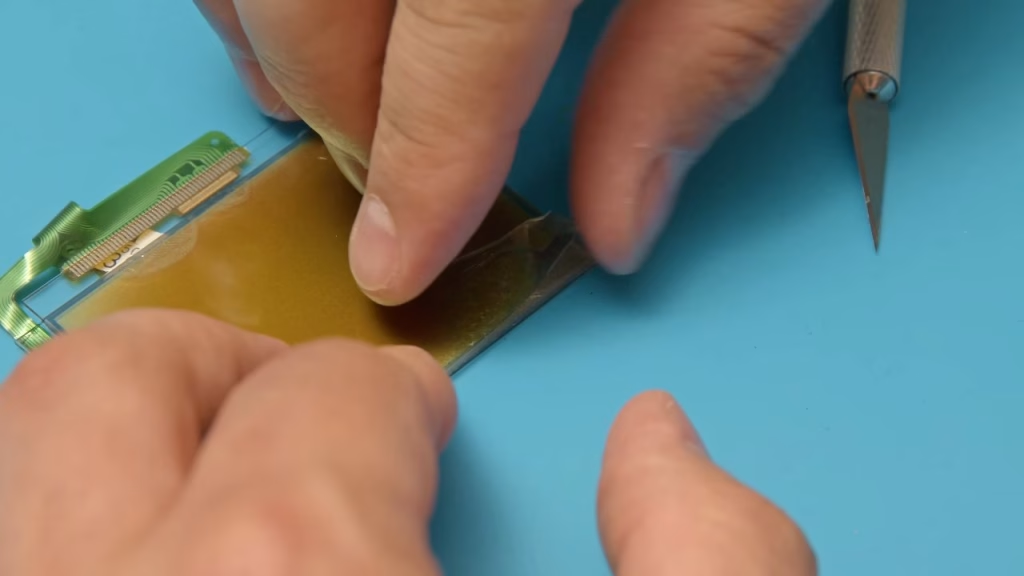
Cleaning the old adhesive off the LCD
What’s left is a dense layer of glue. Scraping it dry doesn’t work. Instead, a few drops of isopropyl alcohol on the LCD start dissolving it immediately, and then a plastic blade lifts the top layer away. Be under no illusions: this takes a couple of goes, and even on the second pass plenty of glue was still coming off. Eventually the clean glass started to appear, and after a final going over I had a properly clean LCD.
Choosing and cutting new 90 degree polarising film
I used 90 degree polarising film bought from Amazon. It’s self-adhesive on one side, which makes it impossible to fit back to front, but orientation still matters: there are two ways to lay it on, and only one looks right. Check it against the screen before you commit.
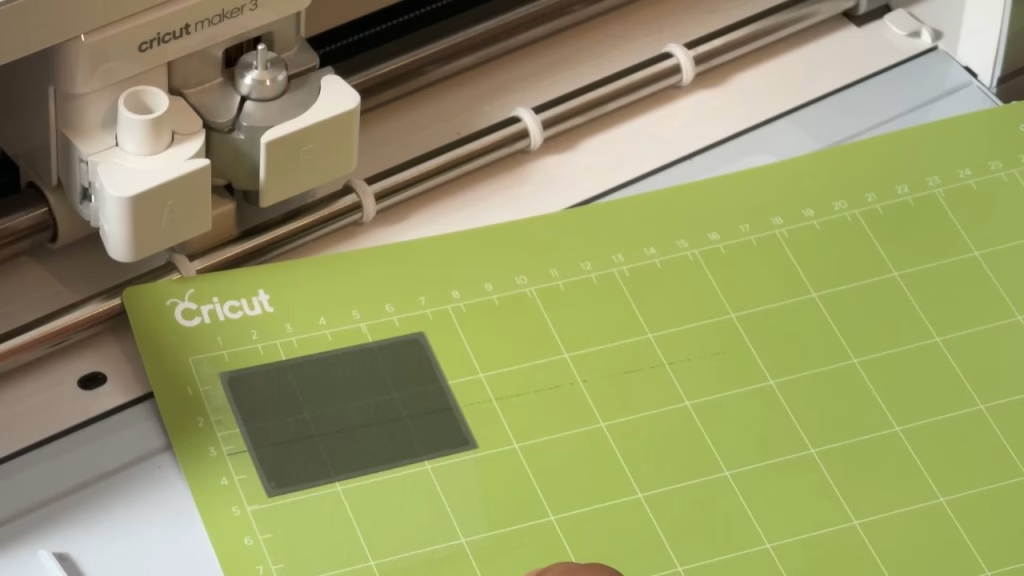
For a precise fit I measured the aperture in the shell with digital calipers and put the dimensions into a Cricut. It’s really a vinyl, sticker and card cutter aimed at the craft market, but it’s perfect for things like cartridge labels, or this. I set it to cut twice (a double cut), and it produced a piece exactly the size I needed.
Fitting the new polariser
Peel off the backing, place it on the screen (minding the dust) and then, much like a phone screen protector, work out any bubbles and make sure it goes right to the edges. There’s still a top protective layer at this stage, so you don’t need to be too delicate. Then peel the top protector off. If I do say so myself, it looked pretty good.
Back in the front shell, the original screen adhesive still had an incredible amount of tack for something made in 1998, so I pressed it down firmly all round. The buttons went back in (these are the ones I launched across the room off camera, which cost me 20 minutes on my knees), followed by the rubber contacts.
The rusty speaker
I had another look at the speaker before reassembly. It’s in poor condition and even the rubber surround has started to deteriorate. For such a cheap part it isn’t worth trying to rescue, so it’s a candidate for replacement. For now it went back in as it was, because I wanted to see whether the polariser had done the business.
Reassembly
The main board is a loose fit in the shell, with a couple of locating pins; everything is really held together by the back. Make sure the LCD ribbon is firmly seated in the ZIF socket, and don’t forget the power switch cap (something I often do). I love this transparent shell colour: nothing screams late 90s quite like coloured see-through plastic. Check the buttons all work, then screw it back together sympathetically, backing each screw off until it drops into its thread and driving it in low torque mode so the plastic doesn’t strip.
Did the polariser fix work?
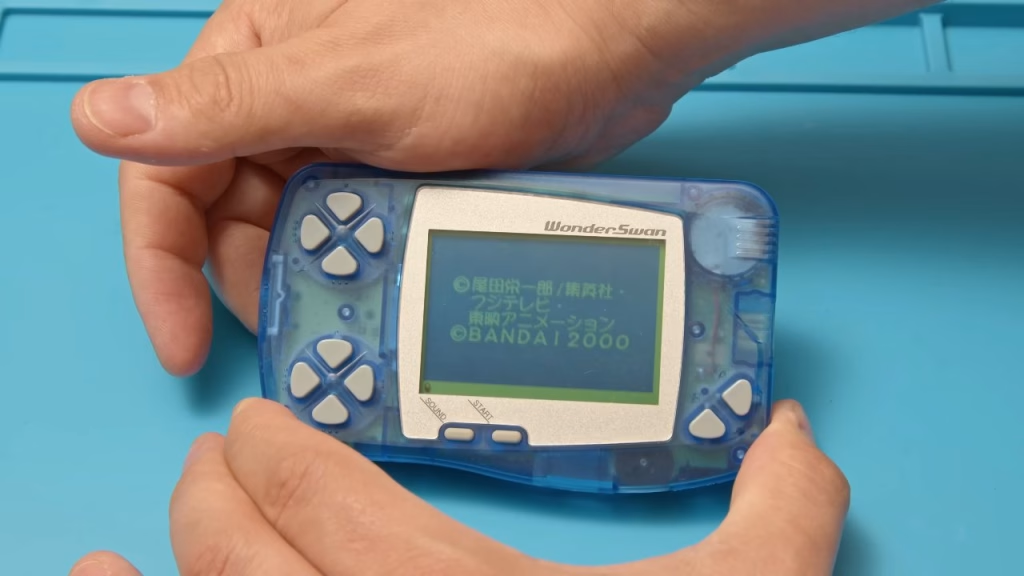
Battery in, cartridge in, power on, and straight away there was an amazing difference. There’s a bit of screen flicker on camera, but you don’t see that with the naked eye (and apologies for the dust on the outside of the console; I should have blasted that off first). This one is a real success.
Related
More handheld screen work on the site: the no-solder Atari Lynx LCD upgrade from BennVenn, rebuilding a Game Boy from scrap parts and my “parts only” Sega Game Gear repair.
Leave a Reply