
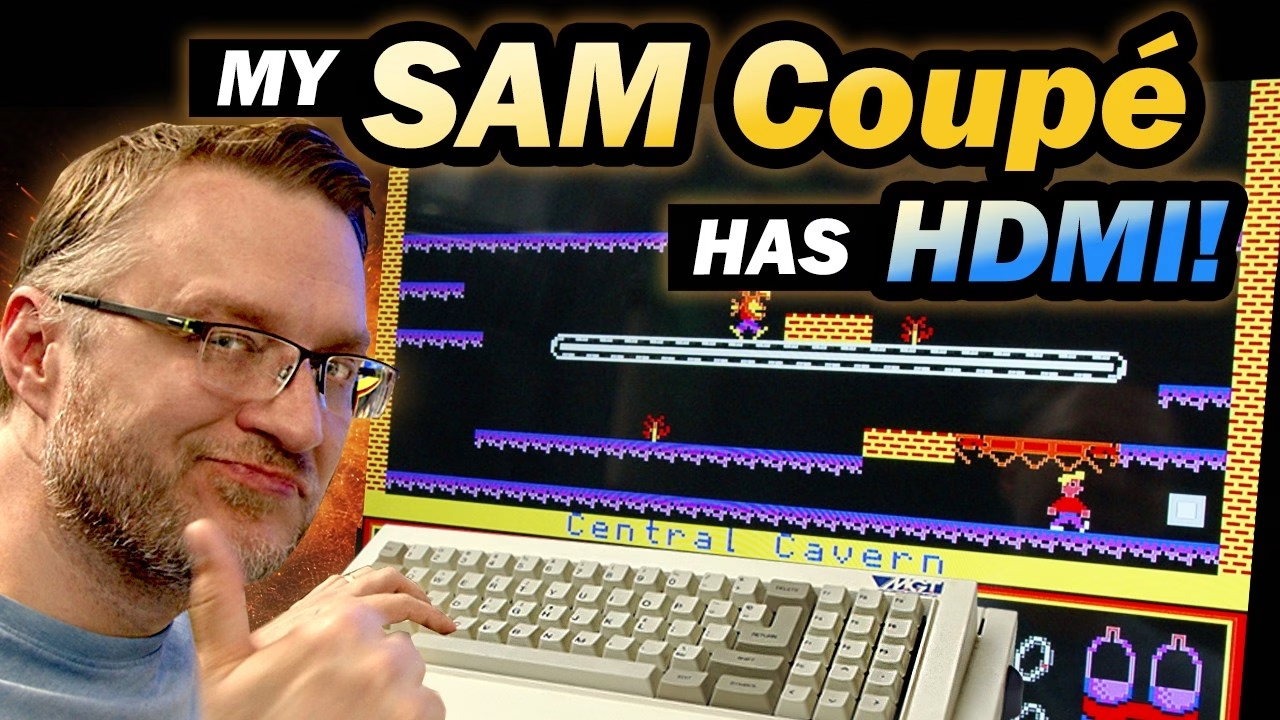
The SAM Coupé, released by Miles Gordon Technology in 1989, can output a surprisingly good picture, as long as you can get it out of the machine. Over RF it’s a shimmering, noisy mess. So I fitted a modern HDMI solution, the SAM HDMI unit built around the RGBtoHDMI project, and compared the two side by side on the same TV. This video was sponsored by PCBWay, and the SAM HDMI hardware was kindly supplied by Wayne Robbins (Retro Robbins).
Why does the SAM Coupé’s RF output look so bad?
Part of the problem is that the SAM’s power supply also contains the RF modulator, and this power supply runs hot. Really hot: some of the components inside are over 80°C, and it’s been failing after it’s been on for too long. It needs replacing with a modern equivalent in a later video, but for now it had to hang on in there, because I needed it for the RF comparison.
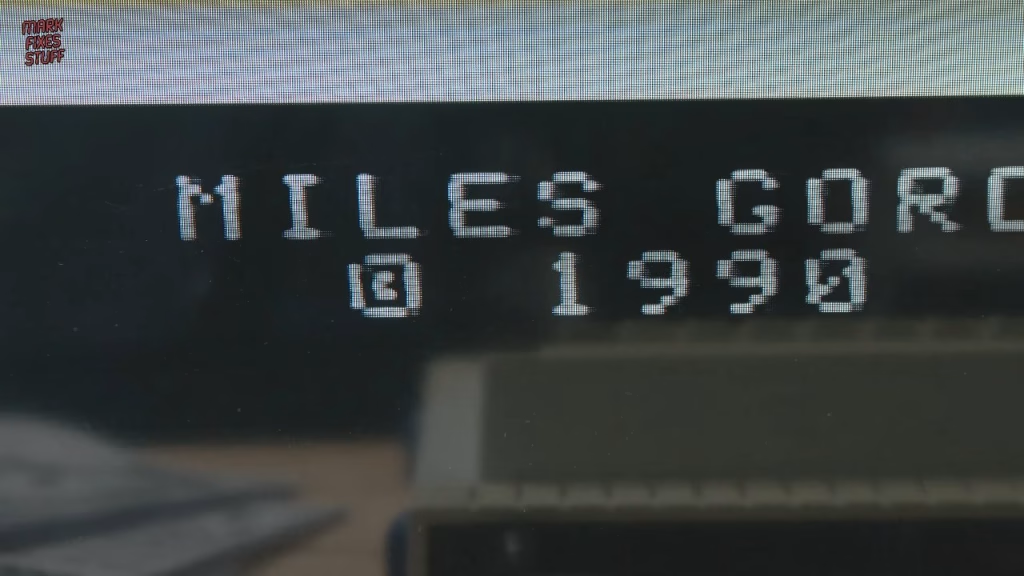
I used a big TV with both RF and HDMI inputs so I could compare directly. Autotune found the SAM around channel 37, and the picture was naff: probably fine on a CRT, which would have hidden a lot of it, but the noise from the speakers was as bad as the noise in the colours. For a real-world test I booted the SAM Revival 26 disk (F9 auto-boots disks on the SAM, and the disk was another gift from Retro Robbins) and loaded the Blocker practice level, because it gives a static image I can reproduce over HDMI. It’s a shimmering mess, made worse by the TV’s own upscaler.
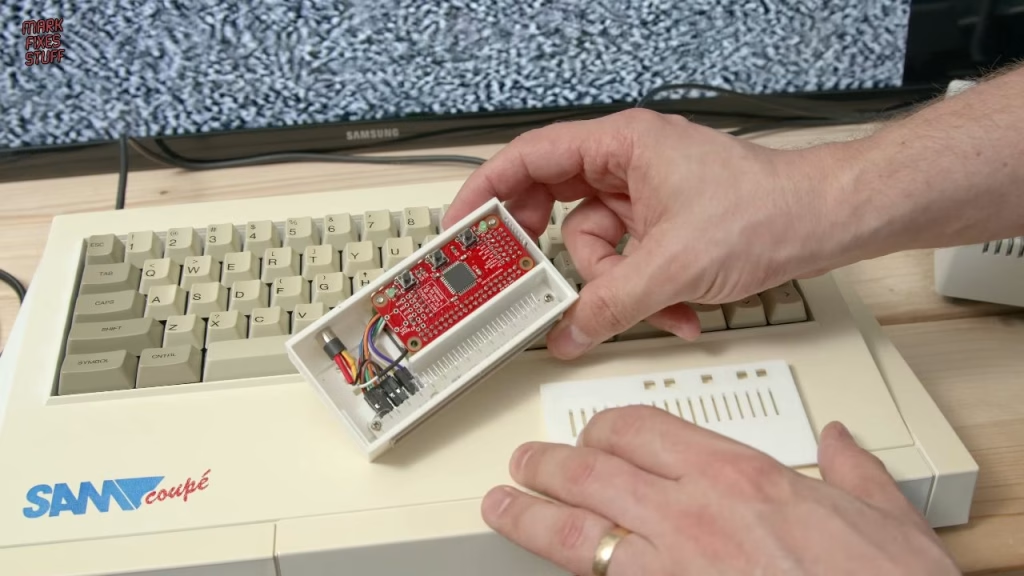
The SAM HDMI unit
The SAM HDMI plugs into the Euro connector on the back of the machine and converts its RGB directly to HDMI. Inside, an RGBtoHDMI board sits on a Raspberry Pi, and the Pi’s mini HDMI port is the output, so you connect it to the TV with a mini HDMI to full-size HDMI cable. Wayne 3D printed the case (he says it’s something he knocked up quickly in Tinkercad, but it’s really not bad), and the wiring uses DuPont connectors glued in place.
No signal: fault-finding the HDMI connection
I started on RF to prove the machine was running, then switched to HDMI and got nothing. The TV said HDMI wasn’t available, the unit’s LEDs were suspiciously inactive, and wiggling the cable didn’t help. So I opened it up, gently pulled the pin header off to see the Pi underneath, and reseated the cables. Assuming the SD card image was fine, everything looked in order.
The clue came while putting it back together: the mini HDMI plug wasn’t going all the way in. It was loose and kept slipping out, because the case is too thick for my particular cable (Wayne’s are probably slimmer or have a longer shaft). Rather than strip everything out of the case, I took the two boards out, rotated them slightly, and the plug slid fully home. That’s very likely the whole fault. HDMI uses a kind of handshake in which the display tells the source what it can handle, such as resolution. Without that information the Raspberry Pi can’t output a signal, and the RGBtoHDMI probably never even starts.
RF vs HDMI on the SAM Coupé
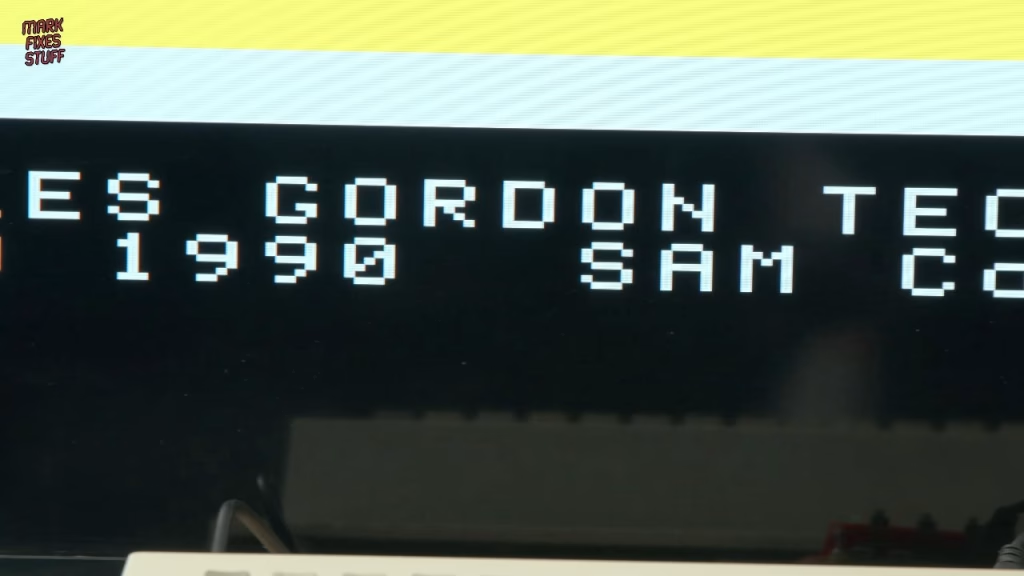
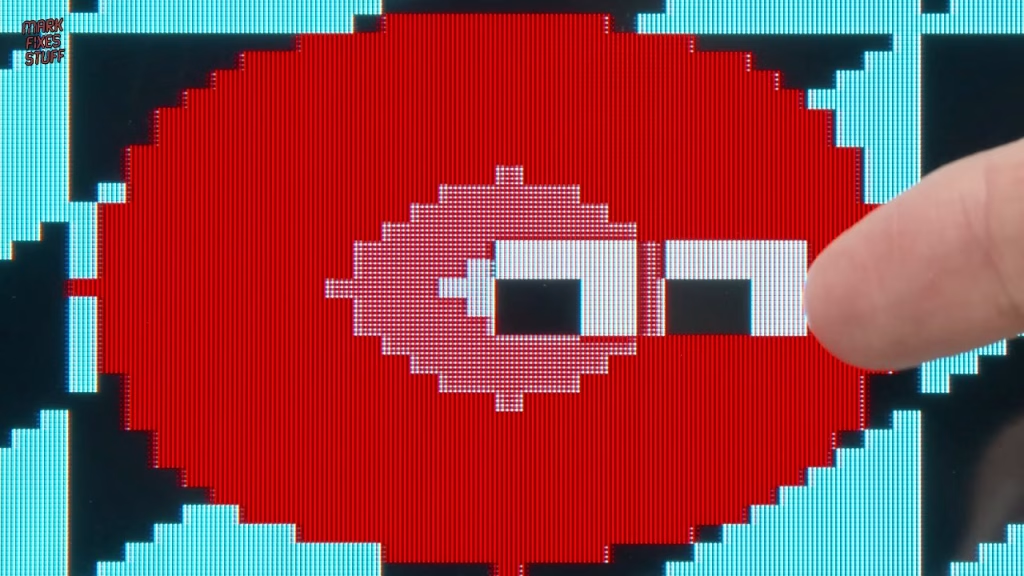
With the plug seated, HDMI 1 popped up on the TV straight away, and the picture was incredible: zero noise, zero bleed, everything pin sharp (if anything, a little too sharp). Back on the Blocker practice level the difference was stark. It’s bright and clear, the bleeding has gone, and the strange washing effect between areas of high contrast has disappeared completely.
I was so gobsmacked that I almost missed that everything was stretched to 16:9. Luckily there’s a menu: switch 1 opens it, and switches 2 and 3 move up and down. Under Preferences there’s a Swap Aspect option that did what I wanted, and Save Configuration should make it start in that mode every time.
Getting sound out
The one catch is that this output doesn’t carry sound over HDMI. It does feed audio out of a jack socket on the back, though, so I borrowed a cable from a pair of headphones and plugged it into a small amp. Reloading the SAM disk for its menu music, the sound was fantastic, far better than my camera mic could capture.
Did it work? Playing games over HDMI
It did, and for once I got to enjoy the fruits of my labour. I finally played the SAM’s arcade conversion of Battlezone (really addictive, and I’m not very good at it), then Manic Miner from the cover disk of SAM Revival issue 9 (revamped edition). Game one has the original 20 levels, game two has 20 more, and game three has another 20. It plays exactly like the Spectrum version I know so well, which is incredibly faithful, and the new levels reminded me how long it took to learn the originals.
I thought it would be better, but I didn’t think it would be this good.
The SAM Coupé was a much more capable machine than the ZX Spectrum, but Spectrum compatibility wasn’t enough to attract the users MGT hoped for, and it fell by the wayside. Our journey with this one is just beginning, though: the case needs a hole cutting so my cable fits properly, and that power supply, hotter than Satan’s undercarriage, needs replacing. Earlier in this series I repaired the SAM’s floppy drive, and I’ve also opened up its keyboard (which turned out to be full of bugs).
Thanks to Ian Stonelake for donating the SAM Coupé featured in this series, to Retro Robbins for the HDMI unit, and to Quazar for the excellent SAM Revival magazine, a real labour of love for such a niche machine.
More from the SAM Coupe restoration: SAM Coupé Restoration Part 1: Inspection and First Power Up, SAM Coupe Floppy Drive Repair: Replacing the Belt and Capacitors, SAM Coupé Keyboard Repair: New Membrane, Deep Clean (and Dead Bugs).
Related
More from this SAM Coupé: SAM Coupé floppy drive repair: replacing the belt and capacitors. For another HDMI upgrade on a British 8-bit, see the ZX-HD HDMI interface for the ZX Spectrum.
Leave a Reply