
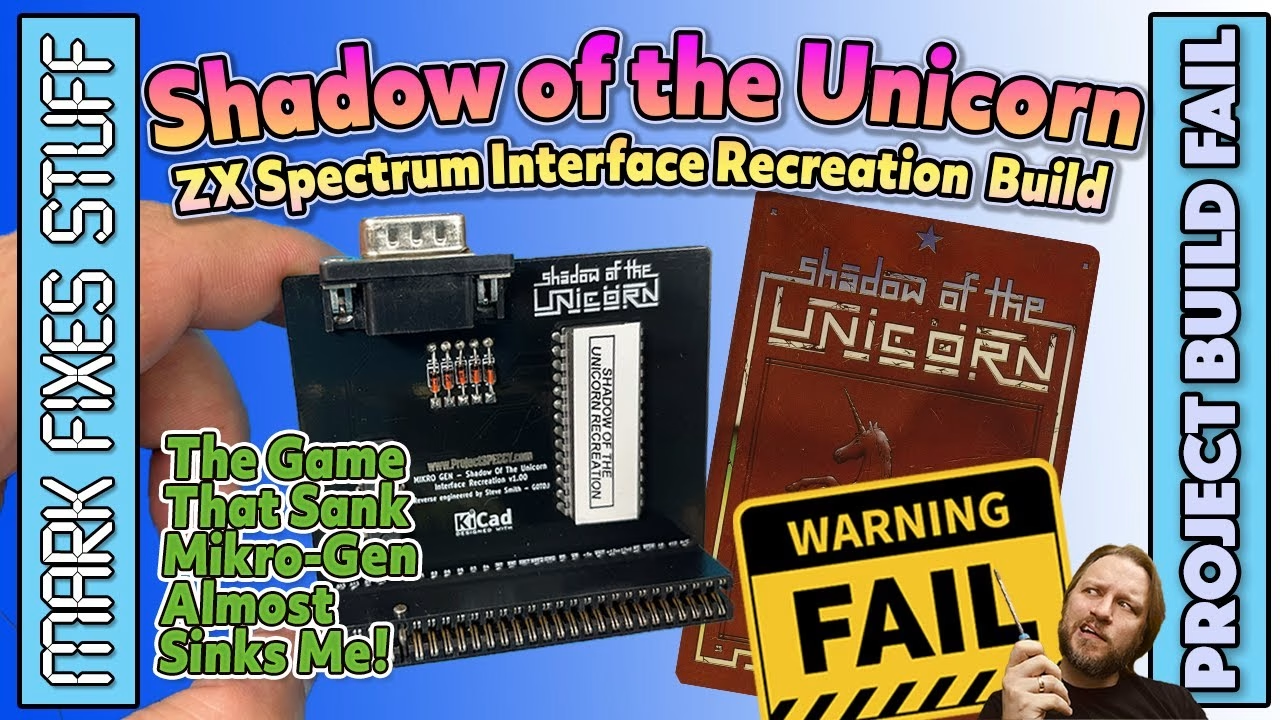
Shadow of the Unicorn was a ZX Spectrum game that came with an entire interface of its own, with a 16K shadow ROM and a built-in joystick port. Originals go for a pretty penny now, but thanks to Stephen Smith of ProjectSpeccy.com there’s a modern recreation that won’t bankrupt you the way the game bankrupted its creators. I built one, and it went wrong before it went right. This video was sponsored by PCBWay, and you can order the boards from the PCBWay project page, which also links the ROM and TZX files.
What was the Mikro-Plus interface?
The Mikro-Plus interface was developed by Mikro-Gen and was meant to usher in a new era of 64K ZX Spectrum gaming. Its development cost sank the company, and only one title was ever released for it: Shadow of the Unicorn. The game came with the interface, a large printed map and a novella of over 100 pages. The company that bought Mikro-Gen went bankrupt just six months later.
Parts for the Shadow of the Unicorn interface
- Stephen Smith’s recreated PCB
- A 74LS32 quad 2-input OR gate, in a socket
- A 16K EPROM programmed with the extra game code, in a socket
- Five 1N4148 signal diodes
- A DB9 (D-sub 9) joystick connector
- A pre-cut, pinned ZX Spectrum edge connector
Building the board
A quick clean with isopropyl alcohol removes fingerprints and anything else that might hinder soldering. The logic chip socket goes in first, notch lined up with the board markings, held with Blu Tack and soldered with a bit of flux. Then the EPROM socket, again following the silkscreen orientation. Sockets are easy to solder and avoid putting a hot iron on sensitive parts (although, as you’ll see, they caused me a problem).
The 1N4148s are small signal diodes, not meant for large currents or voltages; they act as one-way valves so current can’t flow the wrong way through the circuit. The line marks the cathode, so match it to the board.
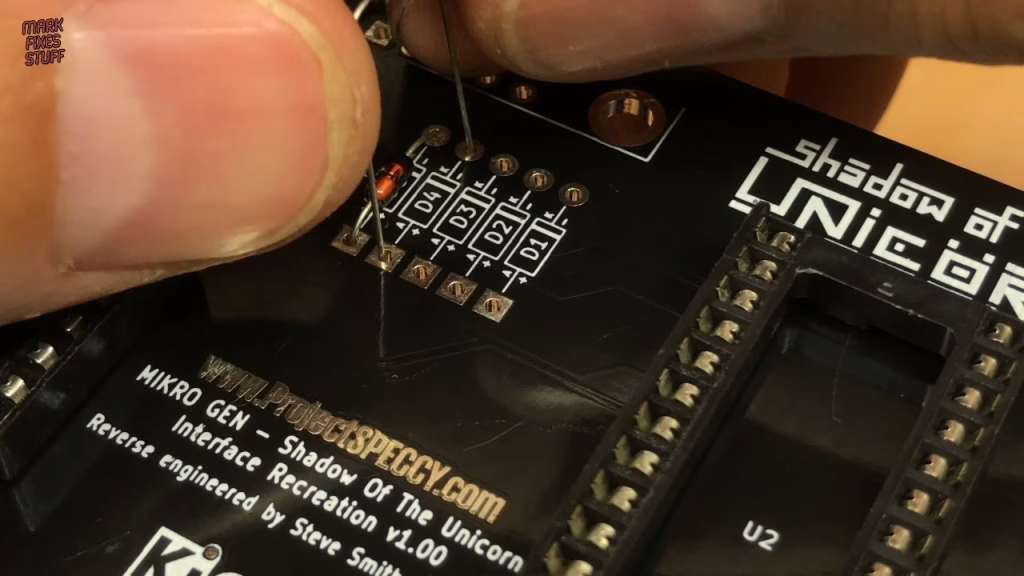
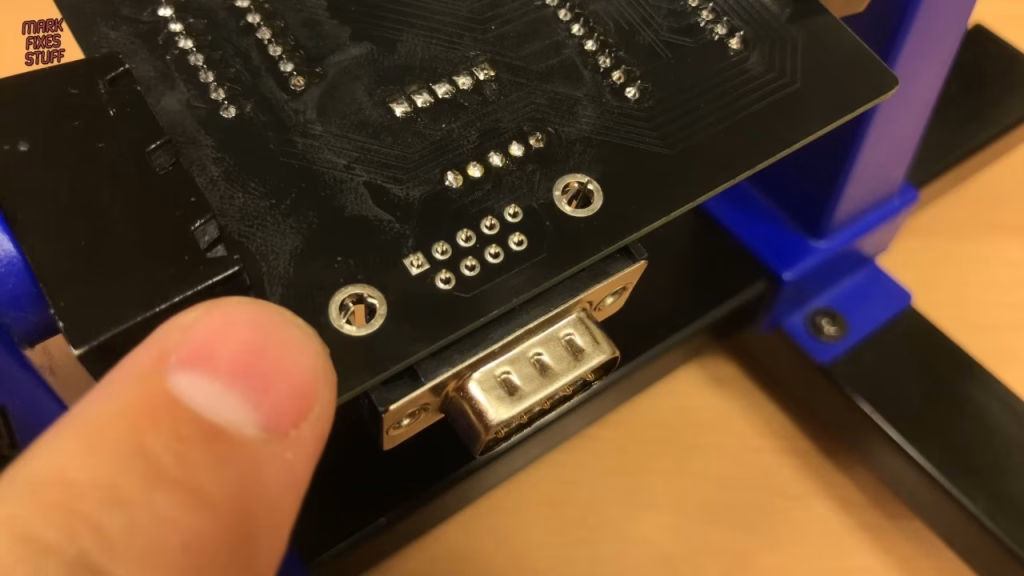
The edge connector is next. I buy these pre-cut and pinned from The Future Was 8 Bit, which is much easier than cutting and pinning them myself and good value. Finally the DB9 socket: it has strong lugs that hold it in place, so I solder those first and fill the lug holes for extra structural support, then the signal pins. It takes a traditional Atari-style joystick, I believe. It’s amazing that it was included in the interface, but of course it only works with this one game.
Programming the ROM
Stephen discovered that you need the scrambled version of the ROM. The descrambled version used by emulators simply won’t work. Programming takes a matter of seconds. The chip goes in its socket (notch to notch) with a label over the window to stop UV light erasing it, and the 74LS32 goes in the same way.
Build fail: why wouldn’t it fit the Spectrum?
For testing I used a 48K ZX Spectrum, the exact machine the game was aimed at, with a TZX player I built in a previous video for loading. With the power off, I went to insert the interface, and disaster struck: with the sockets I’d used, it wouldn’t fit into the back of the computer. I should have used low profile sockets.
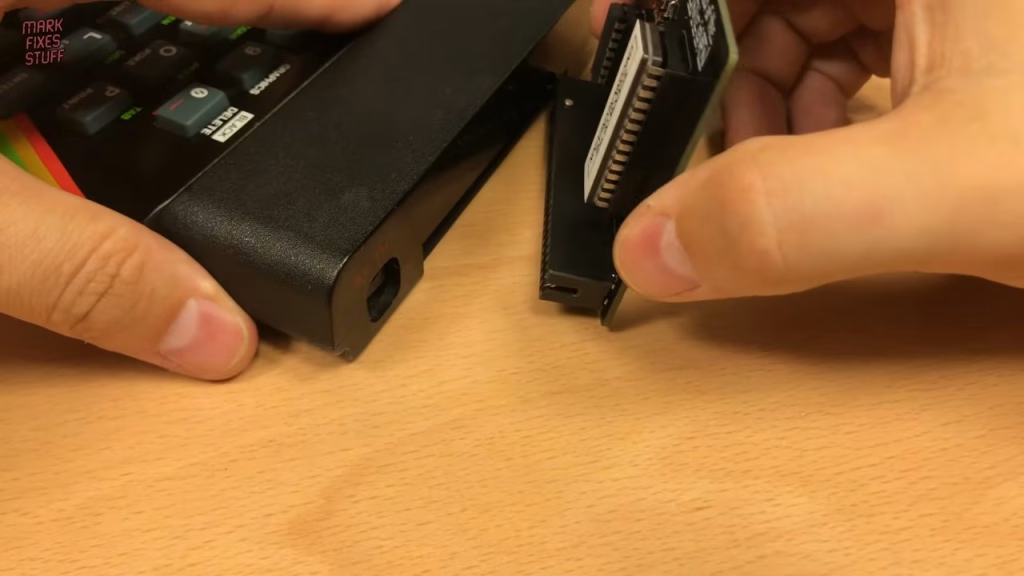
To get it working, I desoldered both sockets (my desoldering station made it a quick job) and soldered the logic chip and EPROM directly into the PCB. It still only just mated with the edge connector, so I desoldered the edge connector too and let more of the pin length through. That did it.
Lesson learned: if you build this project, use the full length of the edge connector pins and low profile sockets. If you’ve got a better idea, let me know in the YouTube comments.
Did it work?
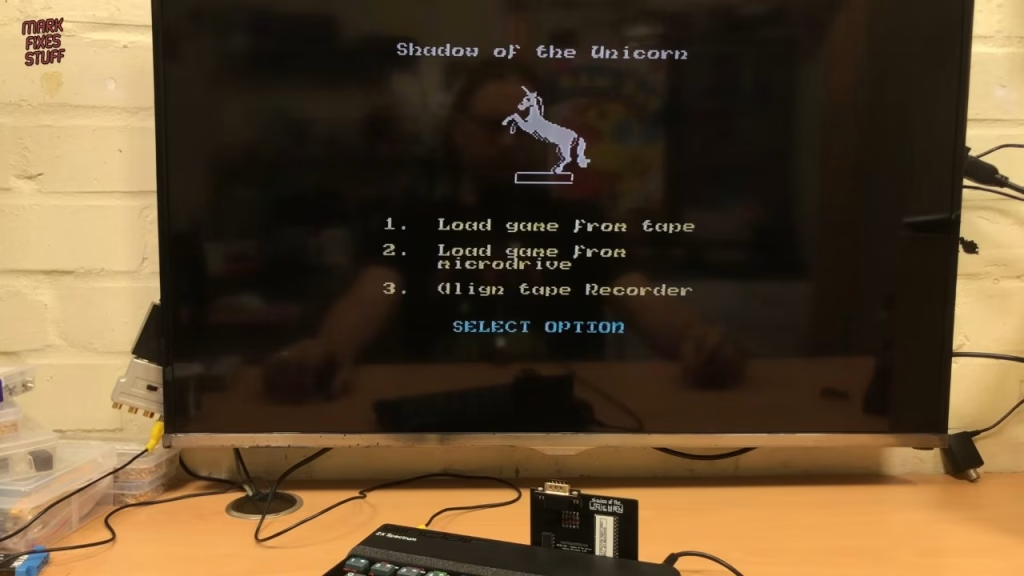
With the interface fitting properly, I powered on and it jumped into life with the Shadow of the Unicorn menu: load from tape, load from Microdrive, or align the cassette deck. Side two of the original tape had an alignment track, but we’ve gone digital, so straight to loading the game. I played for about 20 minutes. I think you really need to read the book. It’s quite a complex adventure, I can see the potential of the system, and I could easily get my teeth into it now, though I suspect 11-year-old me would have found it a bit dull.
Related
More ZX Spectrum interface builds on the site: the Romantic Robot Multiface 128 clone build and the ZX Dandanator Mini build.
Leave a Reply