
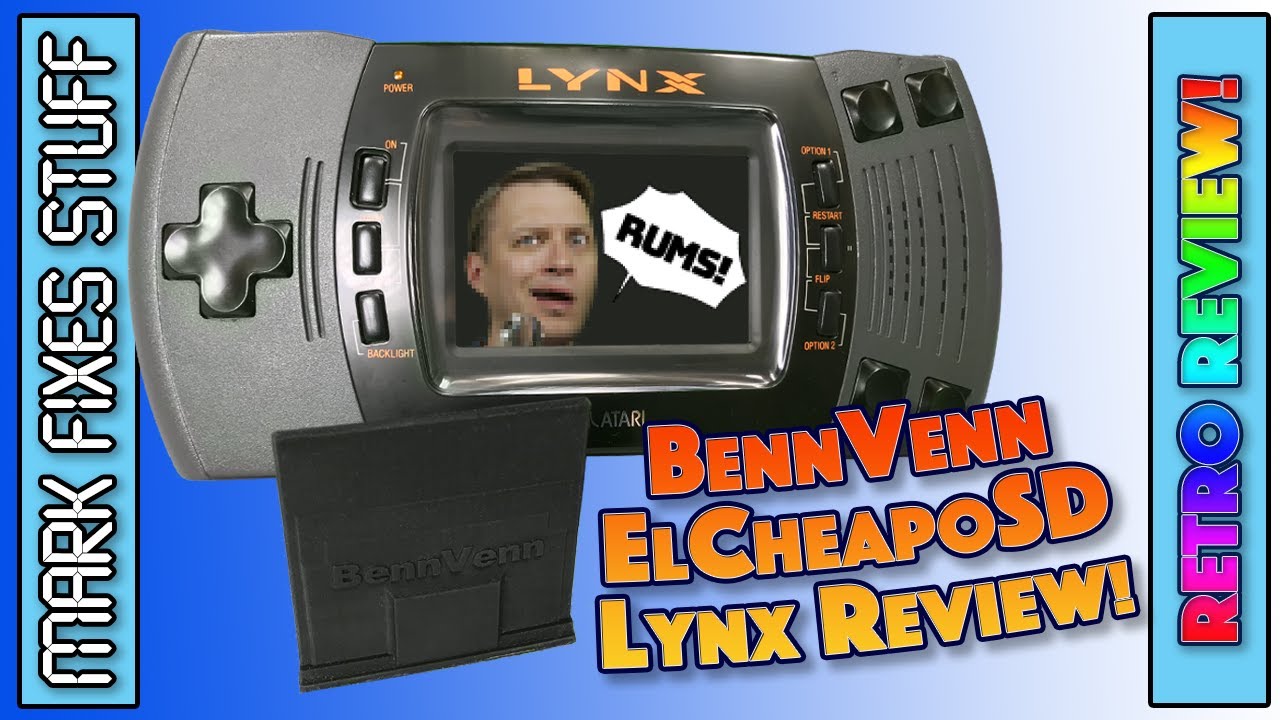
If you own an Atari Lynx you’ll know there are piles of great games for it, and that some of the classics are hard to come by now. So how do you play the games that are almost unobtainable? BennVenn’s answer is the ElCheapoSD Lynx, an SD card flashcart for the Lynx. In this review I set up the SD card, copy across some ROMs, see how compatible it is, and pass on a stark warning about bricking the cart. This video was sponsored by PCBWay.
- Buy an ElCheapoSD: bennvenn.myshopify.com
- See my post on fitting the BennVenn Lynx II replacement screen (video)
A quick bit of Lynx history
The Lynx was groundbreaking as the first colour handheld, with a 4096 colour palette and rudimentary scaling. It launched in the USA in 1989, reached Europe in 1990, and the slimmer Lynx II followed in 1991. Plenty of games took advantage of its advanced features, and some of them are now expensive and scarce.
The ElCheapoSD cartridge
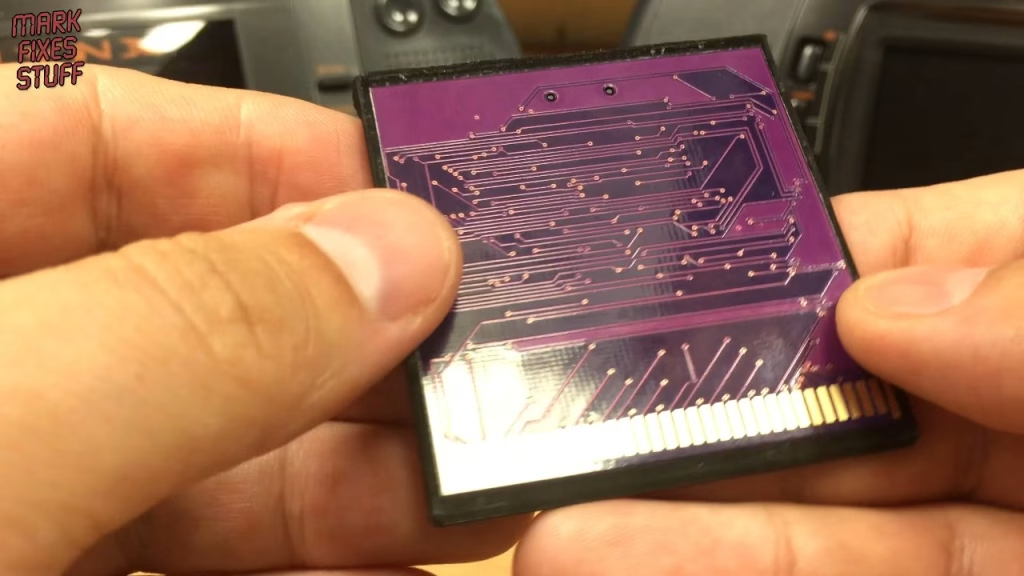
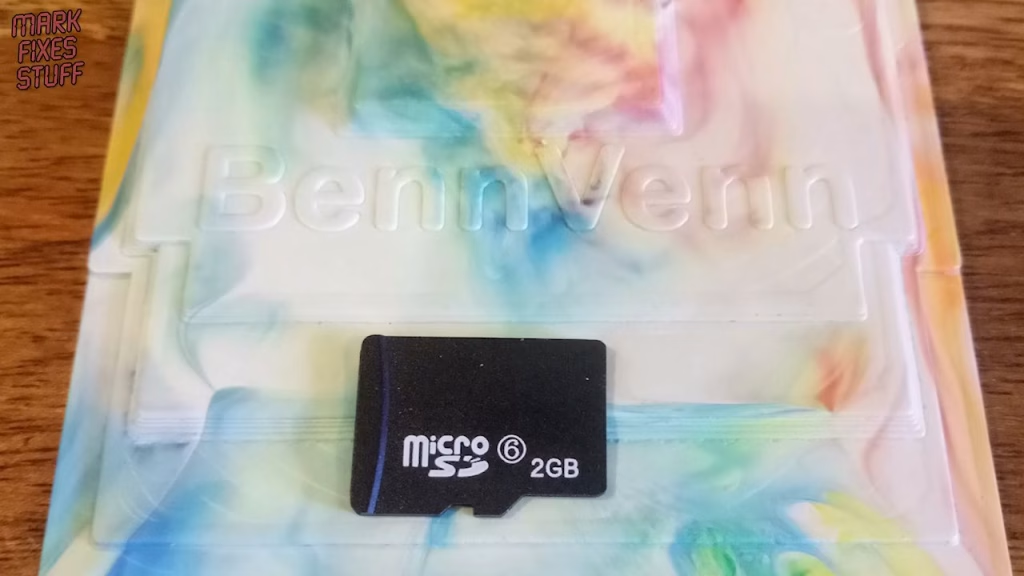
This is a review sample, but it still looks very nice: the back of the cart is a striking purple and the cartridge contacts are well plated. The supplied SD card comes loaded with homebrew, freeware games and demos. I don’t have any nails, so I used a stiff tool to push the card into its slot.
How do you set up the ElCheapoSD SD card?
- Format the SD card as FAT32. You don’t need a big card: all the commercial Lynx ROMs combined come to less than 25MB.
- Lynx ROMs are usually in .lnx format.
- Follow the setup instructions on BennVenn’s site and copy boot.bin to the root of the card (it can be downloaded from there).
My first worry was whether the bulge on the cart would fit the rear slot of my original Lynx. It slipped in easily. Power on and you get the INSERT GAME screen.
Warning: don’t brick your ElCheapoSD
The first time you start the cart it needs to build its file structure, and until that’s done you’ll see the INSERT GAME message. Do not power off or remove the card during this, or you may break the ElCheapoSD and it will need to be returned to be reprogrammed. Once the file structure is built, the cart starts instantly afterwards unless you change the SD card.
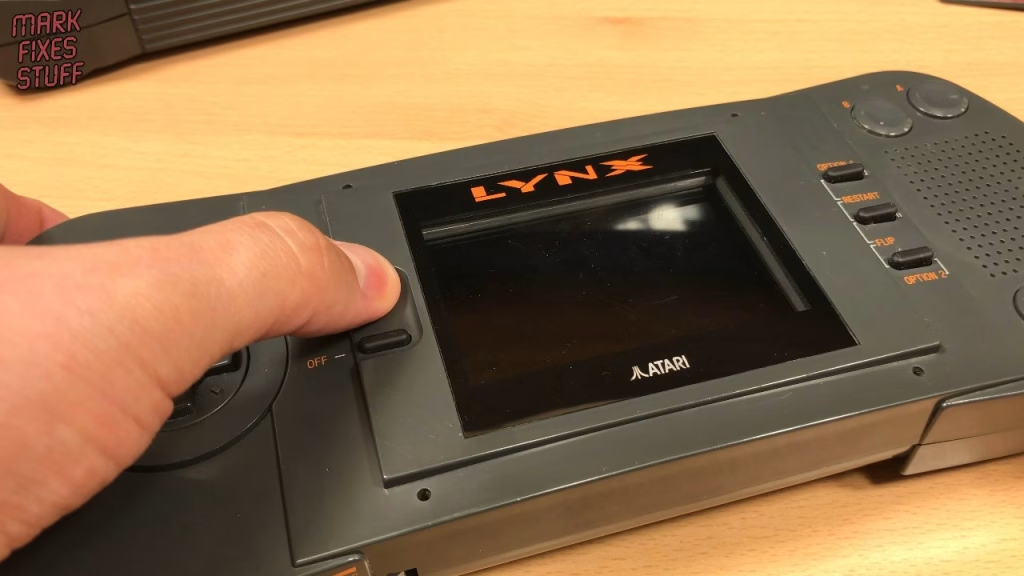
There’s not a lot to the menu: up and down to select a ROM, then start it. Games are copied from the cart into the console’s internal RAM, which takes a couple of seconds.
Testing games on a Lynx II
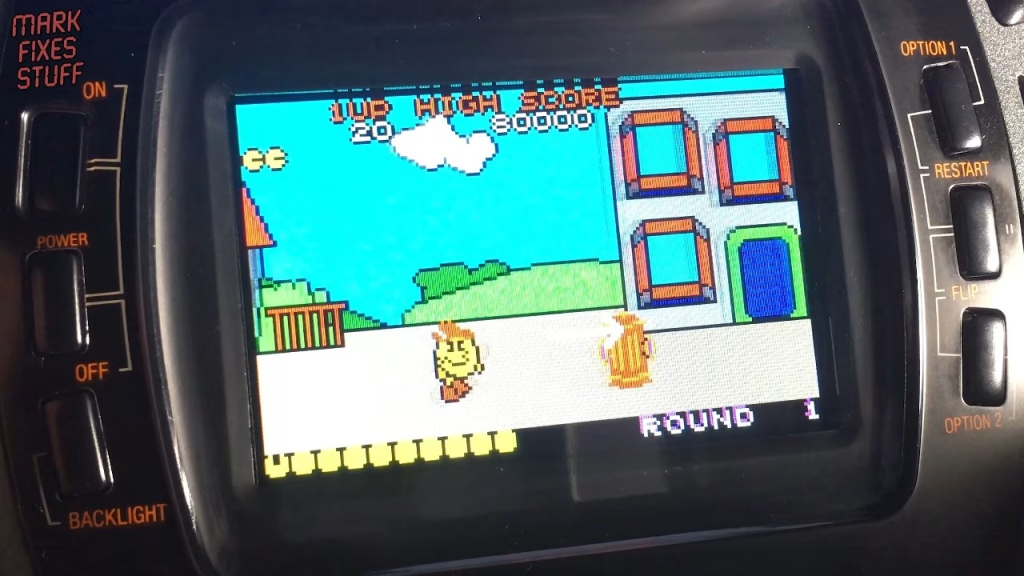
The screen on my Lynx I is naff, so I switched to a Lynx II fitted with BennVenn’s new LCD and tried the games my patrons requested. Pac-Land, the 1984 arcade classic, loses none of its playability in its 1991 Lynx version. As you’d expect, the ROMs play exactly like the original carts. Chip’s Challenge plays perfectly, Blue Lightning runs without a hitch and looks great on the new screen, Double Dragon is as violent as ever, and Electrocop remains mind-bogglingly hard to figure out.
A cart like this also gives you access to unreleased games such as Alien vs Predator, which, although unfinished, shows how powerful the console was. Going through the whole list, I couldn’t find anything that wouldn’t load.
Verdict: is the ElCheapoSD worth it?
It does exactly what you’d want or expect. There are no frills, but it is called the ElCheapo. Looks-wise it’s obviously a 3D print, and the friction marks on the shell will get worse with repeated insertions. The retail carts come in a candy-store style colour scheme, which I like, and the board is exposed. Final verdict: thumbs up. Get one, and treat your Lynx to a better screen at the same time. Thanks to BennVenn for sending the cart.
Related
More Atari Lynx on the site: the no-solder drop-in Lynx LCD upgrade, a Lynx II stuck on INSERT GAME, a Lynx II no power repair and whether a recap fixes missing screen lines.