
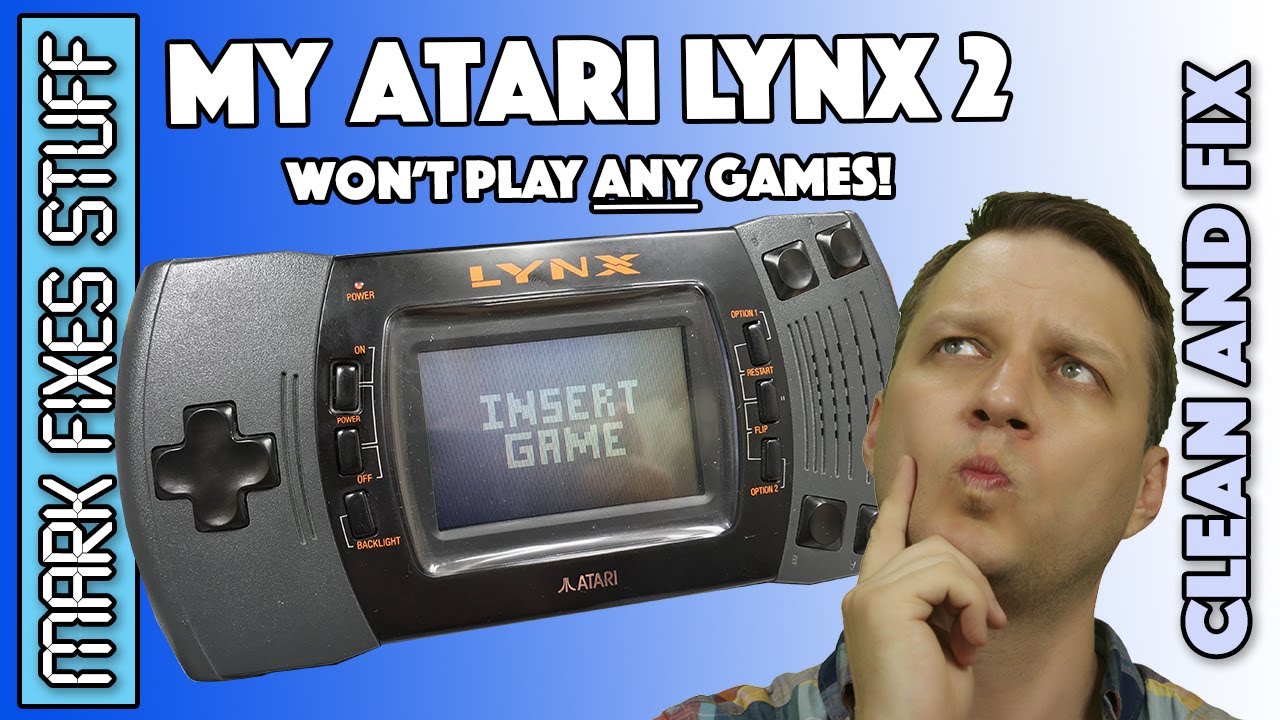
My Atari Lynx Model II wouldn’t load a single game: some carts gave no power on at all, others lit the screen and then threw up the infamous “INSERT GAME” message with the game very much inserted. Most of the time the answer is simply cleaning, but as this video shows, cleaning the carts alone wasn’t enough. The fix needed one more step.
Why does my Atari Lynx say INSERT GAME?
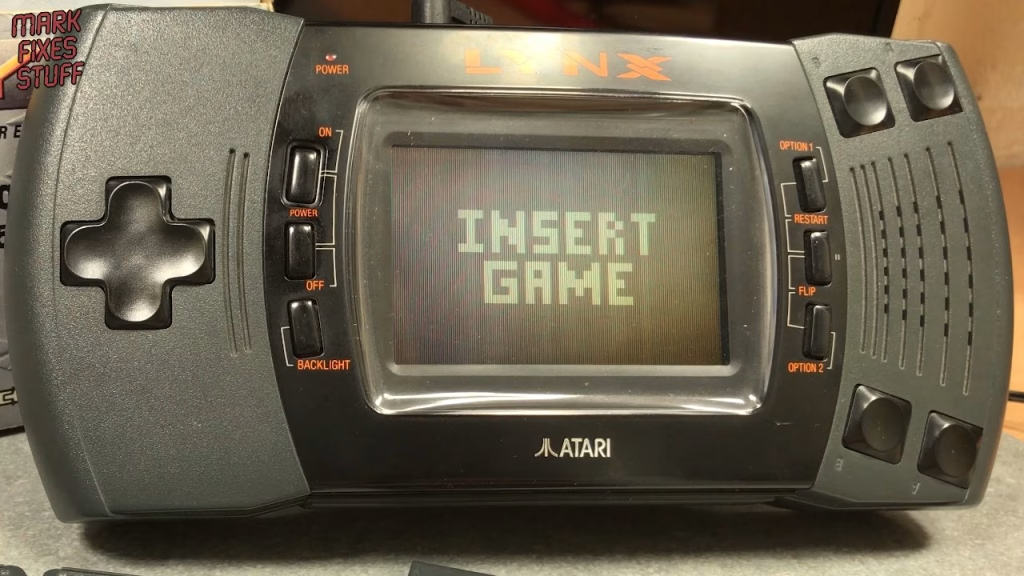
Reseating the cart didn’t help, and all my Lynx carts failed in slightly different ways. The clue was on the cartridge contacts. A lot of Lynx consoles have spent years in lofts with the carts rattling around loose in dusty boxes, and dirty or oxidised contacts are the usual result. Worth knowing: a Lynx shouldn’t power on at all without a cartridge, so the INSERT GAME message is a bit weird in itself.
I concentrated on three carts. Blue Lightning wouldn’t power the machine on, no matter how much I stabbed at the button. California Games gave a lit screen and then INSERT GAME. Gates of Zendocon, pushed firmly into the slot, produced the same complaint.
Cleaning the cartridge contacts
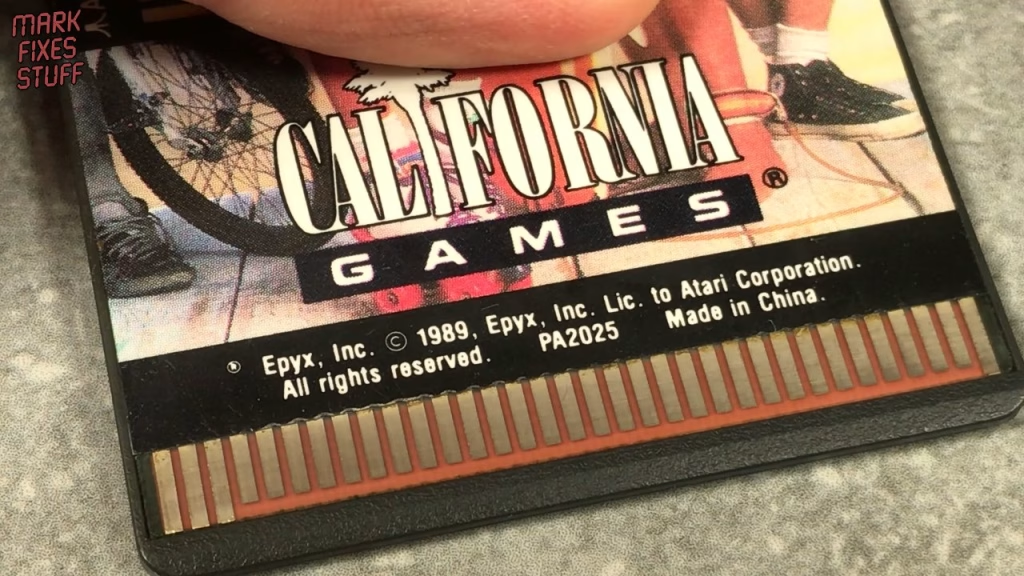
I protected each label with low tack Kapton tape. The labels are usually coated and resistant to liquid, but the tape prevents abrasion. On Blue Lightning a little contact cleaner (the can can be a bit lively) and a clean cotton bud brought the contacts up a lot better. I never realised how dirty it was.
California Games was different. The contacts were more pitted and much rougher, and they just weren’t coming clean, so I tried a more drastic approach: Brasso metal polish. If it’s good enough for the Queen, it’s good enough for me. Use it with care, though: it’s an aggressive compound that can take off plating, so work quickly and only in difficult cases. I wiped it off with a cotton pad as fast as I could, then, because Brasso is a polish and not a cleaner, cleaned the contacts again with electrical contact cleaner.
Gates of Zendocon had even rougher, filthier contacts. Work Brasso too hard on electrical contacts and you can remove a layer of metal, but here the oxidisation and dirt were extreme enough that there wasn’t really a choice. I could literally feel the corroded surface as I cleaned. Eventually I gave up, polished the fingers off, cleaned them with contact cleaner and buffed them up. I genuinely didn’t know if this cart would ever work.
The fix fail: don’t forget the cart slot
The moment of truth with California Games: still nothing. What did we forget? The cartridge slot will be filthy too.
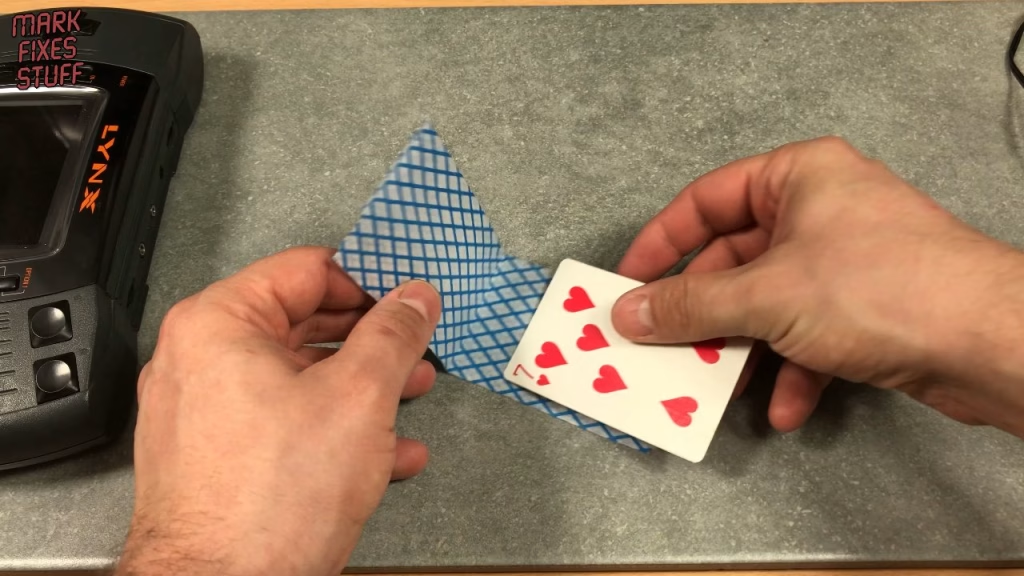
A playing card is the perfect size for the Lynx slot. I cut a piece of new Jay cloth to the same size with a sharp craft knife and wrapped it around a waxed playing card, which makes the best thin slot cleaning tool. Looking at an exposed Lynx motherboard, the contacts are on the screen side of the slot, and you don’t want anything thick that could bend or damage the pins, so the card and cloth fit perfectly. Add a little contact cleaner. I don’t recommend Brasso in the slot, as it’s messy and hard to clean back out.
Did it work?
Hitting the power button lit the screen, and California Games sprang into life. I was genuinely nervous trying Gates of Zendocon, but that roared into life too. Finally Blue Lightning, which hadn’t even powered the console on before: it now turns on and plays (I love that intro). So a little cleaning, of both the carts and the slot, fixed this console right up. The dust in the screen bezel was saved for the next project, when this Lynx got a modern LCD screen.
Related
More from the Lynx bench: the BennVenn Lynx II modern LCD installation, my recap experiment on missing screen lines, a Lynx II no power repair, the no-solder drop-in LCD upgrade and the ElCheapoSD Lynx flashcart.