
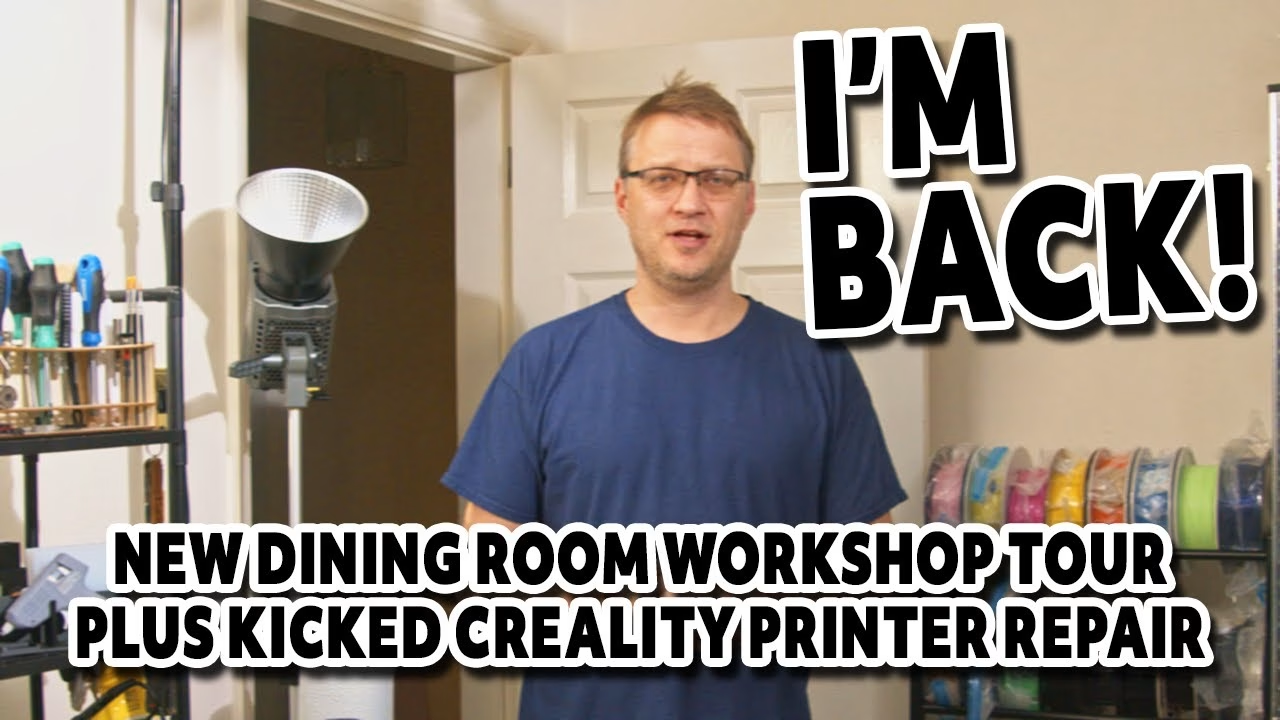
Bad news first: the garage conversion I was planning as my new filming workshop has turned out to be too costly after some unforeseen issues with our new home. I can’t wait any longer to make videos, so I’ve squeezed a filming and repair area into the dining room. In this update I show you round it, then fix the Creality K1C 3D printer I accidentally kicked to death while moving it. This video was supported by PCBWay.
The dining room workshop
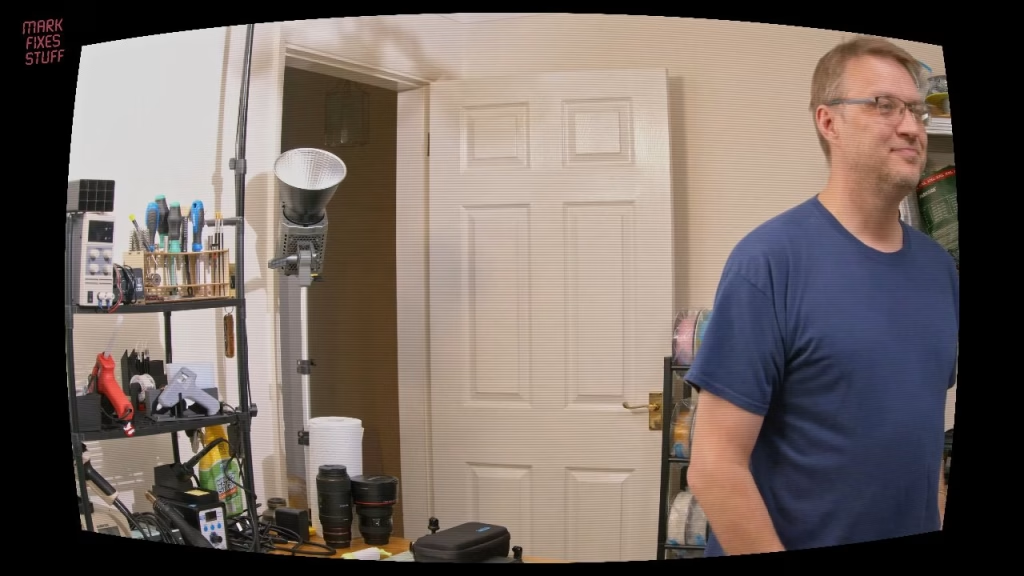
It’s five times the equipment in a fifth of the space, which my family are thrilled about. On the bench there’s my old friend the 4:3 LCD test monitor, an HDMI monitor connected to the camera (so I don’t have to stand up to check the shot while soldering), filming lights, and the worst plastic rack I’ve ever used, which buckles if you put a feather on it. It’s being replaced. There’s a big filament rack that still isn’t big enough, a rack of unsorted fuses, nuts, bolts and tools, and new small parts storage for diodes, capacitors and resistors. The eagle-eyed will spot a SAM Coupe on top of the racking: that’s an ongoing project.
Fixing a Creality K1C with a torn LCD ribbon cable
While I couldn’t film, I’ve been 3D printing parts for retro projects. The A1 Mini is fabulous, but some filaments need an enclosed chamber to hold the heat, and that’s the K1C’s job. Unfortunately, while moving it, I booted the control panel so hard I tore its ribbon cable clean off. It took me an hour to find the panel. I’d bought a replacement cable, so time to fit it.
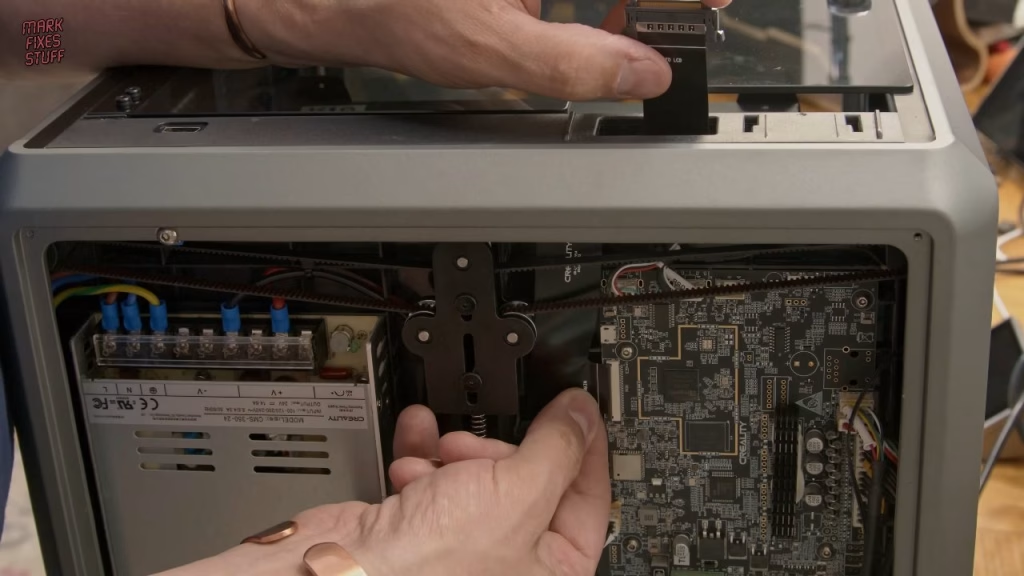
With the filament holder removed and the printer laid on its back on a lint-free cloth, the base plate comes off with a 2mm hex bit: two visible screws plus the four in the feet. Watch out for the fan, which is plugged into the board (its connector only fits one way). Oddly, there’s an automotive style fuse on the board. The ribbon cable runs straight through to an FPC/FFC flip connector; flip up the lever and the cable releases.
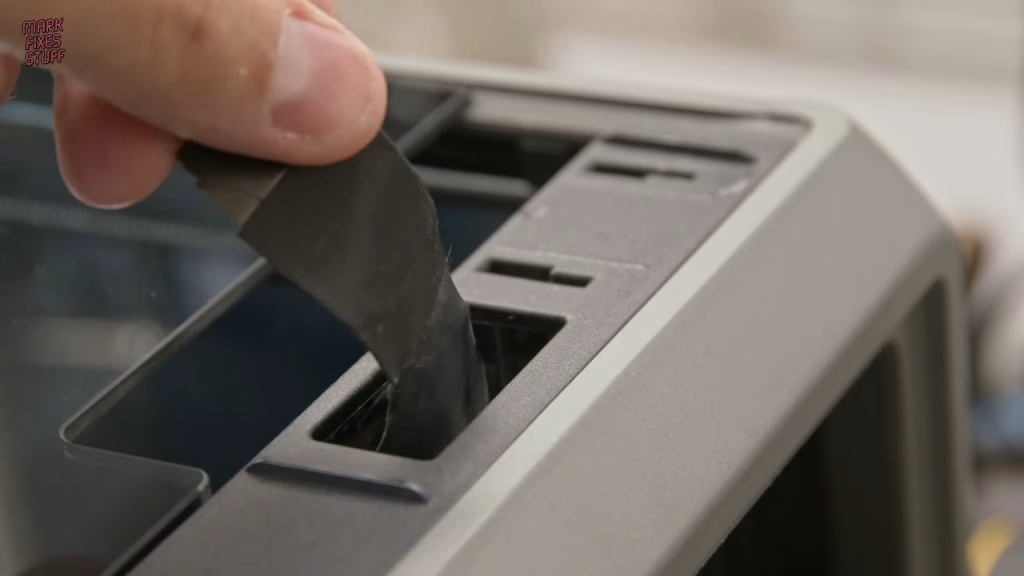
Replacement cables are listed for the K1, K1C and K1 Max, so I wasn’t sure I’d bought the right one, especially as one end looked different. That mystery solved itself: the end of the old cable was still stuck in the screen, and it matched the new cable exactly. I fed the new cable carefully through the case, avoiding the drive belts, dry fitted it, seated it in the FFC connector with the white line parallel to the clip, then stuck it to the black plastic ledge with its adhesive pad. One retention tab on the control panel had snapped off in the kick, but enough is left to hold it.
Did it work?
Yes: the screen lit up and the printer booted to the nozzle temperature. A really easy fix. I blew the dust out of the base with my electric air duster (expensive, but no more cans of compressed air), refitted the fan and base, and put it back on the racking, which is fine for a printer that isn’t a bed slinger. The filament left inside had gone brittle in storage, so I heated the hotend to 190 degrees and gently pulled the carbon fibre filament out.
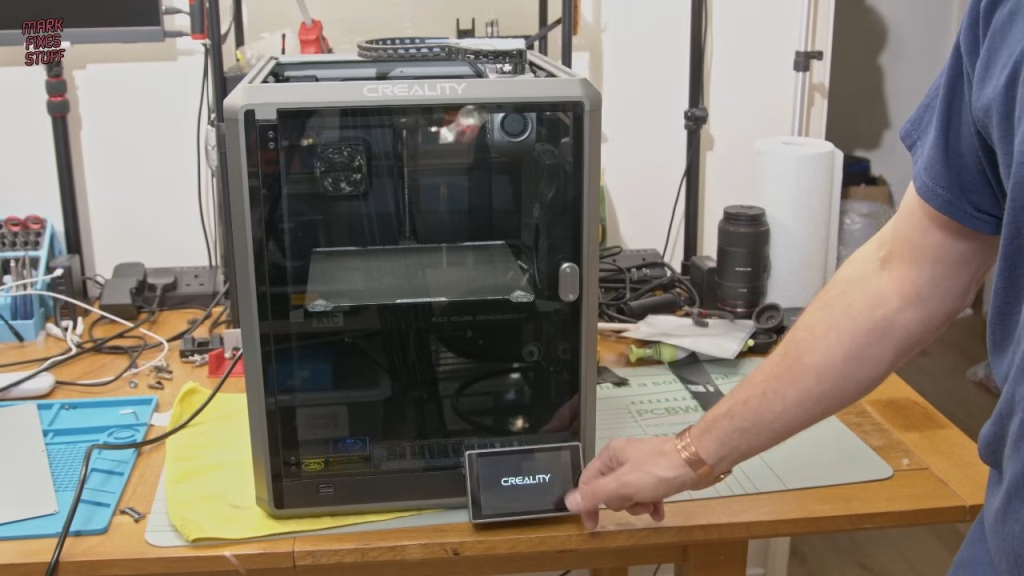
For the record, this K1C was sent to me by Creality for review and failed soon after. When my support requests went unanswered for a month, I replaced the hotend with a third party one, and it’s been much better since. With an upgraded hotend and the B plate instead of the supplied A plate, it makes decent prints.
What’s next?
There’s a van full of tools, consoles and projects waiting to come in (Sony, Nintendo, Atari, Amiga, BBC Micro, ZX Spectrum) and another four van loads in storage, including my tools and microscopes. The garage is next to boggy marshland, so it’s very cold in winter and destructively damp in summer, and the budget to line, heat and rewire it went on the house. People I trust suggested a GoFundMe. That isn’t really in my nature, and I know how generous everyone was after the house fire, so I’m under no illusions. One day I’d like the laser cutter, resin printer, pillar drill and big ultrasonic cleaner set up properly, not least for a soot covered BBC Micro I think can still work. Releases will be a lot more frequent from here, and patrons have the list of upcoming projects on Patreon.
Related
On the SAM Coupe sitting on the shelf: SAM Coupe floppy drive repair. And for another fire damaged rescue, see restoring a soot damaged Intellivision.
Leave a Reply