

The Amstrad CPC 464 runs on 5V at 2A, which is a very common power supply rating. So rather than keep using a buzzing MP1 modulator as a power brick, I set out to put the right plug on a spare 5V 2A adapter. It should have been a quick job. Instead, the barrel socket I’d bought fell to pieces in my hands, and the project ended in heat shrink and a complaint letter. It still works, though, and the method is sound if you buy better parts than I did.
A warning before you watch: this one has some swearing in it.
What power supply does an Amstrad CPC 464 need?
The CPC 464 needs 5V with a current capacity of 2A, delivered on a barrel plug. Originally that came from the monitor: the green screen or colour monitor supplied the 5V on a barrel plug and took the picture from the computer’s monitor socket. Without a monitor you had the MP1 modulator, which took mains power, supplied 5V 2A to the computer, and turned the monitor signal into RF for your TV’s tuner.
RF isn’t ideal these days: it’s fuzzy if your TV even has a tuner, and MP1s tend to develop a maddening buzz. I’d switched to an RGB SCART cable (a version 2.2 gold-plated one from Retro Computer Shack, which has some circuitry inside and is the best cable I’ve ever bought for anything), but I was still using the buzzing MP1 as the power supply.
Checking the voltages first
Whenever I do any kind of power supply replacement I check the voltages, so I know what I think is correct actually is. On the 20V DC range, the MP1’s centre-positive barrel plug read a steady 5.24V once I held the probe firmly. That’s within tolerance, but the buzz suggests its regulator is on the way out; if I were keeping it in service, I’d replace it.
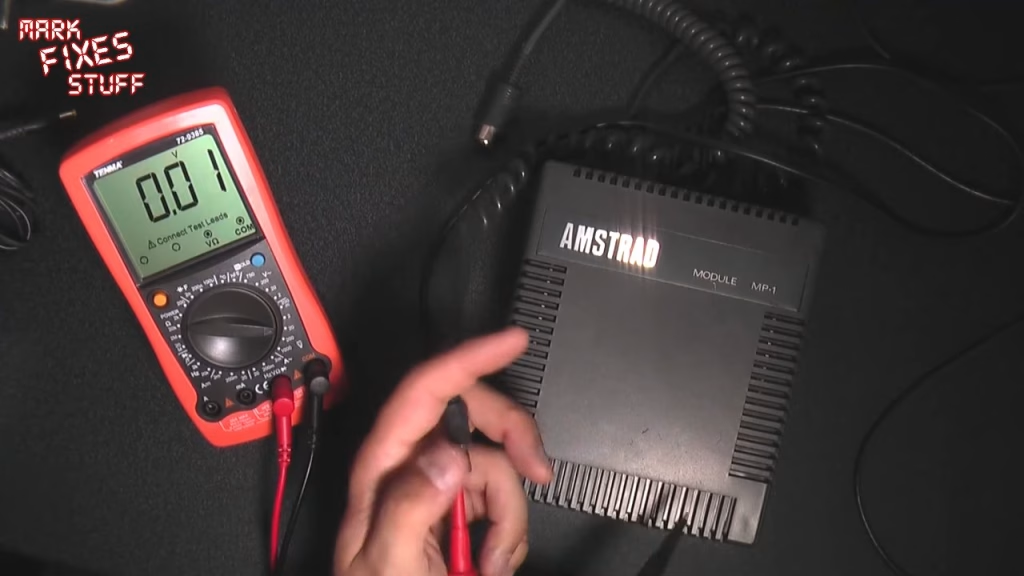
You can buy a dedicated 5V 2A supply for about £15, or reuse one of the many 5V 2A adapters out there, which usually come with a small yellow-tipped plug like an old Sony PSP charger. Mine was rated 5V 2A, centre positive, and came with a Belkin router. Measuring it first is awkward because the contact is recessed deep in the plug, and as I knew it worked on the router, I went ahead.
Swapping the plug
I cut the old plug off, split the two cores and stripped them. Normally I’d tin the ends first, but these wires are fairly thick to carry 2A, so I put them into the socket untinned. Before anything else, slide the plug’s cover over the cable (rotating it helps on a tight fit), or you won’t be able to fit it once the plug is soldered on. These cheap covers can crack.
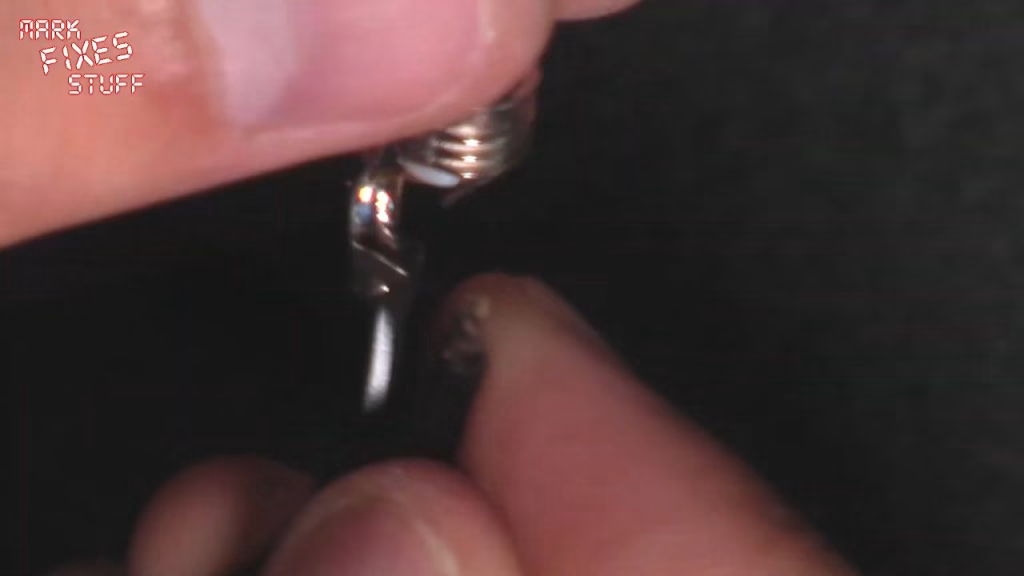
On this cable, the core with printing on it is ground. That goes through the small hole on the outer (ground) tag, which is a squeeze for that much wire, and gets tacked with leaded solder. I orientate it so the centre pin connection sits well out of the way, and the two connections can’t get near each other even if the plug is squeezed hard.
Where it went wrong
The strain relief on the socket had already snapped off, and when I gave it a gentle test, the plastic split and then crumbled. I’d had these sockets in a drawer for about a year, but that’s no excuse: a plug on a piece of equipment will be in use for far longer than that, and it shouldn’t shatter the first time you pull it out.
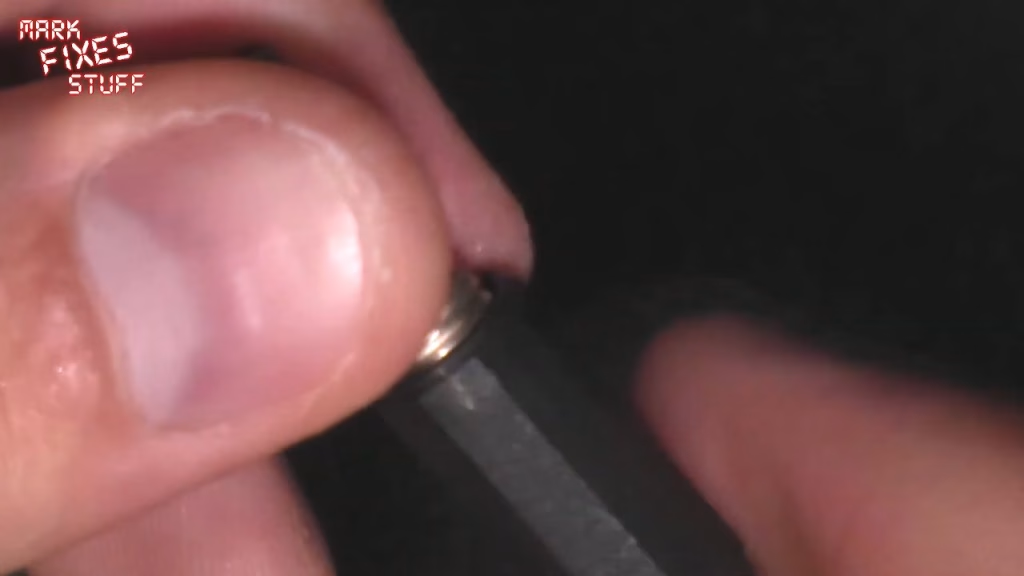
To rescue something from it, I insulated the joint with 2:1 heat shrink until I can get a proper plug. The solder joint itself was really solid, which is the only reason I was happy to do this short term. Tip: put the rest of your heat shrink out of the way before shrinking anything on the bench. I couldn’t find my gas iron, so I turned the soldering iron up to 450 and shrank it with that. It’s quite ghetto, I’m afraid.
Did it work?
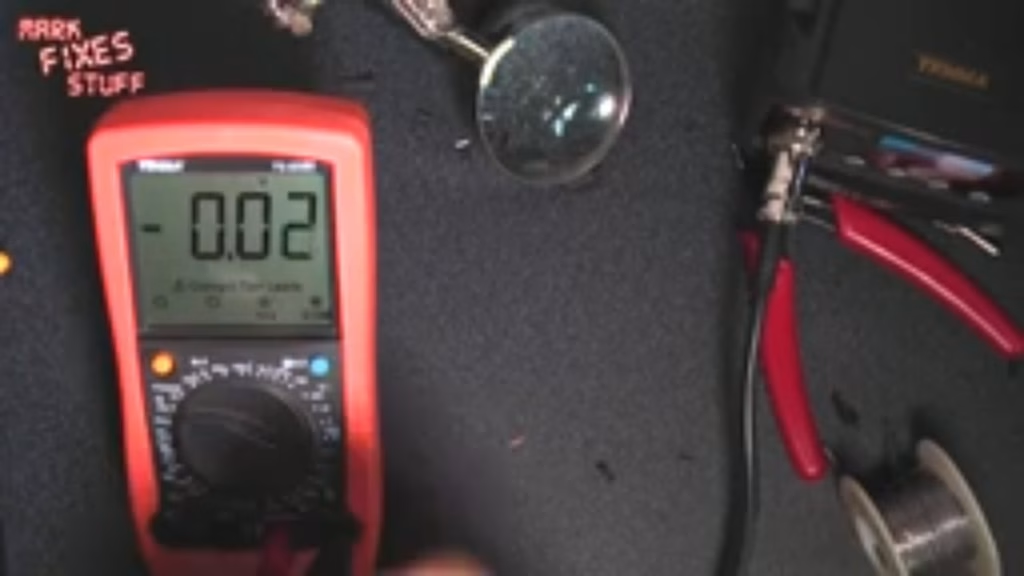
Electrically, yes. Plugged in, nothing went bang, and the meter showed 5.15V with the tip positive: the correct voltage and polarity for the CPC 464, and no buzz. The finish, though, is not something I’m happy with. Yours will look a lot better with a socket that doesn’t shatter into a million pieces, so buy better quality ones than I did.
Related
More Amstrad CPC on the site: adding an audio input to a CPC 464, a Freegle CPC find and the CPC 464 found in the woods.
Leave a Reply