
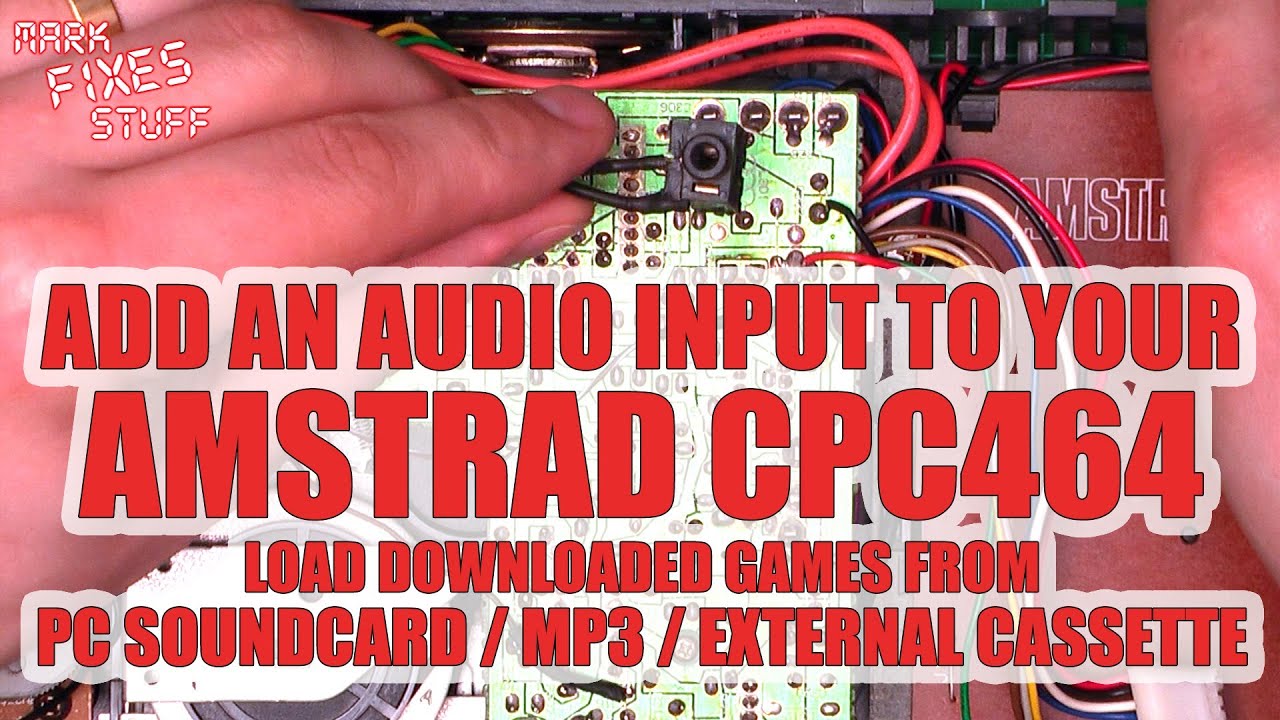
The Amstrad CPC464 only has its built-in cassette deck, with no way of loading from a PC. In this video I show how to add an audio input to the CPC464’s cassette amplifier circuitry with a mono jack socket and two wires, so you can load games from your PC sound card, an MP3 player or an external tape player.
What you’ll need
- A cross-tip screwdriver, for opening the case
- A soldering iron and some solder
- Two short pieces of wire
- A mono jack socket
- Electrical tape or heat shrink tubing for insulation
Opening up the CPC464
Turn the machine over and remove the screws (I’ve already done that, as it’s incredibly boring to watch), then turn it back over and lift the top of the shell off. Do this with caution: there are things inside that would like to rip themselves out if you’re not careful.
Two connectors need to come off: gently wiggle off the keyboard connector, then the connector for the cassette side of the machine. With those safely off, you can move the base of the machine to one side.
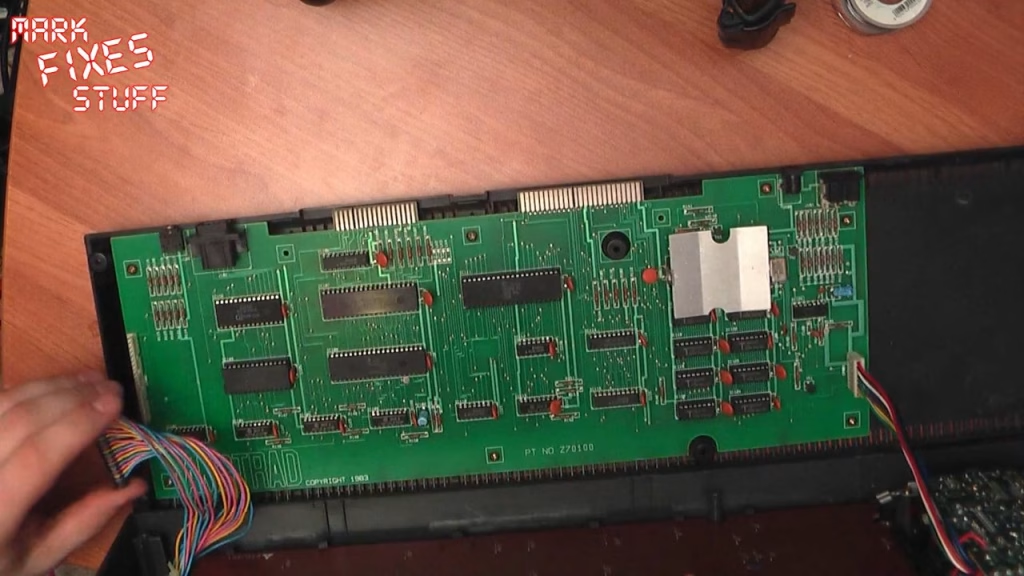
A quick tip while you’re in there: if you’ve ever had flickering graphics, the monitor socket probably has a dry solder joint. I’ve covered how to repair that in a separate video, linked below.
Wiring the jack socket
The audio circuitry is on the underside of the cassette deck. You’ll notice I’ve already done the mod: I wasn’t sure it would work and didn’t want to waste anyone’s time with a non-working one.
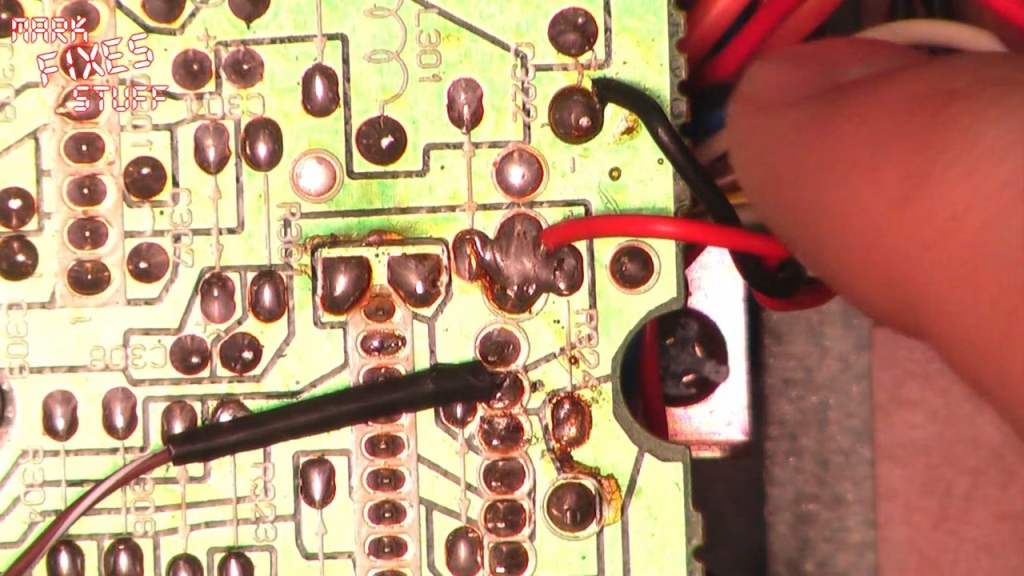
My test socket is actually a stereo jack socket with the extra legs clipped off and wired as mono. I have a better one on the way that I’ll be able to mount neatly in the case, but this is enough to show how to do your own. There are just two connections, earth and audio signal in, and I’ve heat shrunk both the socket end and the leads after soldering them to the board, as I’m not too keen on tape.
Where to connect on the CPC464 board
Earth: the black wire goes to a point that turns out to be the reverse side of the cassette connector, where it joins up with the black cable. That’s earth.
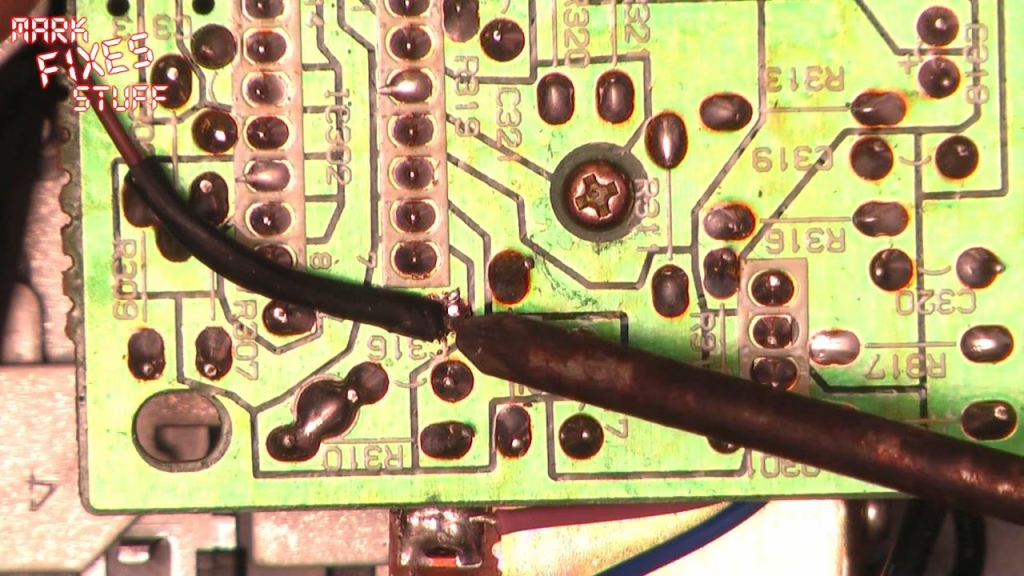
Signal: the input comes from leg 7 of the audio processing chip. I don’t solder directly to leg 7, because I don’t want to apply any heat to that chip unnecessarily. Instead, follow the track: ignoring the printing over the top, it’s all one track from leg 7 down to the point marked R310 on the board. I soldered there, on that side of the resistor.
On the socket itself, the earth wire goes to the socket’s earth pin and the signal wire to the signal pin.
Loading CDT files from a PC with Tapir
Connect a mono to mono cable from the PC sound card to the new socket. For playback I use Tapir (version 1.0), which is available from http://newton.sunderland.ac.uk/~mikie/. It presents itself as a Spectrum program for TZX files, but the dirty little secret is that TZX files and Amstrad CDT files are actually the same format. The open dialogue only shows Spectrum file types, so either type *.cdt in it or simply drag and drop CDT files onto one of the two tape decks.
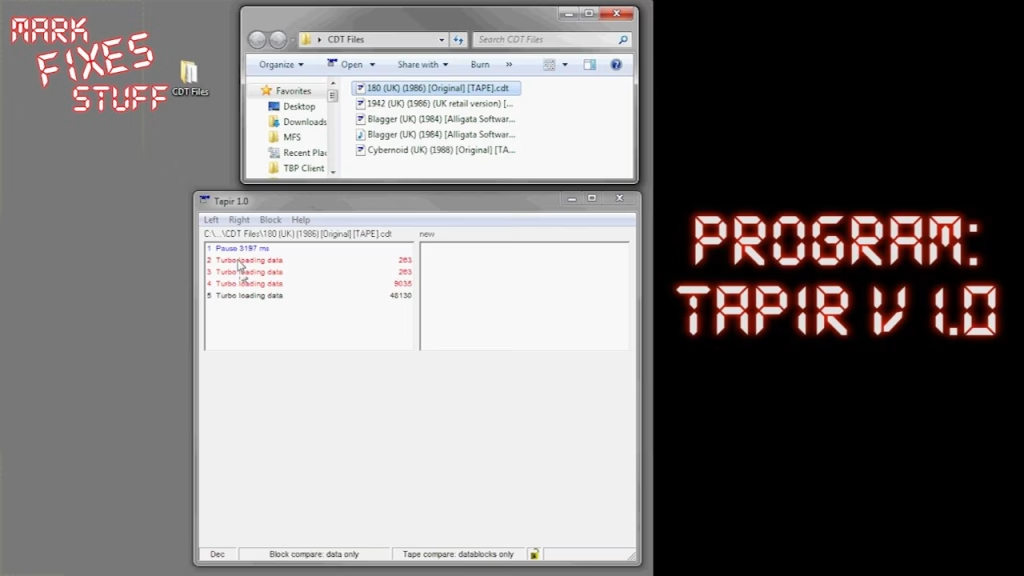
Some files show in red, meaning the checksum doesn’t work out. That seems common with Amstrad files and I tend to ignore it, because they all load fine. Tapir plays the tape at normal speed rather than accelerating it, you can insert pause blocks if a loader needs a gap, and you can also save the output as a WAV file. Hit play and it loads straight into the CPC464. Dead simple.
Did it work?
Yes. The key settings are to keep the playback volume at around 75% and turn off any bass boost or sound effects on the PC. With that, I’m off to play a few Amstrad games.
Related posts
Loading from audio on the Spectrum: load software into a real Spectrum super fast using OTLA and load a real game from this video’s soundtrack: Traxx (1983). For the CPC464 monitor socket fault, see what is a dry or cracked solder joint?