

Before the house fire I had quite a few ByteDelight devices, and I lost the lot. Ben Versteeg of ByteDelight very kindly said he’d put together a care package, and this is me opening it, lucky-dip style. Ben didn’t ask for this video and isn’t expecting it; I just wanted to say thank you. The video itself was supported by PCBWay.
A 128K toastrack and a ZX Diag kit
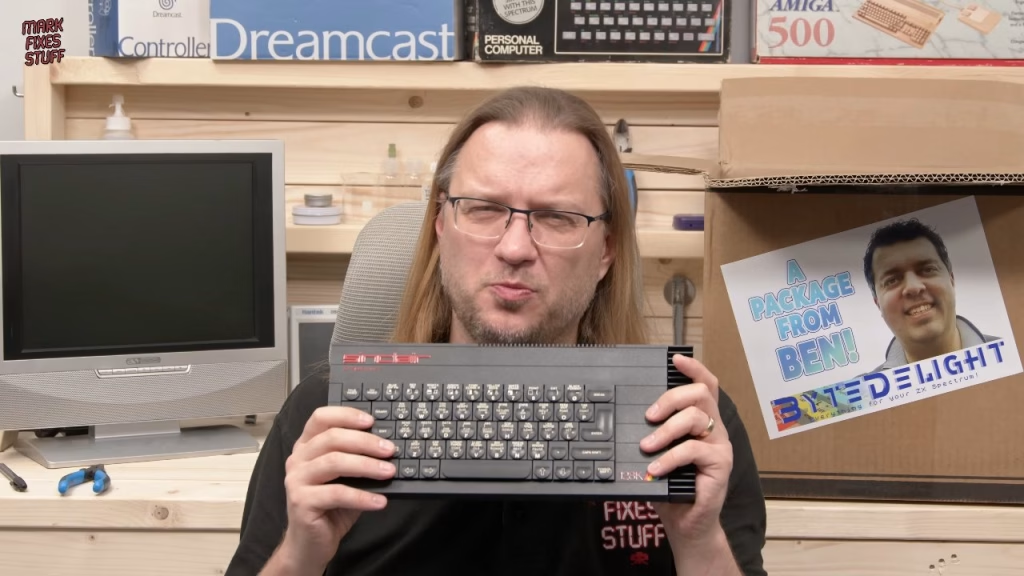
After a stroopwafel (the first of several) and some posters for the wall behind my weekly streams, including Eat Sleep Spectrum Repeat, came the heavy box: a ZX Spectrum 128K toastrack. It’s the best 128K model, and it’s going to be my streaming machine from now on.
Next was something I’ve wanted for ages and never had, even before the fire: a ZX Diag card as a build-it-yourself kit, with all the ICs and the PCB. Plug it into a broken Spectrum and the LEDs help tell you what’s wrong.

Interfaces, cables and a mug
- An interface that lets you plug a USB mouse into the back of a Spectrum, plus a mouse to go with it.
- A ByteDelight-branded 9V barrel PSU for the Spectrum (European, with a fused UK adapter), which I know Ben will have tested for clean video.
- A DivMMC EnJOY Pro: SD storage plus two joystick ports that can emulate different interfaces, such as Kempston and Sinclair, for two-player games. It’s in the newer PCB-panel case, which looks really smart.
- A composite video cable for the grey 128K +2.
- A ByteDelight mug and a tiny gold toastrack.
ZX-HD and a Harlequin 128 kit
Then the ZX-HD, which I also had before the fire. It takes the video signals from the Spectrum’s edge connector and redraws them very quickly for a pin-sharp output, and adds ULAplus so supporting games get more colours. It needs a Pi adding, which I have, and it will make a big difference for streaming.
Then a Harlequin 128 issue 2D, a build-it-yourself Spectrum clone kit with the board, all the ICs and sockets, a ROM and full build instructions. It’s quite a lot of work with a fair bit of risk if it goes wrong, but I might make it a video. Would you watch that?
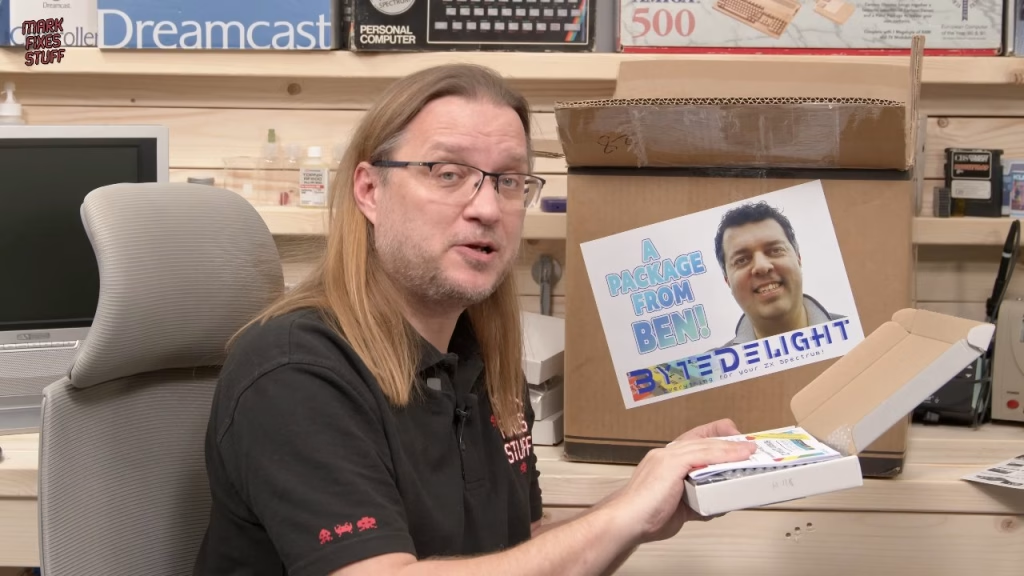
Finally, the ZX-AY stereo three-channel audio interface, with beeper sound for any ZX Spectrum, in the new more robust black PCB case. I had one before and loved listening to music on it.
Thank you
Honestly, Ben, you’ve been too kind. Thank you also to The Future Was 8 Bit, Zaxon, RetroHQ, Bob at RetroRGB and everyone who has helped me rebuild after the fire. I’ll be making proper thank-you videos now I finally have the facilities. If you need a ZX-HD or any of Ben’s other gadgets, visit ByteDelight.
Related
My earlier ZX-HD review, the DivMMC EnJOY review and the 128K toastrack group fix.
Leave a Reply