
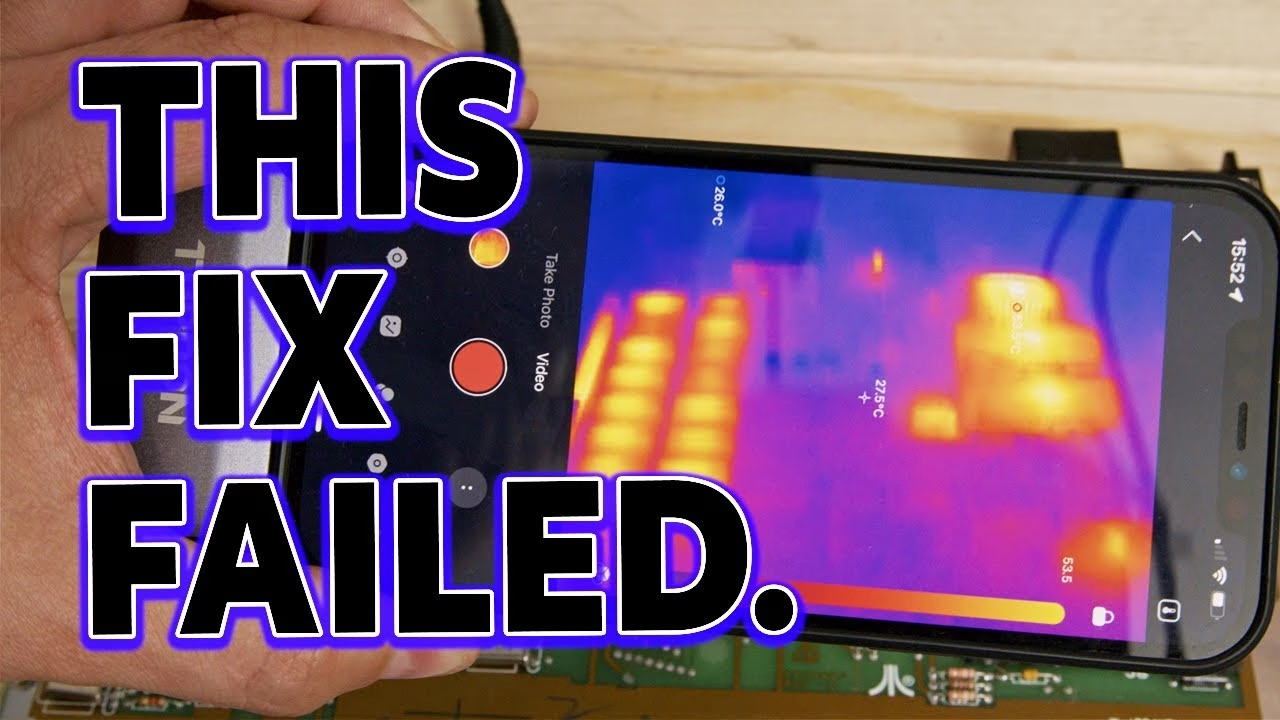
Not every repair ends with a working machine, and this one didn’t, at least not yet. This Atari 130XE was gifted to me many moons ago by fellow YouTuber Ctrl-Alt-Rees, who warned me it was pretty broken. It powers on to absolutely nothing: no picture and no power LED. With a Topdon TC002 thermal camera I found RAM chips running hot enough to boil water, so I pulled and tested all sixteen. Here’s what I found, and why replacing the RAM wasn’t enough. This video was supported by PCBWay.
Why does my Atari 130XE show nothing at power on?
The 130XE came in its box with an empty (but hard to find) accessory box and a pair of original joysticks in great condition. It’s grimy and yellowed, but the protective strip is still on the name plate. I’ll admit I’m new to this machine. My power supply and Retro Computer Shack video cable are both tested on a working machine, and since this one had clearly been powered on before, the risk of making things worse was low.
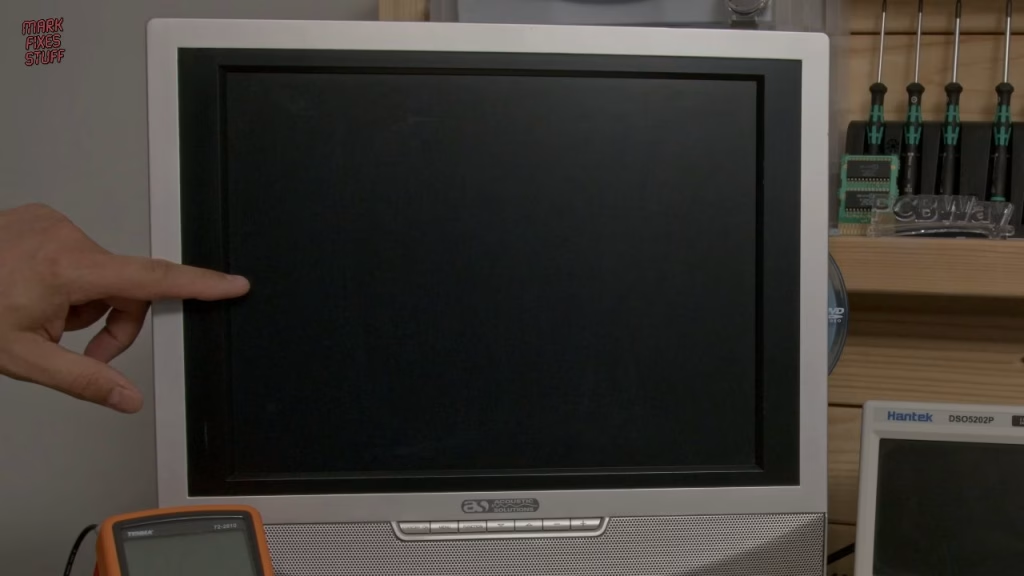
Powering on, there should be a blue screen with a cursor. There was nothing. The Super Salt diagnostic cartridge I built in a previous video (it swaps out the internal ROM and bypasses the onboard RAM) did nothing either, so something was critically wrong. My first suspect was the RAM, as these machines are known for using poor RAM that dies over time. The other clue was that the red power LED didn’t light at all. Its 5V goes via the keyboard ribbon, and if a RAM chip shorts it becomes a tiny silicon heater and drags the 5V down before it gets that far.
The Topdon TC002 thermal camera
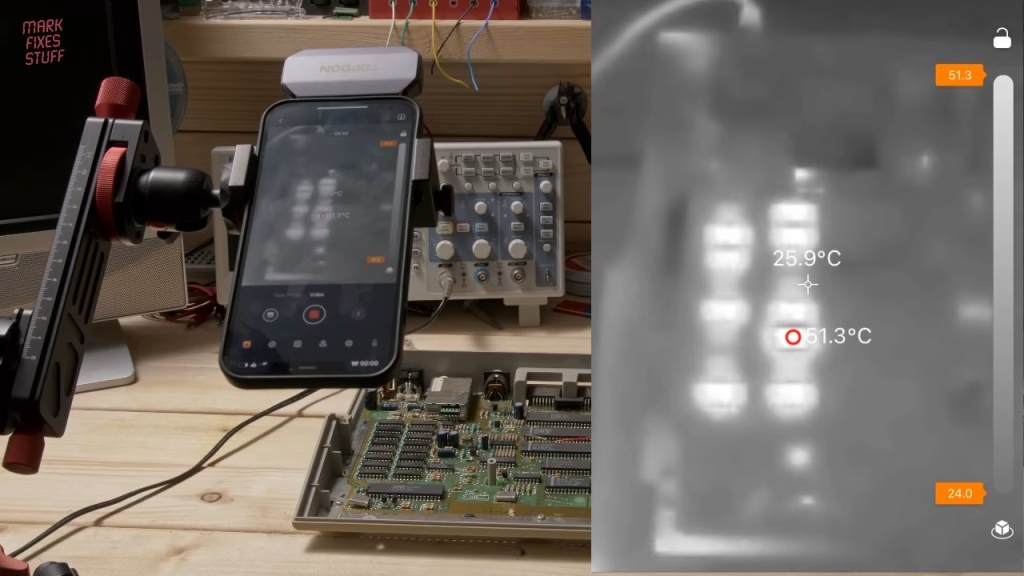
Topdon kindly sent me the TC002 for free. It’s a thermal camera that plugs into an Apple device via Lightning, with a 256×192 IR sensor, real-time temperature display, a range of -20°C to 550°C, configurable over-temperature alarms and selectable palettes (I tend to use black and white, as it’s less dramatic). It’s bigger than I expected and nicely built, and comes in a zip case with a Lightning extension cable so you can use it freehand. The instructions are clear and well written, and the app (Topinfrared) is easy to use despite only having three stars on the App Store.
Opening the 130XE
It’s just four screws, then the top shell lifts off. The keyboard ribbon looked fine, with no obvious cracks, and came out gently. The top shield is held by twist tabs that you straighten. Inside there was a lot of hair, including a couple of hairballs by the keyboard connector. If that’s a cat, I don’t want to meet it. The RAM sits on the left, and the board is essentially a 65XE with extra components and more RAM.
What the thermal camera showed
Bear in mind that shiny parts of the board reflect IR from your hand, so not everything bright on screen is real heat. As soon as the 130XE was on, one RAM chip climbed past 80°C and kept going, and eight others were also running hotter than they should. Failed RAM doesn’t always get hot, but that many going at once is unusual and suggests something bad happened to this computer, possibly the wrong power supply. That’s bad news for the custom chips too. Either way, with those chips in, there was no chance of troubleshooting anything else.
Desoldering and testing the RAM
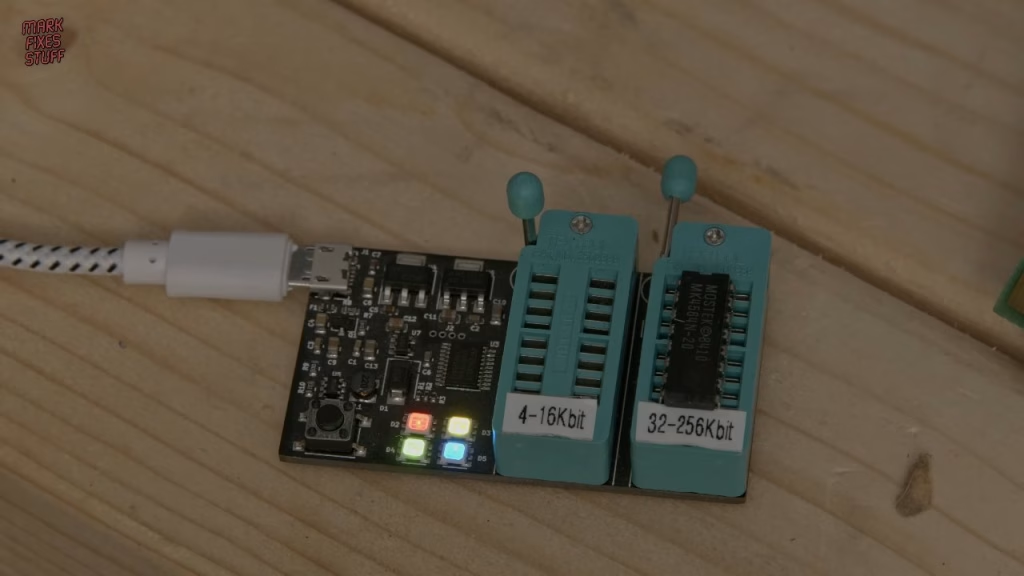
My friend Simon Green lent me a RAM tester (bought on eBay) and some spare chips, as I was out of stock. Note that some of the board screws are different from the others, so don’t mix them up. With the board out, I set my desoldering station to 360°C and applied flux paste with a clean paintbrush, which cleans the pins and improves heat transfer. I gently wiggle each leg in the molten solder rather than pushing on the board. Most chips dropped straight out; one wouldn’t budge because I’d missed a leg, and forcing it would have lifted a pad. In total it took about 40 minutes.
These are 1×64 kilobit chips, which go in the tester’s right-hand socket. Testing in the wrong socket will kill the chip. Four coloured LEDs mean it’s ready, it writes and reads back patterns, and green at the end is a pass. The hottest chip failed instantly with a red light. Shocker. Different manufacturers’ part numbers for 64K x 1 RAM are mostly cross-compatible, but I test every chip before fitting: three of Simon’s spares failed too.
Fitting IC sockets
I wasn’t going to solder RAM straight into a board this suspect, so I fitted sockets at 330°C with leaded solder, a clean tip and the fume extractor on. I didn’t have enough sockets, so I raided Simon’s box again. They’re the cheapest of the cheap, and I’ll probably replace them later. With sockets, the pin has little thermal mass and a plastic body around it, so don’t overheat it. Heat pin and pad together, which I didn’t always manage while working around the camera.
Did it work?
No. Of the sixteen original chips, only four passed: twelve failed, which is catastrophic. With tested RAM in the sockets, the 130XE still gave nothing, though the TV could tell something was there. The custom chips looked only slightly above room temperature on the thermal camera. Trying a cartridge, I got a scrambled image, so maybe there’s hope.
Next time I’ll work through it with an oscilloscope and the Sams ComputerFacts documentation, which has circuit diagrams and test points. I don’t think it’s the capacitors, possibly the memory logic, and the big problem is that I have no spare custom chips. Even so, we couldn’t test anything with that thermonuclear RAM installed, so I’m not calling it an epic fail just yet.
Thanks to Rees for the computer, Simon for the parts and tester, and Topdon for the TC002 (UK: TC002 Lightning, TC002C USB-C; US: TC002 Lightning, TC002C USB-C).
Related
For more on old RAM, see my vintage DRAM tester build and fake 4116/4264 tests. More Atari repairs: servicing an expanded Atari Falcon 030 and an Atari Lynx 2 that won’t turn on.
Leave a Reply