
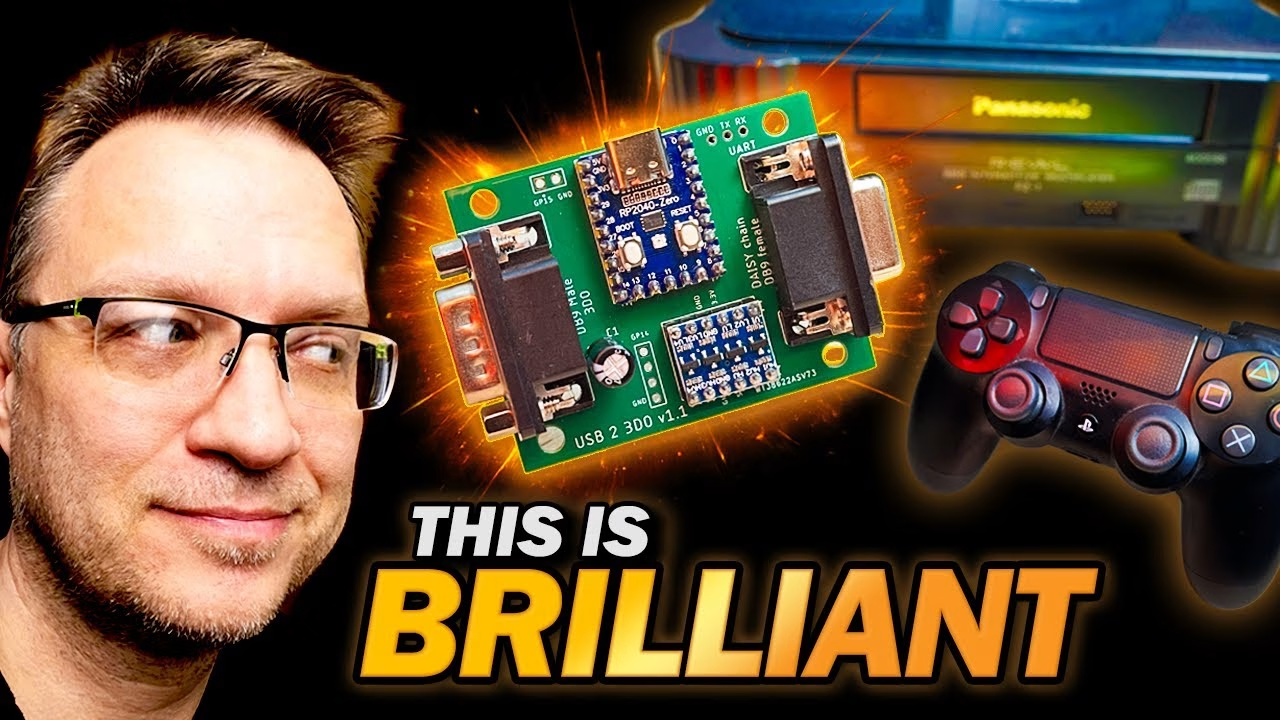
Can you use a modern USB controller on a real Panasonic 3DO? Yes, with a small RP2040-based adapter. By the end of Part 2, my Ultimate 3DO FZ-1 (built from a box of spares and a Japanese mainboard) had a UK power supply and an ODE with an SSD full of games, but no working controller. In Part 3 I build FCare’s open source USBTo3DO adapter, flash it with firmware, and finally play some games. PCBWay sponsored this video and manufactured the PCB.
Parts for the USB to 3DO adapter
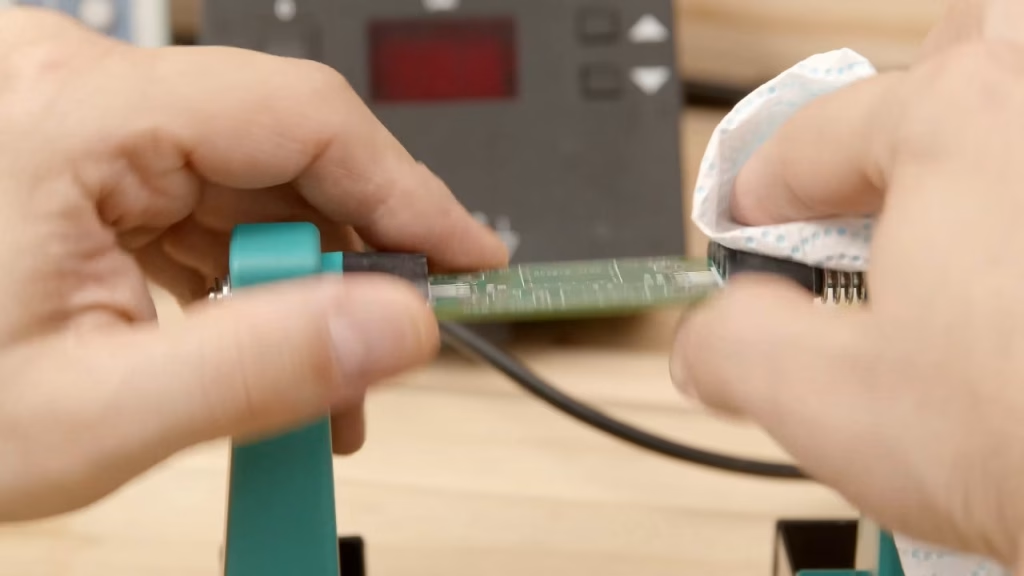
The hardware is FCare’s USBTo3DO. I cleaned the board first with 99.9% isopropyl alcohol, which breaks down fingerprint oils and makes soldering easier. The parts list is short:
- An RP2040 board, the brain, which handles USB host duty so modern controllers can plug in.
- A level shifter (a super cheap AliExpress one; I bought about 30 for a couple of pounds, and they work).
- One electrolytic capacitor near the connectors. I haven’t checked the schematic, but I imagine it smooths the supply and absorbs noise from the console to prevent random behaviour. Mine had been in a bag for a couple of years but tested fine for ESR.
- Male and female DE9 connectors. (Yes, DE9, not DB9. Look it up. Call them whatever you like, though.)
How does a USB to 3DO adapter work?
It lets a modern USB controller pretend to be an original 3DO pad by translating USB inputs into the 3DO’s serial controller protocol in real time. The DE9s handle connectivity, the RP2040 does the thinking, and the level shifter does the shouting. Older electronics generally use 5V logic, while modern microcontrollers use 3.3V, so on its own the RP2040 would be whispering to a console expecting 5V signals. The level shifter converts 3.3V logic up to 5V, and in the other direction acts as a buffer that helps protect the microcontroller from electrical abuse.
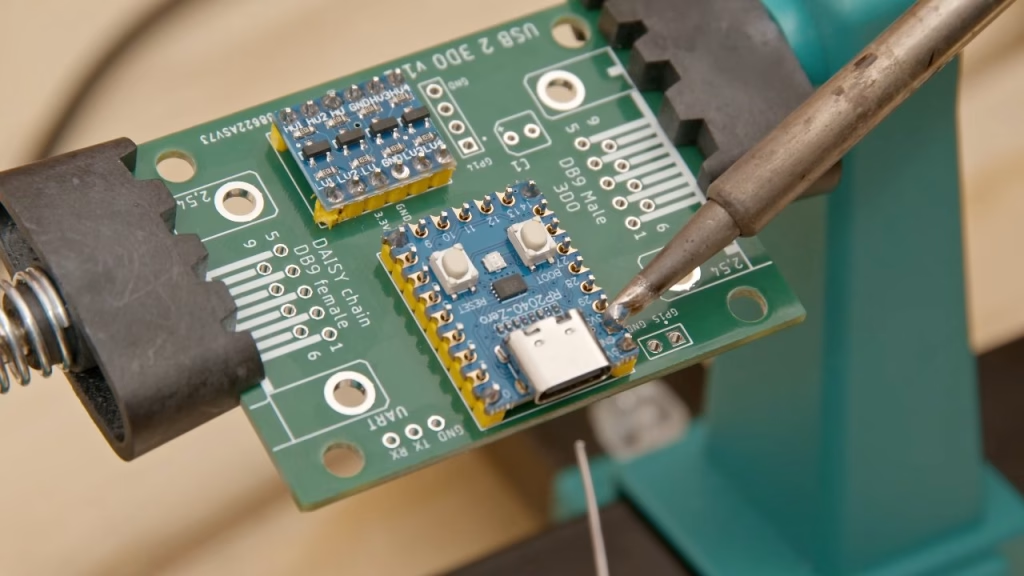
Soldering the level shifter and RP2040
The iron went on at its usual 340°C. Header pins are an absolute pain to solder: they have a large thermal mass and aren’t the best quality, so I had to rework several joints (some after filming, when I wasn’t stuck looking through the camera). I also realised I’d used the wrong header pins for the RP2040 and had to break out more. My favourite flux didn’t help much; a gloopy flux paste applied with a flux brush did a bit better.
Fitting the DE9 connectors
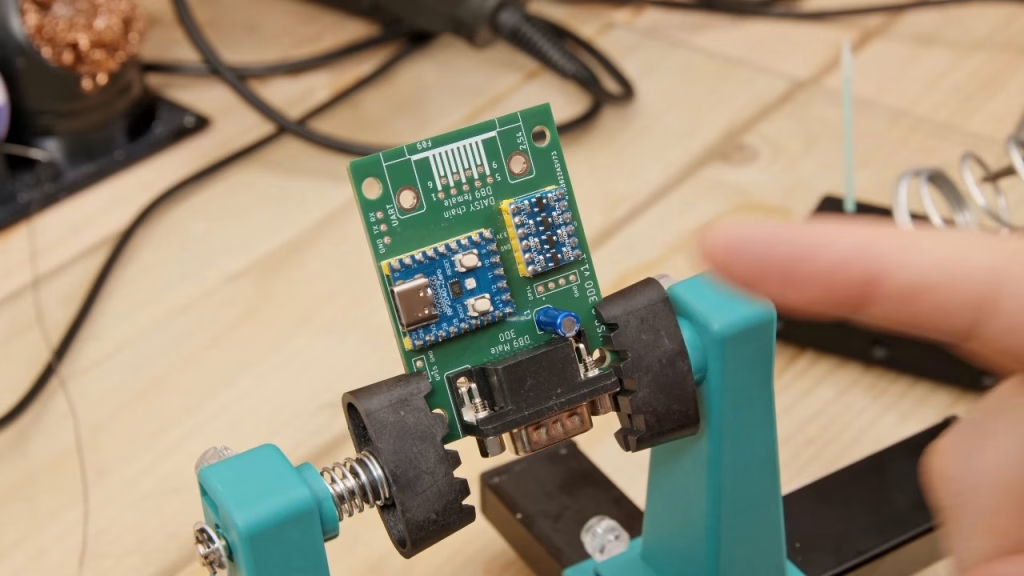
This is where I got confused. The 3DO side of the board is labelled male, but as far as I know the end of a 3DO controller cable is female, so how can that be the 3DO side? I checked the GitHub, and the parts go the way they’re shown, so perhaps the male and female descriptions are swapped. If I’m wrong, tell me in the YouTube comments. My DE9 sockets come in bags of 20 at about 9p each and have never let me down (any bent ones straighten with dolphin nose pliers). They grip the board with retention lugs, which I always solder first. The second, daisy-chain connector is optional, according to FCare: fitting it lets you chain other adapters or original controllers. USB hubs don’t work, so it’s one adapter per USB controller.
Flashing the firmware
Holding the BOOTSEL button while connecting to the PC puts the RP2040 into its drag-and-drop mode. I compiled FCare’s firmware myself in case I wanted to add controllers later. It’s a few years old and wouldn’t build in the new dev environment without a minor tweak or two, but then it compiled (with unimportant warnings) into a UF2 file that you simply drag onto the Pico, which reboots. The adapter didn’t fit the console at first: the DE9 connectors’ threaded nuts had to come off, which left the connector sheath loose, so I glued it back on. After that, it worked great with FCare’s first-generation firmware and my PS4 controller.
Joypad OS by Robert Dale Smith
What I really wanted was to use a comfortable USB-C Xbox-style controller (I can’t remember which Xbox it’s from), which the original firmware doesn’t support. While checking whether anyone had already added it, I found a familiar name: Robert Dale Smith, who designed the CD tray cover from Part 2. He has developed Joypad OS, newer firmware for the same FCare hardware that’s much more advanced and supports this controller. A pulsing red LED means no controller is connected; press a button and it syncs, and it just works. The bottom three buttons map in the same order as an original 3DO pad, so it feels natural.
Did it work? Playing games on the Ultimate 3DO
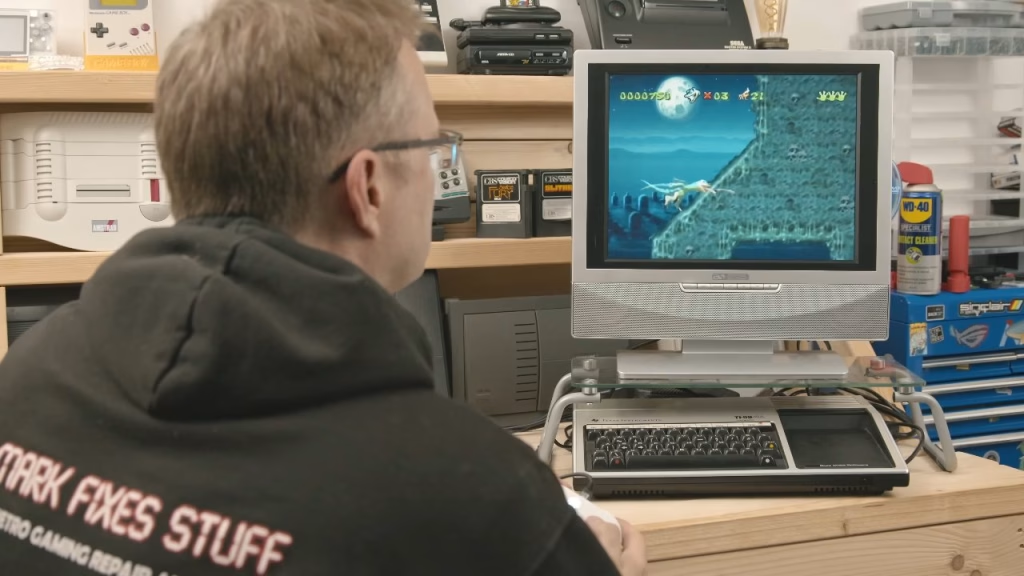
It did. Bust-a-Move, which I played back in the 90s on this console (and was never any good at), brought back memories, as did Dragon’s Lair, which runs twice as fast with the 240p switch on, so I can be twice as bad in half the time. I’d considered wiring the console’s eject button to the ODE’s disc change button, but the ODE already intercepts that signal on the drive cable. Demolition Man was mind-blowing in 1993 and still is a little bit now, even if I’m terrible at it. D, a survival horror I have fond memories of, is painfully slow (still better than Lemmings). I couldn’t get any of my mice working with the adapter, so if you know of one that works, let me know. Gex, one of my favourite platformers on any system, finished the session: it has humour, Easter eggs, cultural references, it’s fair, and it looks amazing with the 240p switch.
That completes the trilogy: Part 1 checked and recapped the Japanese mainboard with a thermal camera, Part 2 added the 230V transformer, Fixel ODE and SSD, and Part 3 gives it modern controllers. I’ve had a really good time with this series. This is yet another brilliant RP2040 project in retro gaming, and I’m excited to see what it unlocks for the 3DO next. Lightguns?
More from the Ultimate 3DO FZ-1 build: Building My Ultimate 3DO FZ-1 Part 1: Thermal Diagnostics on a Japanese Mainboard, Building My Ultimate 3DO FZ-1 Part 2: 230V Conversion and SSD Upgrade with a Fixel ODE.
Related
More controller adapter builds: a Mega Drive pad adapter for the C64 and Amiga and a Mega Drive controller adapter for the Atari 7800. For more on the FZ-1, see fixing a 3DO laser with a 3D printed gear.
Leave a Reply