
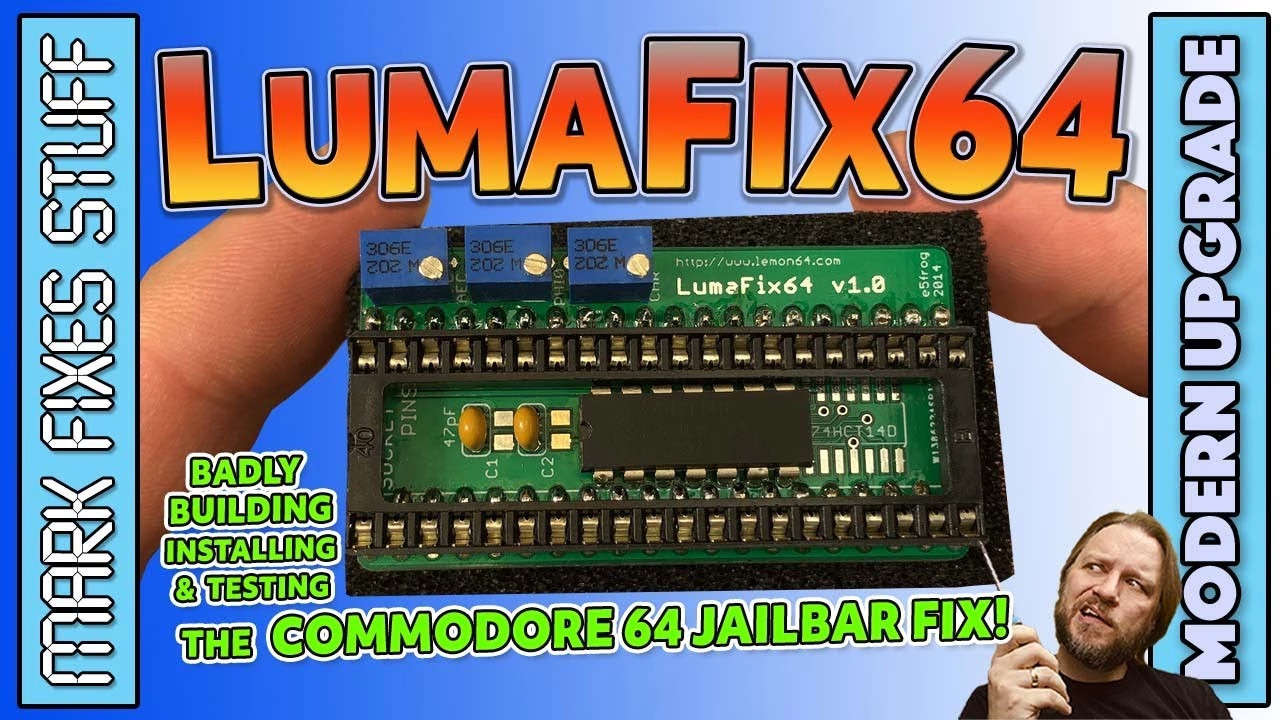
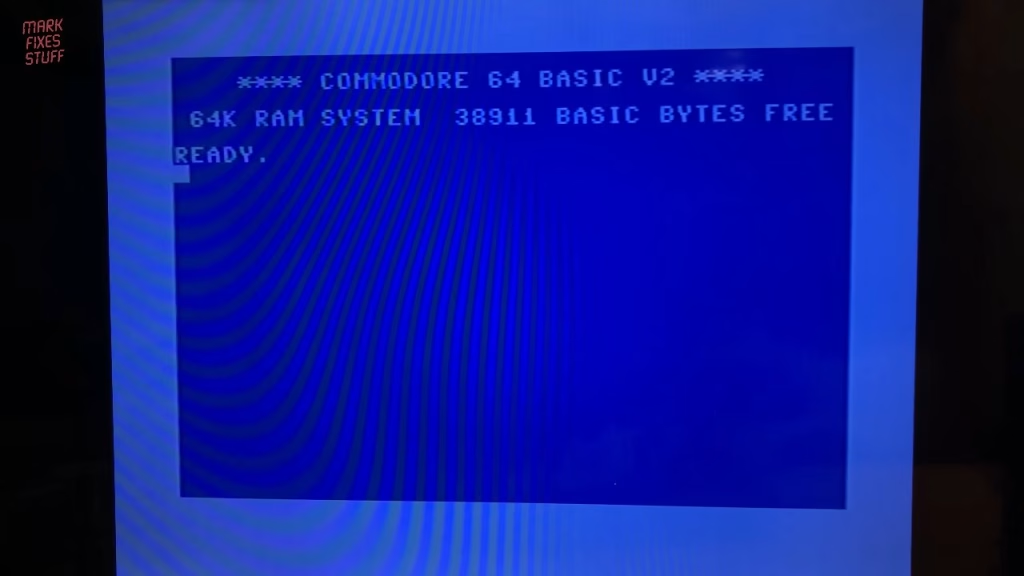
My Commodore C64C shows noisy vertical jailbars on the picture. The TV I was using does a decent job of hiding them, but they’re still there, even with a top quality Retro Computer Shack composite cable. The fix I went for is the Lumafix64, a small board that sits between the VIC-II socket and the VIC-II chip. In this post I build one from a PCBWay board, install it and adjust it, and despite a build full of mistakes, it works. This video was sponsored by PCBWay.
What causes C64 jailbars, and how does the Lumafix64 fix them?
You’ll read on the forums that the later C64C was particularly prone to jailbars. Mine is a later 1987 revision B model and isn’t too bad, but it does show them. I won’t pretend to understand it fully, but the Lumafix64 apparently inverts the noise that causes the jailbars and injects it back into the video signal, balancing it out. Mine is the V1 board.
Parts for the Lumafix64 build
- The Lumafix64 PCB, which I ordered from the PCBWay shared project page
- A 40 pin socket for the VIC-II chip
- A strip of header pins (these plug into the C64’s VIC-II socket)
- A 74HCT14 hex Schmitt trigger inverter
- Three 2K 3266 style trimmer pots
- Two 470pF ceramic capacitors
A word on those trimmers: they must be 2K 3266 parts with the legs in a triangular formation. This was my third attempt at buying the right ones. The first had their legs in a row and didn’t fit, and the second had the adjusting screw on the side, where it wouldn’t fit next to the others.
Soldering the hex inverter and capacitors
The 74HCT14 goes in first. There’s an alternative footprint for an SMD version (and SMD positions for the capacitors too), but I used through-hole parts. You can’t socket the inverter because it sits inside the footprint of the VIC-II socket. Watch the two notch markers on the PCB, one for the socket and one for the chip, and line the IC’s notch up with its marker; it gets cramped in there.
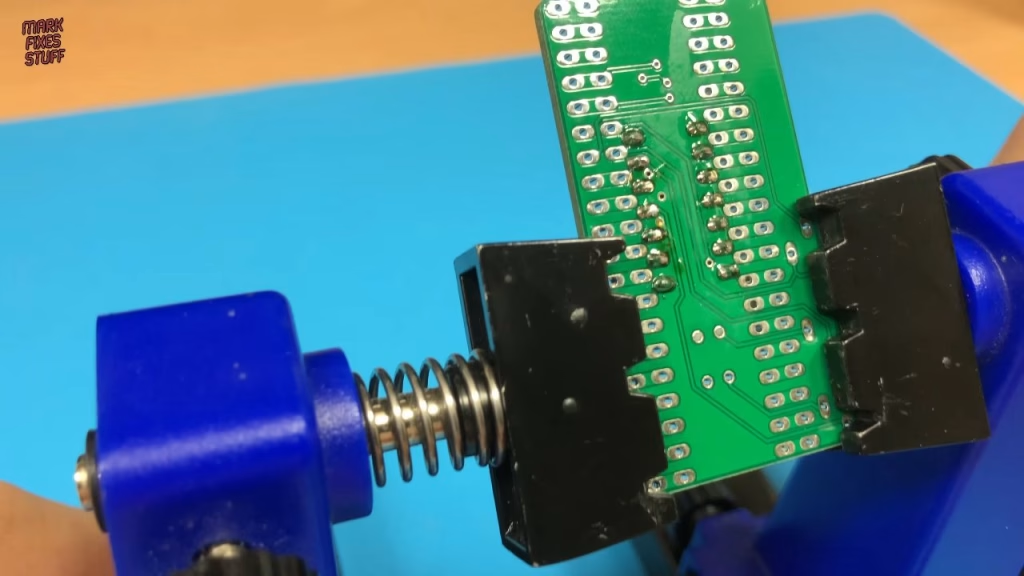
I held the chip in with Blu Tack, flipped the board, set the iron to my standard 330°C and added flux. My new helping hands were so wobbly I felt like I was chasing the board around with the iron, so I went back to my old clamp and cleaned up the mess I’d made. All that vibration let the chip drop slightly, so it’s a touch wonky. Not ideal, but I don’t like hiding my flubs by reworking them, and it turned out fine. The capacitors went in next; the first joints were a bit claggy, so I redid them with a little more flux.
Header pins and the VIC-II socket
The row of header pins has to go in before the socket, because once the socket is fitted the tops of the pins can’t be reached. I didn’t have a long enough strip, so I cut a few pieces to length, held them in with a lot of Blu Tack and plenty of flux. A few pins bridged, so I double checked there were no connections between the header row and the inverter pins.
Then: the socket didn’t fit, because of the height of the header pins. Rather than desolder them all, I flattened them down a bit and reflowed them. The socket isn’t flush by any means, but there’s enough of its pins showing to solder. Bending the corner pins holds it in place while you solder the rest.
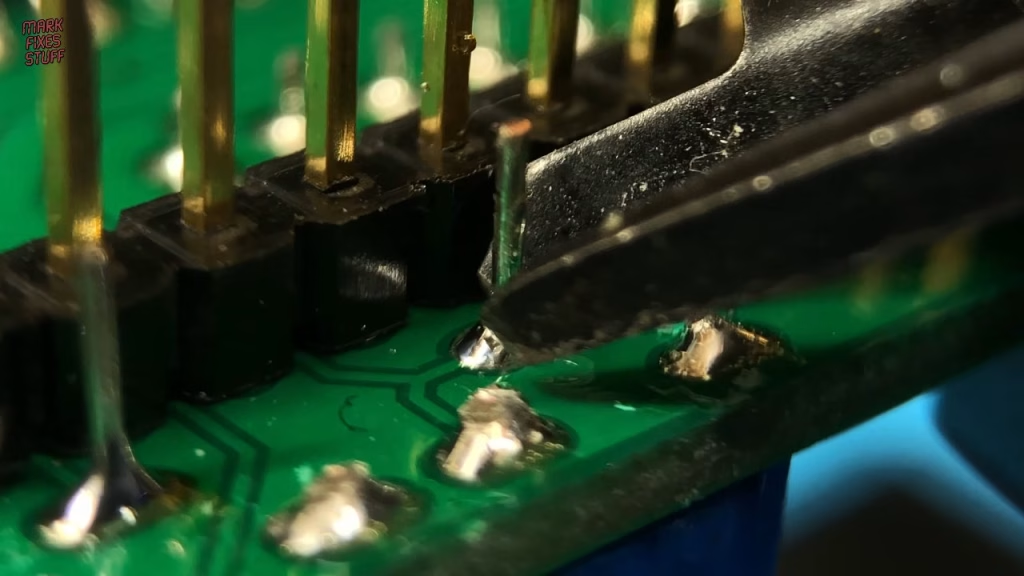
Last of all, the three trimmers go in together, legs bent to hold them, then soldered and snipped. After a few mistakes, the Lumafix64 was complete, wonky chip and all.
Opening the C64C and installing the Lumafix64
This later revision has three screws at the front (mine was missing one), and the rest of the case is held by clips. Pushing down on the lower part of the case lets you open it without breaking them; work along one side, then the other, and gently agitate the clips at the back until they free. Lift the lid, disconnect the power LED cable, remove the two screws securing the keyboard and lift it out, noting the keyed connector for later. Then off comes what Commodore laughingly called shielding: tin foil on a bit of cardboard.
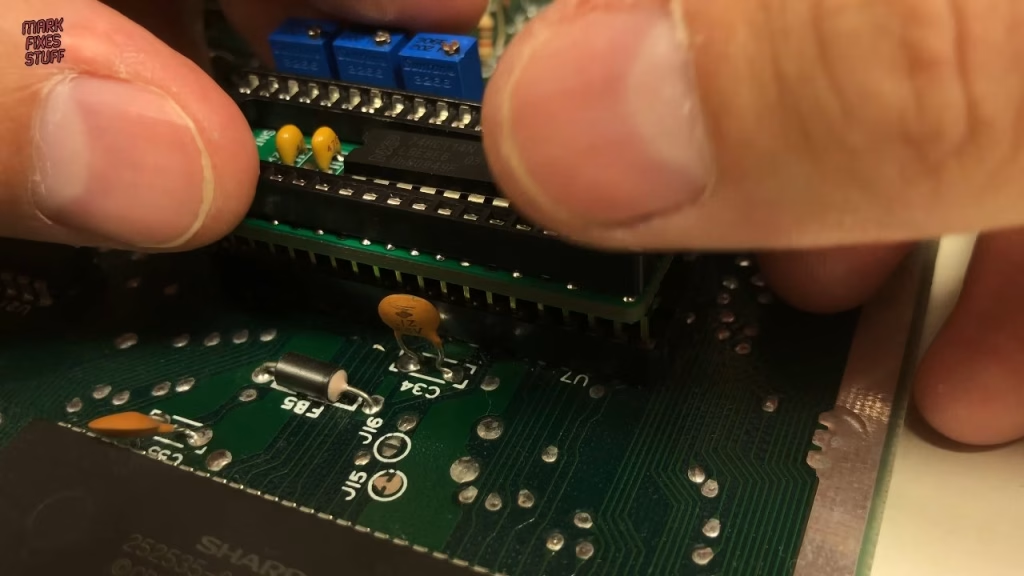
I evicted the dust bunnies around the VIC-II with an anti-static brush and, ignoring my several so-called chip pullers, gently levered the chip out with a flat-bladed tool. Chip pullers only ever seem to damage chips for me. With the notches matching, the Lumafix64 pushes into the VIC-II socket, and the original VIC-II goes into the socket on the board, taking care not to bend any legs.
Adjusting the Lumafix64 trimmers
On first power-up the picture looked rubbish, but that isn’t my handiwork: the Lumafix64 has to be calibrated for the display. The advice is to adjust the trimmers in order from the back of the C64 to the front, and I’d read that you get a feel for it quickly.
Did the Lumafix64 fix the jailbars?
It’s hard to show on camera with my rubbish old TV, but it really works and cleans up the jailbars significantly. You could spend hours fine-tuning it for a specific set, and the forums say you should also check the picture with colourful software running. I’m impressed with the Lumafix64, and even more impressed that it works considering how bad my build was.
Related
More Commodore 64 builds on the site: my Epyx FastLoad cartridge build, the Mega Drive pad adapter for the C64 and Amiga and the Kung Fu Flash C64 cartridge review.
Leave a Reply