
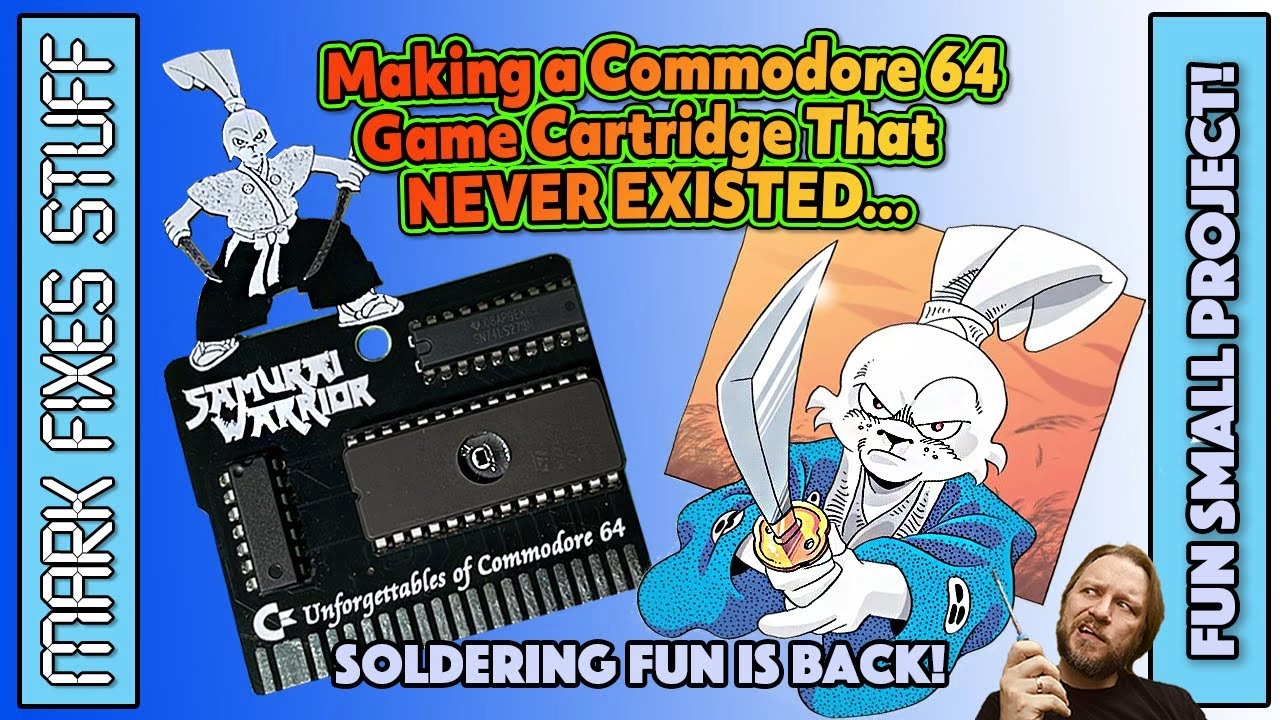
Samurai Warrior: The Battles of Usagi Yojimbo was never released on cartridge for the Commodore 64, but it was one of my favourite games, so I made one. This build uses a three-chip board designed by C64iStanbul, a 27C512 EPROM holding the original PRG converted to a Magic Desk cartridge image, plus a 74LS02 and a 74LS273. Along the way: testing logic chips on a TL866-style programmer, burning the EPROM, and plenty of soldering tips. And yes, the game loads instantly. This video was sponsored by PCBWay.
Stan Sakai created Usagi Yojimbo in 1984. I was about nine and had no idea he existed, even though, it turns out, everyone else did (he even turned up in Teenage Mutant Hero Turtles, as it was called in the UK). But around 1990 I was given a second-hand C64 with a bag full of games, and one of them was Samurai Warrior. I played it to death.
The board and the parts
The custom board is by C64iStanbul, and you can order it from PCBWay, with a portion going to the designer. Because the game never came on cartridge, it runs as a PRG conversion using Marko Šolajić’s Magic Desk cartridge project. With just three ICs it’s a great beginner project:
- 74LS02: a quad 2-input NOR gate, common and easy to get hold of.
- 74LS273: an octal D-type flip-flop, which can be harder to source at the moment.
- 27C512 EPROM: a vintage UV-erasable part (ST, 28-pin DIP) holding 64KB of game data.
Soldering the EPROM socket
The EPROM gets a socket in case the programming goes wrong (and it really might). It’s a super cheap 28-pin DIP socket, nothing posh, and I spread its legs slightly so it doesn’t drop out while I work. My iron was at 340°C, my usual preferred temperature. Clean the tip gently in the wire wool, then prime it with a bit of fresh solder, and add a touch of liquid flux.
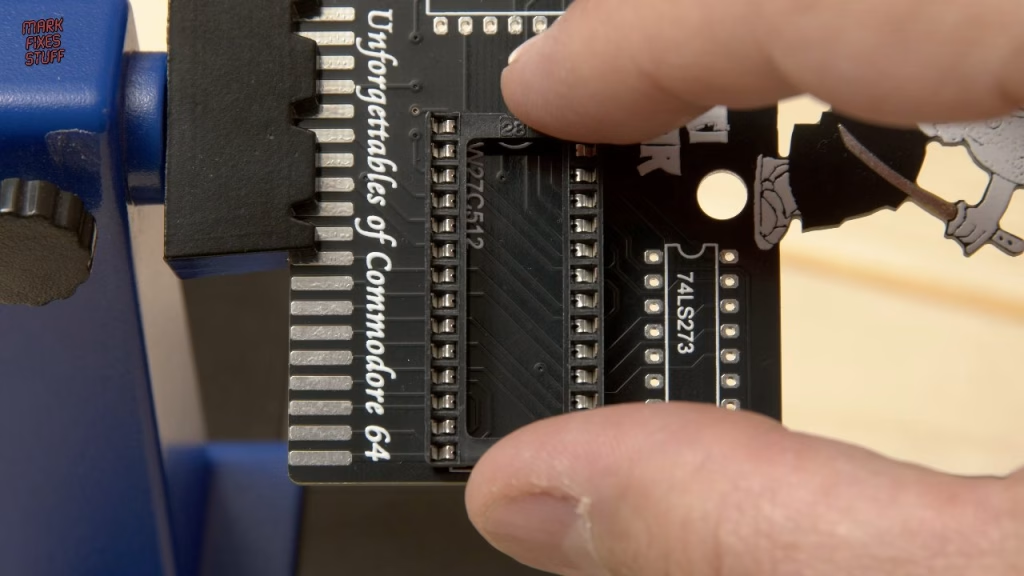
I actually love soldering, and with decent solder and the right setup it’s easy and a lot of fun, even though plenty of people are afraid to try. Touch the iron to the pad and the leg at the same time so both heat evenly. At 340°C I don’t want to dwell on any one joint, both to protect the component and to avoid delaminating the pad, so I make a quick pass and then go back and reflow each joint briefly, which tidies them up. That’s also how I caught a pin I’d missed.
How do you test 74-series logic chips?
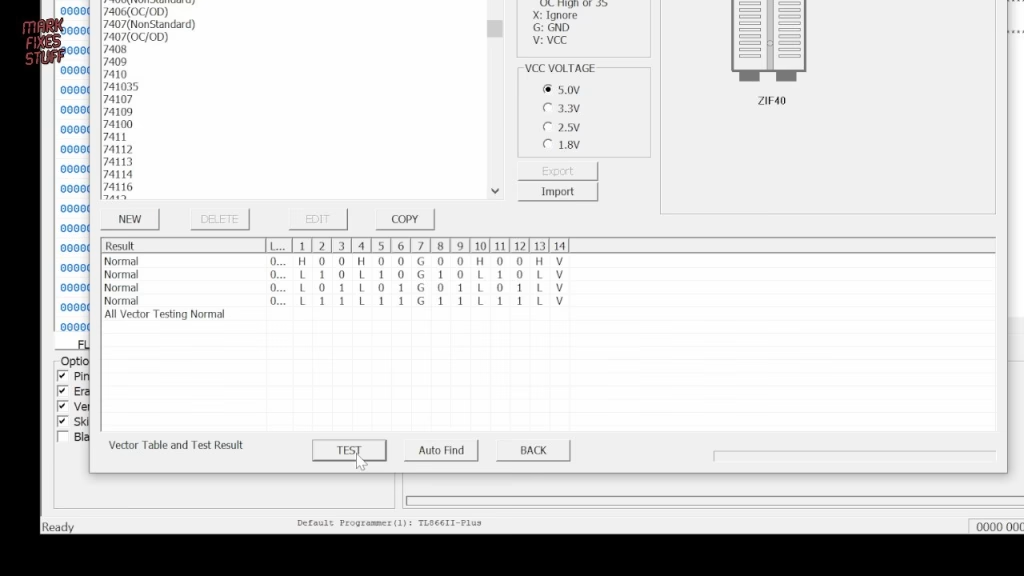
The logic chips are cheap, so I soldered them directly rather than socketing them (sockets can develop issues over time). But I test them first. My knock-off TL866 Plus is a versatile chip programmer that can also test logic. In the XGPro software, choose Logic Test and type the series and number, leaving out the two family letters in the middle: for the 74LS02 that’s “7402”. You can also press Auto Find with the chip in the programmer, but be aware it can match multiple logic types. Press Test, and it runs through all the vectors: “testing is normal” means it’s good, barring anything very weird. For the 74LS273, Auto Find returned a single result, though annoyingly I still had to type the number in. Both passed.
Programming the 27C512 EPROM
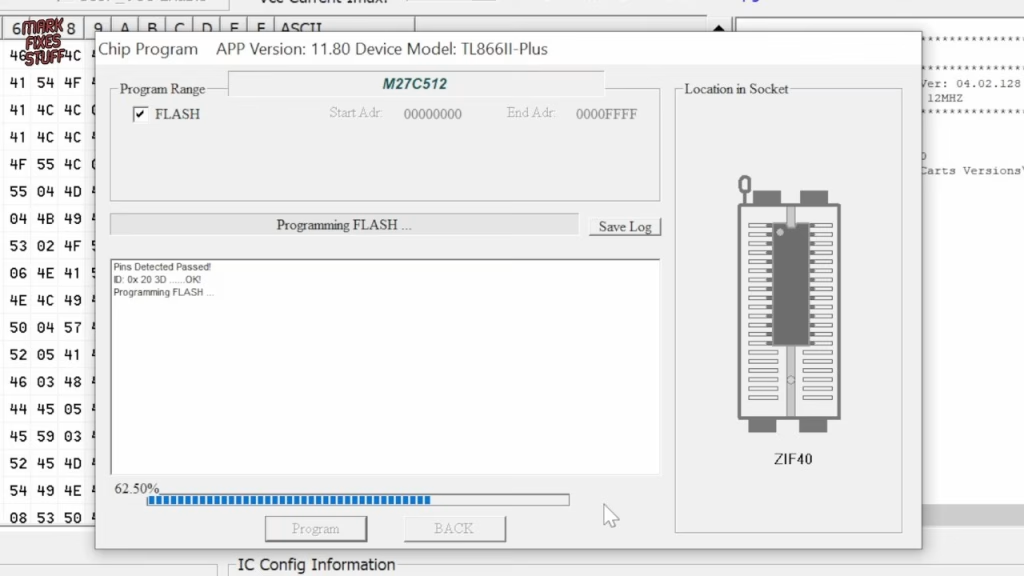
In XGPro, EPROMs are “devices”: select the 27C512 from ST in a 28-pin DIP package. I always do a blank check first. It confirms the chip is empty and that you’ve picked the right device type. Strictly, you’re meant to generate your own Magic Desk compatible bin file using the Python Magic Desk Cartridge Generator, which is beyond the scope of this video. With the bin loaded, I scroll through looking for readable text, usually a sign the data is okay. The burn takes about 30 seconds and verifies in a second.
Soldering the logic chips
To stop the chips dropping out when the board is flipped, I used a little high-temperature polyimide (Kapton) tape: easier, if a bit more expensive, than spreading the legs. Flux the pins and pads first, because flux removes impurities on the metal surfaces as you solder, then the same routine: iron on pad and pin together, move on quickly, reflow afterwards. Then the satisfying peel.
When I came to fit the EPROM, its legs were splayed too wide for the socket. Normally I’d push them flat on the desk and eyeball it until they were right, but the DIP chip straightener from Retro Rewind gives a perfect result first time and is a real time saver. Retro Rewind very kindly sent me a lot of tools to help me rebuild after I lost everything in the fire, so expect to see more of their kit.
Did it work?
After some blind fumbling round the back of the C64, the cartridge went in and powered up. My nervous smile barely hid my relief: it works, and it works well. The game is every bit as good as I remembered. Your score is your karma, which you advance by helping the poor, but you can’t just give all your money away, because you need some to buy food in towns to replenish your single life bar for fights with enemies like ninjas. I’m not very good at it any more, but I’m getting better.
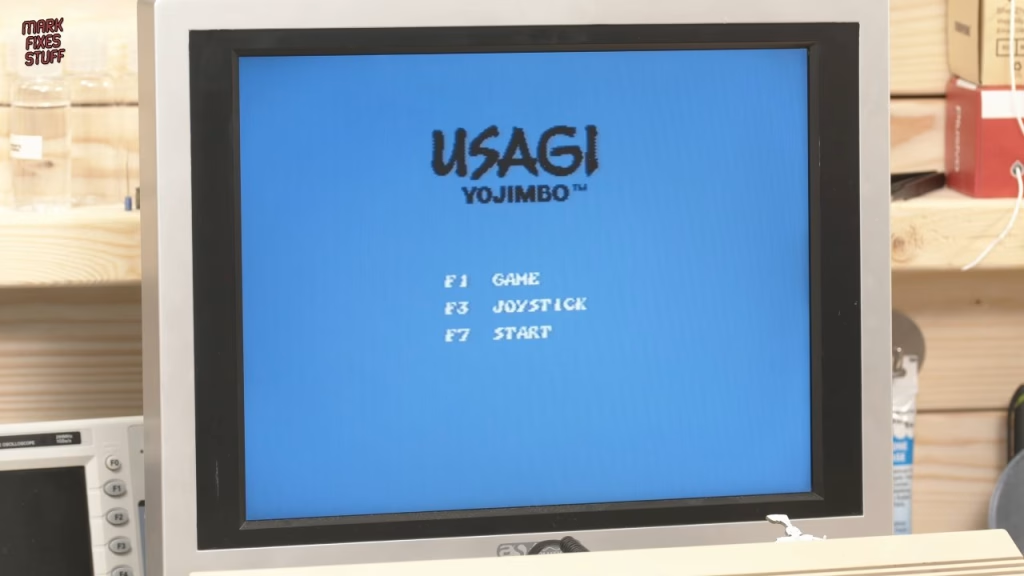
Was it worth it? It cost a few pounds, and making a single-game cartridge today is arguably a bit of a nonsense when you have things like the Kung Fu Flash, which will play pretty much anything. But this was one of my favourite games, and now I have it on a little cartridge with a bunny on top. I really enjoyed this one.
Related
More C64 cartridges on the site: my Kung Fu Flash review and Epyx FastLoad cartridge build. For more EPROM work with the same kind of programmer, see burning Amiga Kickstart ROMs with a TL866.
Leave a Reply