
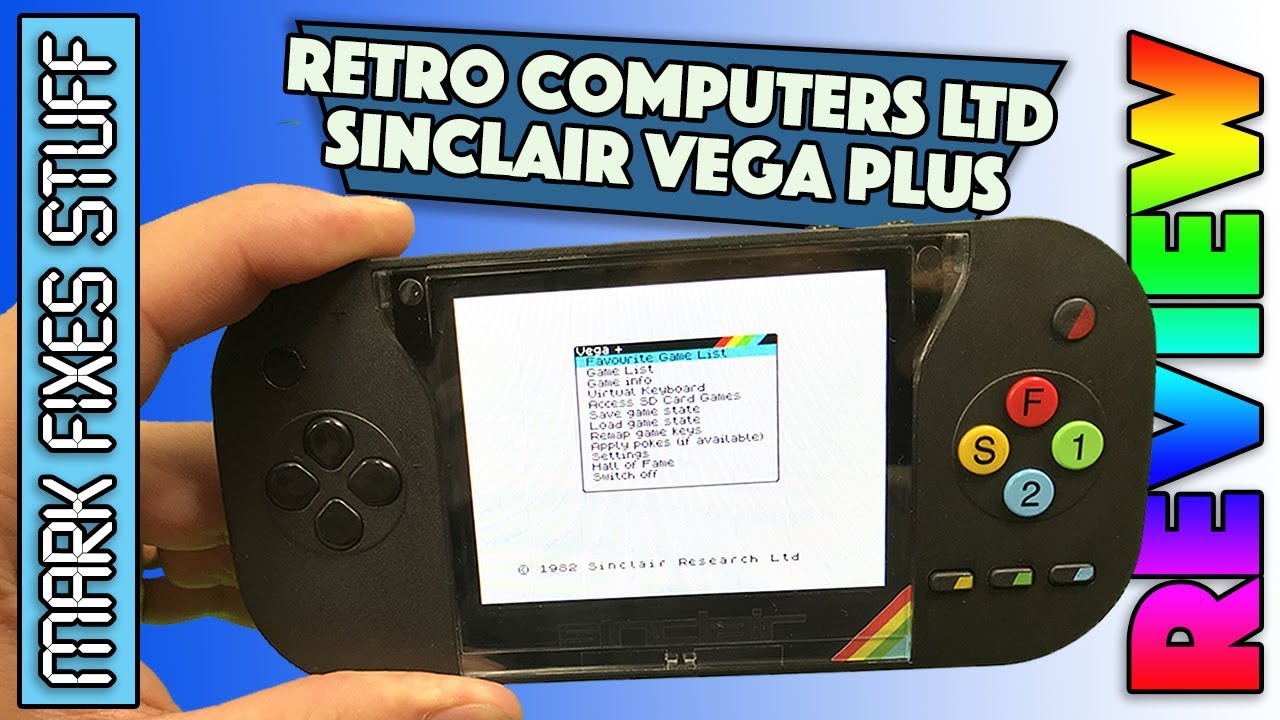
Is the Sinclair ZX Vega Plus any good? After a week with the troubled Indiegogo funded handheld from Retro Computers Limited, my honest answer is no. The screen is genuinely good, but the D-pad barely registers, the case edges are sharp, there’s no charger, and I couldn’t get a single game to load from an SD card. Here’s my review, covering the packaging, build, controls and games.
I’d sat on this for about a week before filming, not quite sure what to do, because plenty of other people had already reviewed it and the reactions had been, let’s say, not mixed. I’d been asked for my take, so although I might not have much new to add, this is it.
Packaging
The box was stuck down with a sort of weird wax paper, and inside is what’s described as eco packaging. I’m not sure about eco: the internal space is about 22cm by 13cm and 9cm deep, far bigger than the Vega Plus itself. I don’t know a lot about packaging though, so I’ll bow to superior knowledge. (My cat also got in the box. That’s how cats work.)
Build quality and screen
One of the reasons I delayed this review: there were marks on the screen. I wiped it with the lint free cloth I’ve used on my PSP and Game Boys, and found the screen covering was full of fine micro scratches. It looks worse on camera than in person, but the material reminded me of a cassette case.
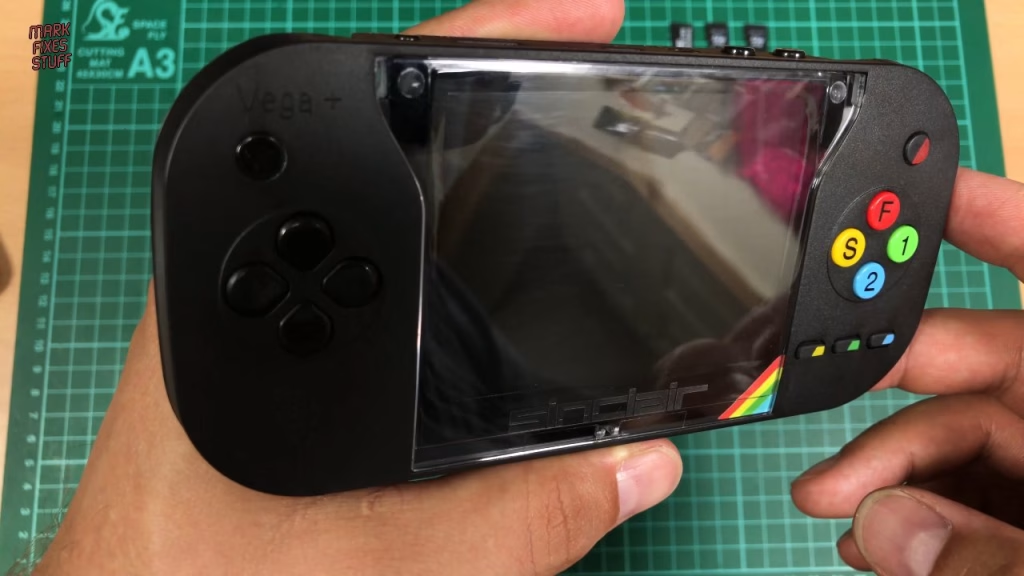
Around the screen there’s a textured surround with what look like hinges, as if it should flip up. It doesn’t (I tried), and there’s a kind of paper fillet running all the way round the screen. A strange design choice.
Buttons and ports
I’ve got children, and when we buy toys there’s a clear difference between officially branded plastics, which feel solid and look properly coloured, and cheaper off-brand toys with a translucent look to the plastic. The Vega Plus face buttons have that translucent, cheap look, and I’m not sure if they’re painted or stencilled. The lower buttons are better moulded.
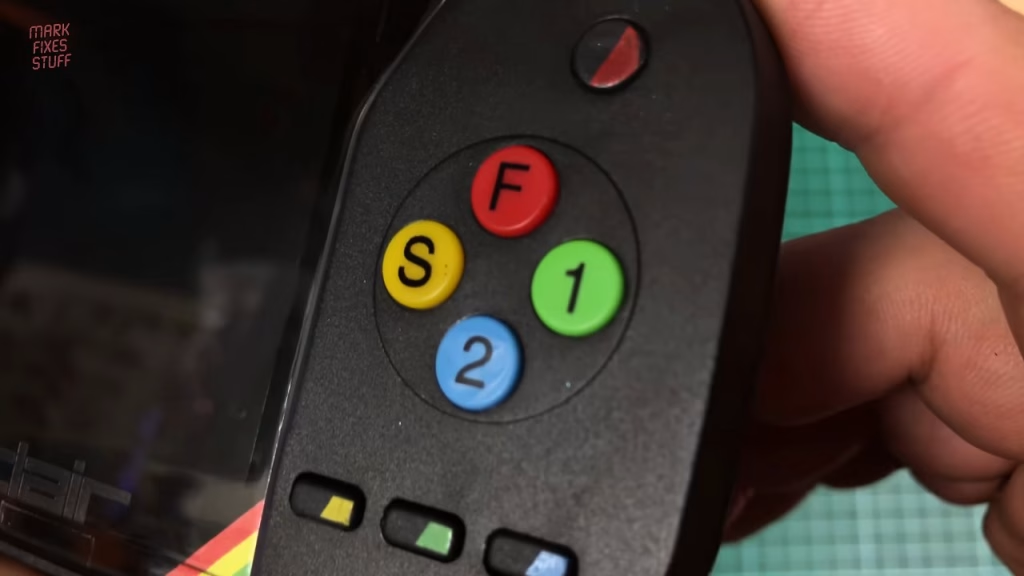
Around the edge are a reset button, a micro SD slot with a finger bevel, a charge port (you don’t get a charger, so you’ll need your own), headphone and video sockets, and volume down and up. The video out takes a TRRS jack to SCART, but I read online that a bug means you don’t get a full screen picture: you get two images side by side in the top half.
Sharp edges
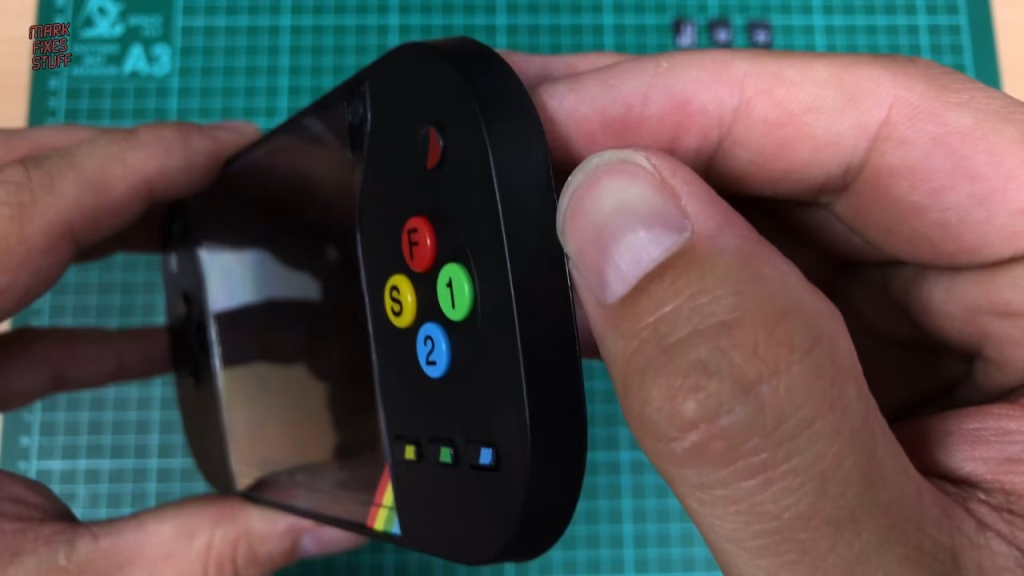
The sides are interesting for the wrong reasons. A gully along the side protrudes beyond the edge of the unit and it’s really quite sharp and abrasive. A dust channel in the moulding would have cured that: design 101. The bottom edge isn’t as rough, but it’s very angular. In the hand it’s slightly less comfortable than a PSP, but not terrible.
Powering on and the D-pad problem
There were no instructions, so I had to wing it. Press power, a light comes on at the back (the only sign anything is happening), then the Retro Computers logo and the menu. Start up time is reasonable. The menu has a favourite game list, game list, game info, virtual keyboard, SD card games, save and load state, and a hall of fame.
The D-pad is the big problem. It sits too low: compare it with something like a PS4 controller and there’s very little sticking out, so there isn’t enough to rock your thumb on. The flesh of my thumb has to push down into the aperture before it registers, and then it might go too far. There’s also no give in the material underneath, none of that threshold you feel on a Nintendo pad. I’ve had cheap Famiclone handhelds from China with better pads than this.
Playing Egghead and Nifty Lifty
Egghead by Jonathan Cauldwell loaded, and after working out which control option to pick I could move and jump. The controls felt laggy and very difficult, there was some sprite flicker, and after a while my thumb was genuinely sore from pushing into the pad. Nifty Lifty loaded with music, but it didn’t sound right, as if not all the sound channels were there. And this is a handheld: if I could plug in an external controller it would be all rightish, but what’s the point of that?
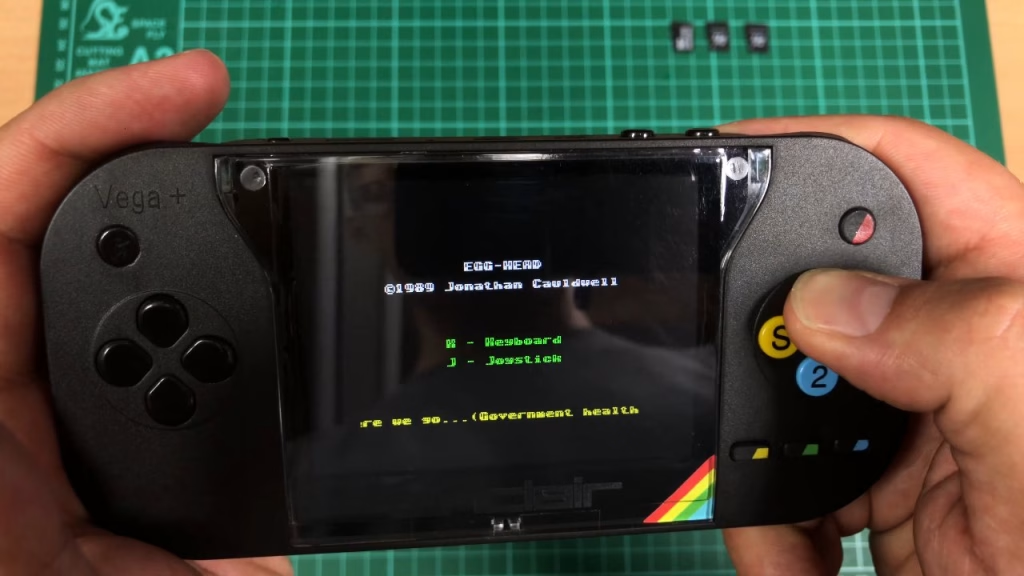
To be fair, the screen is brilliant. It’s everything on the screen and trying to control it that’s the issue.
Can you load games from SD card on the Vega Plus?
Not for me. I tried a whole pot of micro SD cards, including a 256MB one, formatted as FAT, FAT32, FAT16 and exFAT, with TAP, Z80, SNA and TZX files. Nothing worked. Since I gave up, some people have had some success by hacking things onto it, but you shouldn’t have to do that.
Verdict: 2 out of 10
It did happen, and it’s so bad that I absolutely wish that it hadn’t.
I’m only giving it two because many people thought it would never happen at all. The pad is no good, the buttons are no good, the moulding is sharp, there’s no charger, I couldn’t get the card slot to work, the sound is poor on the games that have it, and some games in the list I couldn’t start with any button. It feels like it was rushed out to satisfy some kind of obligation. Sorry to end on a negative note.
Related
For Spectrum hardware that did impress me, see the ZX Spectrum Omni laptop, a portable Spectrum built from scratch, and the ZX-HD HDMI interface from ByteDelight. If you want SD card loading that actually works on a real Spectrum, try the DivMMC Future.