
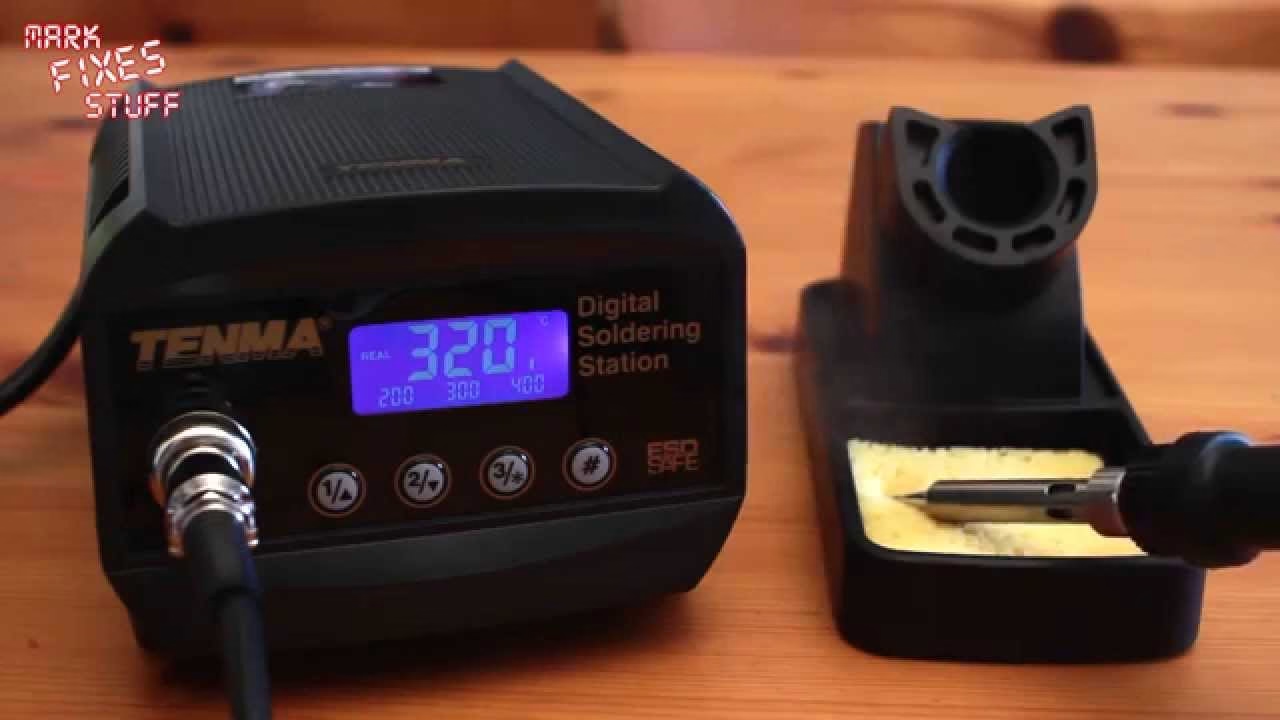
How quickly does a Tenma digital soldering station heat up, and what do the buttons on the front actually do? Now that I’m getting to grips with my Tenma temperature controlled station, here’s a very quick demo of the control panel: the three temperature presets, how fast it climbs between them, how it cools down, and how to set a custom temperature.
The display: real temperature and power bar
Switch it on and it starts at 300°C, which is the middle preset. The three preset values (200, 300 and 400°C) sit underneath the main reading, and the main reading is labelled “real”, so you’re watching the actual tip temperature climb rather than just the set point. On the right-hand side there’s a bar that shows how much power the station is putting in to reach the target. From cold it got to 300°C pretty quickly.
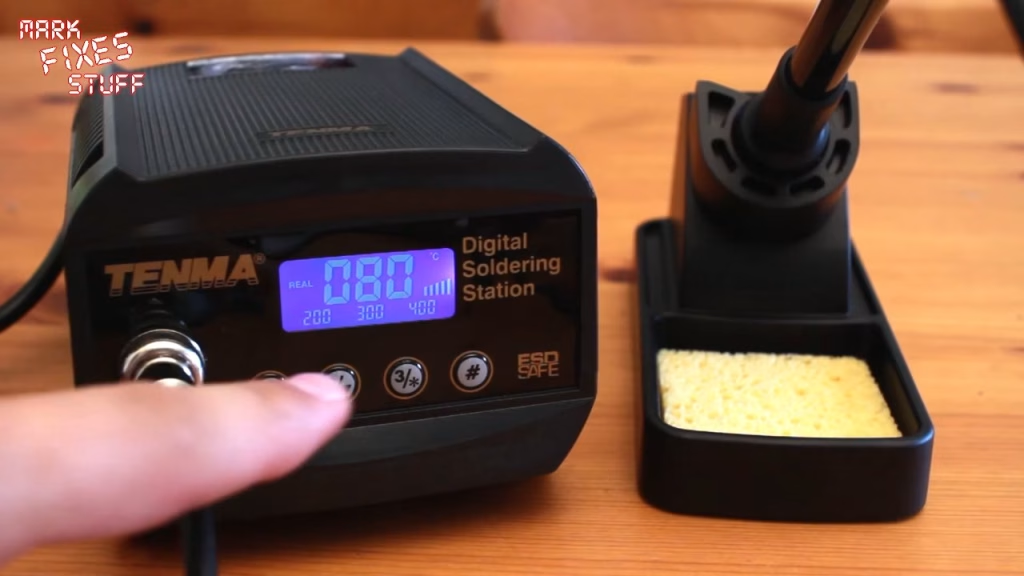
Switching between the 200, 300 and 400°C presets
Each preset has its own button. Press the 400 button and the power bar jumps right up as it drives the tip from 300 to 400°C, and it gets there fairly quickly, which is really useful. Once it’s at temperature the bar drops to a single segment, just enough to maintain it.
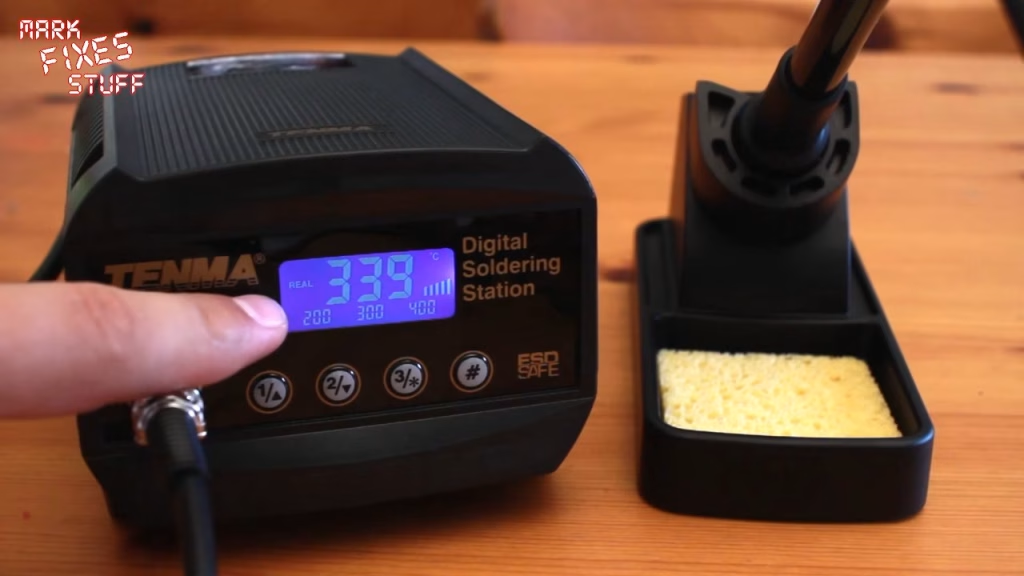
Drop it to preset one (200°C) and the power goes to zero while the tip cools. Cooling down takes a bit longer than heating up, which makes sense: the station can push heat in, but it can only wait for the tip to lose it.
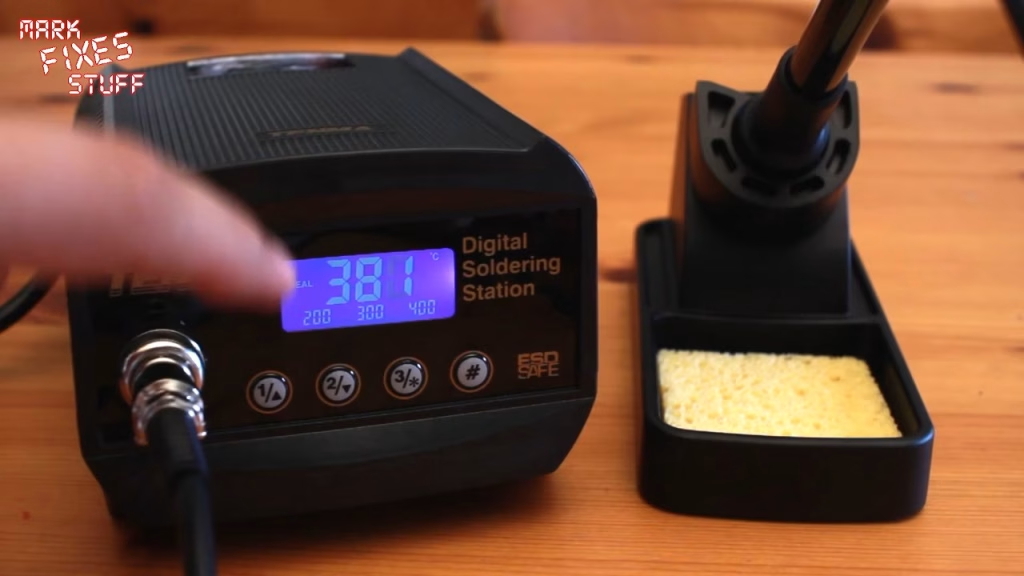
Setting a custom temperature
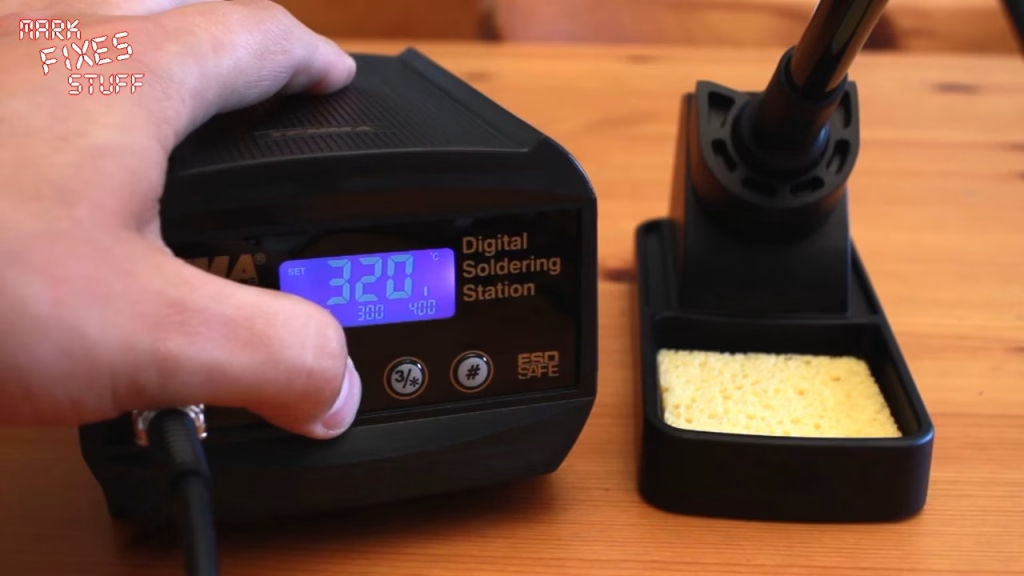
You aren’t stuck with the three presets. Back on 300°C, I held down button one (the up arrow) and set 320°C, then pressed button two (down) to confirm, and the station took the real temperature to 320°C. That’s really hot, and a quick dab of solder on the tip shows it’s working.
Verdict so far
It’s all very good, actually. It heats quickly, the real temperature readout and power bar tell you exactly what it’s doing, and the presets make it easy to move between jobs. The one thing I haven’t worked out yet is what the hash button does, so that’s still a mystery for now.
Related
If you’re choosing kit for your own bench, see my top 13 tools for fixing stuff, and once your iron is set up, how to spot and repair a dry, cold or cracked solder joint.
Leave a Reply