
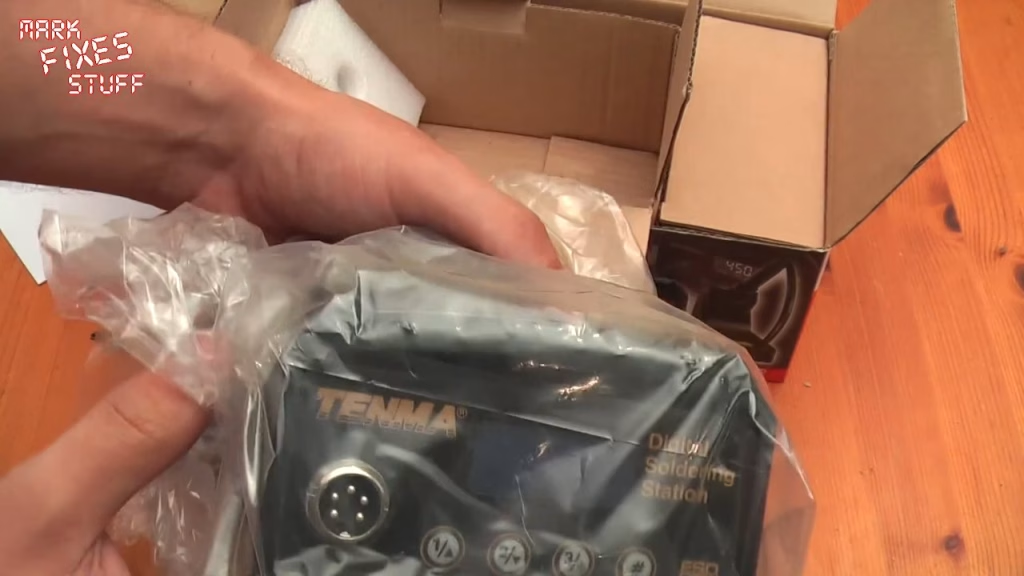
There comes a point where you can’t just go around melting stuff with an uncontrolled iron any more. For me that point arrived with the Tenma 21-10115, a digital, ESD safe, temperature controlled soldering station that I picked up for about £46 from CPC Farnell in the UK. This is a quick look: out of the box, put together, switched on and heated up for the first time.
What’s in the box?
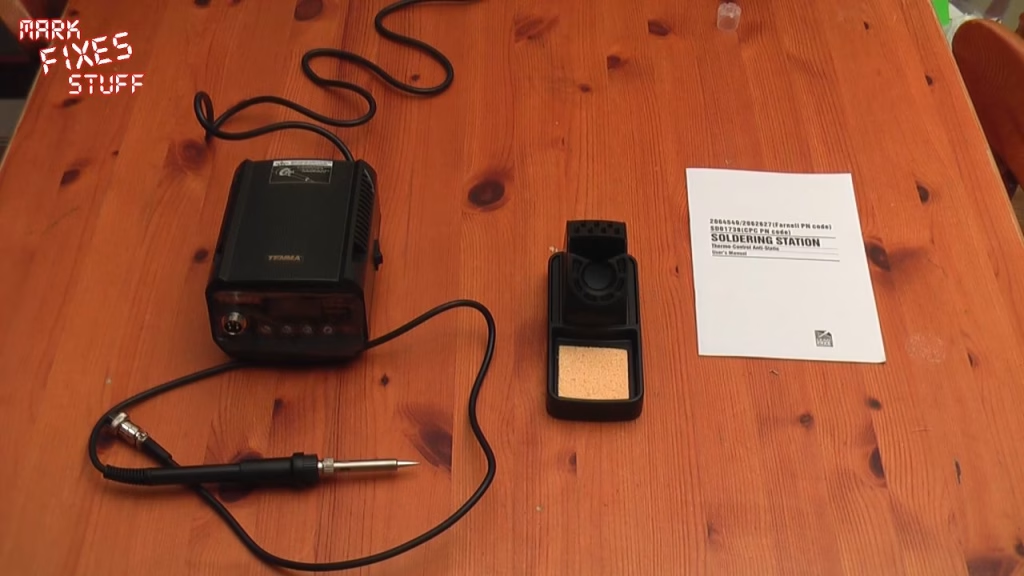
Tenma is Farnell’s own brand, and as far as I know the parts are interchangeable with other companies’ own-brand stations. Inside you get a manual (with all the Farnell part codes in it), the base station, the iron itself, an iron holder and a sponge. The station is rated at 60 watts.
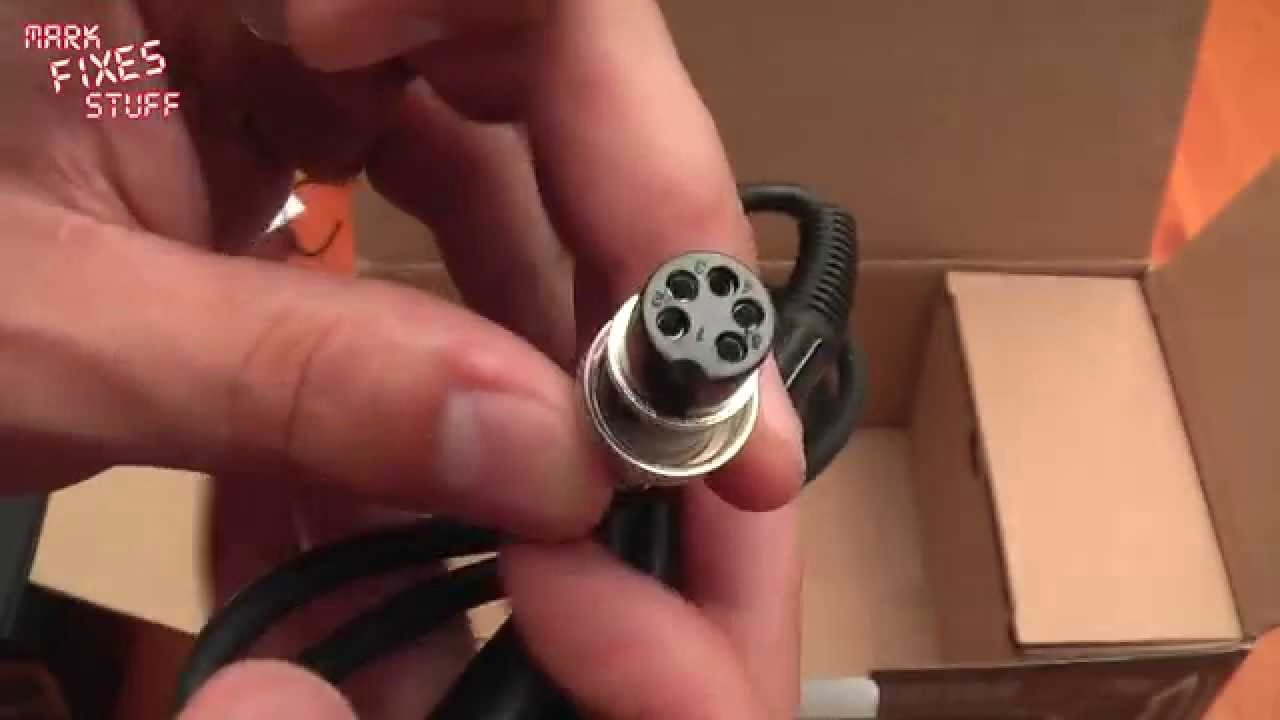
The base unit has a reassuring heft to it. Round the back there’s a fairly robust power switch and a 1 amp fuse, and on the front a five pin connector for the iron. Five pins because there’s a temperature sensor in the tip: the station uses that to hold the tip temperature fairly constant, whether you’re soldering something that draws a lot of heat or something tiny.
The iron, the tip and the holder
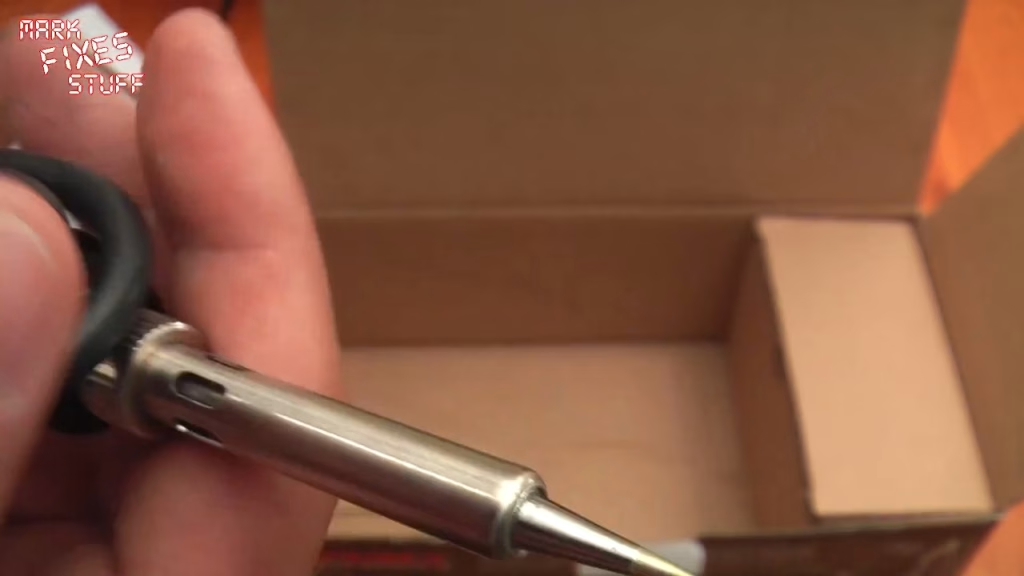
The iron (I still call them soldering wands, from back in the day) comes fitted with what Tenma call a precision tip, with a bit of flexible neoprene tubing over it to stop it stabbing and scratching things in transit. The other end carries the plug that mates with that five pin socket. The cable feels decent.
The holder is a die-cast part, a bit like a toy car, and feels robust. The sponge, on the other hand, is incredibly thin out of the packet. It does puff up once it’s wet (I overdid the water on camera, so learn from me and go easy).
Presets and first power on
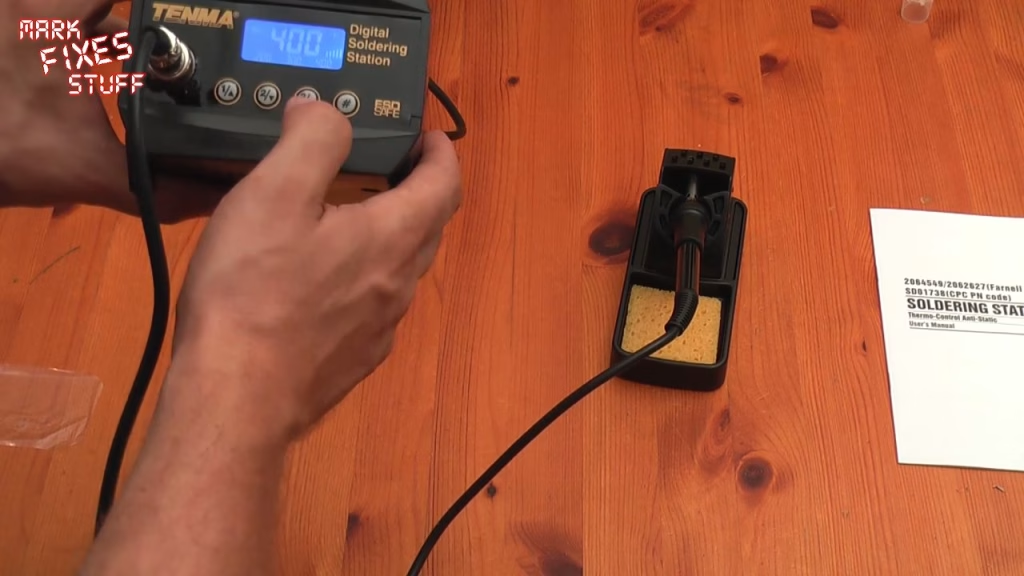
The control panel has memory presets so you can flip between set temperatures, plus up and down buttons to nudge the temperature in small steps. Plugged in, it sprang into life almost immediately. Pressing through the presets showed 200, 300 and 400 degrees, and I think it goes up to around 450 degrees, though I haven’t confirmed that yet.
I set it to 300. The display briefly read 333 and then settled down towards 300, and when I touched the tip to the wet sponge it was clearly very hot, very quickly. Turn the lights off and you get a rather nice blue backlight on the display too.
First impressions
It works, you can set whatever temperature you like, and at £46 it’s a real step up from my old variable temperature station. That one let you choose a heat setting, but it wasn’t temperature controlled: there’s a difference between setting a temperature and having the station actively regulate the tip so it stays there. That regulation is what you’re paying for here.
That’s as far as a quick look goes. The real test is using it, and this station will be in all my soldering videos from here on, starting with the Amiga ATX power supply build I’ve been promising. Seems good so far.
Related
If you’re working on your soldering, have a look at what a dry or cracked solder joint is and how to identify and repair a dry, cold or cracked joint. For the rest of my bench kit, see my top 13 tools for fixing stuff.
Leave a Reply