
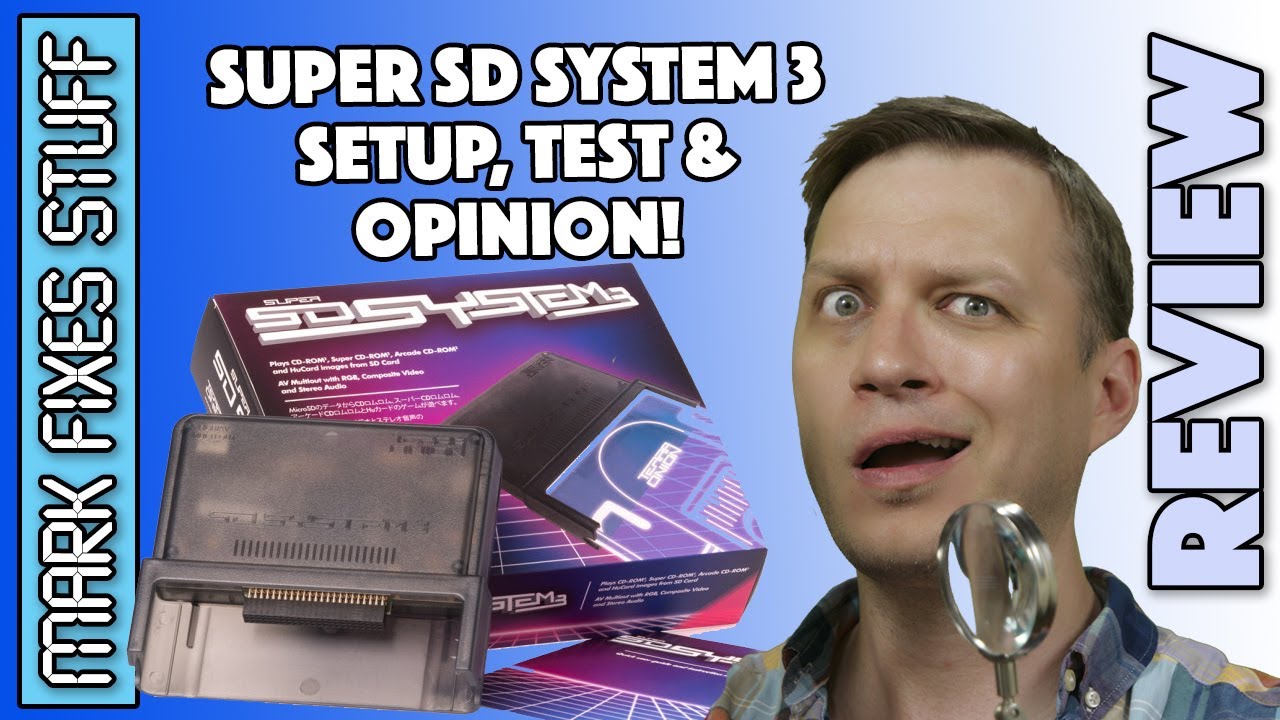
The Super SD System 3 from TerraOnion lets you play CD-ROM², Super CD-ROM² and Arcade CD-ROM² game images on your NEC PC Engine, as well as HuCard games, and it manages save games on the SD card. I set it up, test it and look closely at image noise and glitches from the advanced features. So is it a buggy mess? My verdict is at the end.
Why I wanted to play PC Engine CD games
Back in 1990 the PC Engine (TurboGrafx in the US) was a mystical super machine whispered about in the back pages of magazines where the importers advertised. A couple of years ago I was given a CoreGrafx along with a Turbo EverDrive and an RGB booster, and I was struck by the depth and quality of the games. It felt like playing straight from the arcade. Then disaster: I found out about PC Engine CD-ROM² games, which the Turbo EverDrive can’t play. A look on eBay showed that real CD hardware, games and RAM-boosting HuCards would be a significant investment, so when TerraOnion offered me the Super SD System 3 to review, I leapt at it.
It’s an add-on compatible with the PC Engine CoreGrafx, CoreGrafx II and SuperGrafx. Like the Turbo EverDrive it plays HuCard games, but it also emulates a CD-ROM drive, and Arcade Card emulation adds 2MB of extra RAM.
Setting up the Super SD System 3
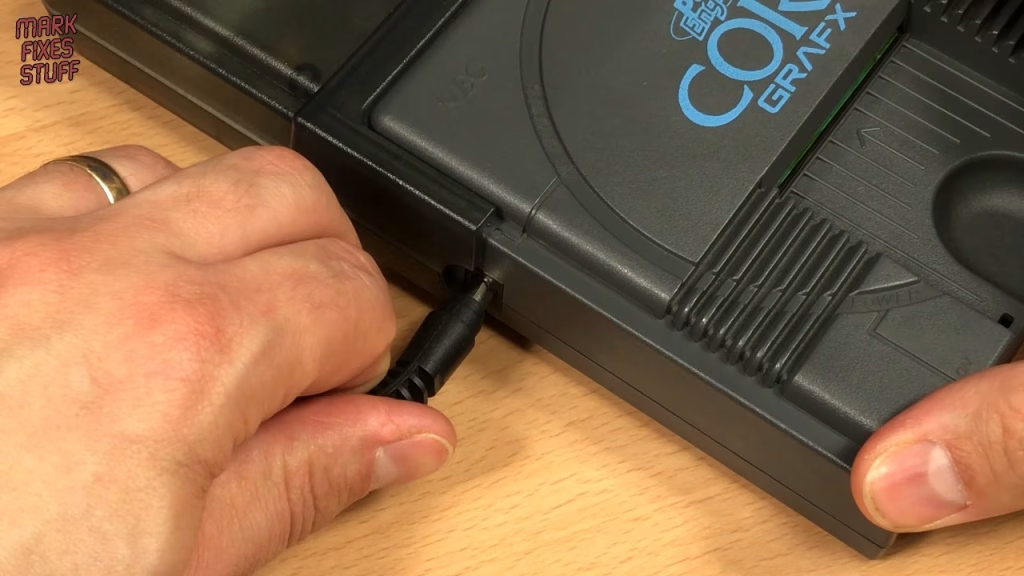
You need a Sega Mega Drive 2 compatible video cable and a 9V DC supply. I used a 128GB SanDisk microSD card; the menu says it must be FAT32 or exFAT, and mine already was. The manual says you need a BIOS folder in the root of the card containing the appropriate CD-ROM system BIOS dumps. You can have up to ten, but a forum search told me that in 99% of cases you only need one.
I sorted my HuCard images into folders and subfolders by country, which makes games much easier to find. Each CD-ROM² image needs its own folder, and selecting that folder starts the game. The manual lists .BIN/.CUE and .PCE files as supported. Select toggles between HuCard and CD-ROM² lists, Start opens a folder or starts a game, and the first time you launch a CD image you pick the BIOS (I chose Super CD-ROM System 3.0).
The menu options explained
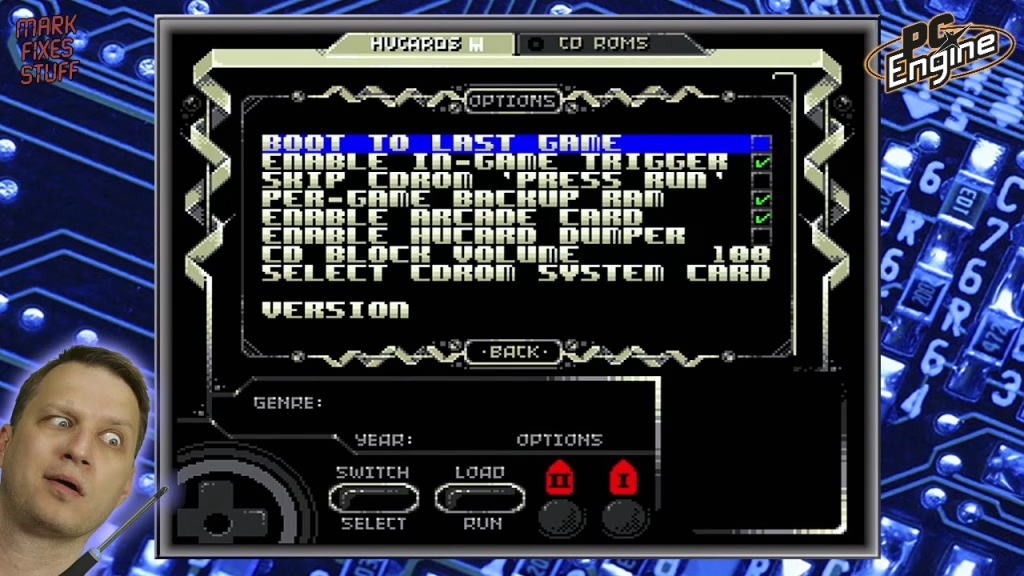
Press II for the options:
- Boot back into the last game on power up (I found this a bit annoying).
- Enable Game Trigger: a short Start + Select goes to the BIOS screen, a long press back to the menu. Dragon Spirit constantly reset with this on, and I found a few more problems, so I left it off.
- Skip CD-ROM Press Run: skips the BIOS screen so you don’t have to press Run.
- Per-Game Backup RAM: a separate save file for each game. Handy.
- Enable Arcade Card: increases RAM from 64K to 2MB for better Super CD-ROM² and Arcade CD-ROM² compatibility.
- Enable HuCard Dumper, CD Block Volume (emulated CD audio level), Select CD-ROM System Card (change BIOS) and Version.
How do the games play?
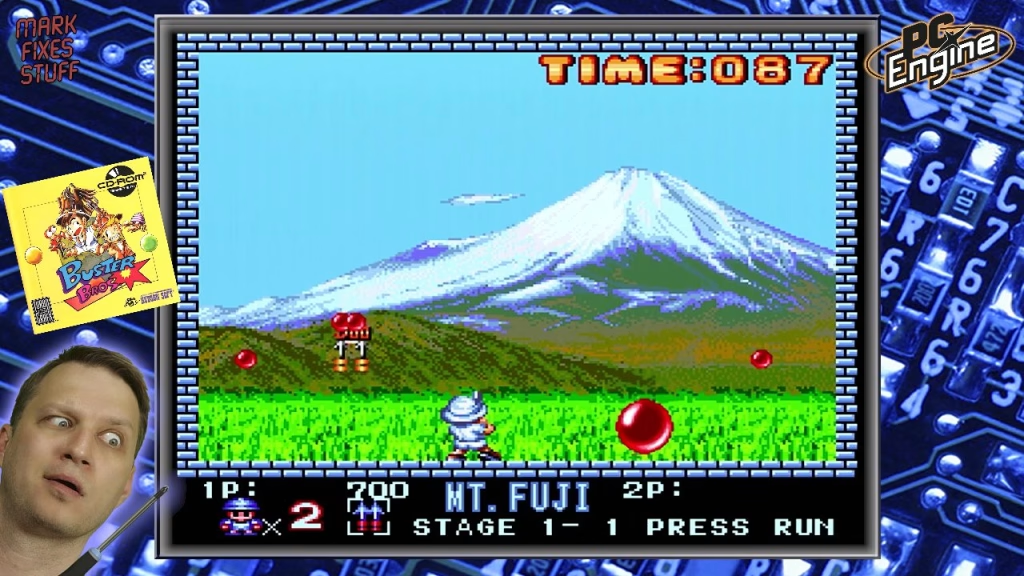
Admirably. I tried Pang, Double Dragon II: The Revenge, Pop’n Magic and Forgotten Worlds (which I think needs a special controller, but I suck at it anyway). Sound effects and CD audio emulation seemed pretty good to me, though I didn’t play these games back in the day, so tell me in the comments if anything sounds off.
Video noise: it’s the cable
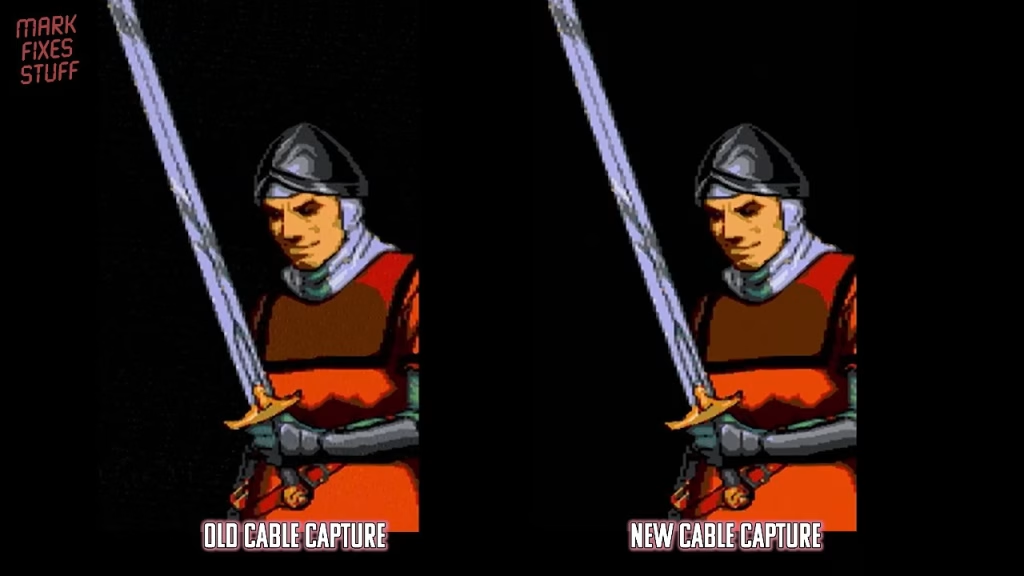
My first video cable was pretty noisy, with sparkly images and noise in the audio. A Pack-A-Punch Pro cable from Retro Gaming Cables really improved things. In side by side footage (old cable left, new right) there’s lots of noise on the left and hardly any on the right, most obvious in the grey gauntlet holding the sword in Forgotten Worlds and in areas of colour in captured stills. The difference is like night and day, and that cable is a really good investment.
Verdict: is the Super SD System 3 a buggy mess?
No. My first experiences with the cheap cable were less than satisfactory, but even then I thought it was a fantastic device with some slightly distracting screen and audio noise. With the Pack-A-Punch Pro cable it really came into its own, and I think it’s pretty brilliant. Just leave Game Trigger off. Final verdict: if you can, get one. It opens up a world of possibilities for your PC Engine.
The Super SD System 3 is sold by TerraOnion: https://terraonion.com/en/producto/super-sd-system-3/
Related
I used the Super SD System 3 to test my Monster Joysticks Mini Monster Deluxe for PC Engine.