
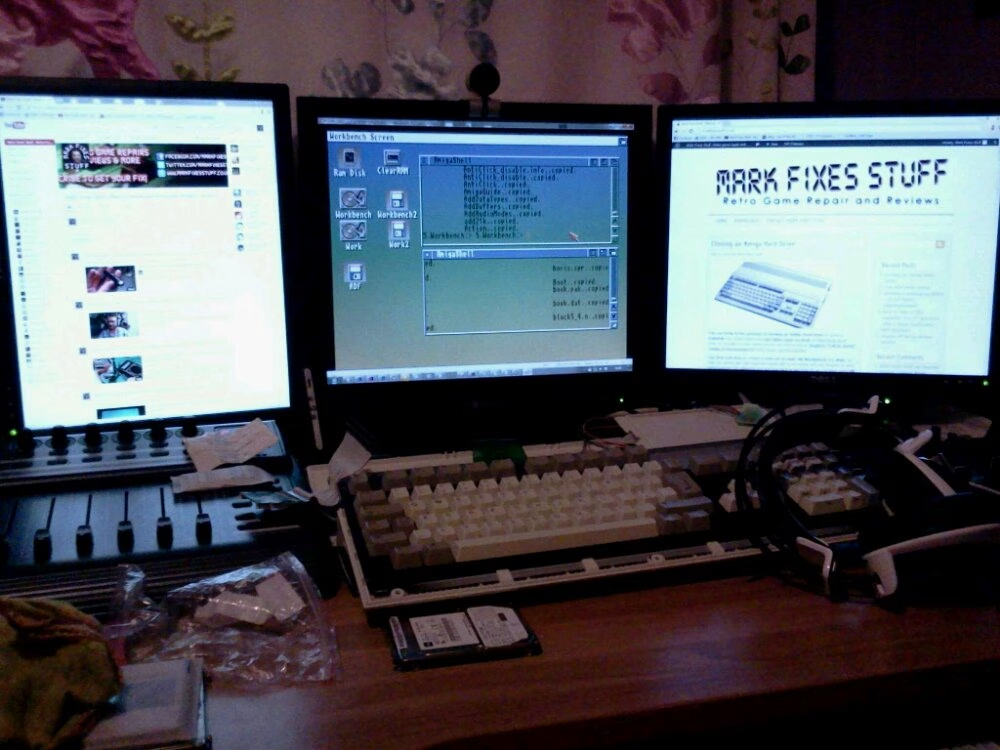
A late night progress report from the Amiga hard drive cloning job: the first drive is done and I’m on to the second. I’m a bit tired, but at least I can put the Amiga back together in the morning. These drives are going out to two friends of the channel, so each one needs a working Workbench setup on it before it goes in the post.
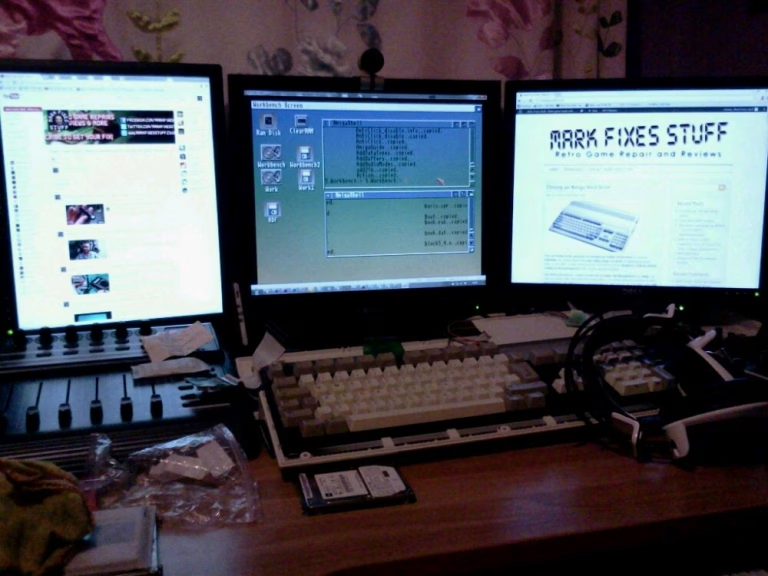
How I’m cloning the drives with WinUAE
I’m cheating a bit here. Rather than doing all the copying on the real Amiga, I’m using the WinUAE emulator on the PC. My actual Amiga CF card is mounted in WinUAE as the system drive, and the new 2.5″ hard drive, already formatted and partitioned, is mounted as a slave. That way WinUAE boots from my real setup and the files can be copied across to the new drive.
If there’s room left on the drives, I’ll probably include a few ADF files as well, so there’s something to play straight away.
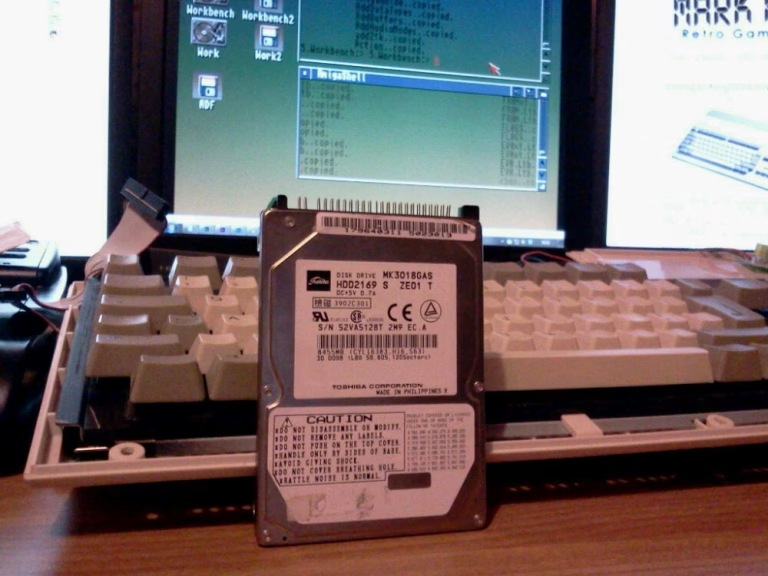
Where the drives are going
Both drives will be sent out on Monday: one to RetrogamerVX, and one to my co-host Chris in Greece. The start of this job, including making fresh Workbench 3.1 disks, is covered in my earlier post on cloning an Amiga hard drive.
Related posts
More Amiga work on the bench: building an Amiga A600 chip RAM expansion and burning Amiga Kickstart ROMs with a TL866.