
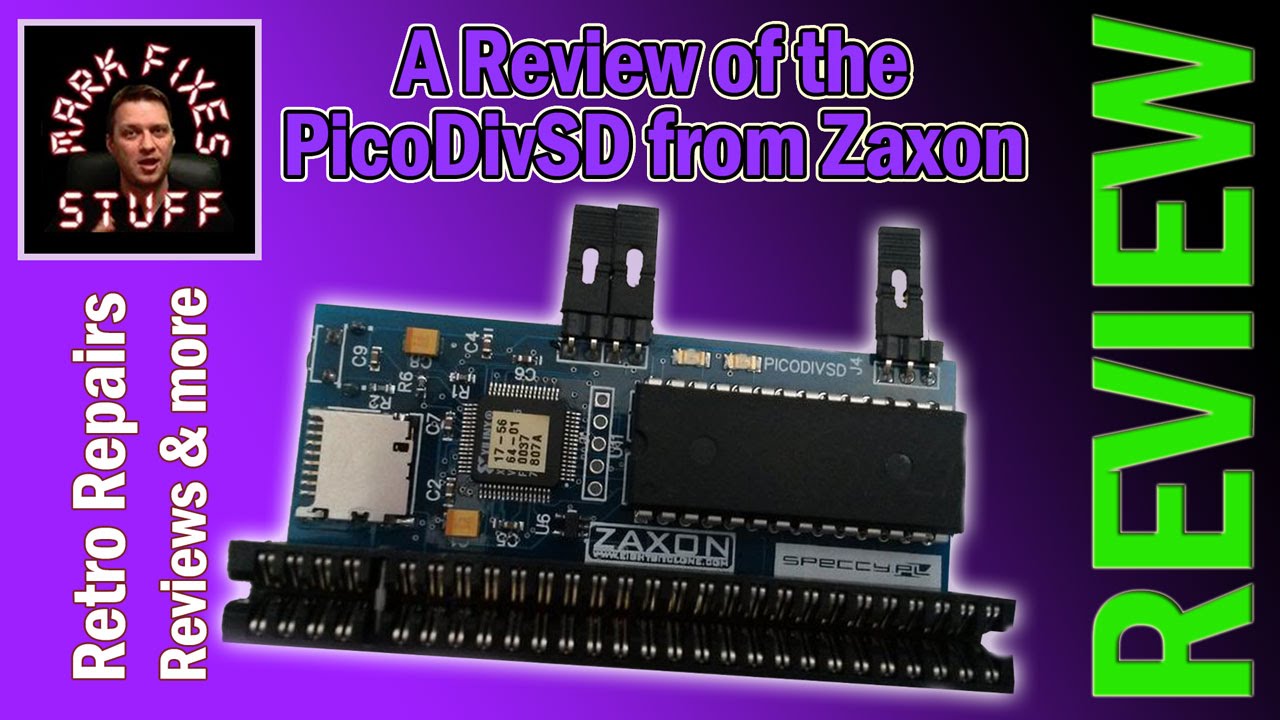
The PicoDivSD Rev 2.0 from Zaxon is a small, low cost SD card storage device for the ZX Spectrum, and it’s surprisingly fully featured for something so cheap. I put it on a 48K, loaded Boulder Dash from a TAP file, took a snapshot and dug through the NMI menu to see what it can and can’t do.
You could buy the PicoDivSD Rev 2.0 here at the time: http://www.sellmyretro.com/offer/details/PICODIVSD-rev.2.0-4168
What is the PicoDivSD?
It’s an SD card interface for the Sinclair Spectrum family and some compatibles. It works on everything from the 48K through to the 128K, plus some Russian clones, and takes a microSD card. At the time of shipping it ran ESXDOS 0.8.5, so it supports lots of formats (with one notable exception, below), and it lets you load software very quickly and very easily.
To keep the price down it leaves a few things out:
- No joystick port.
- No reset button.
- No through connector for other interfaces.
That makes it ideal for the 128K machines that already have joystick ports built in. On those it really does provide pretty much everything anyone would need.
Edge connector compatibility and the +3
A set of jumpers on the board lets you configure it for different machines. Amstrad changed the edge connector between the grey +2 and the later black +2 and +3, so they aren’t edge compatible, and the jumpers deal with that. Which jumper does what is in the documentation, so I won’t go into it here.
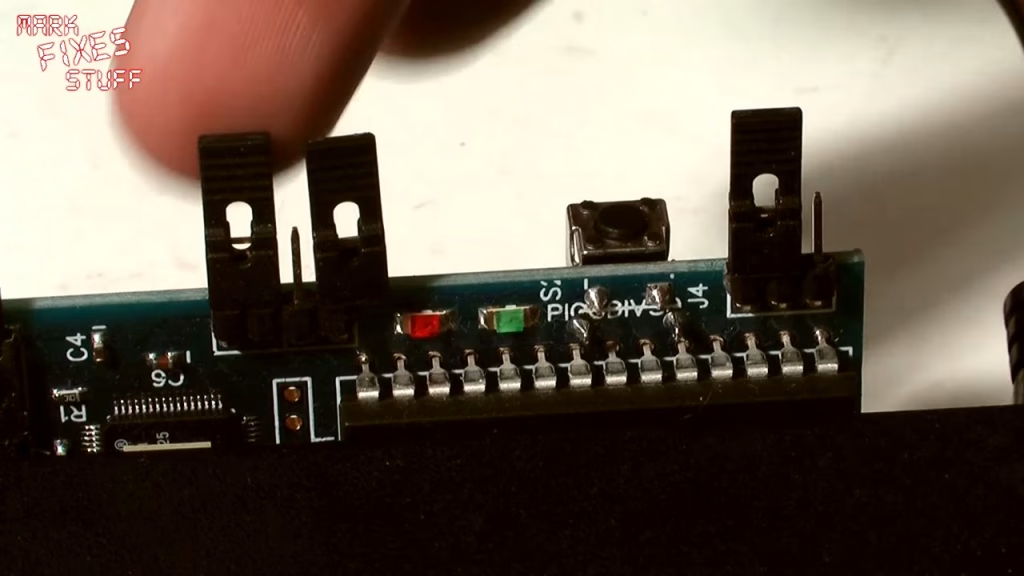
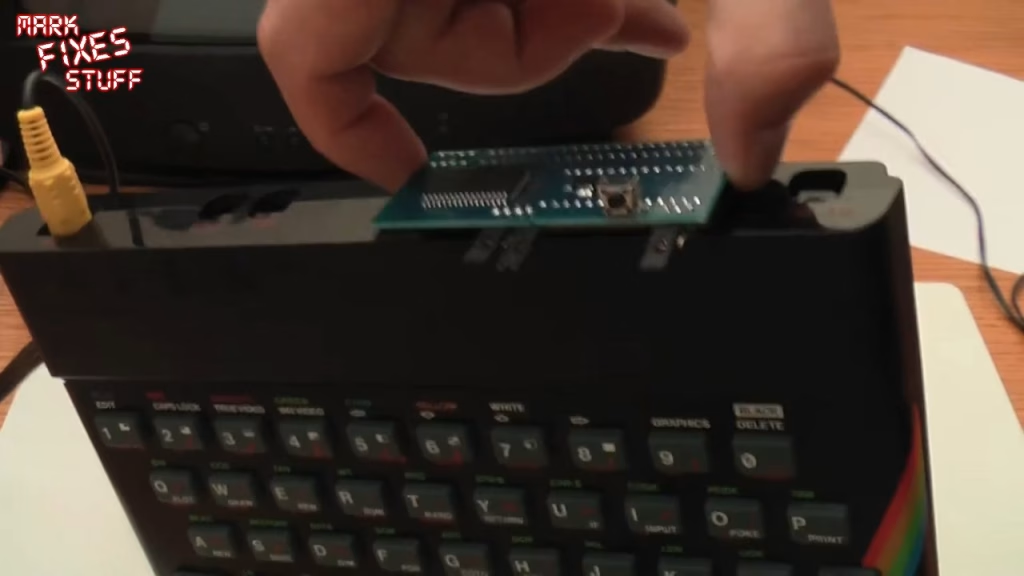
Because I’m essentially lazy I used a 48K for the demo. The fit on the edge connector is very firm; I struggled to get it off earlier, and I could lift the whole Spectrum up by it without it budging. Make sure it’s lined up properly before you push it on.
Powering up and using the NMI menu
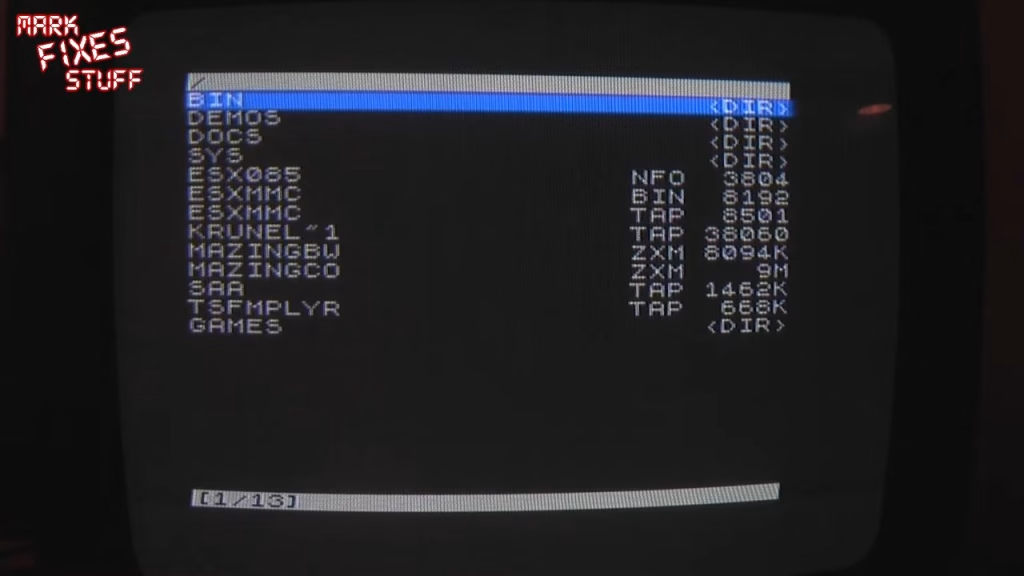
On power up it detects the SD card, mounts it as a drive and drops you to the familiar Sinclair Research prompt. Pressing the NMI button takes you to the root of the card. Navigation uses the cursor keys: 6 for down, 7 for up, and 5 and 8 to skip a page at a time through long listings.
Loading a TAP file: Boulder Dash
Most people use TAP files, so I went into my games folder and picked Boulder Dash by First Star Software. It loaded instantly, with nothing to wait for apart from me remembering the controls. Shortly afterwards I proved how shocking I am at Boulder Dash.
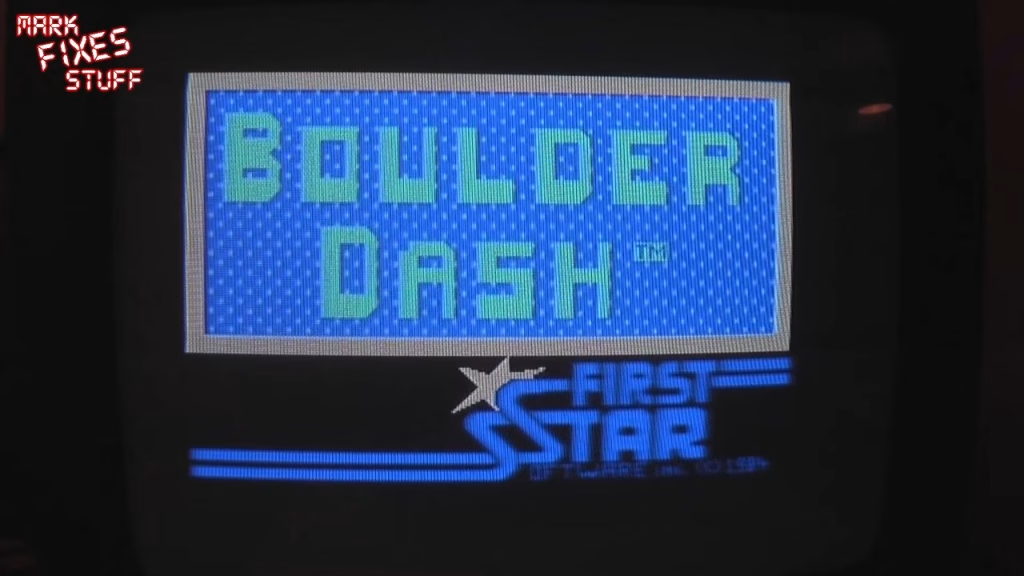
You can also attach a virtual tape with the .tapein command and a file name, then save and load to it from BASIC rather than going through the NMI menu.
Saving snapshots
Press NMI during a game, then S, and it saves a .SNA snapshot of the machine’s current state. The first is named SNAP0000 and the number increments with each one, but the counter resets every time you restart the machine. If you see error 18, the file already exists and can’t be overwritten: just try again until you get past it. It’s handy for practising a tough level (getting to Skylab in Manic Miner, say) without playing all the way there every time.
No reset button? No problem
There are a few other useful bits in the NMI menu:
- R does a warm reset. Because the virtual tape is still attached, typing LOAD “” afterwards loads Boulder Dash again.
- Space exits the NMI menu, so you don’t need to pull the power to get out.
- 1 goes up to the parent directory.
- H brings up on screen help.
What it can’t do: TZX files
The one big gap is TZX support. TZX is quite an exotic format that takes a lot of CPU power to decode. Maybe it will come in future hardware revisions, but from what I’ve heard from hardware developers it might not be possible on the current hardware.
Verdict
I think it’s absolutely awesome for the price (which I won’t quote, as it would date the post). I can’t believe it sells for so little, but I’m glad it does: tapes are dying, and even if you have a working one it’s probably not a good idea to keep playing it, given dropouts, sticky shed syndrome and all the other nasty things that happen to collectible tapes. I highly recommend it, especially if you have a +2 or +3 with built in joystick ports. It’s everything you need.
Related
Other Spectrum SD card interfaces I’ve reviewed: the DivMMC by Zaxon, the DivMMC Future from The Future Was 8 Bit and the DivMMC EnJOY from ByteDelight.