
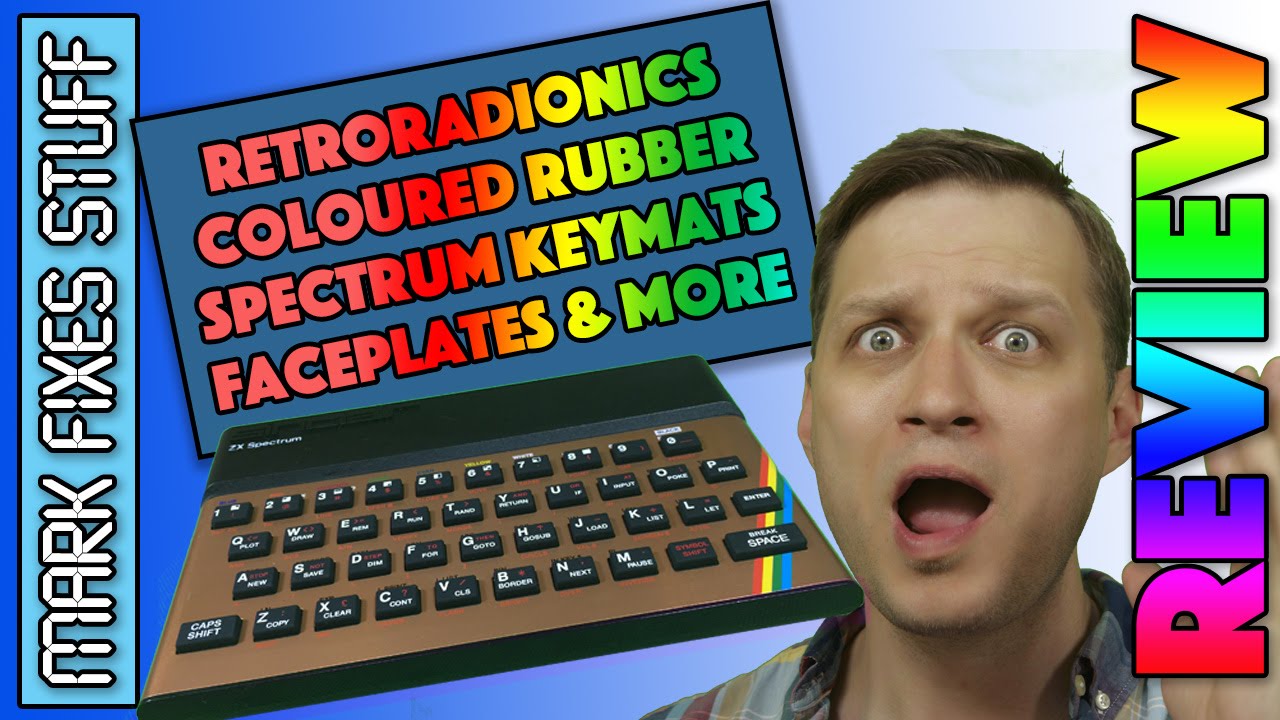
One of the big problems for anyone restoring a rubber key ZX Spectrum 48K has always been that when the key mat or faceplate is gone, it’s gone: nobody made replacements. Djordje Mitric of RetroRadionics now does, in a whole range of colours, along with new keyboard membranes. In this video I compare them with the originals, fit a membrane and faceplate to my Issue 2 Spectrum, and try out plenty of colour combinations.
Apologies for the sound on this one: it was massively hot in the lab, so the fan had to stay on. I also get the company name wrong a few times in the video. When I made it the website was still coming soon; the name is finalised as RetroRadionics at retroradionics.co.uk, and at the time you could order by emailing retro.radionics@gmail.com.
What RetroRadionics sent
- Rubber key mats in several colours, marked with an R on the front and the RetroRadionics web address on the back
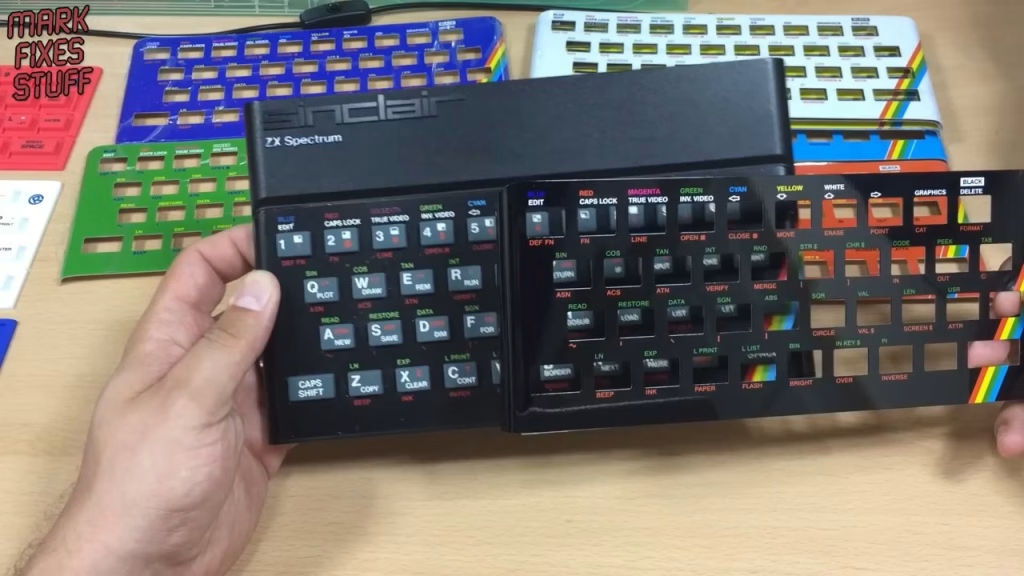
- Metal faceplates in red, white, blue, black, green, orange, yellow, silver (bare aluminium), sky blue and a coppery gold, fitted with 3M double-sided tape and a protective film
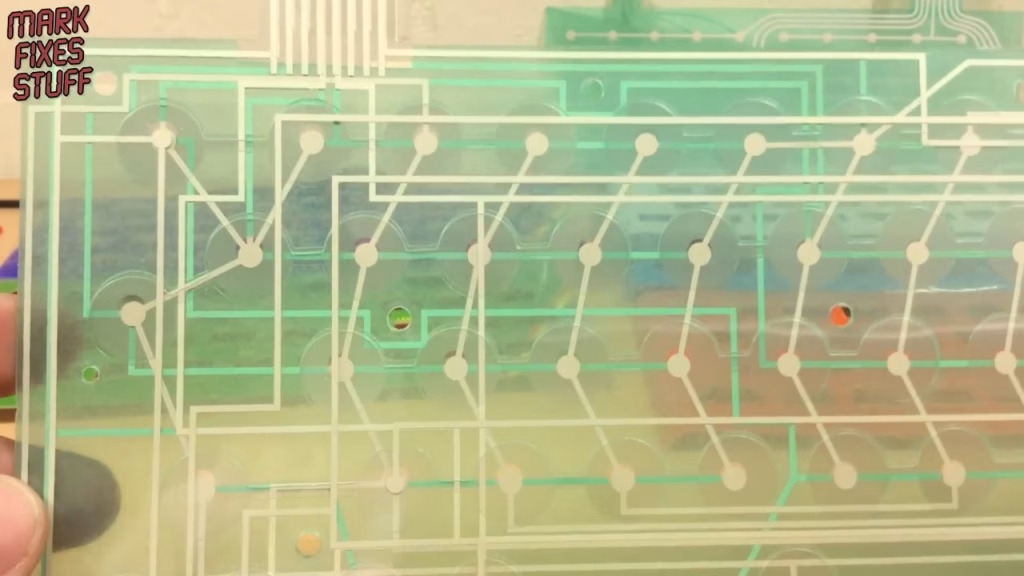
- Replacement keyboard membranes for the 48K and for the Spectrum+ / 128K
- A power switch for the 48K Spectrum
- A couple of small Spectrum badges with a sticky back
The power switch is a welcome extra. The only way to turn a 48K off is to pull the plug, and years of doing that leave the power socket wonky, so a switch saves wear and tear on the board.
New key mats compared with the originals
The new key mats are a little glossier than the originals. Djordje told me he can make them exactly like the originals if you prefer, but I actually like the gloss: it’s more vivid. The colour match on the standard grey key mat is spot on. You could argue it’s slightly off compared to one particular Spectrum, but original Spectrums vary between themselves too (one of mine is greyer, the other bluer), so you’d struggle to tell.
In the hand, the original vintage mat feels solid and slightly rubberised, with printing that has faded a little. The new one is still obviously rubber and the keys press the same way. The only difference I can find, and I’m splitting hairs here, is that the tops of the keys feel slightly slicker. That’s not a problem at all.
The R on the key mat is there for a good reason. After a discussion with the Spectrum community, Djordje decided to mark his key mats and membranes so nobody can pass them off as original parts. With an original faceplate over the top you really wouldn’t know the difference otherwise.
Fitting the membrane
The 48K membrane went straight in. The tails already have a stiffener on them, which makes them really easy to push into the connectors. I’d already tested one with a key mat over the top, and every key registers without having to press hard on anything. I haven’t tested the triple layer Spectrum+ / 128K membrane yet, so look out for that in a different video.
The machine I used is my very clean Issue 2 Spectrum, a gift from Lee Kings. It’s so clean inside that I couldn’t bring myself to fit the 7805 replacement I’d planned for it. With the membrane in and the case screwed back together, all the keys worked, and I’d already played a bit of Manic Miner on it.
Trying the colour combinations
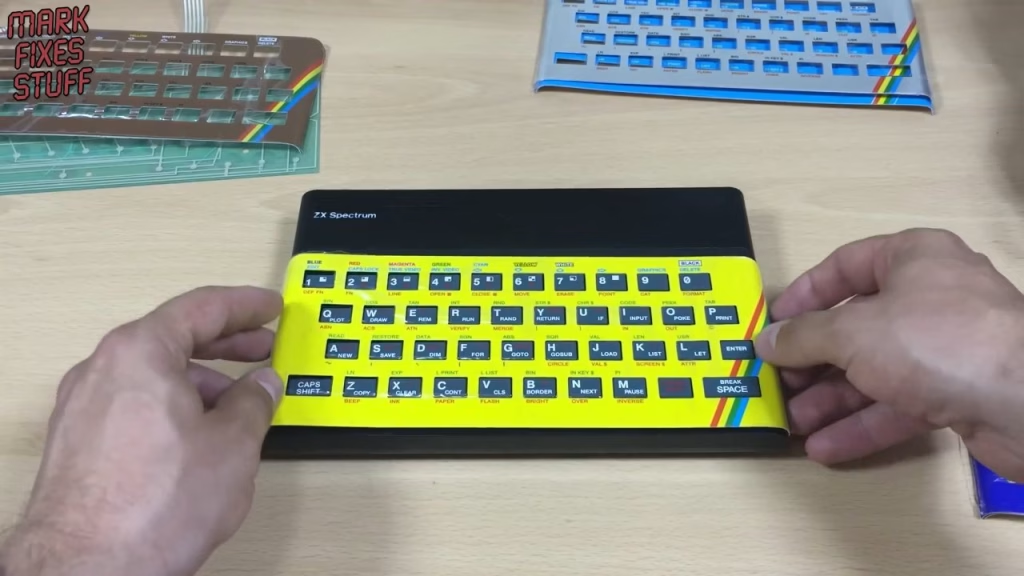
This is what everybody wants to see. Green, blue and orange all look great. The white one will be popular with people who like to make white Spectrums, because it does away with all the hassle of doing your own white printing. The yellow is marvellous (the Banana Man Spectrum), and the forming around the edges and the tape are perfect. The bare aluminium one will suit the Terminator fans.
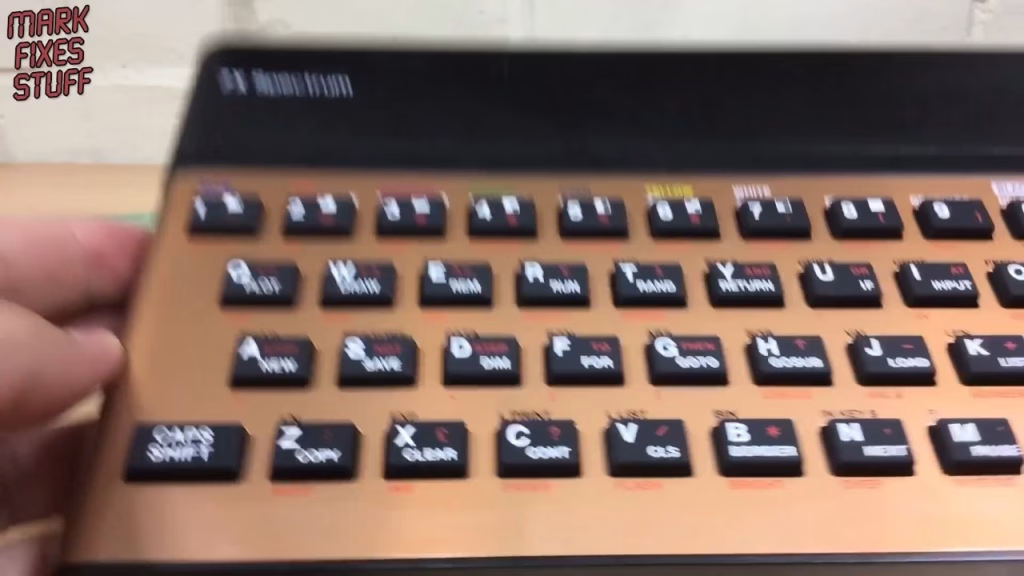
My favourite is the coppery gold faceplate. It looks really premium, especially with the standard black key mat: the black ties in with the colour of the case, and it looks good with every faceplate colour. Purists will want black, but you can have whatever you like.
How premium does that look?
Sticking down the faceplate
Before fitting it I cleaned the case with IPA, but kept the IPA well away from the white printing on the original Spectrum, because it can wipe it off. Then I peeled the backing off the 3M tape (it comes in two sections) and laid the faceplate down, working from the middle outwards and pressing down along the sides. The glue is brilliant and the fit is outstanding: you can tell a lot of time and effort has gone into these.
Verdict
I can’t find a problem with any of it. The key mats, faceplates and membranes are excellent quality and finally fill the missing piece for anyone restoring a Spectrum. The result is my Gold Edition black key ZX Spectrum, and I love it.
Related
I also reviewed newly manufactured 48K faceplates from SellMyRetro and later tested multi-coloured and clear Spectrum cases. If you need to change a faceplate safely, see how to remove the faceplate on a rubber keyed Spectrum, and for membrane swaps, changing a Spectrum+ membrane.