
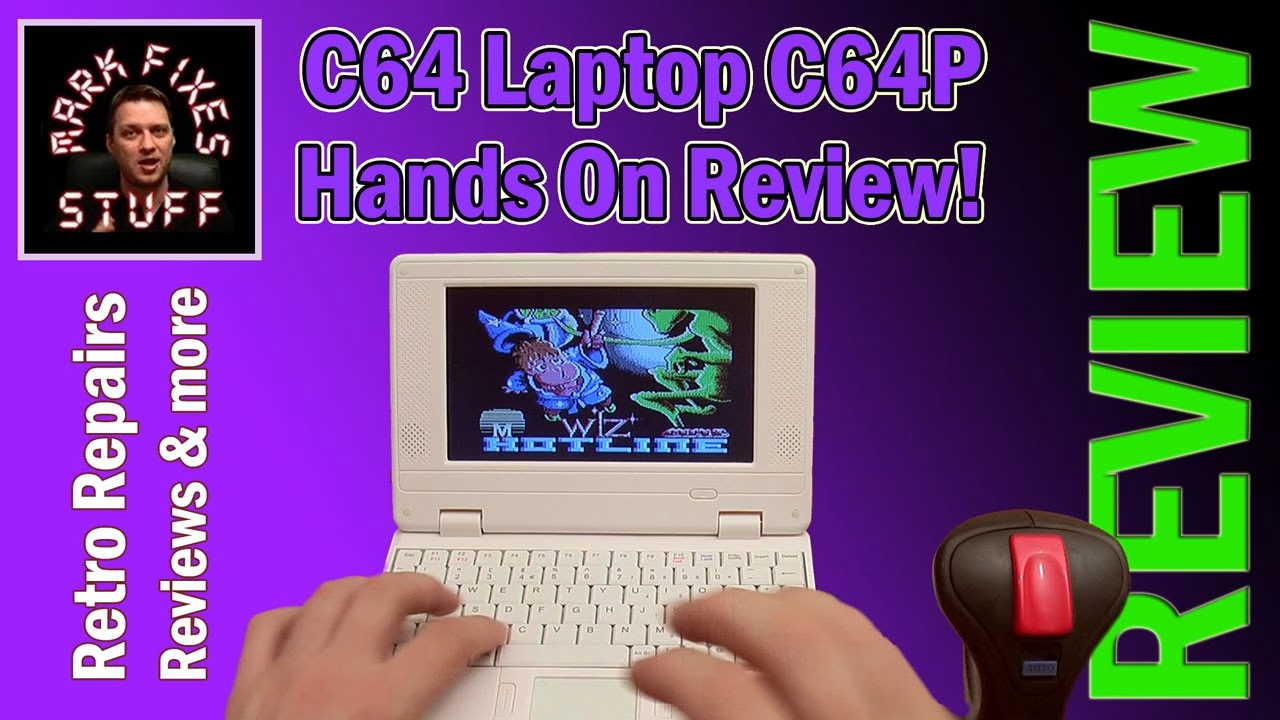
A Commodore 64 in a laptop? The C64P from Nic at The Future Was 8 Bit (sd2iec.co.uk) is exactly that: a C64 DTV hacked into a sleek and very usable netbook case, with an SD2IEC built in for loading disk images. Nic let me have one for a test drive, and since he is only planning a limited run of these (probably fewer than six in total), I felt very honoured. Here is a tour of the machine, how it loads, and a few (badly played) games.
What is the C64P?
The heart of it is a C64 DTV, the single-chip implementation of the Commodore 64 with circuitry famously designed by Jeri Ellsworth. The C64P starts life as a DTV and a netbook (an Asus, I believe). The netbook’s guts, including its screen, are binned, and the DTV is combined with an SD2IEC SD card disk drive emulator and some custom PCBs that do clever things: one turns the touchpad into a mouse in joystick mode, and another lets the netbook keyboard work as a C64 keyboard.
All that is left of the original netbook is the case and the battery. Even the charger has been replaced with a properly made and safety-rated one. It is essentially a PAL DTV with the colour hardware fix applied, and the DTV firmware can even be updated. Most importantly, no vintage Commodore 64 was harmed in the making of this awesome thingamajig. The prototypes are documented on The Future Was 8 Bit’s C64P page.
A tour of the ports and controls
There are two joystick ports: the rear one is port 2, the one you use for most things, and port 1 is at the front. Also on the front is the SD2IEC slot for your D64 disk images and PRG files, with its reset and disk swap buttons.
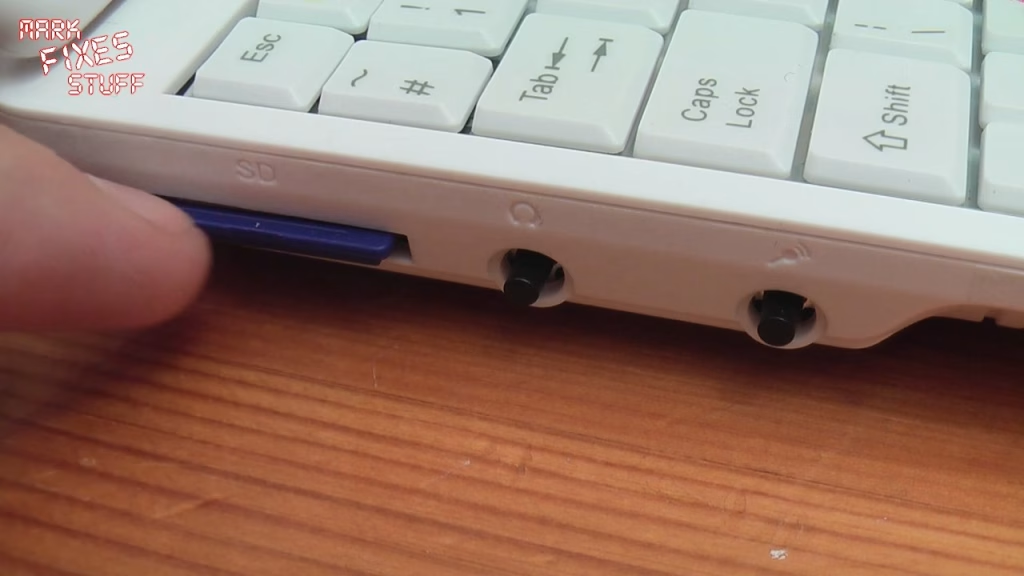
Round the back, what looks like a USB port is actually a rotary volume dial, and it goes quite loud. What looks like an S-Video socket takes a special cable that splits into an IEC bus connection plus composite video and sound, so you can connect other IEC devices or a TV.
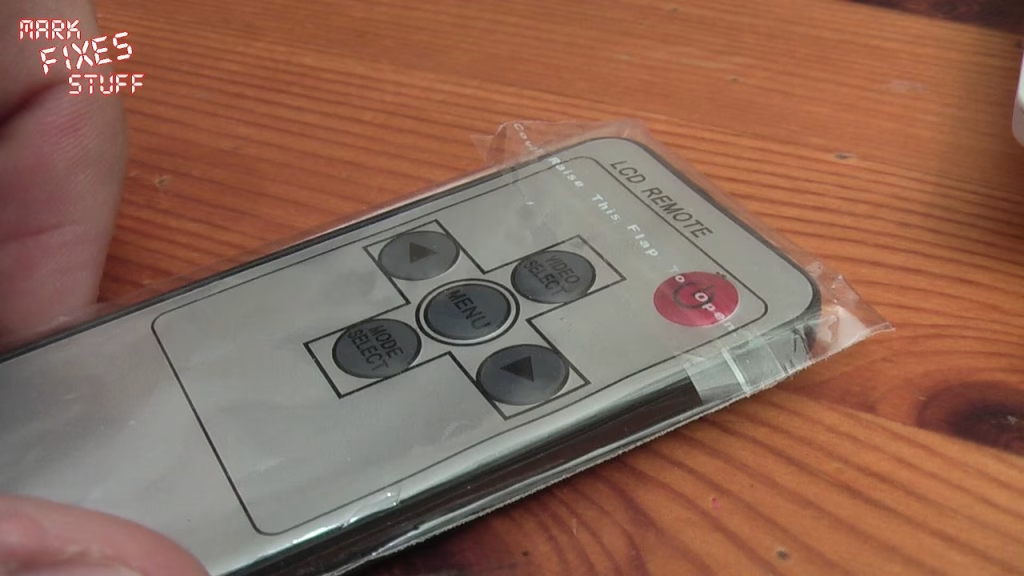
A tiny credit card style infrared remote switches the screen between 4:3 and 16:9 (I have been using 16:9, but purists may prefer 4:3), and its menu button lets you adjust contrast, colour and so on. The netbook LEDs have been repurposed: green is power, orange is charging (bright for full charge, dim for trickle), and blue shows SD2IEC access. There is also a tiny reset button underneath.
Starting up: JiffyDOS DTV loading speeds
It has soft power, so you hold the button for a second and it springs to life straight into the JiffyDOS DTV menu. On a normal C64, even with JiffyDOS, many games still take around 30 to 50 seconds to load. With JiffyDOS DTV, a lot of games load in under eight seconds, and many titles have been fixed and optimised for the DTV.
The DTV has other tricks over a vintage C64: it can potentially show 256 colours on screen at once and could potentially emulate the official Commodore RAM Expansion Unit. That is advanced hacking territory, though, not for the casual joystick waggler. A three-finger salute (Ctrl, Alt, Delete) resets back to the menu, and choosing BASIC drops you into Commodore 64 BASIC V2 with 38911 BASIC bytes free, so you can use it as a regular C64 too.
Built-in games and the CBM file browser
The DTV ROM includes a set of games that load almost instantly, including Airwolf (a hideous game, as I demonstrate), Bomb Jack, Bubble Bobble and Dizzy. Bubble Bobble played just like it does on a real Commodore 64. I was surprised by how many games are built in, and I do wonder how the licensing worked.
For the SD card, the CBM file browser is a really handy utility that lets you browse your files rather than wrestling with DOS commands. The card came with lots of D64s preloaded. Many are cracked versions so that they work with this hardware, and with JiffyDOS, loading takes a fraction of the few minutes it would normally take.
Arkanoid with the touchpad mouse
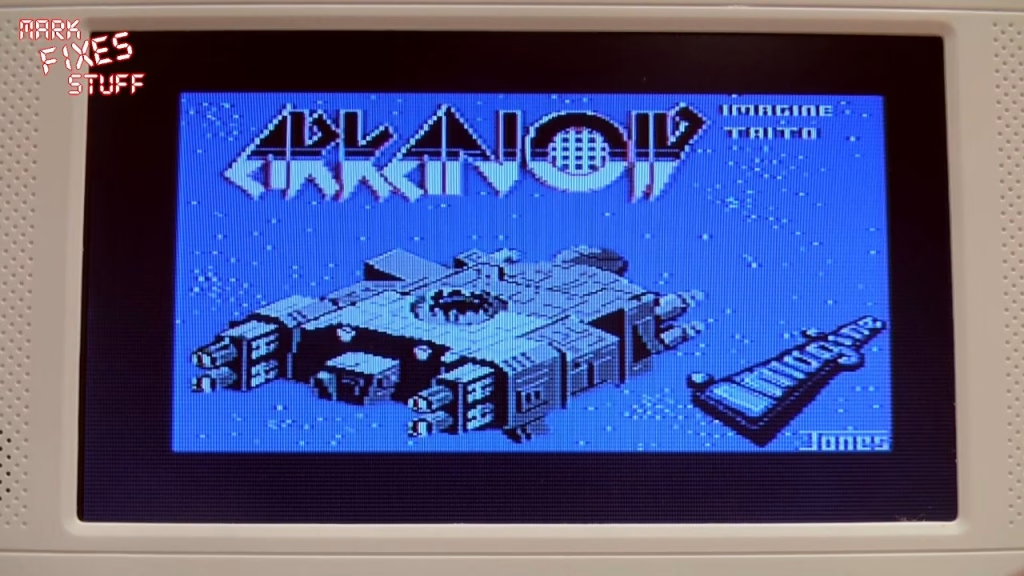
One of the crowning glories of the C64P is that you can play Arkanoid with either a joystick or the touchpad emulating a mouse. It was also a good test of the screen and the stereo speakers. It also proved that I am terrible at Arkanoid, with either controller. (Any bowing at the top of the screen in the video is camera lens distortion; the screen is perfectly straight in real life.)
Choplifter
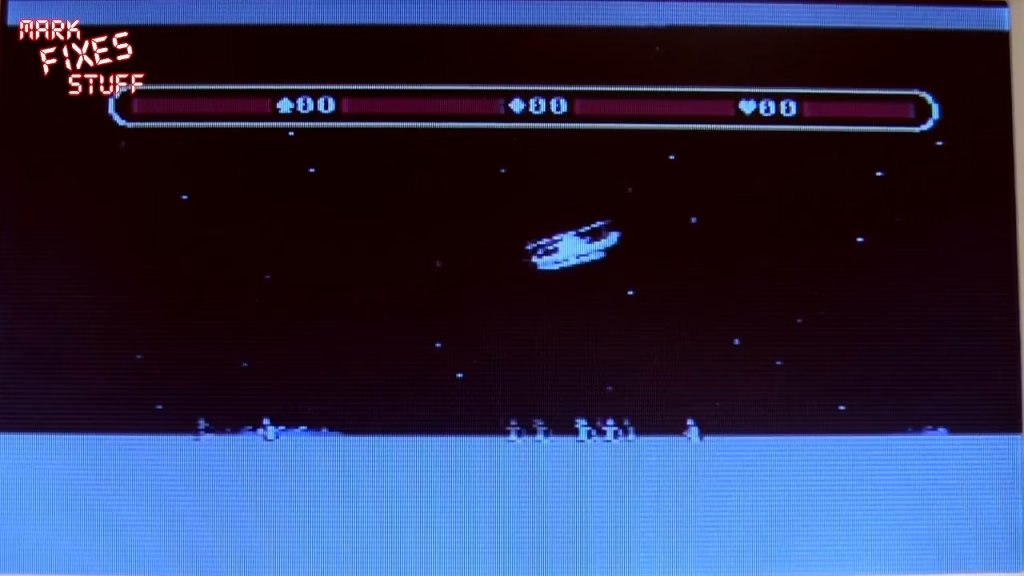
To finish, I tried Choplifter by Dan Gorlin from 1982, where I crashed, took a hostage out with me, and generally failed in close-up.
C64P specifications
- PAL C64 DTV
- 7 inch TFT screen, 480 x 234 pixels
- Infrared remote for screen ratio and picture settings
- Built-in SD2IEC, plus an IEC bus connection for other IEC devices
- Composite video and sound output via a special cable
- Two joystick ports and a touchpad mouse
- Reset buttons
- 800mAh battery
- Worldwide power supply
Verdict
I really love this machine. I do not have to get a TV out of the loft to play Commodore 64 games, it loads fast, and the build is lovely. I would like to own one, but sadly this one is not mine. Check out Nic’s website for more retro goodies such as the SD2IEC C64 SD card solution and the Epyx FastLoad Reloaded.
Related
More from The Future Was 8 Bit on this site: the Kung Fu Flash C64 cartridge, building an Epyx FastLoad cartridge with an SD2IEC speed test and the DivMMC Future for the Spectrum.