
Our second look at the Amstrad CPC 464 that was sent to me by Steven Miles (Twitter: @serversold) after he found it on his daily walk. It had spent almost a decade in the woods, and my first inspection found it in a pretty poor state: rust, dust, bugs and must, this short-board 464 had it all. In this video I try to clean and strip the mainboard to see if the computer can be saved in any way. I remove all the silicon and inspect the health of the PCB before deciding what to do. This video was sponsored by PCBWay.
Getting the board out: rusted screws
Corrosion one, screwdriver nil. Most of the screws holding the board were so rusted that they crumbled at the merest touch, with rust even on the threads, despite being screwed into a plastic case. A wire brush showed how deep the rust had penetrated, deeper than I’ve ever seen. The one screw I got out normally was pure luck.
My ridiculous plan was a Dremel with a grinding disc to cut a slot in each remaining head, so a big flat-bladed screwdriver could grip it. I ran it at a fairly slow speed to stop the disc snatching, which can damage the board and components, and was careful around the keyboard connectors. One by one, they all came out.
Cleaning and an overnight soak
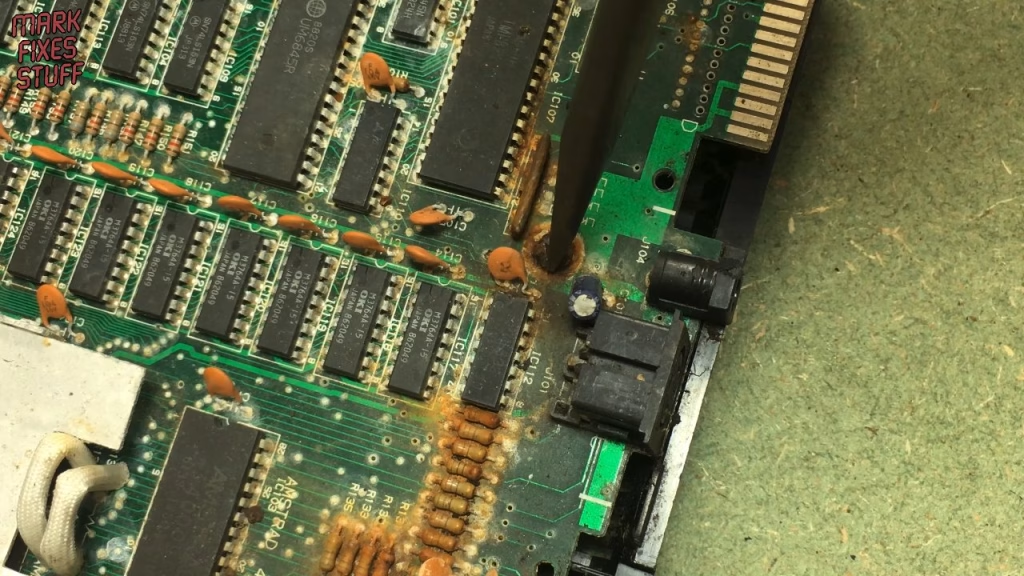
Under the board: the remains of a bug’s feast, a tremendous amount of silt, and on the underside a nasty mix of dirt, corrosion and a mouldy leaf. I brushed off the surface dirt with an old paintbrush, then gave the board an overnight soak in penetrating contact cleaner to lift dirt and surface corrosion. The heat sink’s aluminium was corroded solid, but by morning it came off.
Removing the socketed chips and ULA
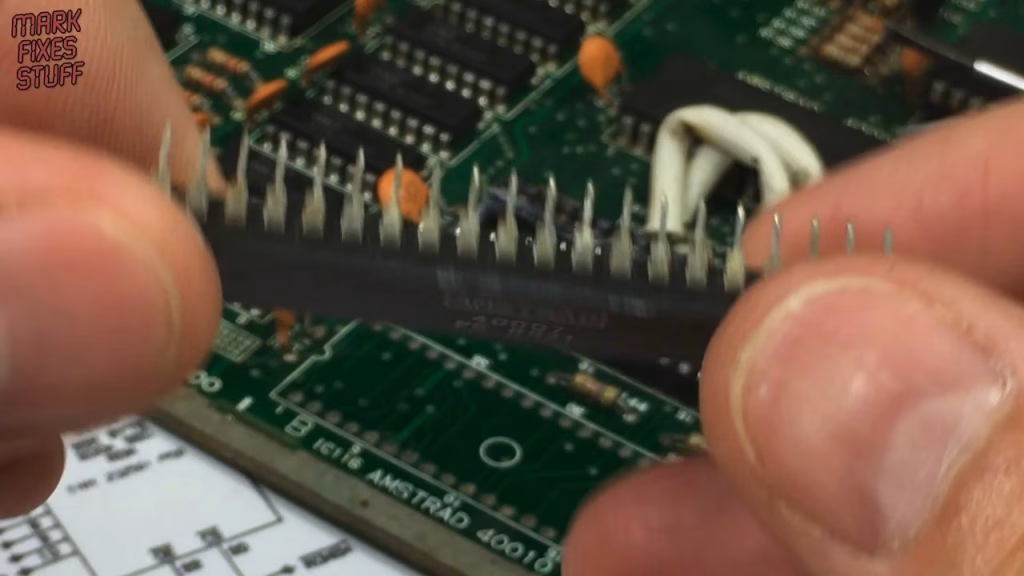
I prised the socketed chips out gently with a screwdriver tip (I don’t like IC pullers; I find they damage things). The ULA, the silicon soul of the machine, came out looking pretty good, so at the very least I hope it can go into a Phoenix build. Its socket was disgusting. The Zilog Z80 CPU came out with a struggle, its pins gripped by corrosion. Some resistors looked fine, but one resistor network looked like it had been at the bottom of a lake, and I didn’t hold out much hope for the crystal.
How do you desolder badly corroded joints?
With the desoldering gun, the first socket came out with a rusted pad stuck to its leg. The AV socket was worse: its larger pins on the ground plane wouldn’t clear, and this area had a lot of corrosion and what looked like limescale. Fresh solder simply wouldn’t stick, even when I encapsulated the whole joint, and flux alone didn’t help.
The fix is to cut through a small patch of the surface oxide with a file. That gives fresh solder something to stick to, and once one blob takes, it transfers heat beneath the crud and the desoldering gun can do its work. Not easy or nice, but it works.
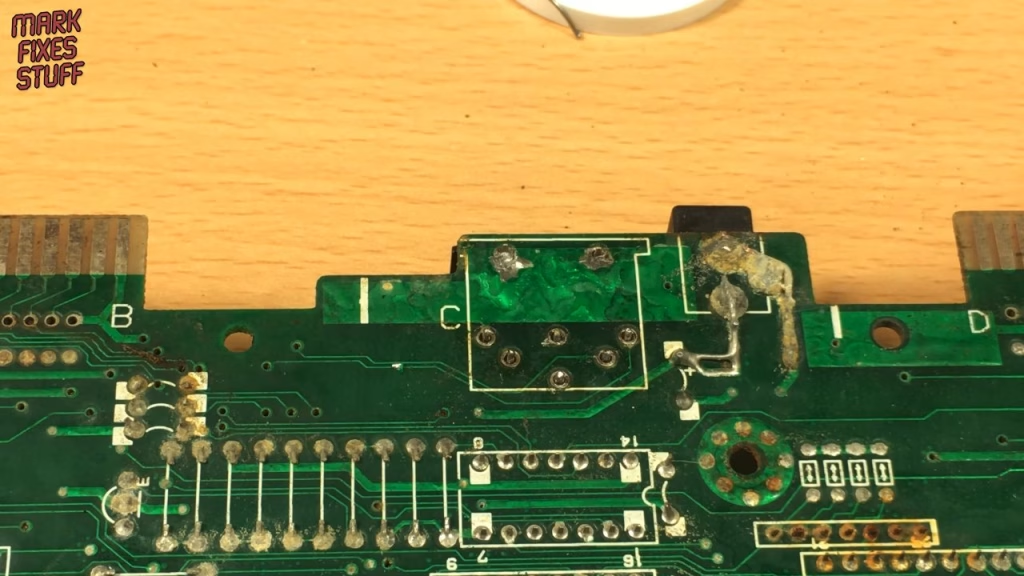
The power barrel jack had a previous bodge repair: the socket had come off taking its pads with it, and a wire was holding it in. Same technique: IPA, file a couple of patches, clean, flux, blob, desolder. Given the limescale, I wonder if this was the lowest part of the board as it sat in the woods. Underneath, the substrate was a mushy mess, with lifted pads and board material flaking away like sand. One keyboard socket came off easily without pad damage, and the jack socket eventually gave up after file work and plenty of flux.
Removing the rest of the silicon
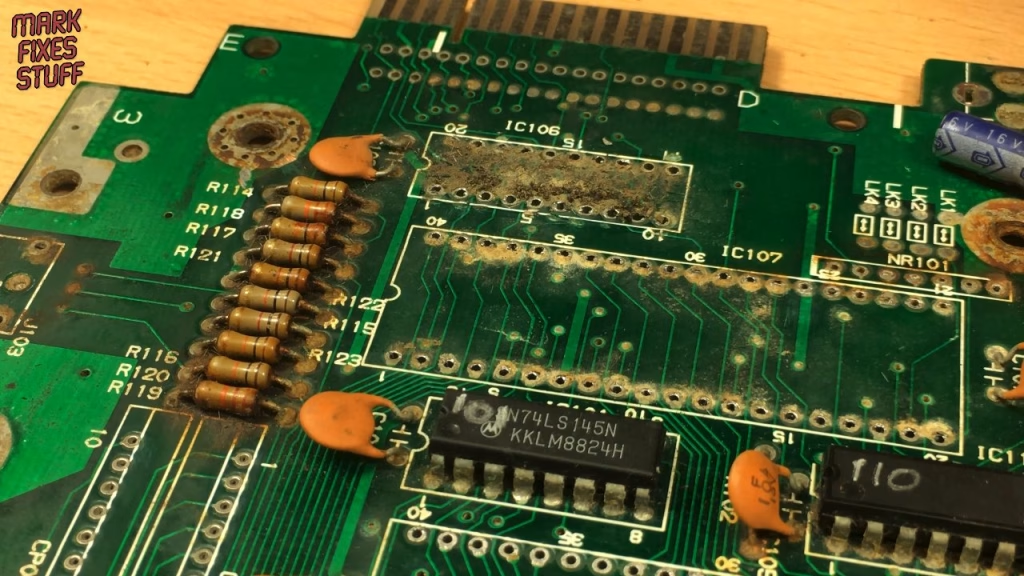
A fibreglass pencil cleans oxide faster but strips some lacquer; work carefully, as its dust is very sharp and dangerous for fingers and eyes. One resistor network simply fell apart into flakes of rust, and most resistor colour bands had gone. Under the microscope, some tracks were peeling from the board. IC106 revealed a pile of dirt and sand underneath, two traces between IC114 and IC115 had lifted, and several vias had more or less vanished. I marked the chips for identification, noted where the vias were, and held lifted traces down with polyimide tape.
Can this board be saved?
Every bit of silicon is now out, leaving some very rusted passive components. Repairing broken tracks is easy. My worry is hidden problems, particularly in the mushy part of the board, plus the oxide on the board and passives. These resistors will fight removal and try to take the vias with them: one single leg took almost ten minutes. The gummy crew’s idea is to get one of the new replica CPC boards and transplant this abandoned 464’s digital soul into it. What do you think?
Related posts
Start with part 1: an Amstrad CPC 464 that was found in the woods. More CPC: adding an audio input to a CPC 464.