
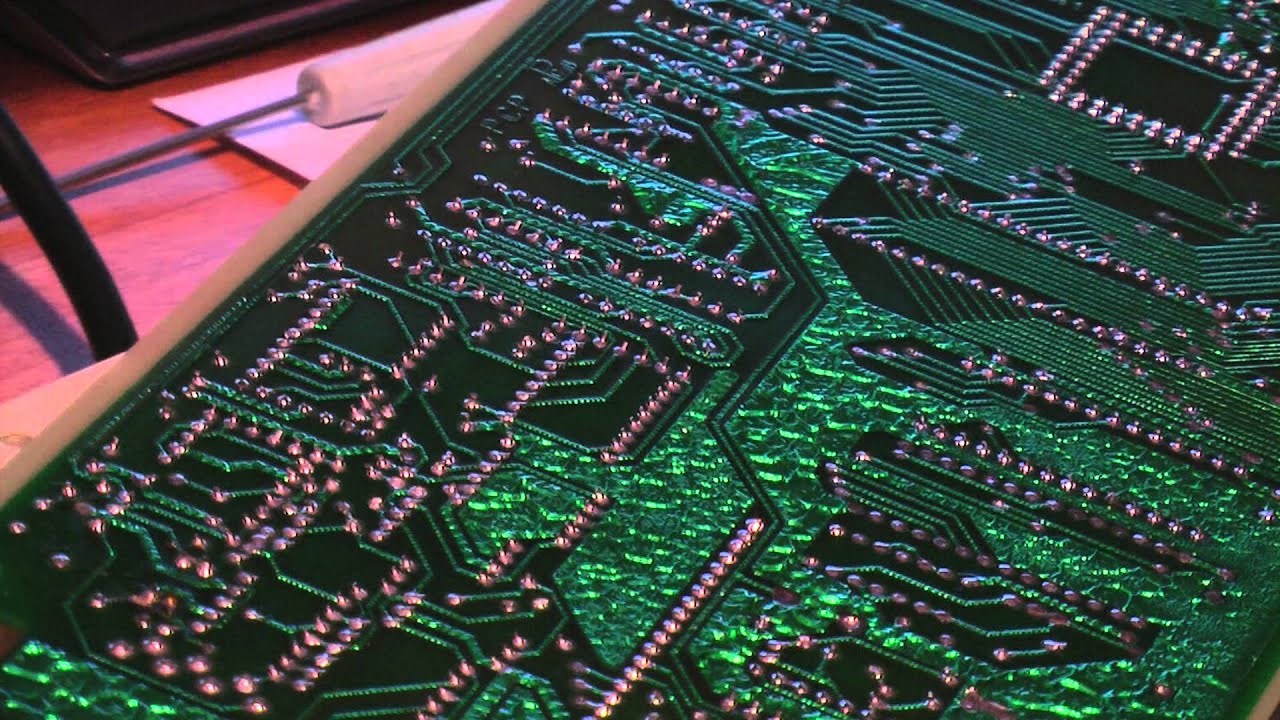
If your Acorn Electron gives you a perfectly good picture from its composite RCA output but only in black and white, there is nothing wrong with it. For some reason I can’t fathom, the Electron’s composite video out is monochrome as standard. The fix is a single link at LK4 on the motherboard, and in this video I fit jumper pins there so the mod is easily reversible.
Why is my Acorn Electron’s composite output black and white?
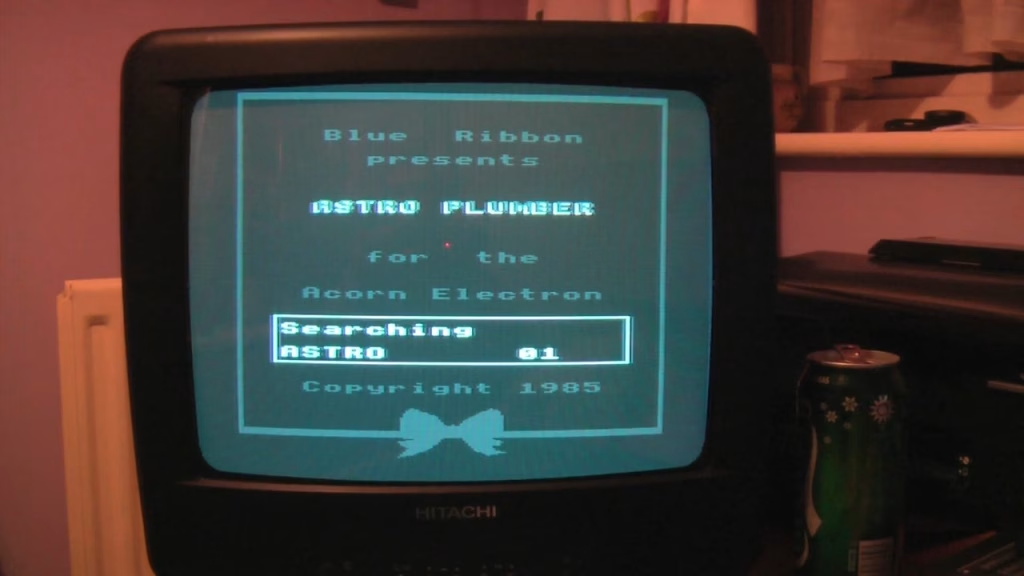
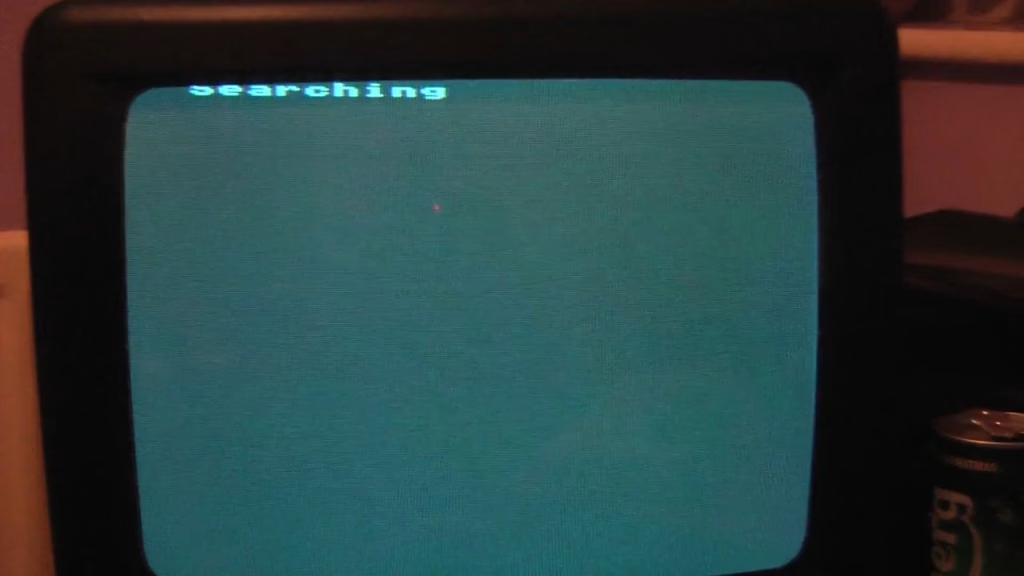
I started by loading Astro Plumber by Blue Ribbon, and the loading screen came up in black and white. I was using the composite connection, which carries a colour signal, so it should have had colour in it. A quick search on the internet turned up the answer: to get colour from the composite output you need to make a link between the two points of LK4 on the board.
Opening up the Electron
Four screws on the underside release the top shell. Be careful when you separate the two halves: a big ribbon cable runs from the main board up to the keyboard in the top shell, and if you lift it up too quickly you will rip it in half. The keyboard is much more robust than its Sinclair competitor’s, and that ribbon cable has enough copper in it to weigh in for scrap.
To get at the underside of the board, pop the speaker off, disconnect the power supply connection and take out the motherboard screws, then lift the board out. Nice and simple.
Finding LK4
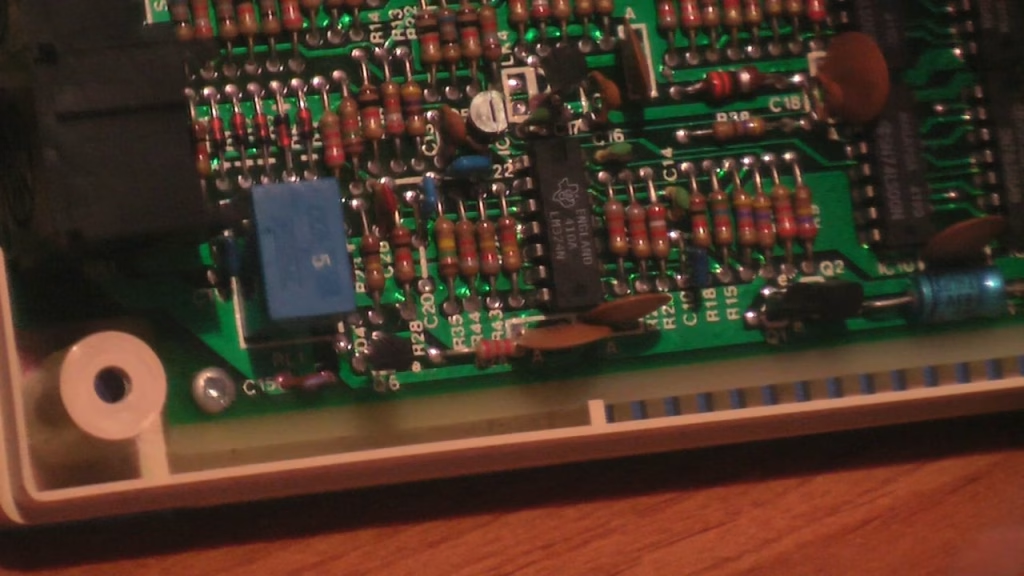
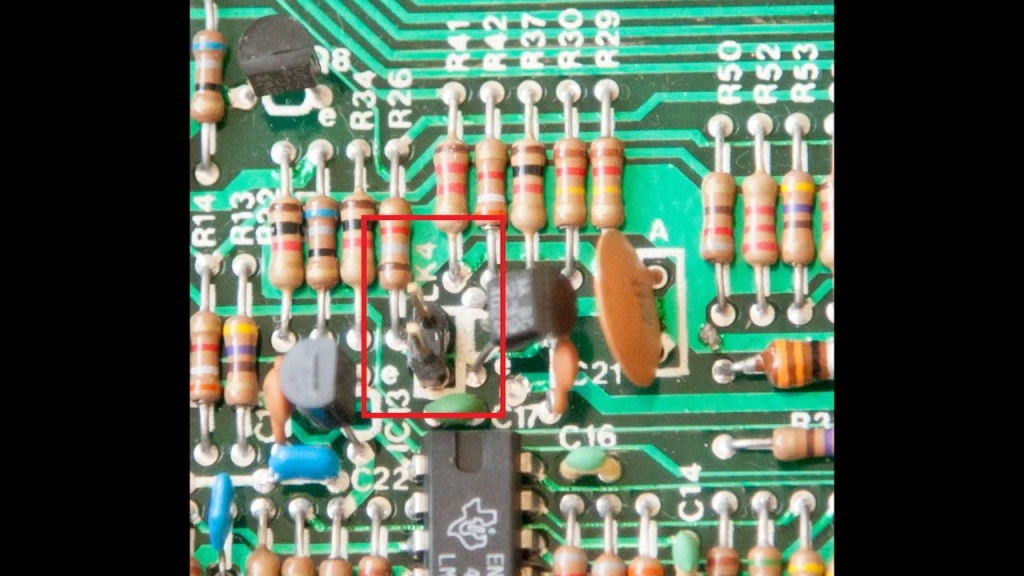
LK4 is two solder pads with no component leads through them, which makes it fairly easy to spot from the underside. Watch out for LK1, though, which looks similar but is not the same link. On the top side, LK4 sits next to a transistor.
Fitting jumper pins instead of a wire link
You could simply solder a link across the two pads. I like things to be reversible, especially on a machine that is around 30 years old, so I took two jumper pins from an old donor motherboard and fitted those instead. I heat the pads from the underside so I can clear them with a solder sucker from the other side, then solder the pins in and put a jumper over the top. The pin spacing on the board is exactly right for a standard jumper.
Did it work?
Yes. The Electron powered up with its little beep, so I hadn’t killed it, and this time I loaded Blagger. There it was: lovely colour straight out of the composite RCA port. Pull the jumper off and you are back to the original monochrome output.
Bonus: loading Electron tapes faster from WAV files
Both games were loaded from WAV files I had converted from Electron tapes, played through DJ software so I could raise the pitch. On most games you can play the WAV around 15% faster and it will still load successfully: Blagger was playing at 15.82% faster than its natural speed. As with all tape based software, kill the bass, leave the mid range and treble as they are, and set the volume to around three quarters, and you should be able to load pretty much everything that way.
Related
For more Acorn hardware, see fixing a BBC Micro power supply after the capacitors explode and a BBC B with an MMC interface. If loading games from audio appeals, my guide to loading Spectrum software from MP3 with OTLA covers a similar trick on the Spectrum.