
A BBC Micro Model B turned up at Mark Fixes Stuff Towers with an MMC/SD card interface already fitted, courtesy of Scott Goodman and hand delivered by Steve Green. In this video I unbox it, give the case a proper clean, get it running and test loading software from the MMC card.
What was in the box
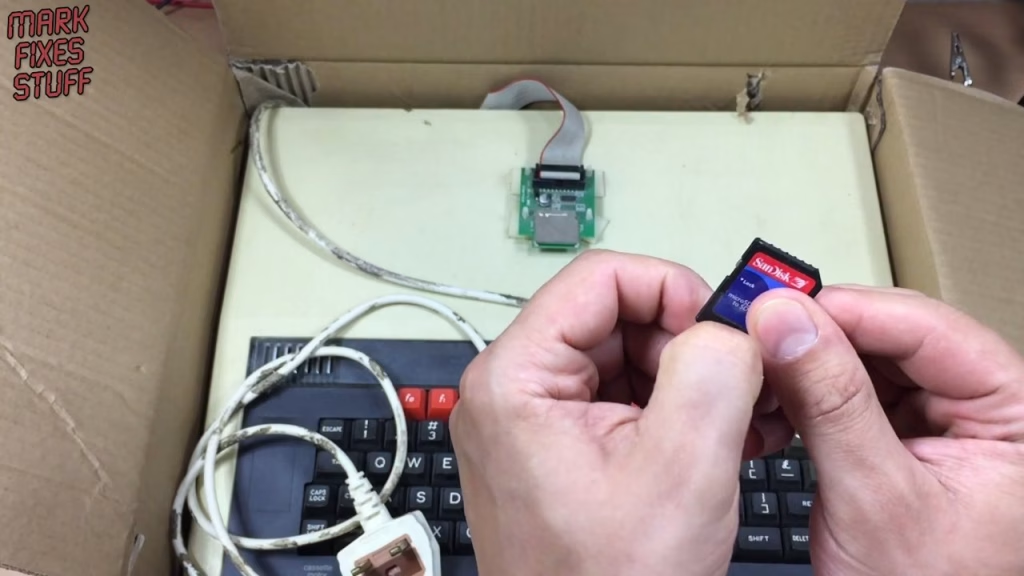
Steve dropped it off on his way somewhere else, along with a bag of mixed games that are getting their own video. Inside the box was the BBC B itself, in lovely condition, with a BBC Micro MMC interface mounted on top of the case on a short cable. Alongside it was a little collection of storage:
- A 256MB TransFlash (microSD) card in an SD adapter
- Another 256MB card in a small case, which I think is actually an MMC card
- A 512MB SD card
- A Kingston 256MB card hiding underneath the others
Those sizes sound tiny now, but a BBC disc image is only around 800K at most, so you don’t need anything large. I’m not even sure larger cards would work with it.
Removing the sticky pads and cleaning the case
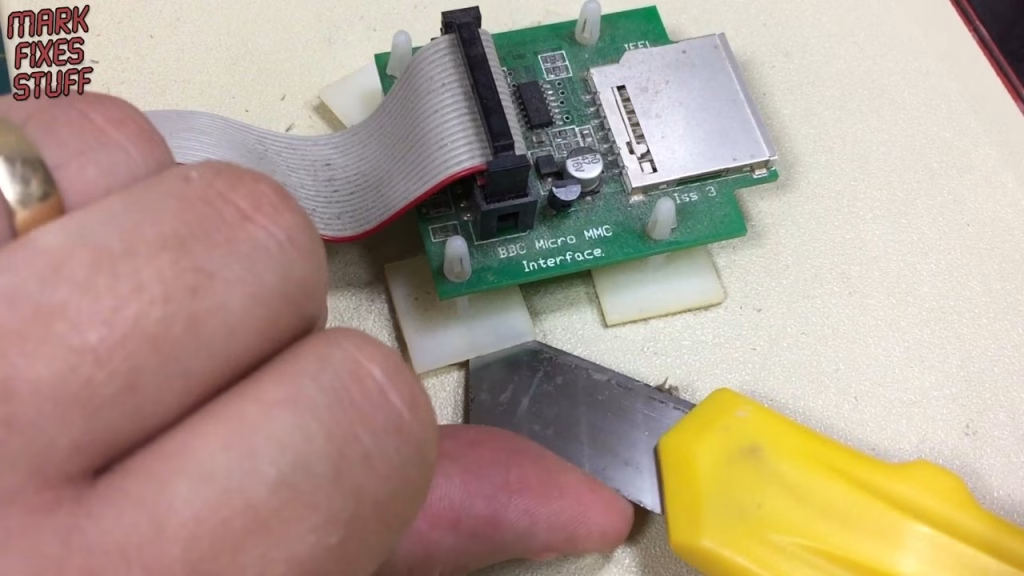
The previous owner had the interface stuck to the case with sticky pads. That’s probably ideal for their setup, but it doesn’t fit where my BBC is going, so I took it off. I worked the blade under the pads at an angle, favouring the pad rather than pushing against the metal or the powder-coated plastic, and the residue left behind was nowhere near as bad as it could have been.
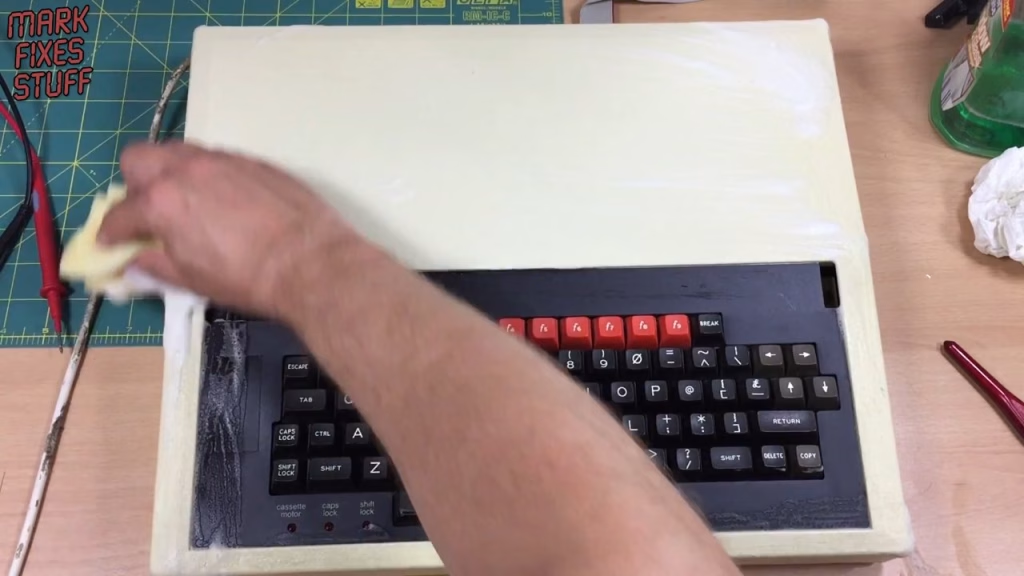
For the top case I used my favourite cleaner, which is just supermarket own-brand window and glass spray, on a cheap cloth rather than my lint-free ones. The nice surprise is that this machine has no postcode scars at all. A lot of BBCs came out of schools and are engraved all over, but this one is just dusty.
The underside got a different treatment: a little washing up liquid on a soft, non-abrasive sponge, then kitchen roll to mop it dry. Textured cases like this pick up dust, then years of damp loft storage glue it to the plastic season after season, and a foamy sponge lifts it without soaking anything. Don’t saturate it: water and electronics don’t mix.
I’ve never owned a BBC before. I was an Electron user back in the day and always wanted one, but they were far too expensive then. For video I’ll probably buy an RGB cable rather than make one, because by the time you’ve bought the parts you might as well have bought the cable.
Testing the MMC interface
On power up you can see the Turbo MMC ROM. I’d taken the Opus ROM out for now because there was some sort of conflict. The MMC utilities are all D commands: *DCAT lists the disc images on the card (press Ctrl+N first for paged mode, otherwise it scrolls straight off the screen, then Space for the next page), and *DBOOT followed by the image number boots it. If the image isn’t bootable it loads it as the current disc, and you can do a normal catalogue and load the game from there.
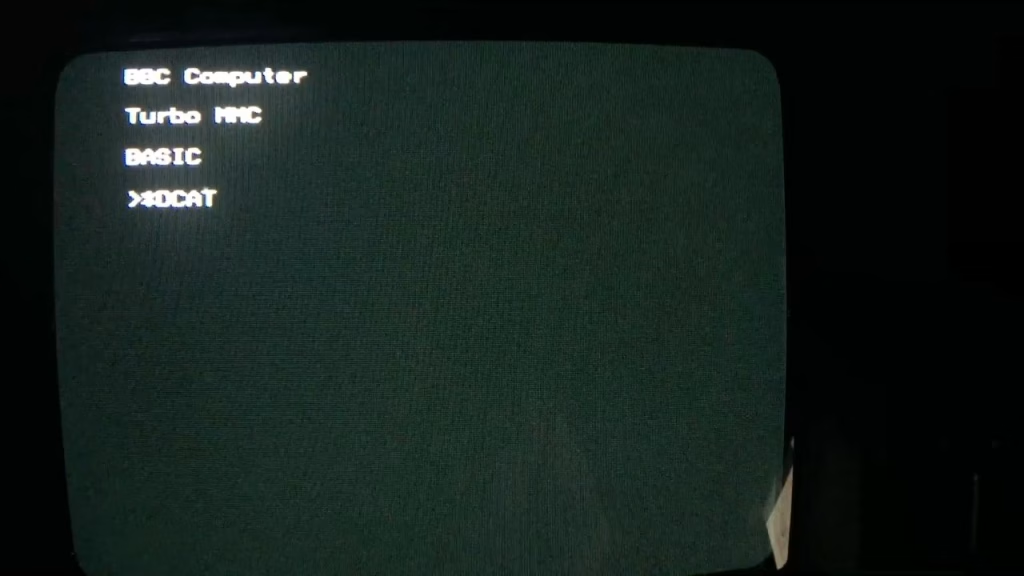
Image 48 was Airwolf, which booted straight away. I’m not sure I understood what I was meant to be doing in it, and it was very loud with my kids in bed, so I moved on to Boulder Dash (image 122), which also loaded fine. That’s really all there is to it: simple and quick.
Did it work?
Yes. The BBC B runs, the case cleaned up beautifully and the MMC interface loaded games from the card without any fuss. A big thank you to Scott for the machine and the interface, and to Steve for dropping it off.
Related
If you have a BBC Micro of your own, see how I went about servicing a BBC Micro power supply after the capacitors exploded. For the Electron side of the family, here’s the Acorn Electron colour video fix.