
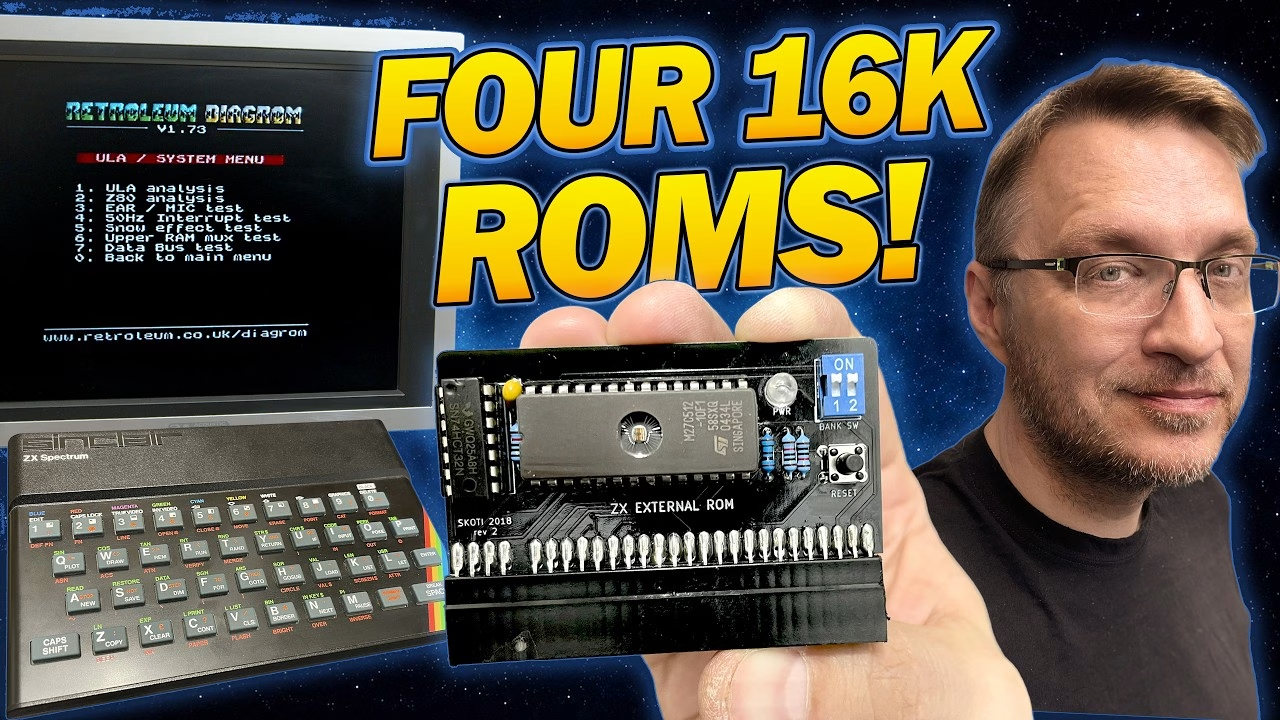
If you repair ZX Spectrums, you end up swapping between diagnostic ROMs a lot. This little external ROM board fixes that: four 16K ROM images live on one 27C512 EPROM, and a pair of DIP switches picks which one the Spectrum boots, so there’s no reburning chips every time you want a different test utility. It can hold a couple of small ROM games too, although that’s more a side effect than the point. It’s a cheap, all through-hole build that’s ideal for a first project. This video was sponsored by PCBWay, who supplied the PCB.
The ZX external ROM board and parts list
The project is ZX External ROM by Skoti, and you can order the board from the PCBWay shared project page. Note that it works with the Sinclair-made Spectrums, not the later Amstrad-produced models. I socketed the chips so I wouldn’t get moaned at.
- A 27C512 EPROM: 512 kilobits, or 64KB, which is room for four 16K ROMs.
- A 74HCT32, which is four OR gates in one package. It makes sure the EPROM only responds under the correct address conditions rather than constantly talking on the Spectrum’s bus.
- A small capacitor to smooth noise on the power rail.
- R1, a 150 ohm resistor for the LED, plus R2, R3 and R4 at 10K. R2 and R3 are pull-ups to 5V so the DIP switch address lines are definitely on or off, never floating.
- A tactile reset switch, a two-way DIP switch (two switches give four combinations, one per ROM), a red power LED, and 28-pin and 14-pin dual-wipe sockets.
- A pre-prepared 2.54mm card edge connector, cut to the right pin count with a locating pin so you can’t plug it in wrongly and blow up your Spectrum.
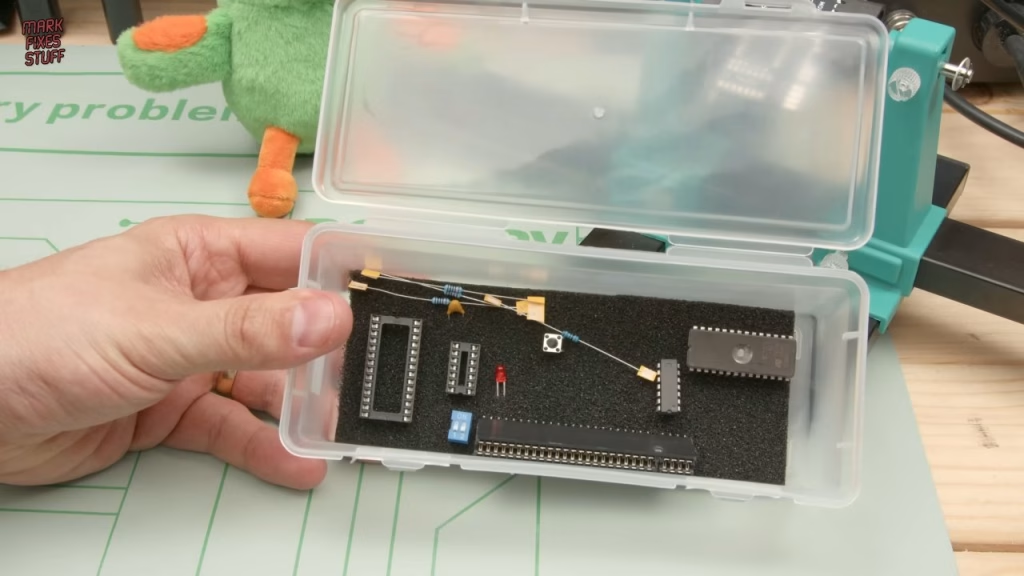
Soldering the small parts (and what flux does)
Smallest components go in first, before the sockets get in the way. Straight away my capacitor was too big for its footprint, so a bit of electronics yoga was needed. Then it’s standard procedure: fit, splay the legs slightly so they don’t drop out, solder and trim (with eye protection, unless you fancy a tiny metal spear in your eyeball).
I’ve been told I use too much flux, which is clearly unreasonable. Flux mainly cleans oxidation off the metal while you solder. Copper pads and component legs oxidise quickly once they’ve been sitting around in air, and solder doesn’t like sticking to oxidised surfaces, so without flux you get blobs instead of joints. I used liquid flux here, which wicks nicely under the pins and around the pads as it heats; you can see it burning off around the tip as the joint comes up to temperature.
Cheap sockets versus turned-pin sockets
Terry and Dave supplied some Blu-Tack to hold the EPROM socket in while I flipped the board. I used cheap dual-wipe sockets. Turned-pin sockets are better manufactured, but they have less contact with the IC legs. Dual-wipe sockets grip each leg on both sides, which helps prevent chip creep: repeated heating and cooling makes chips walk their way out of their sockets until the contacts sit on an oxidised part of the leg. Pushing socketed chips back down is one of the first things worth doing on any vintage computer.
Fitting the card edge connector
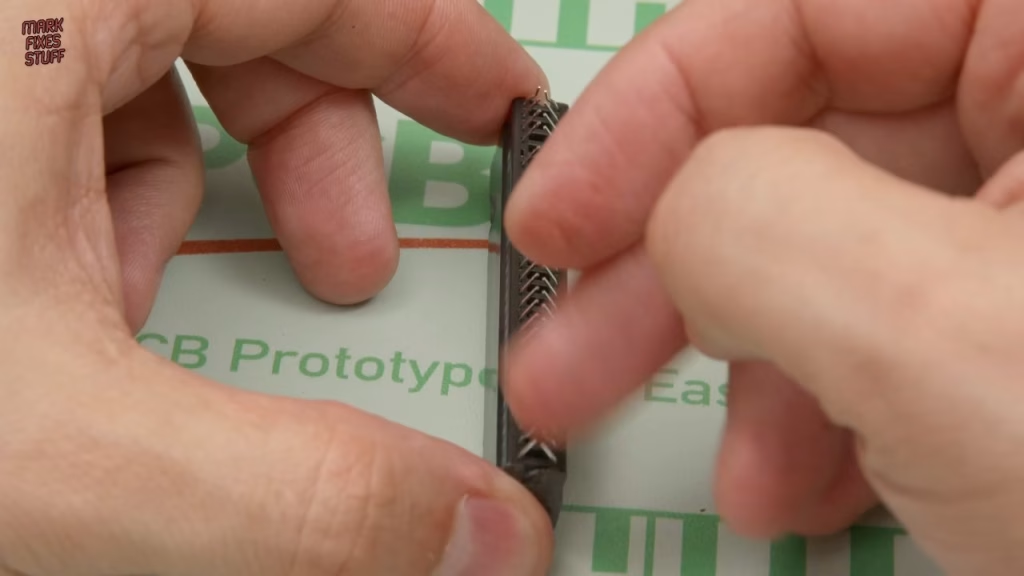
The edge connector’s pins need bending to meet the PCB. My method is to press each row down on a hard surface, then slide the board in between the rows once they’re almost touching. It can scratch the board a little, and any pins that end up out of line get nudged back with small pliers, aiming for the middle of each pad. Tack one end, then the other end on the same side, check it’s straight from the side, then work along every pin with a large fillet of solder so the joints give the connector real mechanical strength. Then do the bottom row.
How to put four ROMs on one EPROM
First I renamed the four 16K ROM files 1.bin to 4.bin. That avoids case sensitivity headaches when typing the command and sets the order they’ll appear in the EPROM. Then in a terminal I used the copy command to join all four into one output file, zxs.bin, which should come out at 64K. I loaded that into the programmer software (seeing human-readable text in the data is usually a good sign) and programmed it. It took about 11 seconds including verification.
The 74HCT32s came cheaply from AliExpress, so I ran one through the programmer’s logic IC test first. You can auto-detect the type, but I prefer to type the number in. All vectors passed. It’s worth doing at the start, so a duff chip is ruled out before you start chasing faults.
Did it work? Testing on a 48K ZX Spectrum
Today’s willing volunteer was a rubber-key 48K Spectrum that I’d already confirmed was working, with its edge connector cleaned. New card edge connectors can be stiff at first and need loosening up. On power up it went straight into the first ROM:
- ZX Diagnostics by Brendan Alford, based on work by Dylan Smith. All the flashing is normal: it’s testing the machine. With this simple card you press 1 to tell it you’re testing a 48K.
- Jetpac, one of my earliest gaming memories, and I still can’t believe it’s only 16K.
- Retroleum DiagROM by Phil Ruston, which does things differently to ZX Diagnostics: ULA test (passed), Z80 CPU analysis, a 50Hz interrupt test and much more.
- Mag the Magician by Radastan, a relatively new game from 2017.
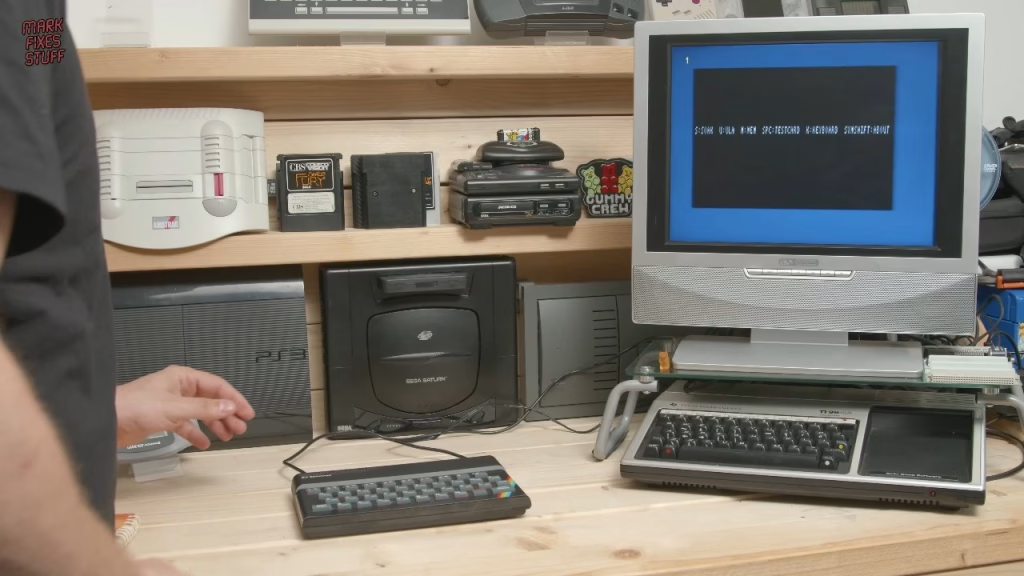
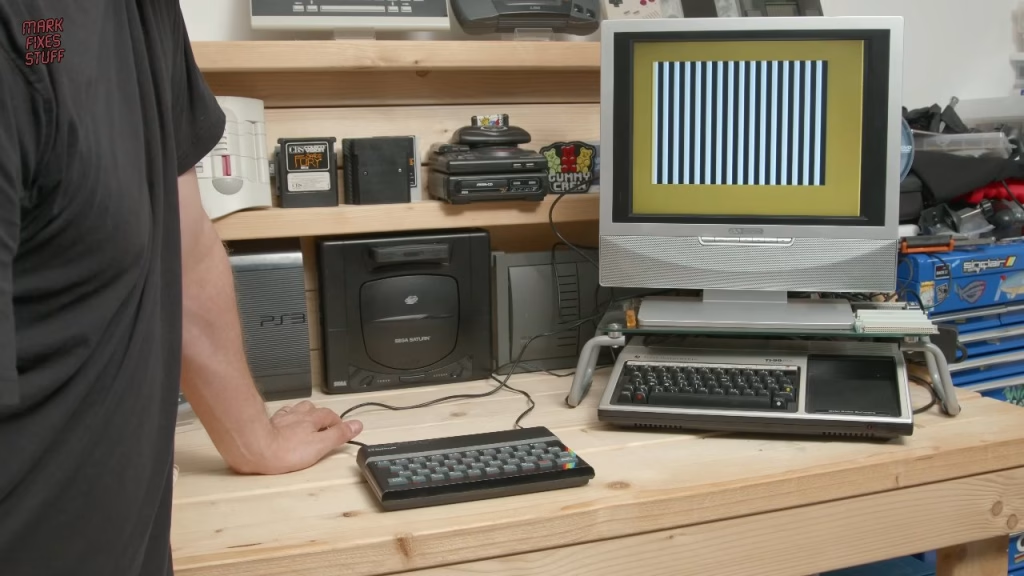
All four banks worked, and the reset button resets into the selected ROM. (Jetpac’s ROM is marked distribution denied, so strictly I shouldn’t be running it this way, although I own about nine copies.) The only failure was the power LED, which didn’t light either way round. The voltage was there, and a different LED worked, so it was either a duff LED or I blew it up: between me and AliExpress, either is possible.
Related
More ZX Spectrum builds and diagnostics on the site: the ZX Dandanator Mini 2.1 build, the Multiface 128 clone build, and my quick tip on testing a Spectrum’s 7805 regulator with a cheap multimeter.
Leave a Reply