
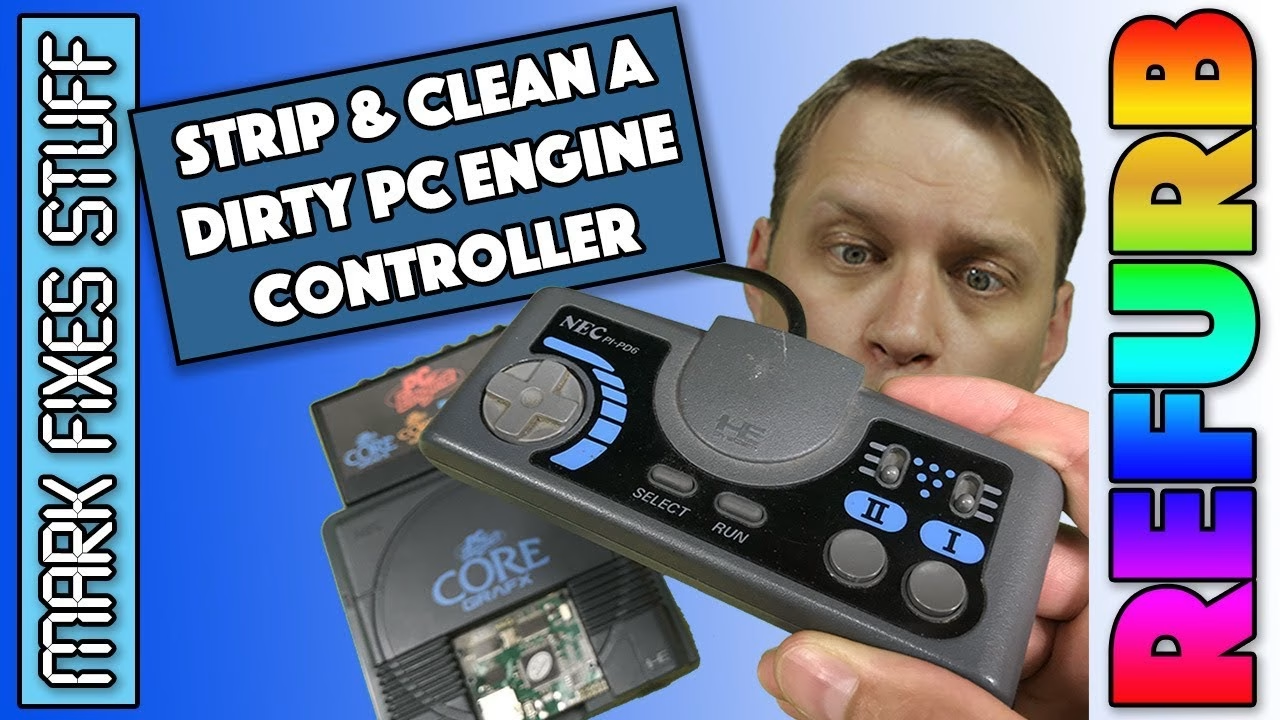
My PC Engine CoreGrafx is one of my favourite systems to actually play, thanks to an AV booster and a Turbo EverDrive 2.4 packed with games. The weak link was the controller: a PI-PD6 pad so grimy I didn’t want to touch it, with a Run button that had been giving me trouble. Here’s how I tore it down, washed the rubbers and conductive pads safely, and put it back together without damaging the plastic threads.
The PI-PD6 controller and how it comes apart
The PI-PD6 is a fairly standard pad: a D-pad, rubber Select and Run buttons, two action buttons and two auto fire speed selection switches. Flip it over and there are five cross-head screws holding the back on. Get the right screwdriver, and put the screws in a pot before you start so neither you nor the cat can knock them off the desk.
The grit and grime on the back shell told the story of a well-loved controller. Great for the previous owner, not so pleasant for me, so the shell went straight on the wash pile.
Inside: the board, the resin and the conductive pads
Inside you’ll find the usual multiplexers you’d expect in a controller of this vintage. I spotted one part that could become a problem, but it showed no sign of leaking and the pad was working normally, so I left it alone for now. You may also notice a shiny coating on the board: that isn’t leakage, it’s a protective resin that was commonly used on electronics back then.
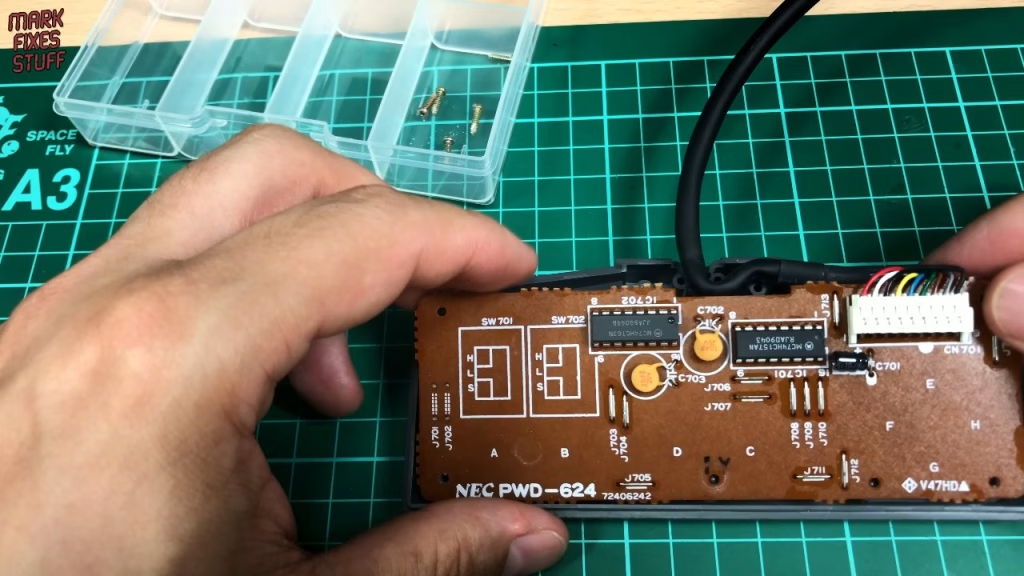
With the cable unplugged I looked at the front half, which is where the muck usually collects. At first glance it didn’t look that dirty, but up close there were contaminants all over the conductive pads, and something sticky on the Run button rubber that probably explains why it had been misbehaving. The board itself was in good shape: no excessive wear on the contacts and no sign anything had ever been spilled into it. That just got a wipe with contact cleaner later.
How to clean PC Engine controller buttons and conductive pads
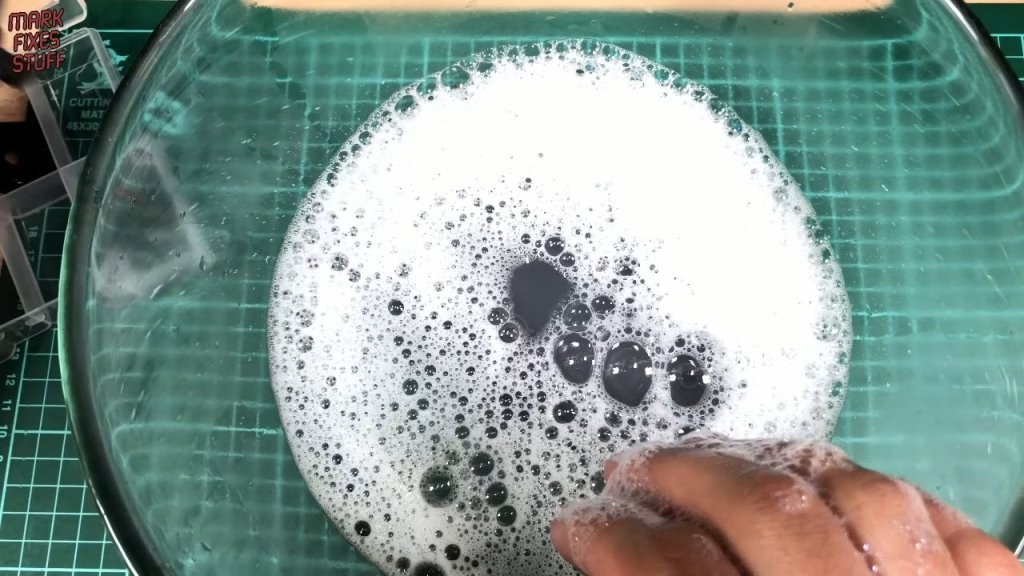
Everything except the board went into a bowl of hot soapy water: the shells, the D-pad and buttons, and the rubbers with their conductive pads. Warm soapy water is safe for all of them. What I don’t use on conductive pads is alcohol or thinners, because they can dry the rubber out and make it brittle.
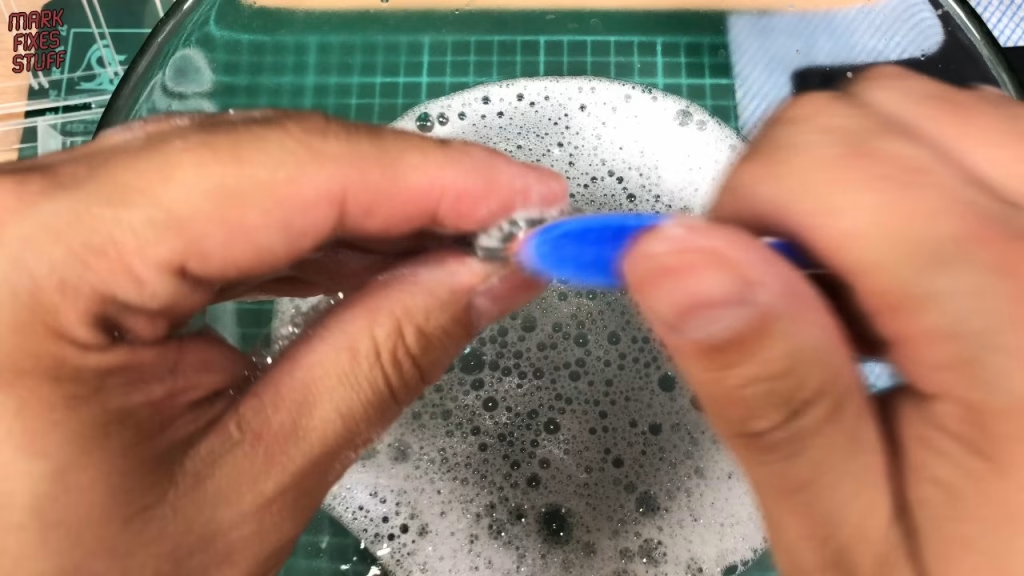
The hard plastic parts got a scrub with a toothbrush, and the D-pad came up infinitely better straight away. The rubbers I cleaned with my fingers only: they’re delicate, and you really don’t want to scrub the conductive pads off. It’s hard to tell whether you’ve got all the dirt until you rinse, so I swapped the soapy water for a bowl of clean water and rinsed everything thoroughly before drying it off.
Drying, contact cleaner and reassembly
I left everything to dry overnight, and by the morning the pads had come up fantastically well. There was still a bit of water trapped inside one of the buttons, so I used what I call the slam dunk technique: tap it firmly against the desk and repeat until no more water comes out, then mop up any residue with a cloth.
This pad is easy to reassemble because none of the buttons do the usual trick of springing out while you work. With the rubbers back in, I gave the board a wipe with contact cleaner. I prefer to spray it onto a cloth rather than straight onto the board to limit overspray (though this particular can goes everywhere regardless). I also put a drop onto the contacts of each auto fire speed selector.
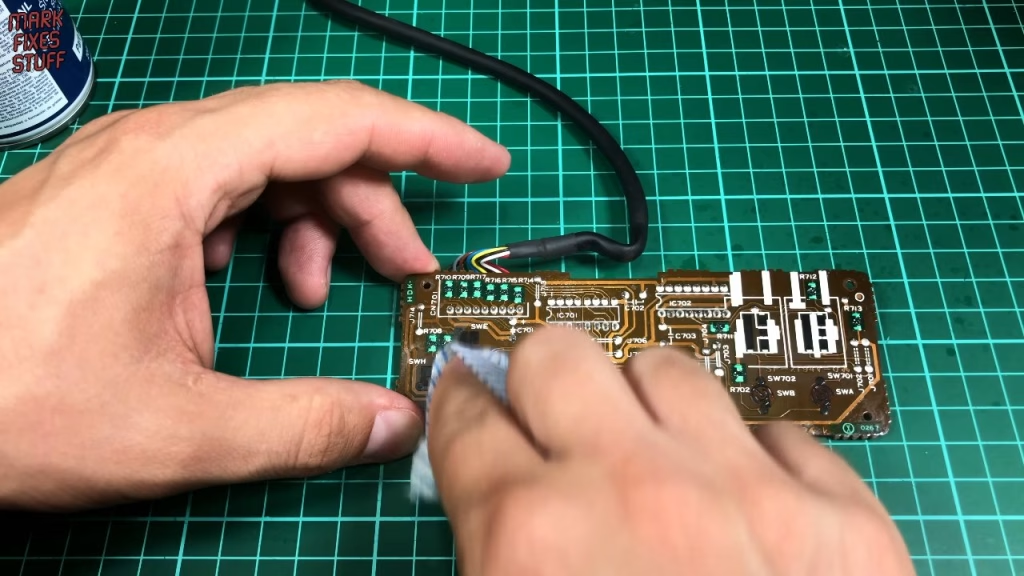
Don’t worry if the rubbers aren’t perfectly aligned when the board goes back on; they settle as soon as you press the board down. The thick, heavy cable is the fiddly bit, as it has to be routed between two standoffs. Persevere, and make sure no wires will be trapped when the back goes on. Before closing it up, I turned it over with the back still off and checked Run, Select, the fire buttons, the selectors and the D-pad all worked.
Screwing into old plastic threads properly
This is worth getting right on any retro plastic. Put the screw in the hole and turn it backwards until you feel it click and drop into the original thread, then do it up. If you just drive it in, you can cut a new thread and weaken the moulding.
For a finishing touch I used Dash Shine from the pound shop, sprayed onto a cloth and wiped over the case. It’s purely cosmetic, but it leaves a nice sheen, and because it’s silicone based it also acts as a very mild lubricant, which could help a sticky button (this pad didn’t have any).
Did it work?
Plugged back into the CoreGrafx, the controller worked and looked like a different pad. Unfortunately, my gaming skills hadn’t improved with it.
Yeah, I’m still rubbish. It wasn’t the dirty pad.
Related
More PC Engine and controller work: my Super SD System 3 CD emulator review for the PC Engine, the PS4 controller repair and clean and the guide to removing SMD can capacitors without hot air.
Leave a Reply