
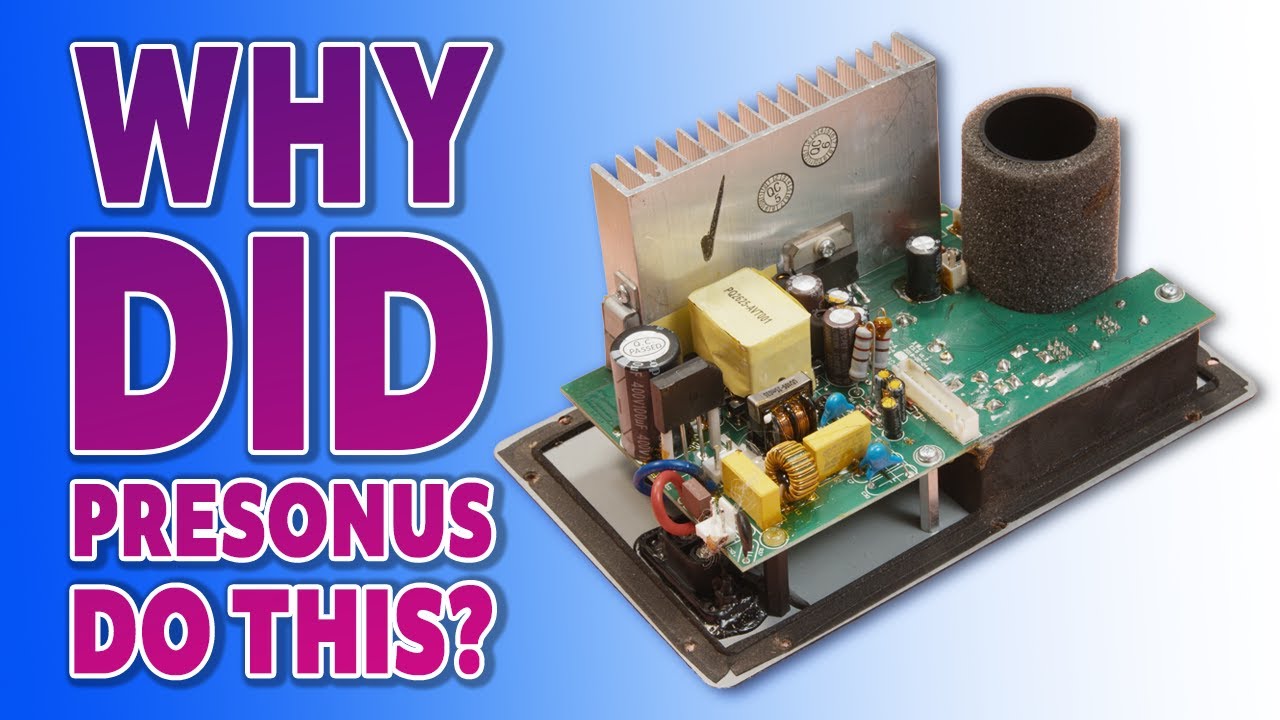
I wasn’t expecting to make this video, but my computer editing monitor speakers just failed. Obviously that puts a spanner in the works regarding content creation.
I completely strip down a non-working Presonus Eris 3.5 Generation 1 studio monitor and replace its failing electrolytic capacitors to repair a problem where the monitor speakers were not working. The Eris 1 was not powering on and seemed dead. The stock caps were cheap, low-quality parts that had become faulty from heat. As one audiorepair forum user noted, the original “Cap-Top” capacitors in these monitors are “absolute sh**e” and prone to failure.
We desolder every bad capacitor and install high-quality replacements, then reassemble the speaker. After the swap, the audio monitor comes back to life.
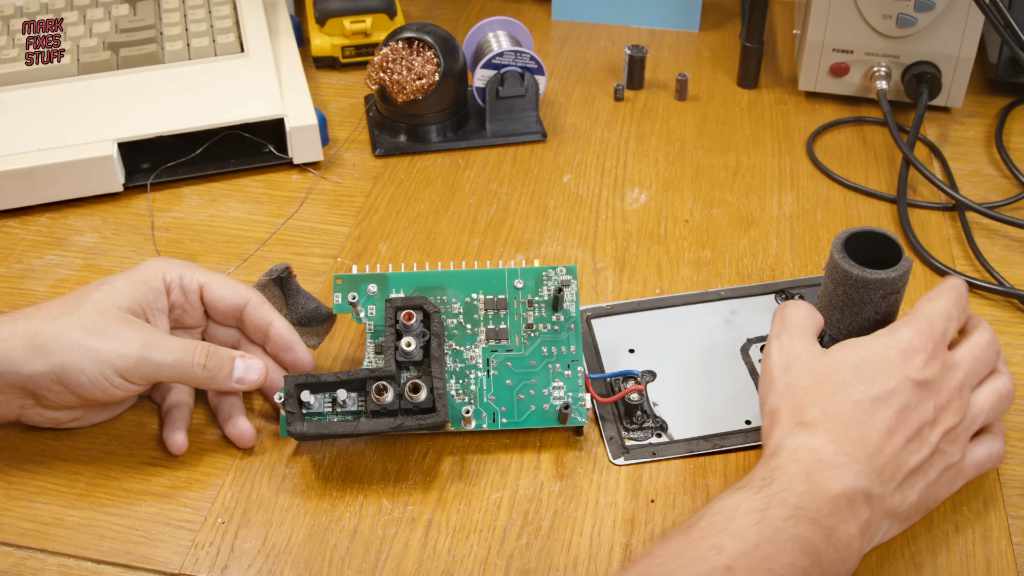
Inspection & Teardown: Opened the active Eris 3.5 monitor and examined the circuit board. Bulging or corroded electrolytic capacitors were identified as the likely culprits.
Capacitor Replacement: All faulty low-grade capacitors are desoldered and replaced with premium new ones (same capacitance/voltage, premium brands). Each component is matched for size and orientation to ensure a proper fit and performance but I do make a small mistake as you’ll see in the video.
Testing & Verification: Each removed capacitor is tested with an ESR meter – most old caps show high ESR or shorted electrolytes, confirming failure. After installing the new caps, I power up the speaker and test it; the power issues are resolved and the monitor works like new.
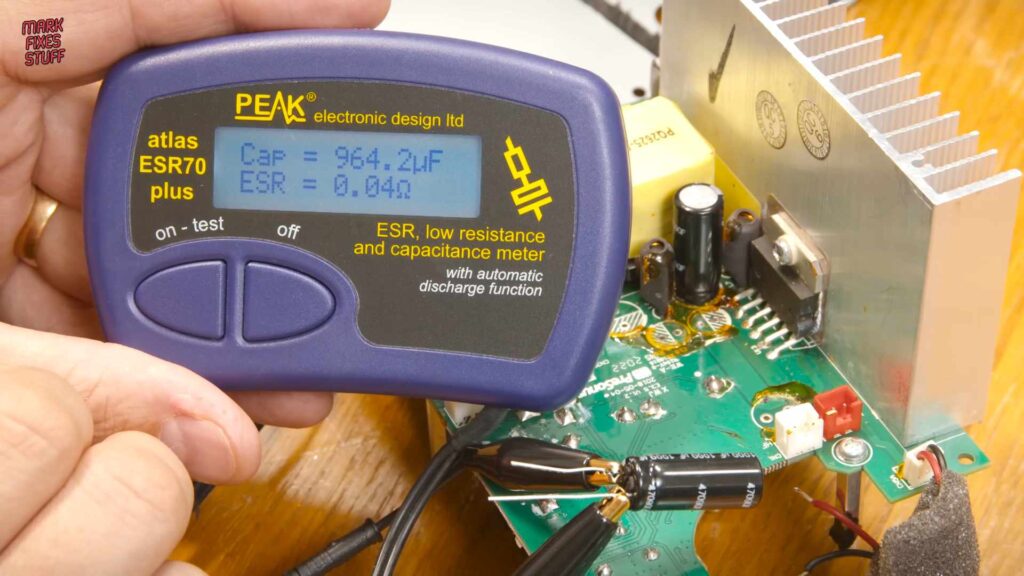
In my ESR measurements, several original caps were well out of spec. After the upgrade, the sound is fully restored and stable.
Incidentally, other Presonus users have observed similar problems. A PreSonus forum report describes one monitor only working when its 100µF power cap was heated with a hairdryer – cooling would cause white noise and shutdown. That’s exactly the kind of intermittent failure heat causes in cheap electrolytics. By replacing all the weak capacitors with high-quality parts, we avoid this trap. The end result: a fully repaired Eris 3.5 monitor!
PreSonus Eris E3.5 Gen 1 Capacitor List Download
This capacitor list is for the first-generation, non-Bluetooth PreSonus Eris E3.5 active speaker. It is intended for the common no power fault where the speaker appears dead, the blue power LED does not come on, or the unit only starts working after the board is warmed.
In my case, replacing the failed electrolytic capacitors brought the speaker back to life. Check your own board carefully before ordering parts, as revisions may differ.
As ever I hope this all helps! Don’t forget to Like, Subscribe and if you value my work you can become a Patron or Buy Me a Coffee!




Leave a Reply