
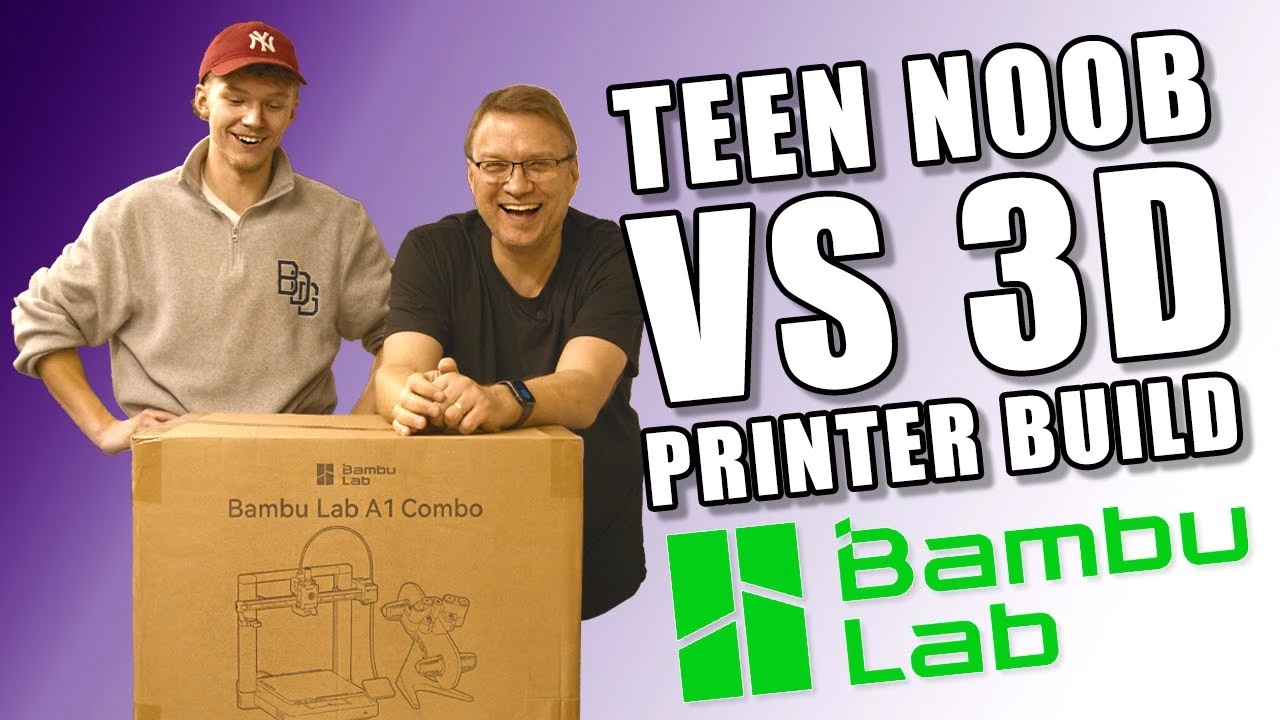
Is the Bambu Lab A1 Combo really as easy to set up as everyone says? I put that to the test the cruel way: I handed the box to my assistant Zak, who has never done any 3D printing at all, and let him build it on his own with only the manual. Bambu Lab provided the A1 Combo and the filament for this video, and I’m very grateful to them.
Why the A1 Combo?
We’re setting up the new cabin workshop. We’d been using an A1 Mini that Bambu Lab sent a while ago, and frankly it has been fantastic, but we needed something slightly bigger. The A1 Combo is the full size A1 printer plus the AMS Lite, which loads and unloads filament for you so you can print in several colours. Bambu make a lot of noise about how easy these are to set up, so a complete beginner seemed like the perfect test. Zak’s own experience of 3D printing up to that point: thinking about cool things to print.
Unboxing
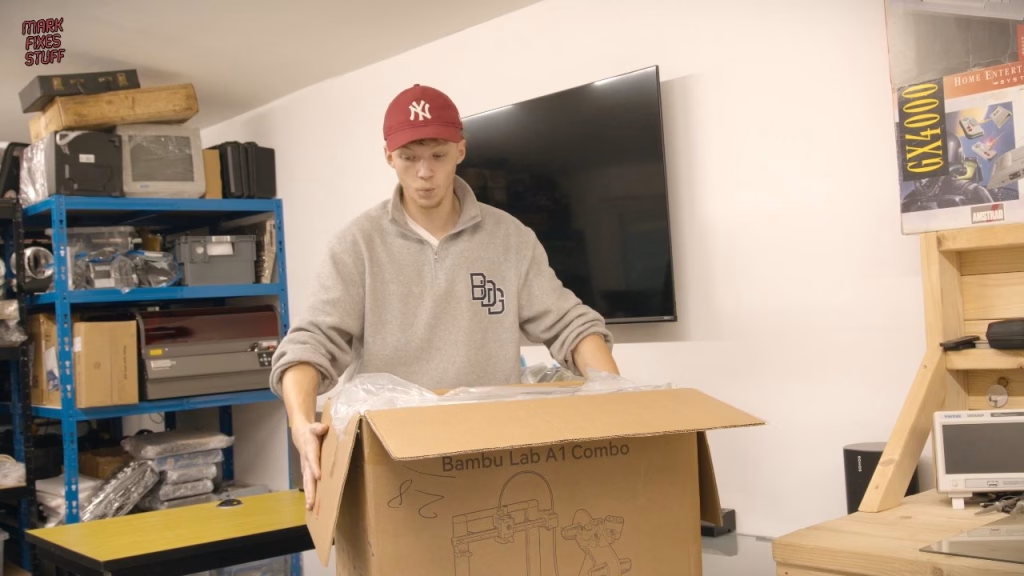
Zak went in blind. The box is heavy, and neither of us thought everything would fit inside it, but it does. Out came the build plate (which Zak refused to believe was called a plate, because his peas would roll off it), the rotary spool holders, a bag of small parts, the oiler (not a rail gun, sadly), filament swatches, the power cable and the AMS Lite. He went hunting for Allen keys and screws for a while before finding them in the box too.
Assembly: where a beginner trips up
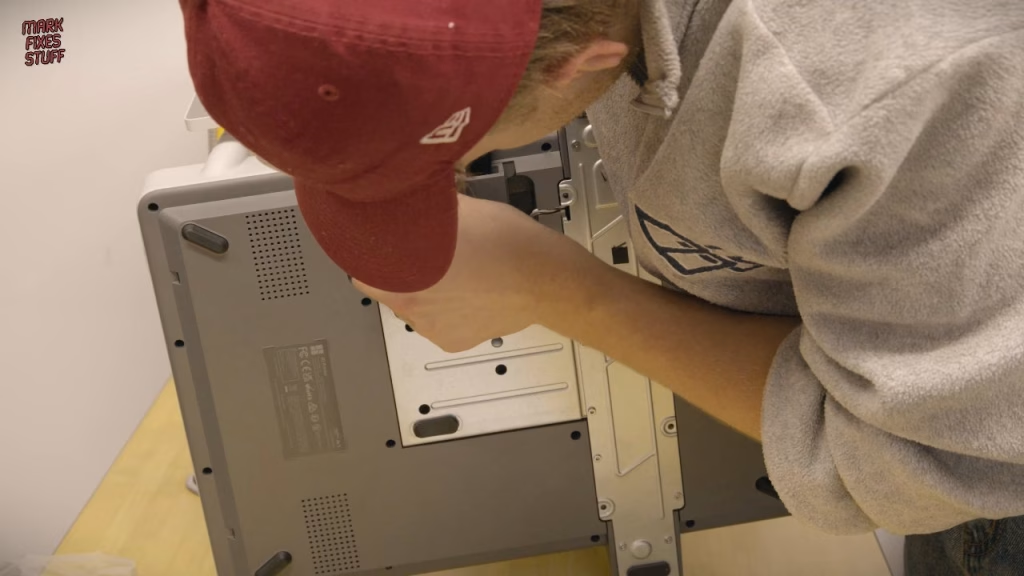
Following the manual (which Zak eventually nicknamed Bill Withers), the first job is removing four screws that lock the heat bed in place for transit. Then there are a lot of zip ties to snip, and a lot of screws to fit: the base unit is fixed to the gantry plate from both sides of the platform. It matters to get all of these in the right place, because without them the printer will simply fall apart when you move it.
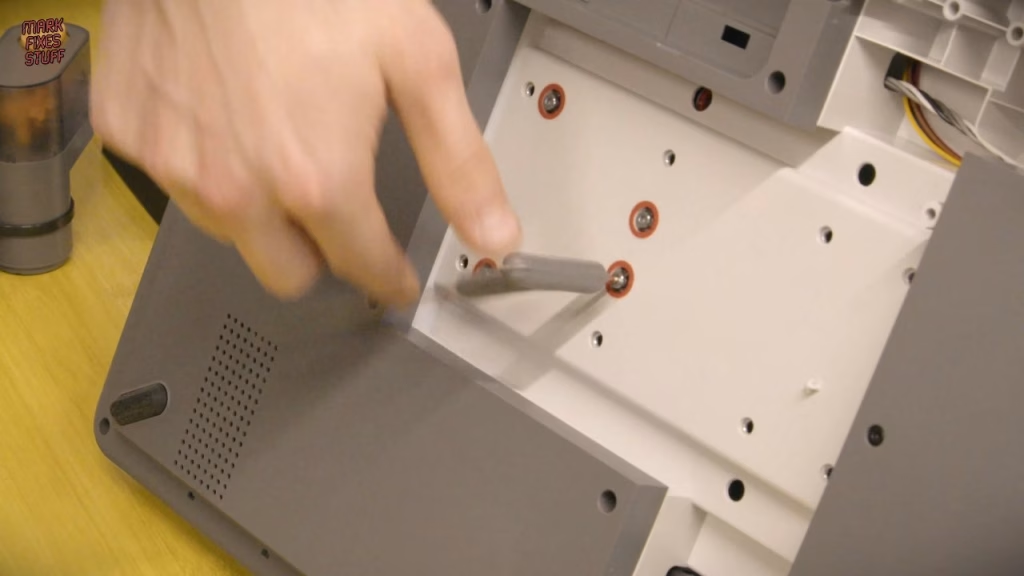
Underneath, the cable connections are colour coded: green to green, white to white, yellow to yellow. Even so, Zak managed to get one wrong and struggled for a good while before I stepped in. The spool holders are keyed too, so a yellow holder only fits a yellow spindle and green only fits green. Zak still skipped a step, spent five minutes insisting it wasn’t in the manual (it was), and mounted a part the wrong way round. The lesson is the oldest one on this channel: read the manual.
He also fitted the purge wiper, which catches and cleans off waste filament. The AMS Lite’s PTFE tubes are a nice touch for a beginner: two are longer than the other two, so the long ones go to the slots furthest away. Zak got that wrong as well, and he didn’t clip up one of the cables, which I quietly sorted out afterwards. The cable management, let’s say, offended my OCD.
Setup wizard and calibration
No sparks at power on. The setup wizard asks for language and Wi-Fi (we skipped Wi-Fi for now), then runs vibration compensation, a bed levelling check and motor noise cancellation. That last test takes around 15 minutes and is meant to reduce vibration and improve outer wall quality. It is really noisy, and it made me think that the wobbly table we built it on isn’t the best long term home for it. Before the first print we also lubricated the machine: oil on the rails, grease on the screws.
The first print
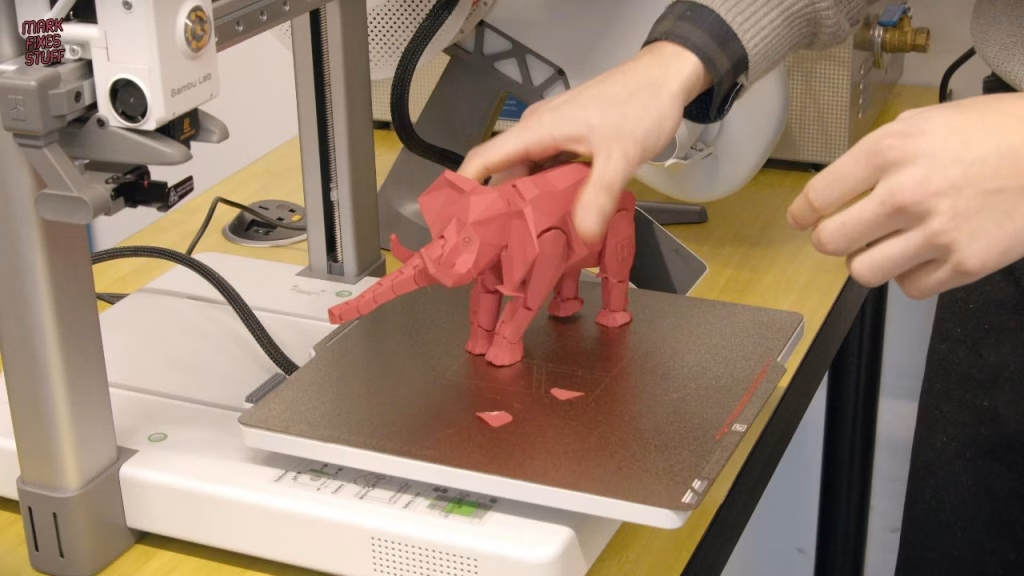
Since Zak built it, I let him print whatever he wanted. The tradition is a Benchy; he chose an elephant, in Bambu Lab matte red (which is really nice, actually). It took about five and a half hours overnight, and Zak was fascinated by the honeycomb infill inside. It came out brilliantly, though he could have pushed the tail in a little further.
Zak then loaded black, blue and white into the AMS Lite, and I printed a purge waste bin to catch what comes out of the print head. I picked a version of the model optimised for faster printing. It did print fast, but with a few flaws: fine for a bin, but I wouldn’t pick that version again. The settings in that 3MF were simply too fast for the machine, and this is a fast machine.
Can a beginner build the Bambu Lab A1 Combo?
Yes, with a couple of stumbling blocks: the long tubes in the wrong AMS slots, one unclipped cable, and the odd argument with the manual. Zak’s verdict was that the printer is really cool, he was surprised by the detail and the internal structure, and he’s now thinking about Star Wars battle droids. We were genuinely impressed by how quickly a newcomer got it running. Next comes sending print jobs properly and learning to design parts in Tinkercad and Fusion 360.
If you want one, the Bambu Lab UK store link is an affiliate link that helps the channel at no cost to you.
Related
3D printing has earned its place on the bench: see fixing a 3DO laser with a 3D printed gear and my Anycubic Kobra X review, printing retro parts you can’t buy.
Leave a Reply