

Is a budget smart multimeter good enough for retro repair work? I put the Kaiweets KM601 through the checks I actually do on the bench every day: resistors, DC voltage, continuity, diodes and transistors, and capacitance. I also had a selfish reason for trying it: I wanted to see whether its screen is easier to film than the LCDs on my other meters. Kaiweets sent the meter to me, and they’ve since provided a channel discount code, which you’ll find at the end.
Do you need an expensive multimeter?
People who have never used a multimeter often ask me whether one would be useful to them, and the answer is yes. Whether it’s checking continuity on a fuse or seeing if a battery has any juice left, even a cheap meter earns its place in the house. There used to be a fair bit of snobbery around multimeters, but these days plenty of very capable meters sit in a really affordable range. This isn’t a test of every function: it’s a look at the ones I use regularly, to see if the KM601 passes muster.
Unboxing the KM601
Inside the box is a formed foam case, which I wasn’t expecting and is a nice extra. In the case are the meter, a user manual (which I probably won’t read) and a set of test probes that are a cut above the usual flimsy single-colour leads you get with budget meters. The probes have removable tip covers too. There’s also a temperature probe, which I probably won’t use. The meter is a lot thicker than it looked in the pictures: a fairly nice handful.
On top are the power button and a non-contact voltage detector, which I’m not going to demonstrate because I don’t want to get sued if someone drills through a live wire. To fit the batteries you wrestle off the rubber boot and undo a screw on the battery compartment. Thankfully it takes three AAAs, not six, and Kaiweets included two sets, which no manufacturer has ever done for me (I half wonder if it was a mistake).
Screen and display features
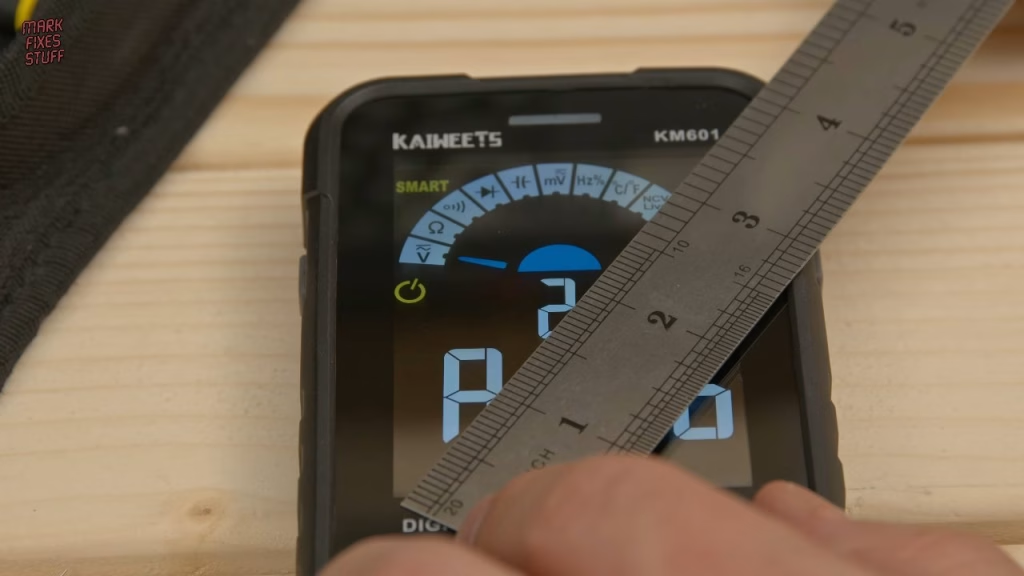
Under the satisfying screen-protector peel is a big 3.5 inch display. It shows the ambient temperature (the filming lights are warm), and the input sockets have LED indicators so you know where each probe should go for the selected mode. If you’ve got the leads in the wrong sockets, it shows “LEAD” on screen, which is a nice safety touch. And yes, it’s much easier to film than the LCDs on my other meters.
How the buttons work
The big red button switches out of auto mode and steps through the manual function groups; a long press takes you back to auto. Select picks a function within the group (AC or DC voltage, for example), and Range changes the scale, so you can watch the decimal point move with each press.
Testing resistance and DC voltage
A good sign straight away: it measured the resistance of my skin at around 11 megohms. More practically, a batch of 4.7K resistors all measured as they should, some spot on. When I was a young fixer I could read colour bands at a glance; these days it’s far quicker to just measure.
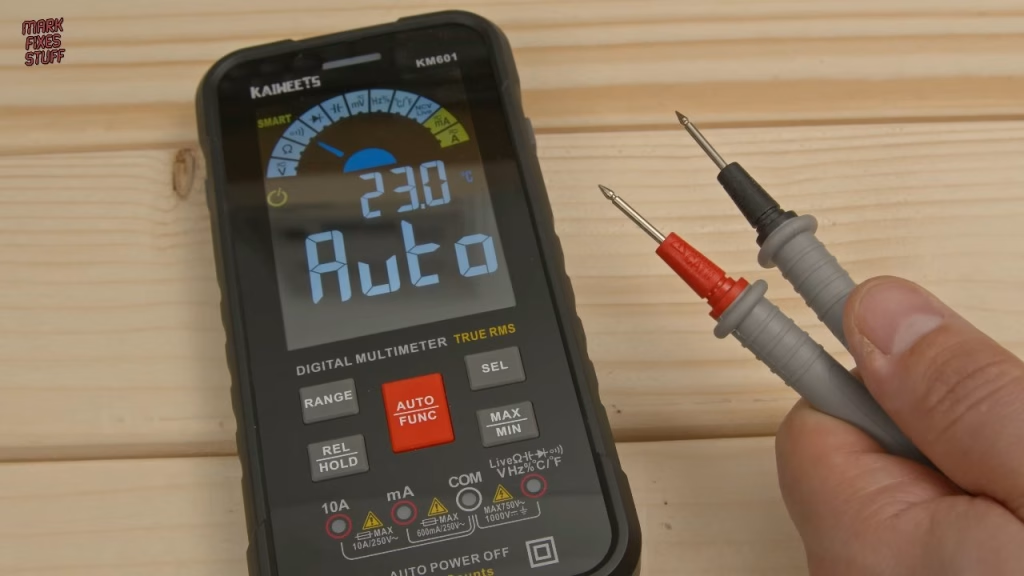
Most of the time, us fixers are working with DC. A brand new 9V battery read 9.4V. That isn’t a real test of battery health, but at 9.4V you can be pretty sure it hasn’t been used. In AC mode the meter also shows the supply frequency in hertz.
Continuity, diodes and transistors
In continuity and diode mode the meter was very responsive and showed straight away that a fuse was good. I regularly check transistors this way too: across each junction in one direction I got the expected forward reading, and with the negative probe on the middle leg the junctions blocked the current as they should. Brilliant.
How accurate is the KM601 on capacitance?
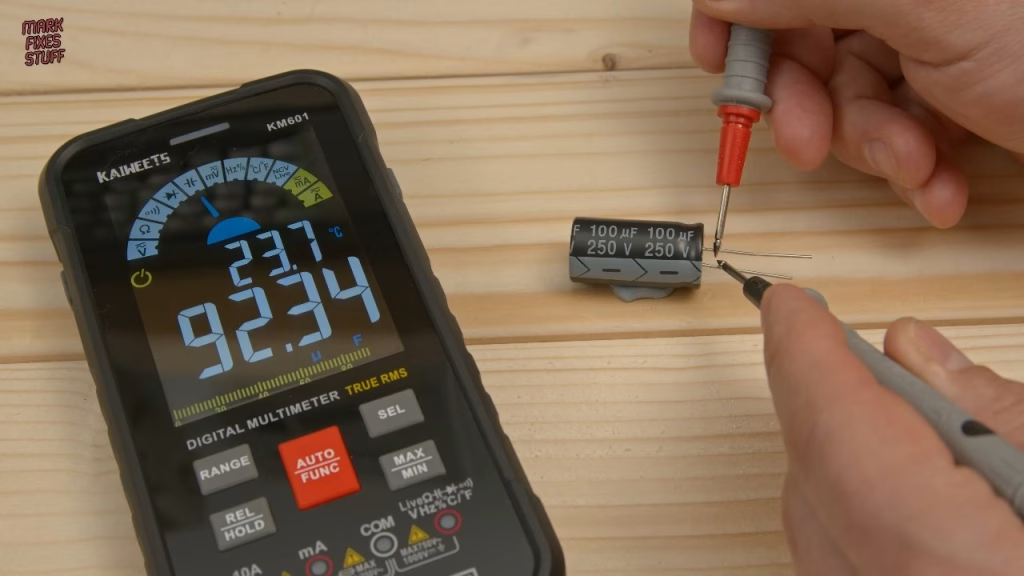
Capacitance mode defaults to nanofarads but auto-ranges up to microfarads as it measures, and larger capacitors take a little longer to settle. A 100µF electrolytic (plus or minus 10%) read about 92.2µF: not the best, but within spec. A 104-coded 100nF ceramic read about 101nF.
Verdict
I like this meter. It’s cheapish, it works well for the jobs I do day to day, the probes are better than they need to be at this price, and the big screen is far easier to film. Thanks to Kaiweets for sending it my way. Kaiweets have since given the channel a discount code: MFS15 gives 15% off sitewide at Kaiweets.com.
Related
Put a cheap meter to work with my quick tip on testing a 7805 regulator in a ZX Spectrum, learn to spot and repair dry or cracked solder joints, or see the rest of the bench in my top 13 tools for fixing stuff.
Leave a Reply