

Scanning old documentation is one of those jobs we all say we’ll do and never get round to, because turning and capturing pages one at a time is a pain. So when a folder of 1970s and 80s Exidy Sorcerer club newsletters turned up with my 1978 Exidy Sorcerer, I tried the CZUR Aura Pro document scanner on it. Here’s how setup went, how the folder came out, and whether it’s worth it for retro preservation.
What is the CZUR Aura Pro?
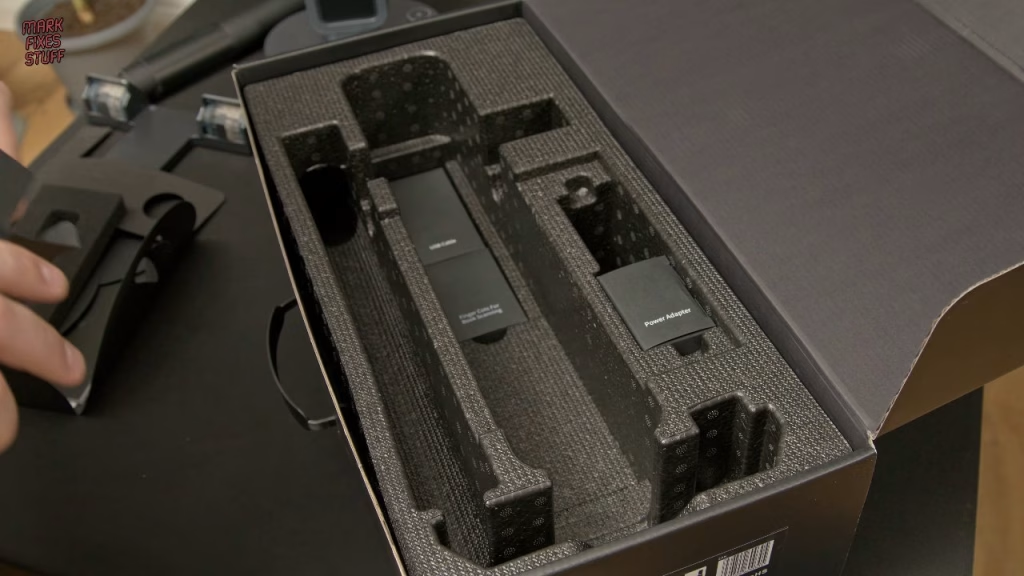
“Scanner” is a bit of a misnomer: it’s really a document camera, with 14 megapixels and a default resolution of 240 DPI. It also doubles as a desk lamp, a night light and a 1080p presentation camera (at a flickery 20 frames per second), none of which matters much to me. What matters is how well it does books and folders. In the box you get a foot pedal for triggering scans, a well made power supply with proper safety markings (the two pin plug swaps for a UK three pin), a USB A to B cable, a scanning mat, and two banana yellow finger cots for holding springy pages down. The software recognises the pattern on the cots and removes them from your scans.
Setup and software
Assembly is simple, with just power, USB to the computer and the foot pedal to connect. The longest part was undoing the cable ties. The scanning mat wouldn’t lie flat, and it’s fluffy underneath so you can’t soak it flat in hot water; hopefully it settles over time. The software (about 600MB, shared across the Aura range) includes ABBYY OCR and is tied to the serial number on the bottom of the unit. The box also includes a burned CD-R, which felt a bit wasteful. The install went smoothly, which isn’t my usual experience with scanner drivers.
Then the scanner wouldn’t show up. The culprit was the janky USB adapter I needed for my small Dell laptop, not the CZUR: wiggle the adapter and the device appeared. Hold the button for over a second to power on (lamp mode), press again for scan mode, and twist the knob to adjust the light. There’s a side lighting mode for cutting reflections on glossy pages and a small LCD on top that helps you position documents.
The Exidy Sorcerer club folder
The Sorcerer, some tapes and this folder were found in a shed, so the folder came with wildlife. Insects and dead things aren’t my favourite combination, so it got a clean out before I’d handle it properly.
It’s a carefully curated collection, with personal correspondence and handwritten notes going back to the 1970s. I think the letters are the jewel in the crown: not much has changed in computer clubs, with people writing things for their peers. The bulk is newsletters from ESC, the European Sorcerer Club, with the last issue dated June 1984. Working backwards through the folder, the name changes to SPEC, the Sorcerer Program Exchange Club. That’s some of the earliest roots of home computing, and I think one bundle could be most of the very first SPEC issue, so that’s what I scanned.
Scanning with the foot pedal and page turn detection
You can trigger scans from a button in the software (meh), from the foot pedal (much more like it), or with auto scan, which detects page turns. For me, auto scan is the game changer. I made mistakes: I dropped one page twice so it was scanned twice, and some pages went in out of order. None of that matters, because after scanning you can reorder pages, deskew them and rescan any that didn’t come out well.
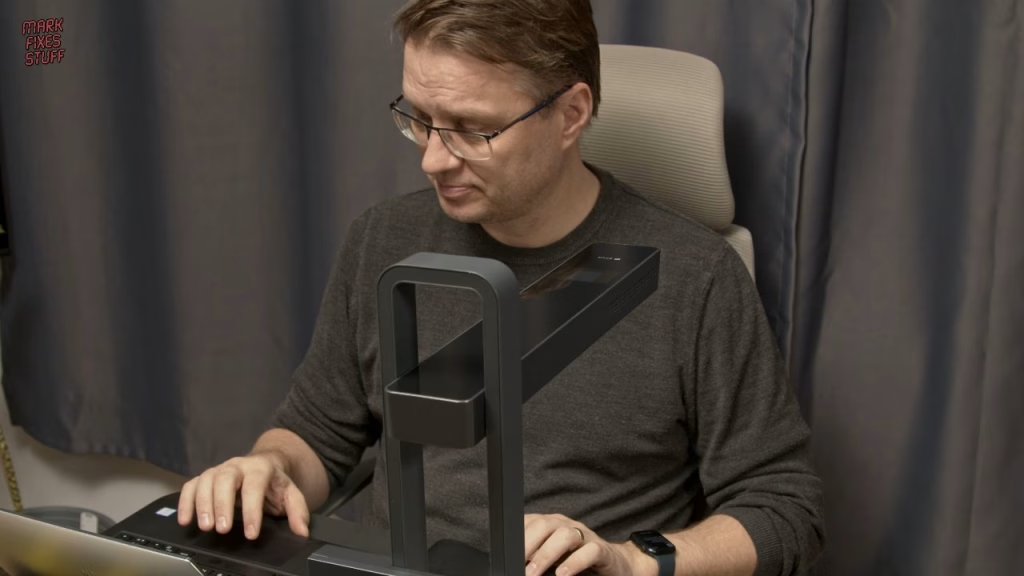
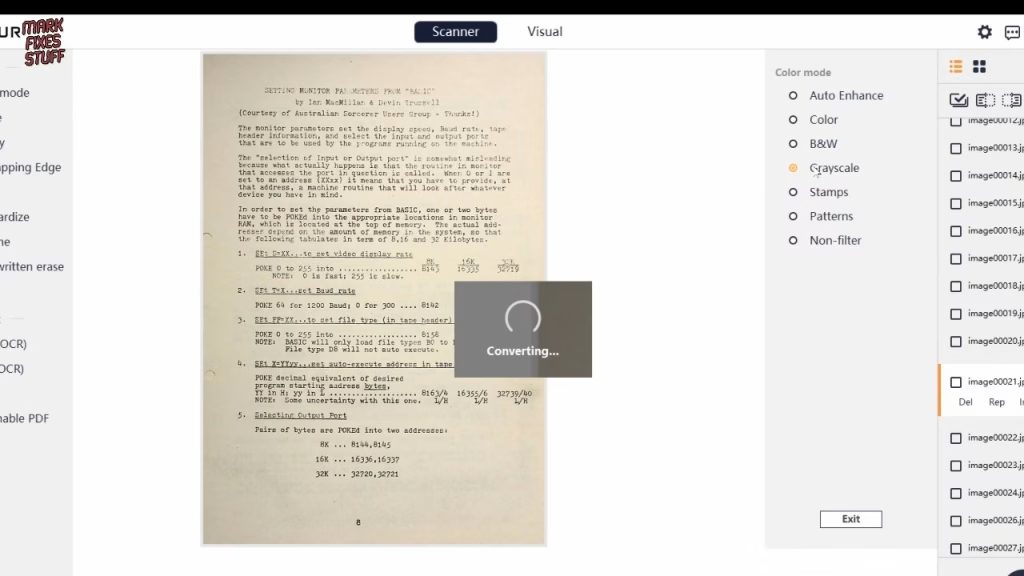
I rushed it and left it in colour mode for black and white pages, which was probably a mistake, but that’s fixable in the software too: convert to greyscale or pure black and white, both of which look good. I actually like the colour of the original paper. I didn’t explore OCR or searchable text this time, I simply exported to PDF.
Verdict
Apart from the setup time, I spent about 10 minutes and had the whole newsletter digitised, and I couldn’t be happier with how it looks. I’ll never use it as a lamp, but for preserving retro documentation it’s a thumbs up from me. Thanks to CZUR. The Exidy Sorcerer itself will get its own restoration later.
Related
More preserved documentation on the site: Atari’s 1980 guide to electronic game operation and servicing, the AmigaDOS manual PDF and the Sony Trinitron KV-X2932U service manual.
Leave a Reply