
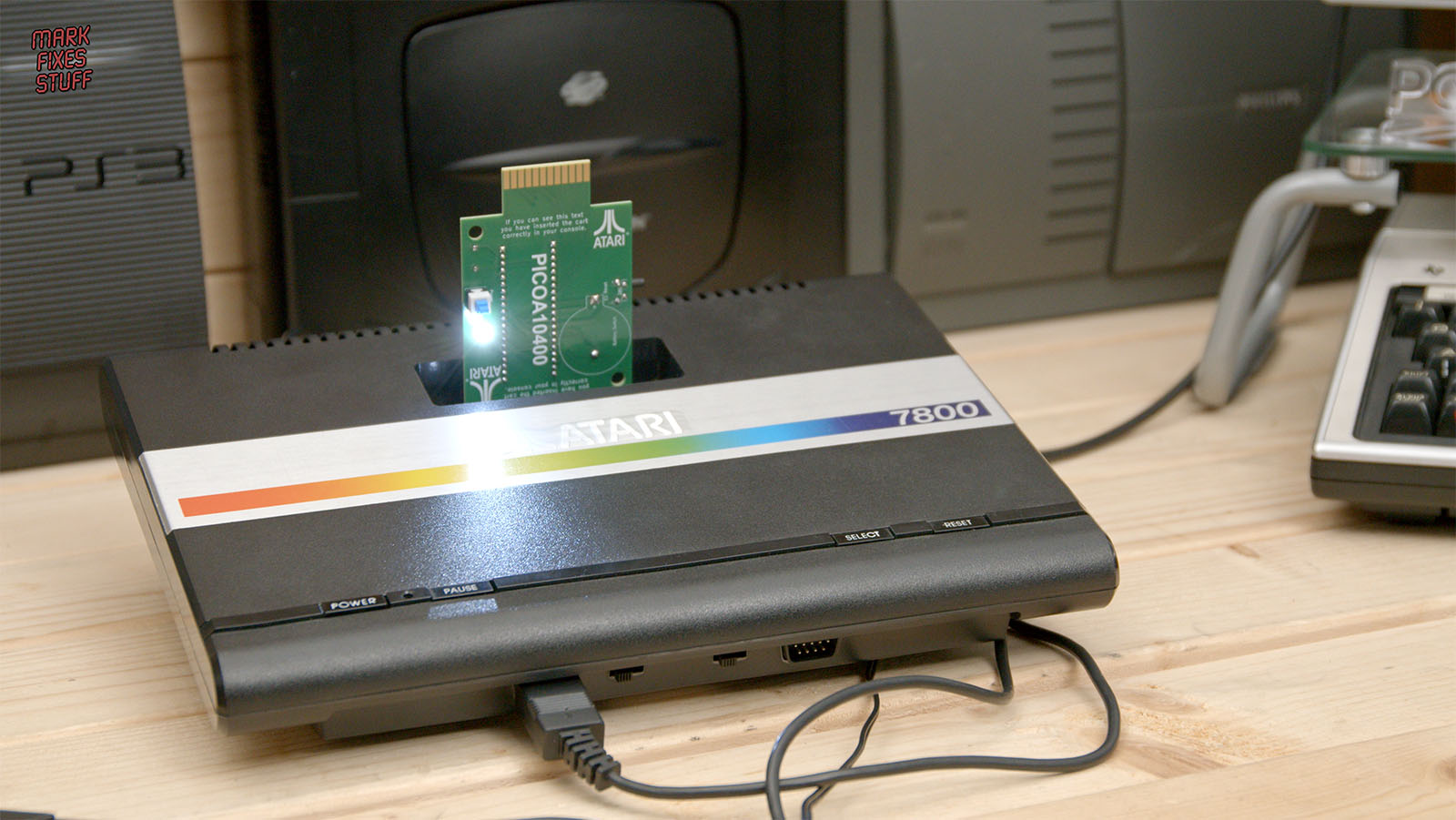
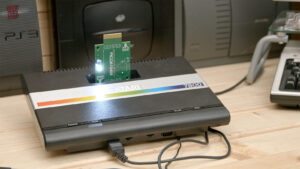
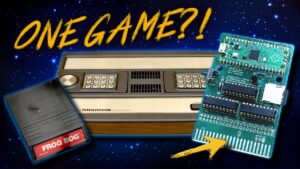
One cartridge, two consoles, and an LED bright enough to illuminate the workbench. Today I’m building the Pico A10400, a DIY Atari 2600 and Atari 7800 multicart, then giving it a case that looks a bit more finished than a bare circuit board sticking out of the console.
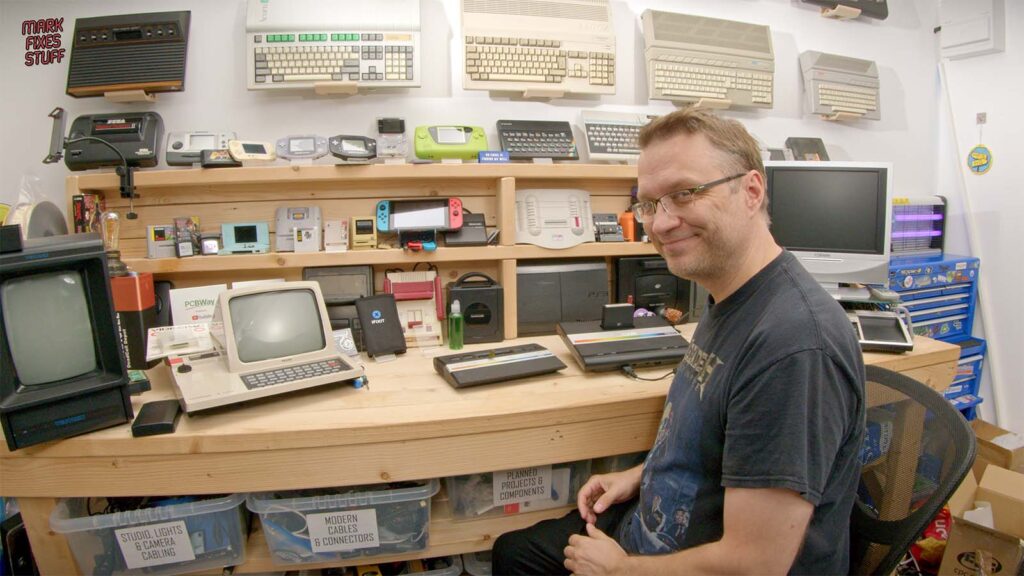
If you’re looking for an Atari VCS multicart, multi-cart, flash cart or multi-game cartridge, this is a project worth a look. I’m testing it on an Atari 2600 Junior and an original Atari 7800.
Watch the full build and gameplay video below.
One multicart for the Atari 2600 and 7800
The PicoA10400 was designed by Andrea Ottaviani (aotta). It has a different cartridge connector at each end. One fits the Atari 2600; turn it round and the other fits the Atari 7800. A rather neat solution.
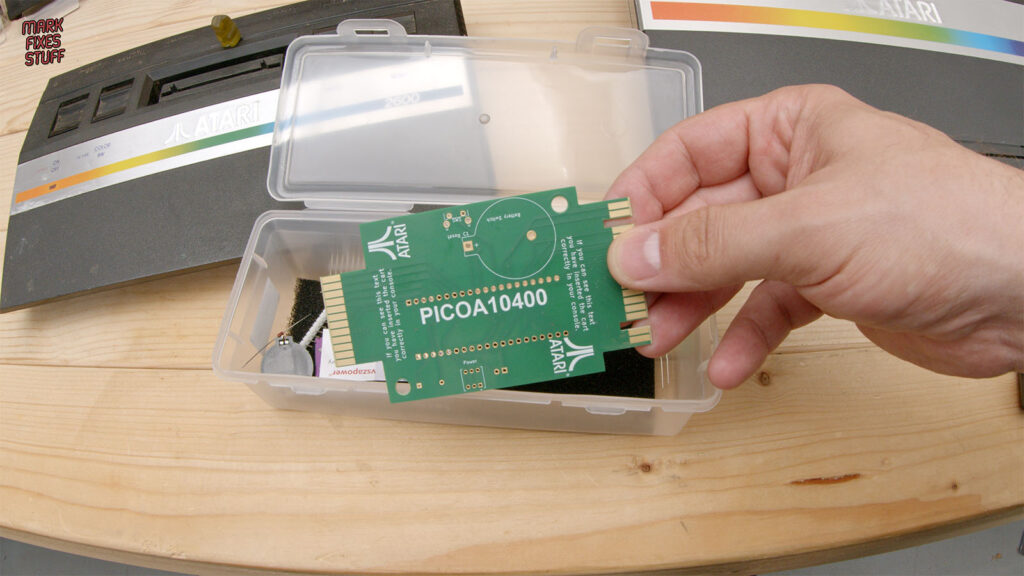
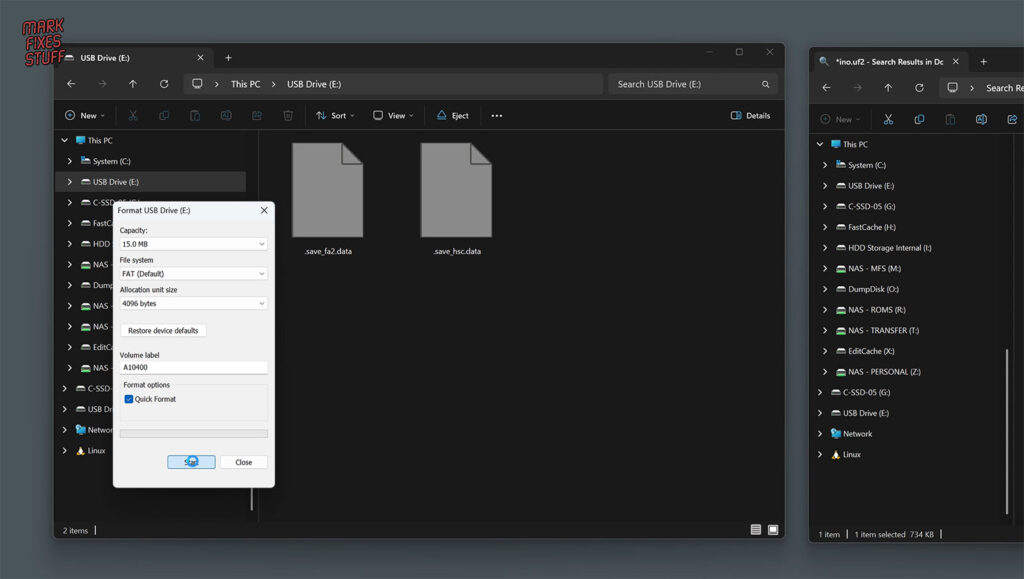
You might find it while searching for an “Atari SD cartridge” or “Atari ROM cartridge”, but this design stores games in onboard flash memory. Files copy across over USB, so there’s no SD card to lose down the back of the workbench. I used the default FAT format in Windows, and it worked fine.
And by Atari VCS, I mean the original 2600 family here.
Building the Pico A10400
It’s a fairly simple soldering project. Most of the clever stuff happens in software, leaving us to fit the Pico, diode, battery holder, switches and LED.
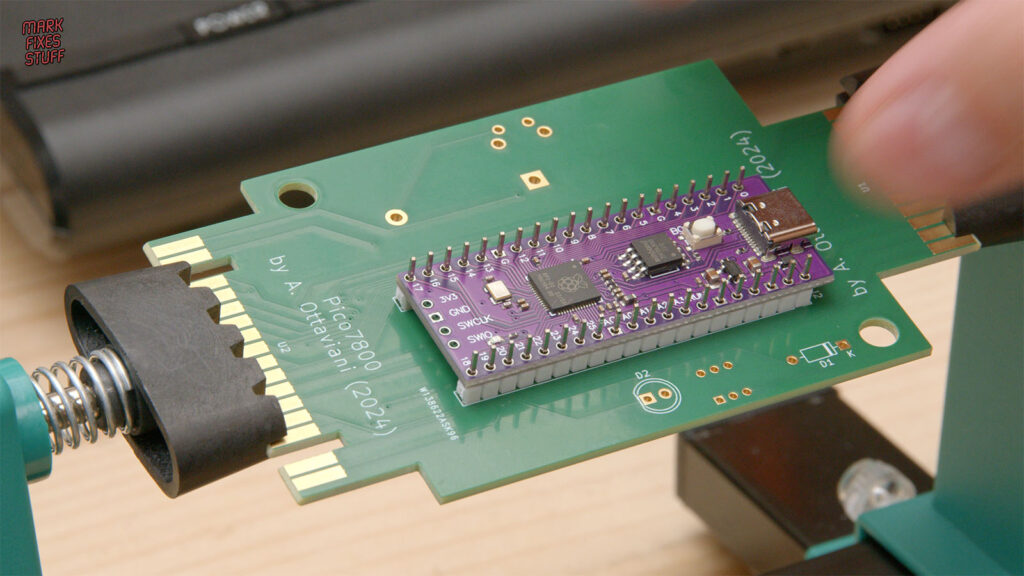
The header pins put up a bit of a fight, but some extra flux soon improved matters. Keeping everything straight helps too. Nobody wants their wonky parts on display.
My build uses the Purple Pico clone specified for this PCB. An ordinary Raspberry Pi Pico isn’t a straight swap on this version of the board.
The battery matters as well. This design requires a rechargeable LIR2032, rather than a non-rechargeable CR2032. It lets the cartridge start before the Atari and keeps it running while the console’s power is cycled.
For the software, I use Pawel Gawinek’s (Harston) PicoA10400-HR firmware fork, which adds POKEY sound emulation, DPC support and compatibility improvements.
Testing the Atari 7800 multicart
With the soldering done, it’s time to play some games. Food Fight, Centipede, Dig Dug, Joust and Pole Position II all get a turn.
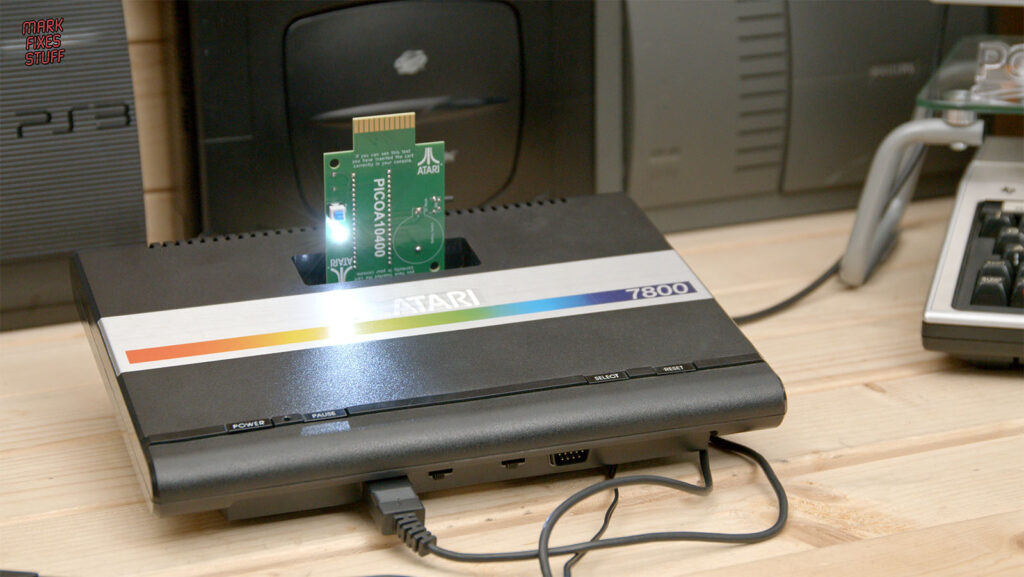
Centipede somehow swallowed nearly an hour. Pole Position II is fantastic fun, although it took me a hot minute to remember that changing gear helps. I really do explode a lot in that game.
I also try Ballblazer and Commando to hear the firmware’s POKEY sound emulation. Ballblazer sounds great to my ears.
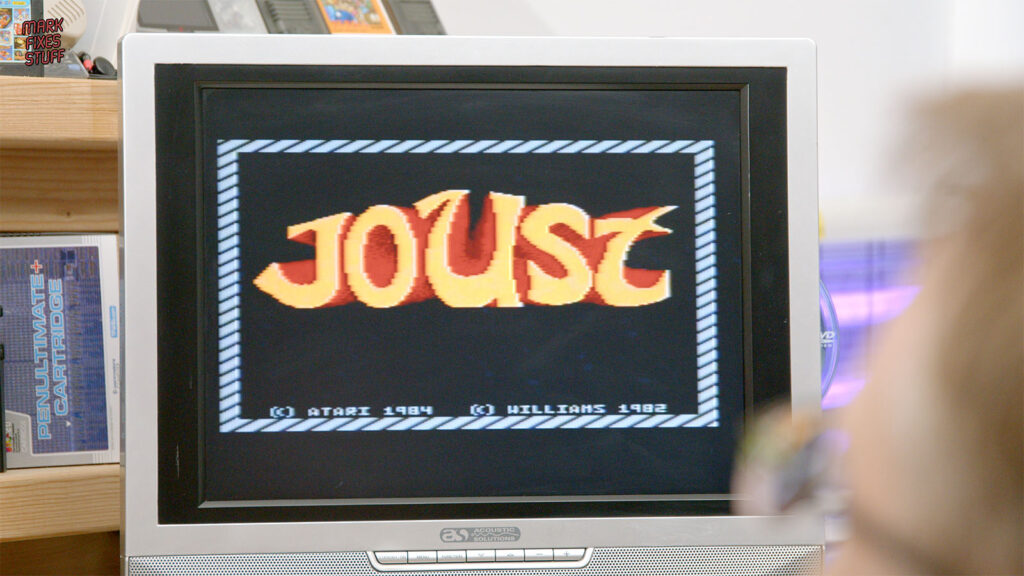
One thing that might catch you out: after selecting a 7800 game with this setup, you need to switch the console off and back on while leaving the cartridge powered. Otherwise, the screen full of rubbish might have you thinking something’s gone wrong.
Over to the Atari 2600 Junior
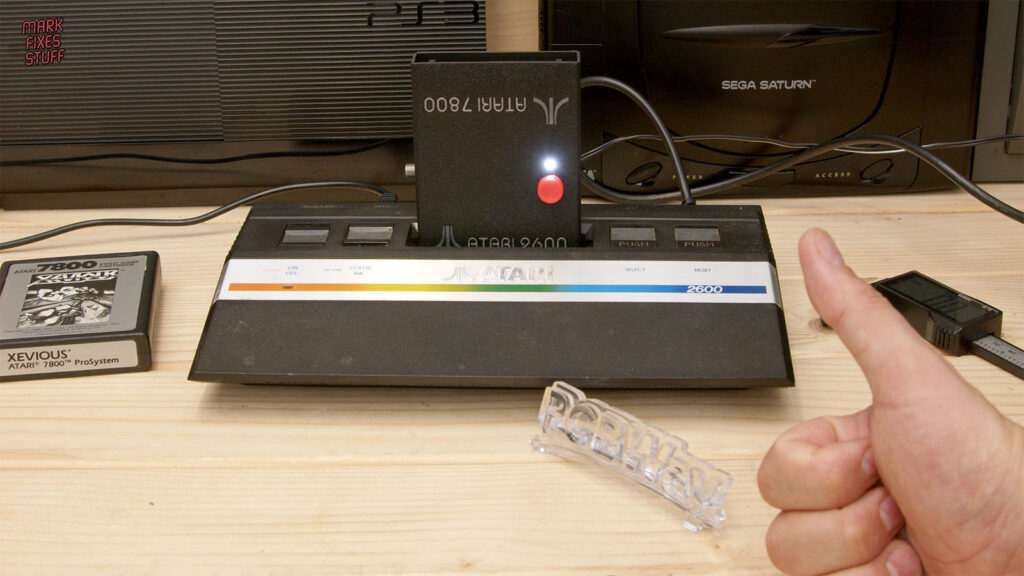
Turn the cartridge round, use the smaller connector, and we’re ready for the 2600.
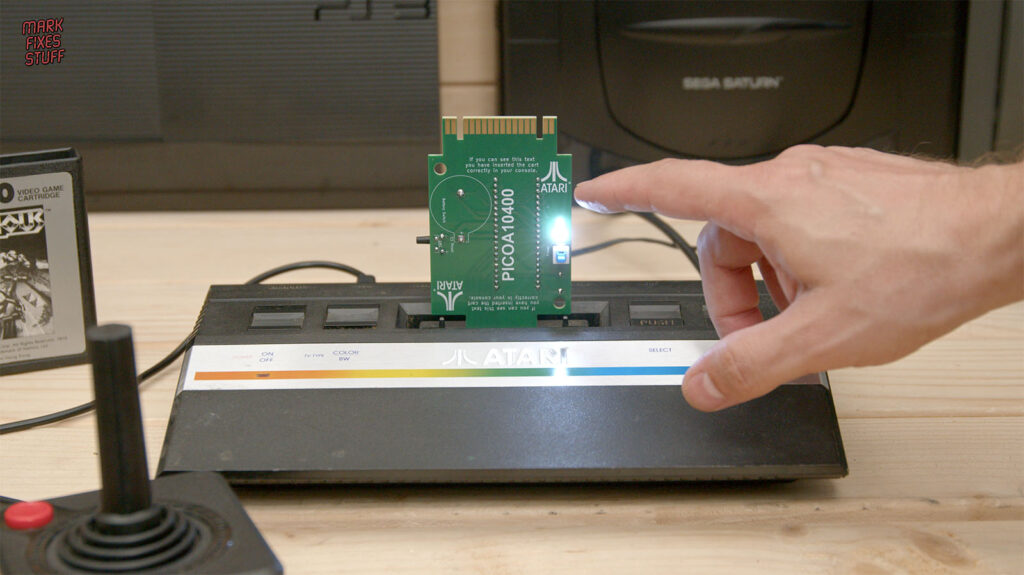
My classic VCS is under repair, so the dirty, dirty Junior gets the job. Adventure works nicely and remains a seriously good game if you look past the simple graphics.
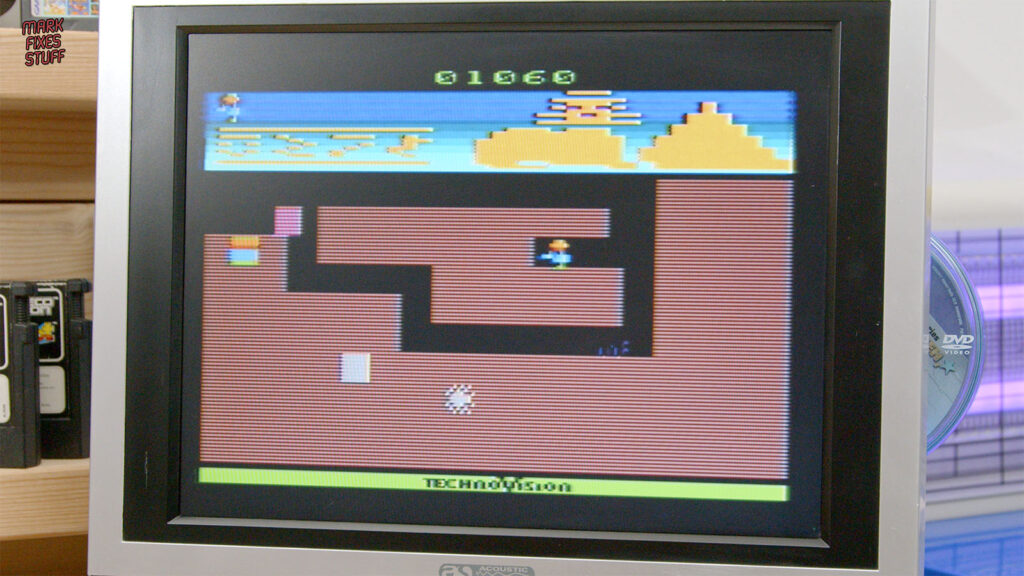
I do encounter a menu issue after copying across roughly 649 games: only 85 entries appear. Splitting them into smaller folders is something to investigate. (Edit – Splitting into 0-9, A, B, C, etc folders worked great). This is a hands-on build and test, rather than a promise that every Atari game will work perfectly.
A custom case and some GummY Crew interference
A working Atari multicart deserves a decent shell, so I modify the 3D-printed case supplied with Andrea’s project. I change the lettering and LED opening, then add some Atari-inspired controls with help from the Gummi Crew.
Terry suggests modelling the red power button on the classic Atari CX40 joystick’s fire button. Dave suggests a silver reset extension inspired by the switches on the original Atari VCS.
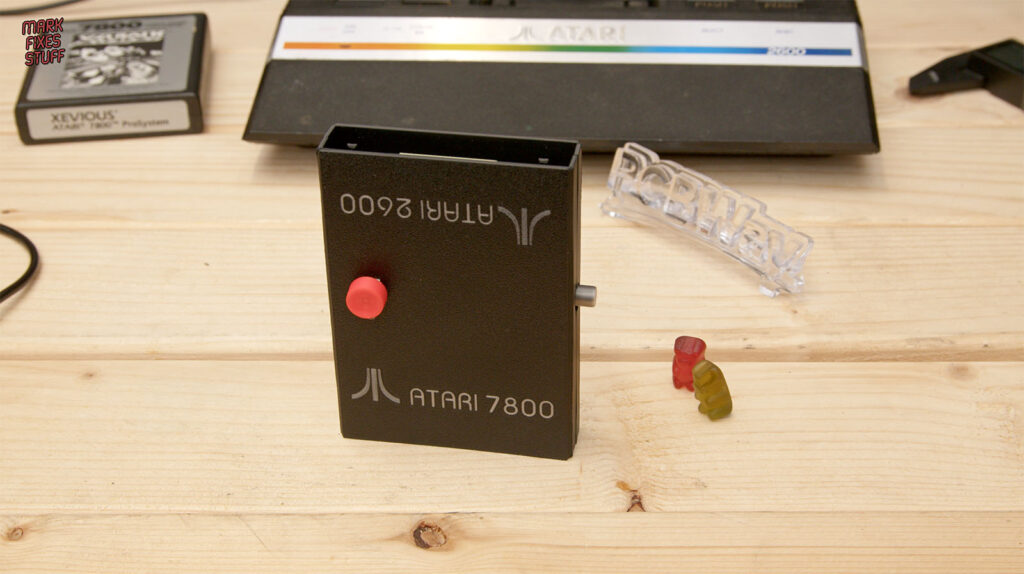
My first button idea didn’t survive their design review. Apparently, I needed to try harder. Annoyingly, they were right. The finished cartridge looks much better.
Watch the video above for the full soldering, firmware installation, gameplay and case modifications. Would you build a Pico A10400, and which game would you load first? Let me know in the comments.
Credits and thanks
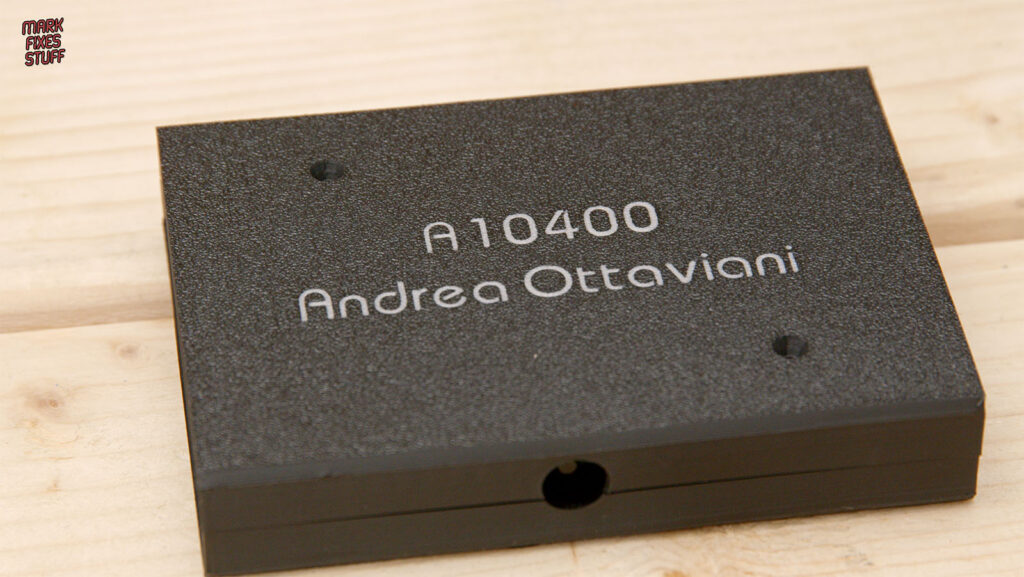
Original Pico A10400 hardware, firmware and supplied case files: Andrea Ottaviani (aotta). Massive thanks to Andrea for creating and sharing the project. Visit the original PicoA10400 repository for the design files and documentation.
PicoA10400-HR firmware improvements: Pawel Gawinek (Harston). Visit the firmware fork for his work on compatibility, POKEY sound emulation and DPC support.
Custom control ideas: Terry for the CX40-inspired power button, and Dave for the original VCS-inspired reset extension. Thanks to the Gummy Crew for their input and uncompromising button criticism.
Video sponsor: PCBWay. Massive thanks for sponsoring the video.
An extra super massive thanks to all my lovely patrons for supporting the channel and helping me make more of this nonsense. You can join them on Patreon.


Leave a Reply